

Miromiro
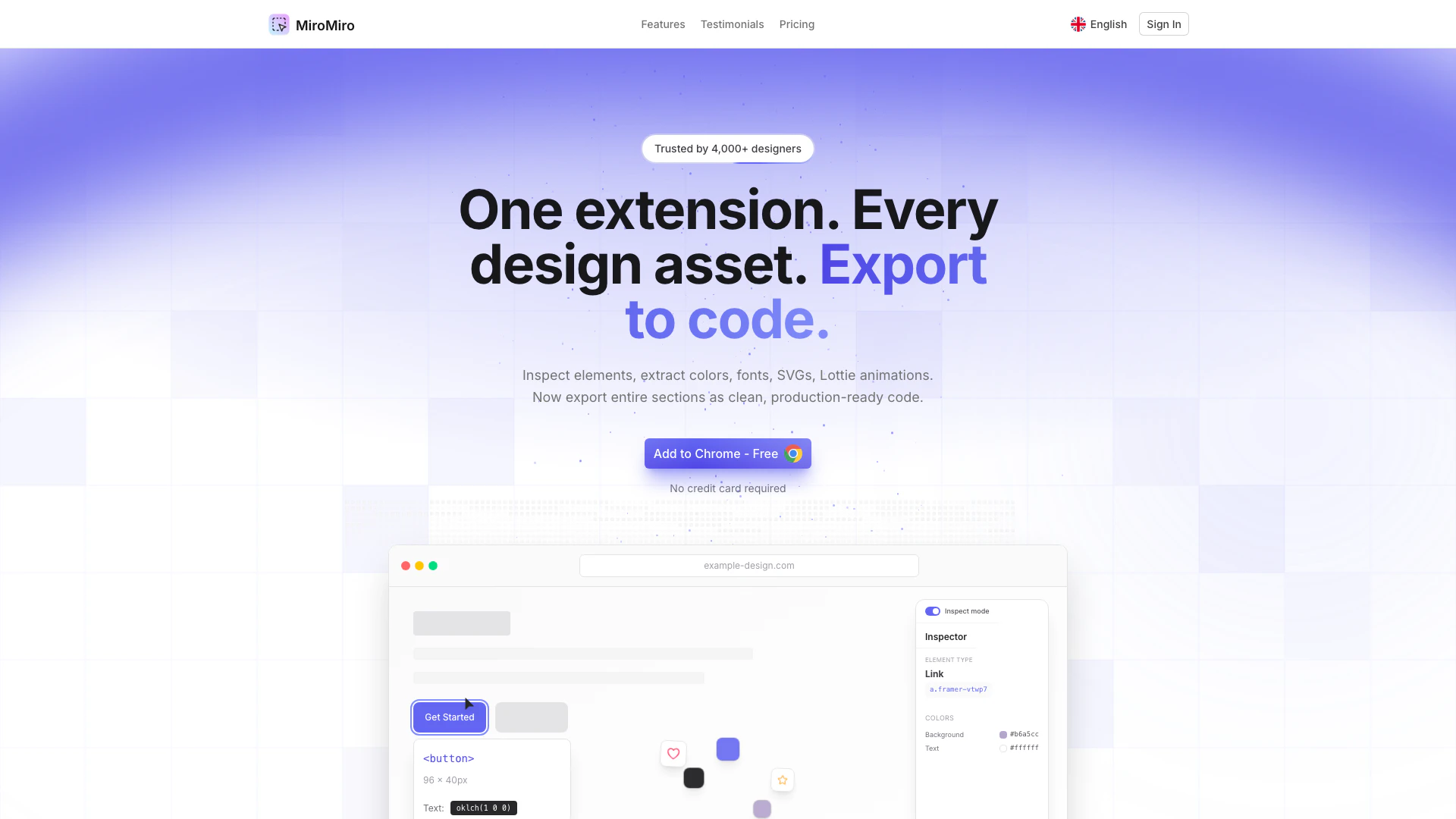



What is MiroMiro?
MiroMiro is a powerful Chrome extension designed for designers and developers to inspect any website element and export it to code. It allows users to extract essential design assets such as CSS, colors, fonts, SVGs, Lottie animations, and even entire sections of a webpage. Trusted by over 4,000 designers, MiroMiro streamlines the design process by providing clean, production-ready code, eliminating the need to manually recreate elements from scratch. This tool is ideal for anyone looking to enhance their workflow by easily accessing and exporting design assets directly from any website.
How to use MiroMiro?
- Install the MiroMiro Chrome extension from the Chrome Web Store.
- Navigate to the website you want to inspect.
- Click on the MiroMiro extension icon in your browser toolbar.
- Use the inspect mode to hover over any element on the page to view its CSS, fonts, and colors.
- Select an entire section (like a hero or navbar) to export it as clean code.
- Download any images, SVGs, or videos directly from the site.
- Save your favorite assets to your personal library for easy access later.
What are the main features of MiroMiro?
- Inspect any website element and view its CSS, colors, and fonts.
- Export entire sections of a webpage as production-ready code.
- Extract design tokens such as colors, fonts, and spacing from any URL.
- Download images, videos, and Lottie animations in their original quality.
- Create a personal library to save and reuse favorite colors, icons, and images.
- Perform accessibility checks to ensure designs meet WCAG standards.
Who is MiroMiro for?
MiroMiro is designed for web designers, UI/UX developers, and anyone involved in the frontend development process. It is particularly beneficial for no-code developers, freelancers, and agencies looking to save time and improve their workflow by easily extracting design assets from any website. Whether you are a beginner looking to learn from existing designs or an experienced developer needing to speed up your project workflow, MiroMiro provides the tools necessary to enhance your design and development capabilities.
What are the use cases of MiroMiro?
- Quickly extract design assets for a new project by inspecting a competitor's website.
- Save time during the development process by exporting entire sections of code instead of recreating them from scratch.
- Utilize the accessibility checker to ensure your designs comply with industry standards before launch.
- Create a personal library of colors and icons for consistent branding across multiple projects.
Miromiro Pros and Cons
Pros
- Comprehensive Asset Extraction: MiroMiro allows users to extract a wide range of design assets including colors, fonts, SVGs, and Lottie animations, making it a versatile tool for designers.
- User-Friendly Inspection Tool: The tool features an intuitive inspection mode that enables users to hover over elements to view their CSS and other design properties without needing to use complex DevTools.
- Production-Ready Code Export: Users can export entire sections of a website as clean, production-ready code, significantly speeding up the development process.
Cons
No cons data detected for this tool
Miromiro Pricing
Free Plan
Perfect for trying MiroMiro and occasional use. Inspect any element, skip DevTools, see the exact CSS behind any design, preview any site's full color system, extract up to 15 assets per month, save up to 10 assets to your library.
Starter
Recommended. Save 2+ hours per project. Pays for itself on your first client job. Extract 150 images, SVGs & videos per month, export 10 Lottie animations per month, export 20 design systems as CSS or Tailwind, unlimited accessibility & contrast audits, save up to 100 assets to your library.
Pro
Most Popular. For agencies and power users. Extract entire design systems in seconds, not days. 2,000 asset extractions per month, unlimited design system exports (CSS & Tailwind), unlimited Lottie animation exports, extract tokens from any number of sites, priority support via chat, unlimited library storage.
For the latest pricing, please visit this link: https://miromiro.app/compare-plans
Prices are subject to change. Please visit the official website for the most up-to-date pricing information.
Analytics of Miromiro
Miromiro Reviews
MiroMiro is one of the coolest products I have ever seen. It's so useful for my agency and it's basically a time saver for my UI/UX.
Just tried Miromiro by @SoraiaDev 👀 This is honestly perfect for no-code / frontend builders. One click and you get colors, fonts, spacing, assets — no DevTools digging. If you reverse-engineer landing pages or rebuild UIs fast, this saves a lot of time. Nice work on!
This is an insanely good extension. It can be used in many projects and to learn from competitors too! Don't hesitate to try it, guys! Congratulations to @SoraiaDev nailed it! 😀
For more reviews, visit this link: https://miromiro.app#testimonials
Miromiro Compare
| Tool Name | Introduction | Pricing | Type | Rating | Launch Date | Learn more |
|---|---|---|---|---|---|---|
Explore AI Lawyer for easy, quick, and budget-friendly legal help. Empowering consumers and lawyers with AI-driven solutions for all your legal needs. | Free | February 11, 2023 | Get deal | |||
AiSofiya offers AI-powered tools, chatbots, and automation to help websites and businesses work smarter, faster, and 24/7. | Free | January 10, 2023 | Get deal | |||
Configure it once and automate your images forever without intervention—no need to review. Photos are ready to publish. Adjust backgrounds, lighting, banners, and more to fit your company branding. | Free | October 5, 2021 | Get deal |



Info current as of post date. Offers and availability may vary by location and are subject to change.
Miromiro Q&A
MiroMiro is a tool that allows users to inspect any website element and export it to code. It helps in extracting CSS, colors, fonts, SVGs, Lottie animations, and full sections.
For more FAQs, please visit this link: https://miromiro.app/faq
Miromiro Alternatives

OpenAI Codex enhances coding efficiency with AI-driven task support.
- Developer Tools
- AI Coding Assistants
- AI Development Tools
- AI Prompt Engineering Tools
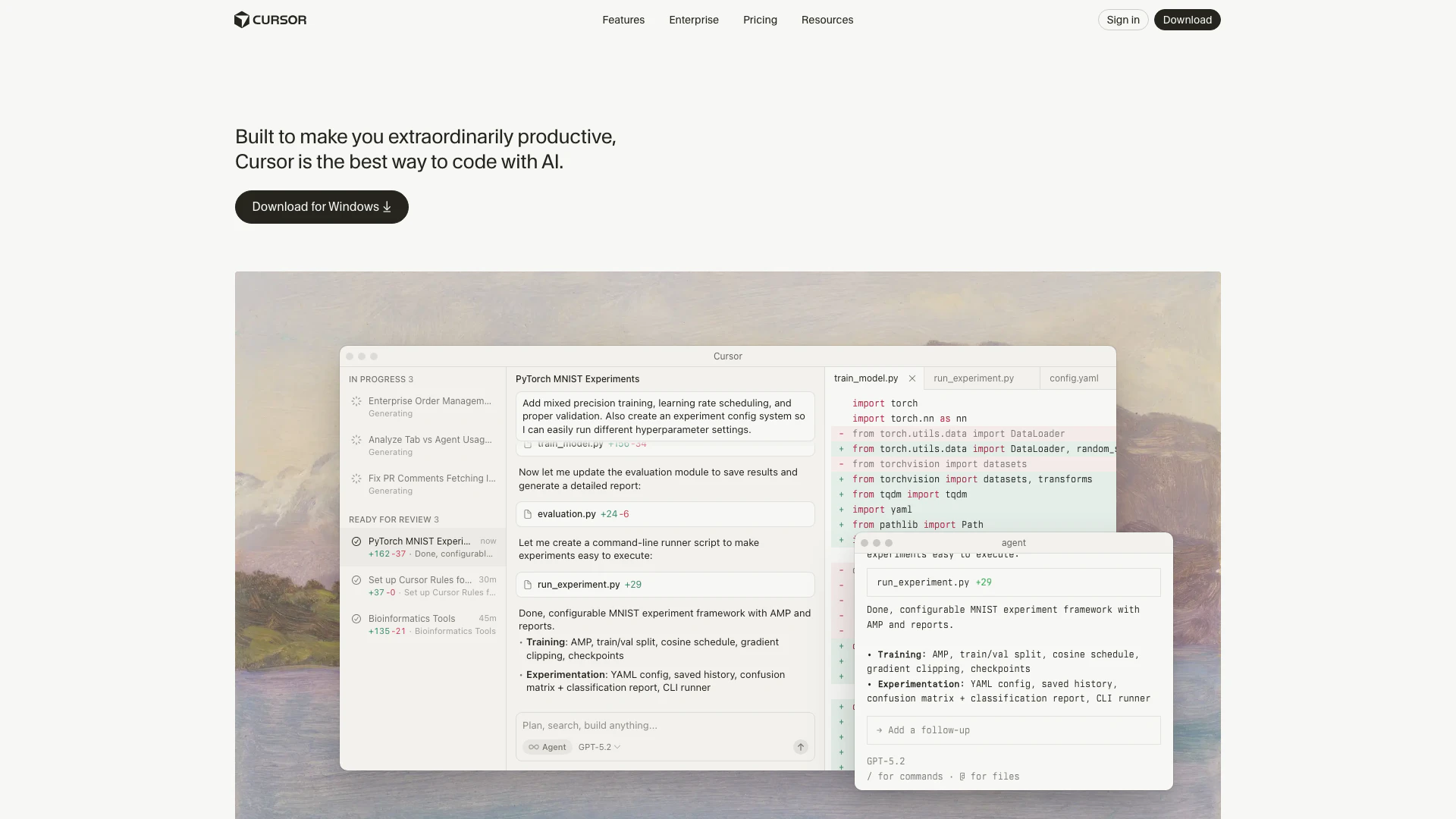
Cursor enhances productivity by providing AI-powered coding assistance.
- Developer Tools
- AI Coding Assistants
- AI Development Tools
- AI Code Context Tools
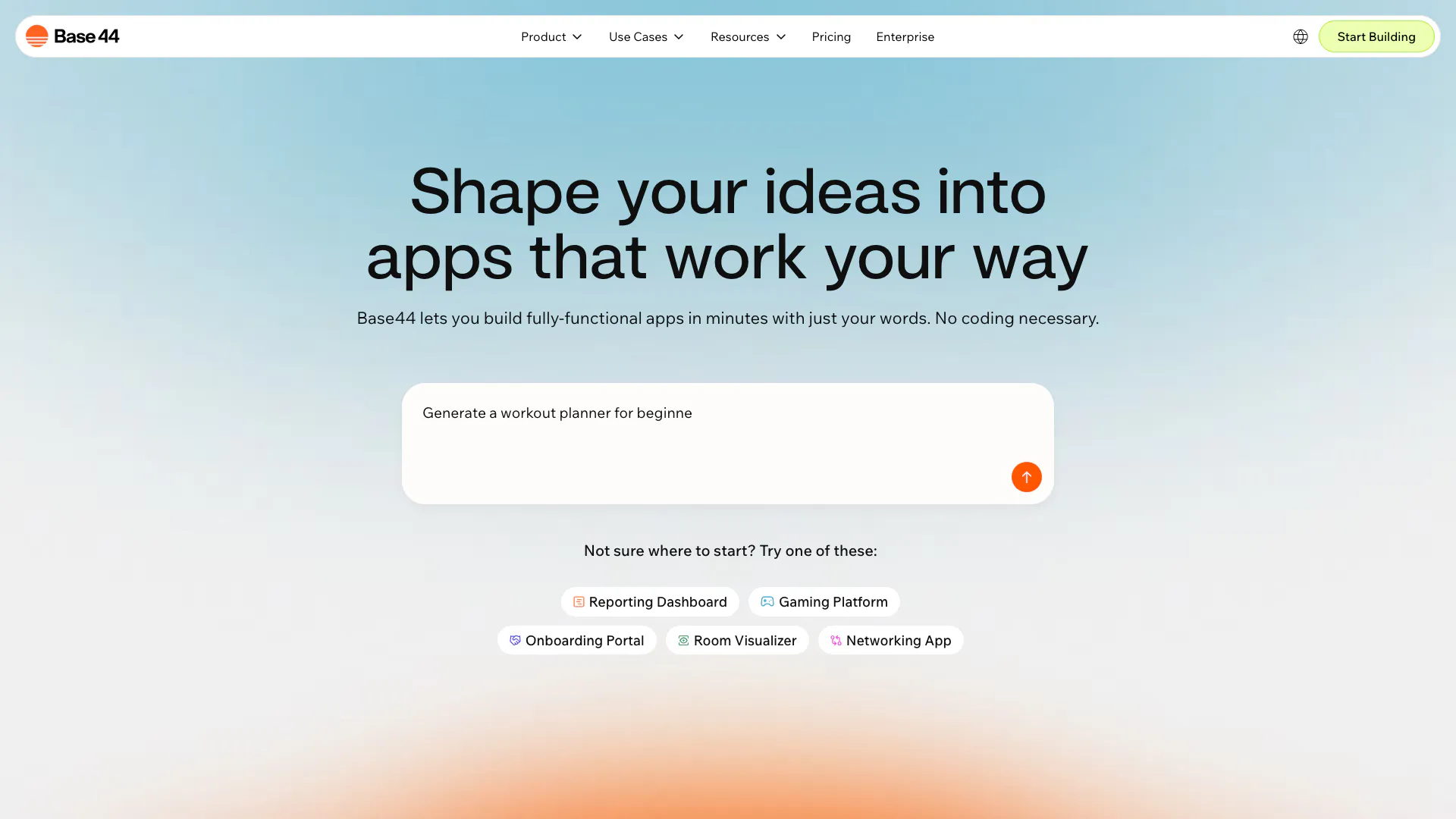
Build fully-functional apps effortlessly with Base44.
- Developer Tools
- AI Coding Assistants
- AI Development Tools
- Low Code Ai Development Platforms