

Molkuai



What is Molkuai?
Molkuai is an innovative AI-powered tool designed to automate the process of transferring data from various documents into customizable templates, such as PDFs or Google Sheets. By eliminating the need for manual copy-pasting, Molkuai streamlines document management, allowing users to efficiently fill out forms and templates in seconds. With its intelligent data extraction capabilities, Molkuai not only saves time but also enhances accuracy by handling complex layouts and even handwritten documents.
How to use Molkuai?
- Set Up Your Workflow: Upload a Source File containing sample data (e.g., a CV) and an Output Template (PDF or Google Sheet) where the data should be placed.
- Upload Source File to Run Workflow: Upload a new Source File with the same structure as your original sample, and Molkuai will automatically fill out the Output Template with the new data.
- Get a Filled Document/Sheets in Seconds: Your output file is ready with data accurately moved into your Template, which can be downloaded, shared, or collaborated on.
What are the main features of Molkuai?
- AI-Powered Data Extraction: Automatically extracts only the required data from documents, such as names, dates, and prices.
- Advanced Data Modifications: Modify data during transfer, including text replacement, calculations, and formatting options.
- Handwritten Text Recognition: Captures data from handwritten notes and forms with high accuracy.
- Document Standardization: Turns messy PDFs into structured templates, ensuring uniformity for faster processing.
- Security Features: Offers encrypted storage and secure document processing to protect user data.
Who is Molkuai for?
Molkuai is ideal for professionals and businesses across various industries, including marketing agencies, insurance firms, finance and accounting departments, logistics companies, and legal firms. It caters to anyone who frequently handles document processing and seeks to streamline their workflows by automating data transfer between documents and templates. Users who value efficiency, accuracy, and security in managing their documentation will find Molkuai particularly beneficial.
What are the use cases of Molkuai?
- Marketing Agencies: Save over 2 hours per report by converting spreadsheets into visually appealing presentations quickly.
- Finance and Accounting: Reduce document processing time by 70% by automatically extracting data from invoices and statements into reports.
- Legal Firms: Extract key points from contracts and generate clear, simple summaries to enhance efficiency in legal documentation.
Molkuai Pros and Cons
Pros
- Automated Data Transfer: Molku automates the process of transferring data from documents into templates, significantly reducing manual work and time spent on copy-pasting.
- Supports Handwritten Text Recognition: The tool can automatically capture data from handwritten notes and forms, enhancing accuracy and saving time.
- Flexible Integration Options: Molku connects to over 8000 apps through Zapier and Make, allowing users to optimize their workflows and integrate with existing systems.
Cons
No cons data detected for this tool
Molkuai Pricing
Free Plan
50 credits one-time. Try for free.
Starter
100 credits per month. Try for free.
Pro Plan
300 credits per month. Users who need more than 300 credits should upgrade to Ultra plan. Try for free.
Ultra Plan
700 credits per month. Overpay: $0.14 / credit. Try for free.
For the latest pricing, please visit this link: https://molku.ai/#pricing
Prices are subject to change. Please visit the official website for the most up-to-date pricing information.
Analytics of Molkuai
Molkuai Website Traffic Analysis
Visits Over Time
Molkuai Compare
| Tool Name | Introduction | Pricing | Type | Rating | Launch Date | Learn more |
|---|---|---|---|---|---|---|
 | Create professional screen recordings with AI-driven translations. | Free | 💼Work🎨Creativity | March 13, 2025 | Get deal | |
 | Effortlessly integrate a referral program into your product with Refgrow. | Free | 💼Work🎨Creativity | November 21, 2024 | Get deal | |
 | Enhance customer engagement with AI-driven insights. | Free | 💼Work | November 4, 2016 | Get deal |
Info current as of post date. Offers and availability may vary by location and are subject to change.
Molkuai Q&A
Just follow these simple steps to create your first automation: 1. Upload two files: — Source File: a filled example File (like a document, presentation, image, etc.) — Output Template: a PDF or Google Sheet where this data should go. 2. Tell Molku what data to extract, like names, dates, prices, or emails. You can even tweak the values using AI (e.g. “add 10%”, “show only the country”). 3. Place each field into the right spot in the output template by drag-and-drop (if it’s a PDF). This step shows Molku where the data should appear. 4. Run your workflow. Molku will: ✔️ pull the data you selected ✔️ apply any modifications you wrote ✔️ fill a ready-to-use PDF or spreadsheet. 5. Download or share with one click, a shareable link is copied automatically. Now, every time you upload a new file with the same structure as your source file, Molku fills the template for you. No more manual copy-paste. One setup - and you’re done. Need changes? You can tweak your workflow anytime.
For more FAQs, please visit this link: https://molku.ai/#faq
Molkuai Alternatives

Discover Gemini, Google's versatile AI assistant for writing and planning.
- Productivity & Office
- AI Productivity Tools
- AI Business Planning Tools
- AI Prompt Management Tools

Notion is an AI-powered workspace that automates tasks and enhances team collaboration.
- Productivity & Office
- AI Productivity Tools
- AI Information Management Tools
- AI Task Management Tools
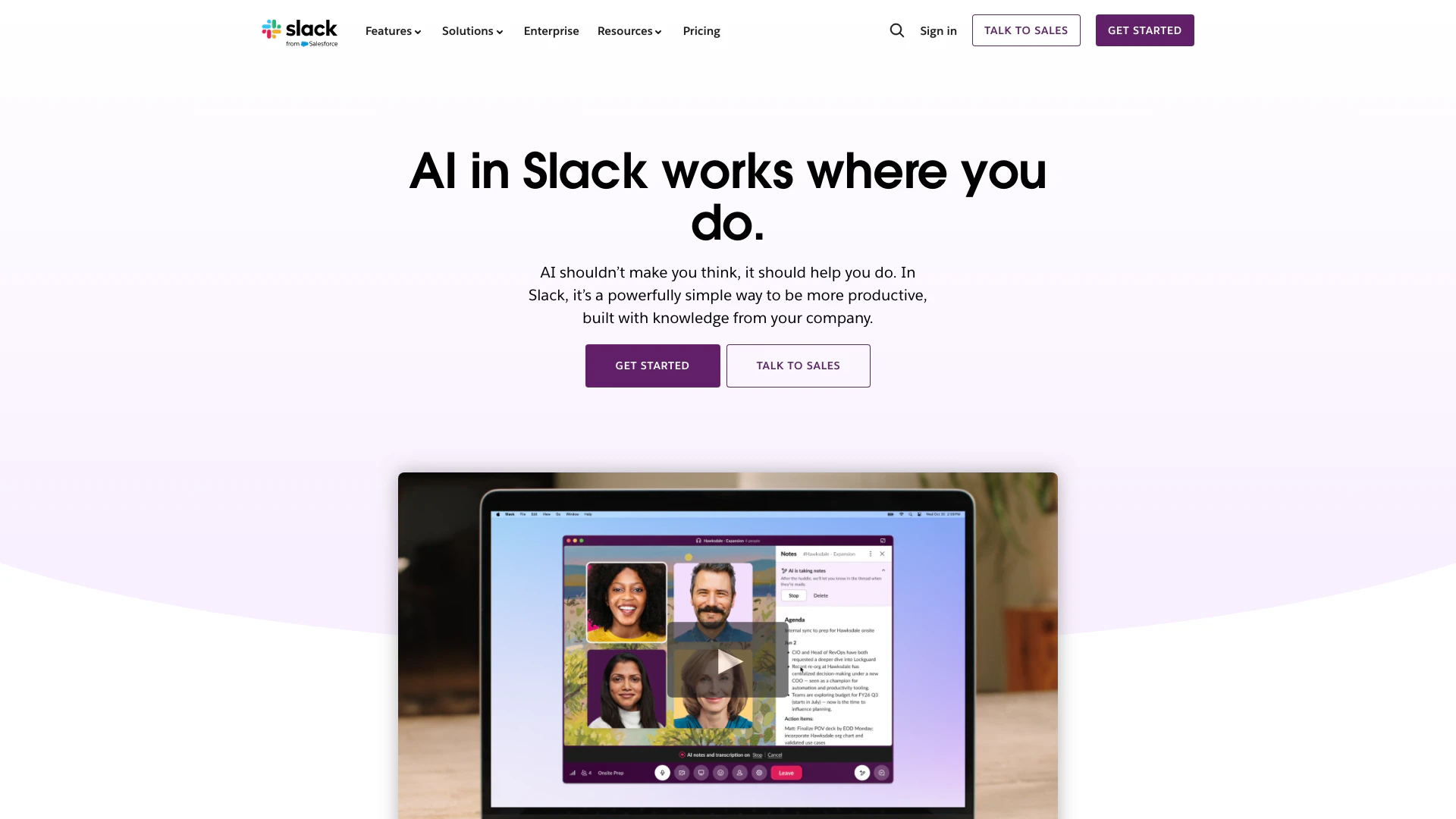
Enhance collaboration and productivity with Slack's AI features.
- Productivity & Office
- AI Productivity Tools
- AI Meeting Management Tools
- AI Meeting Optimization Tools