

Nocodable-components




What is Nocodable-components?
Nocodable-components is the leading components library[1] specifically designed for Bubble[2], featuring over 350 fully responsive and ready-to-use components. This tool allows developers to build applications significantly faster—up to ten times quicker—by simply copying and pasting components directly into their Bubble apps. With its extensive library, Nocodable-components is positioned as an essential resource for both novice and experienced Bubble developers looking to enhance their app development[5] process.
How to use Nocodable-components?
- Install the Nocodable-components Chrome extension on your browser.
- Refresh your Bubble editor to see the new button added by the extension.
- Browse through the extensive library of components, selecting the ones you wish to use.
- Simply copy the selected component and paste it into your Bubble app.
- Customize the component as needed to fit your app's design and functionality.
What are the main features of Nocodable-components?
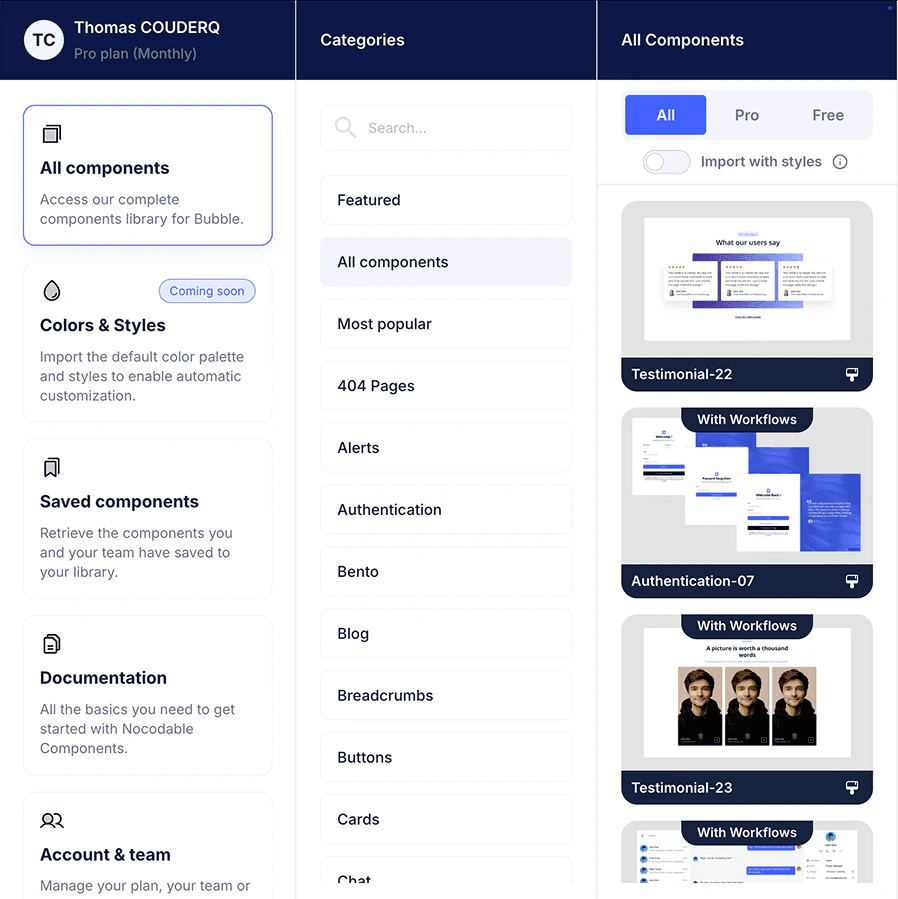
- Over 350 fully responsive components[3] tailored for Bubble development.
- Easy copy-and-paste[4] functionality for seamless integration into apps.
- Components cover a wide range of categories, including navigation, dashboards, and authentication.
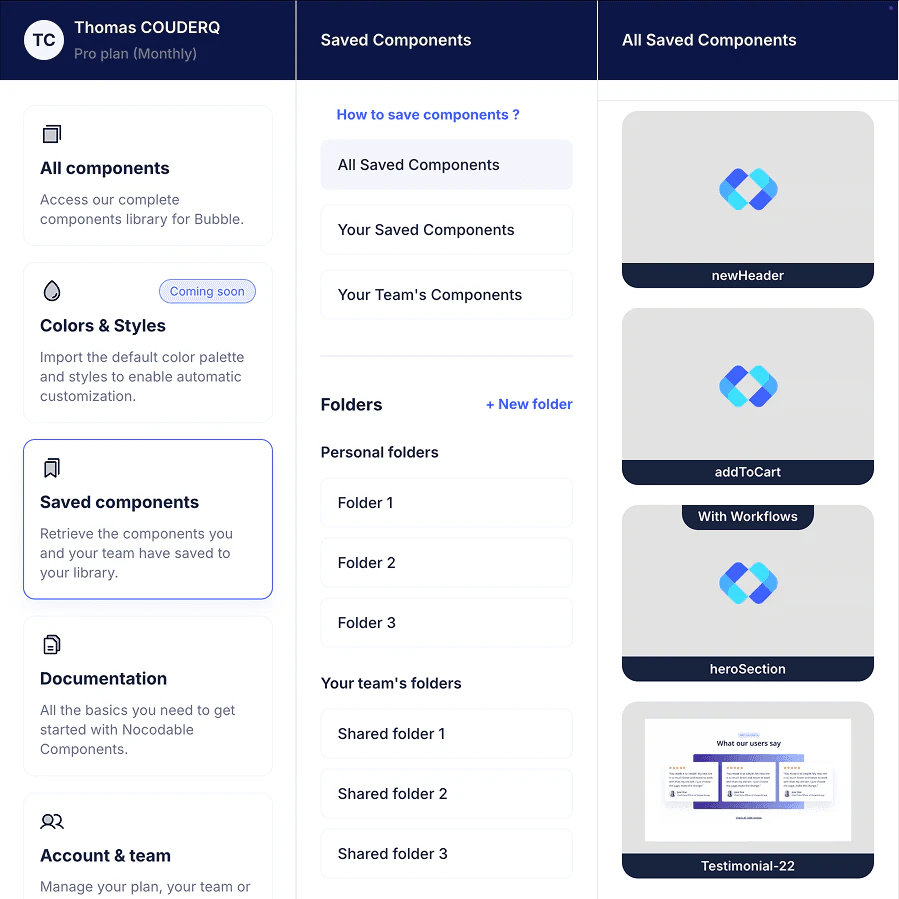
- Ability to save custom components for future use, enhancing workflow efficiency.
- Team collaboration features allowing shared folders and component visibility control.
Who is Nocodable-components for?
Nocodable-components is designed for Bubble developers, ranging from beginners to advanced users, who are looking to expedite their app development process. It is particularly beneficial for agencies and teams working collaboratively on projects, as it allows for efficient sharing and organization of components. Additionally, educators and students in the no-code community can leverage this tool to create visually appealing applications without extensive coding knowledge.
What are the use cases of Nocodable-components?
- Rapidly building a user-friendly dashboard for a SaaS application using pre-designed components.
- Creating a responsive landing page that adapts seamlessly to different screen sizes.
- Developing a chat interface for a community platform with customizable chat components.
Product Images
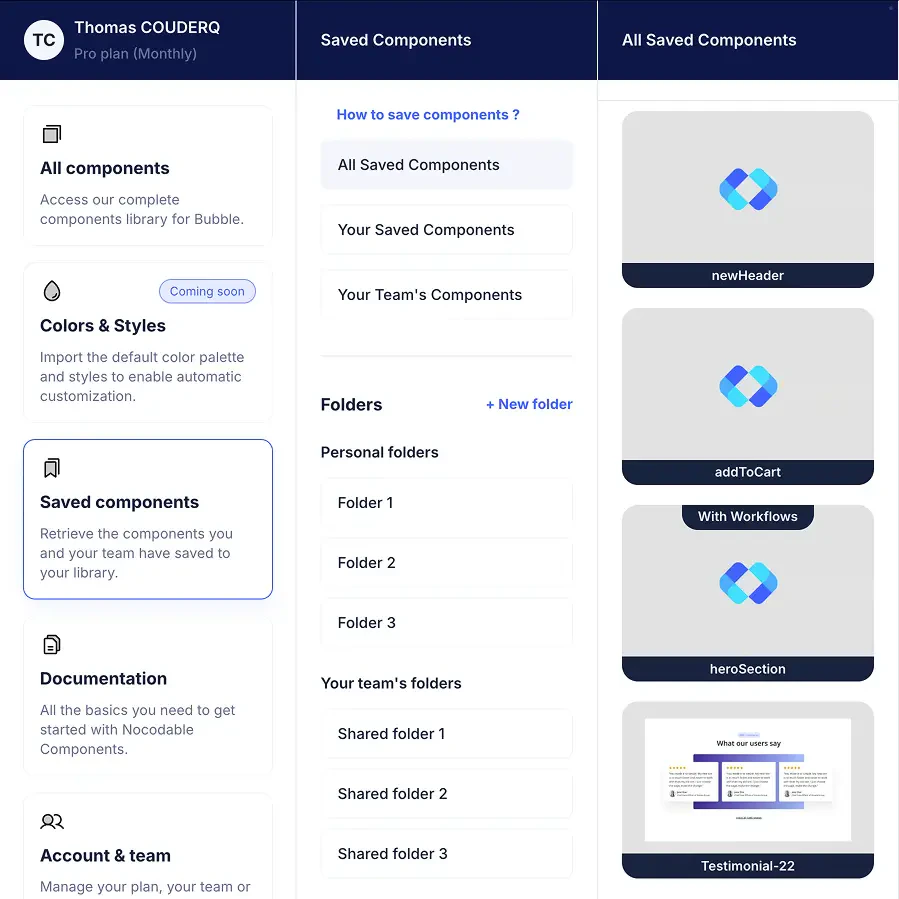
Nocodable-components Pros and Cons
Pros
- Extensive Component Library: Nocodable-components offers over 350 fully responsive components across 42 categories, allowing users to find everything they need for their Bubble apps.
- Time-Saving Features: The library enables users to build apps 10x faster by simply copying and pasting components into their projects.
- User-Friendly Interface: Components are easy to use and customize, making it accessible for developers of all skill levels.
Cons
No cons data detected for this tool
Nocodable-components Pricing
Free
Access to Free components. Save 3 components to your library. Cancel anytime.
Monthly
Full access to the library. Save unlimited components to your library. Cancel anytime.
Yearly
Full access to the library. Save unlimited components to your library. Cancel anytime.
Lifetime
Pay once, use forever. Full access to the library. Save unlimited components to your library. Includes all future updates & components.
For the latest pricing, please visit this link: https://www.nocodable-components.com/pricing
Prices are subject to change. Please visit the official website for the most up-to-date pricing information.
Analytics of Nocodable-components
Nocodable-components Compare


Info current as of post date. Offers and availability may vary by location and are subject to change.
Nocodable-components Q&A
Install our Chrome extension on to your browser and refresh your Bubble editor, you will see a new button.
For more FAQs, please visit this link: https://www.nocodable-components.com/blog
Nocodable-components Alternatives
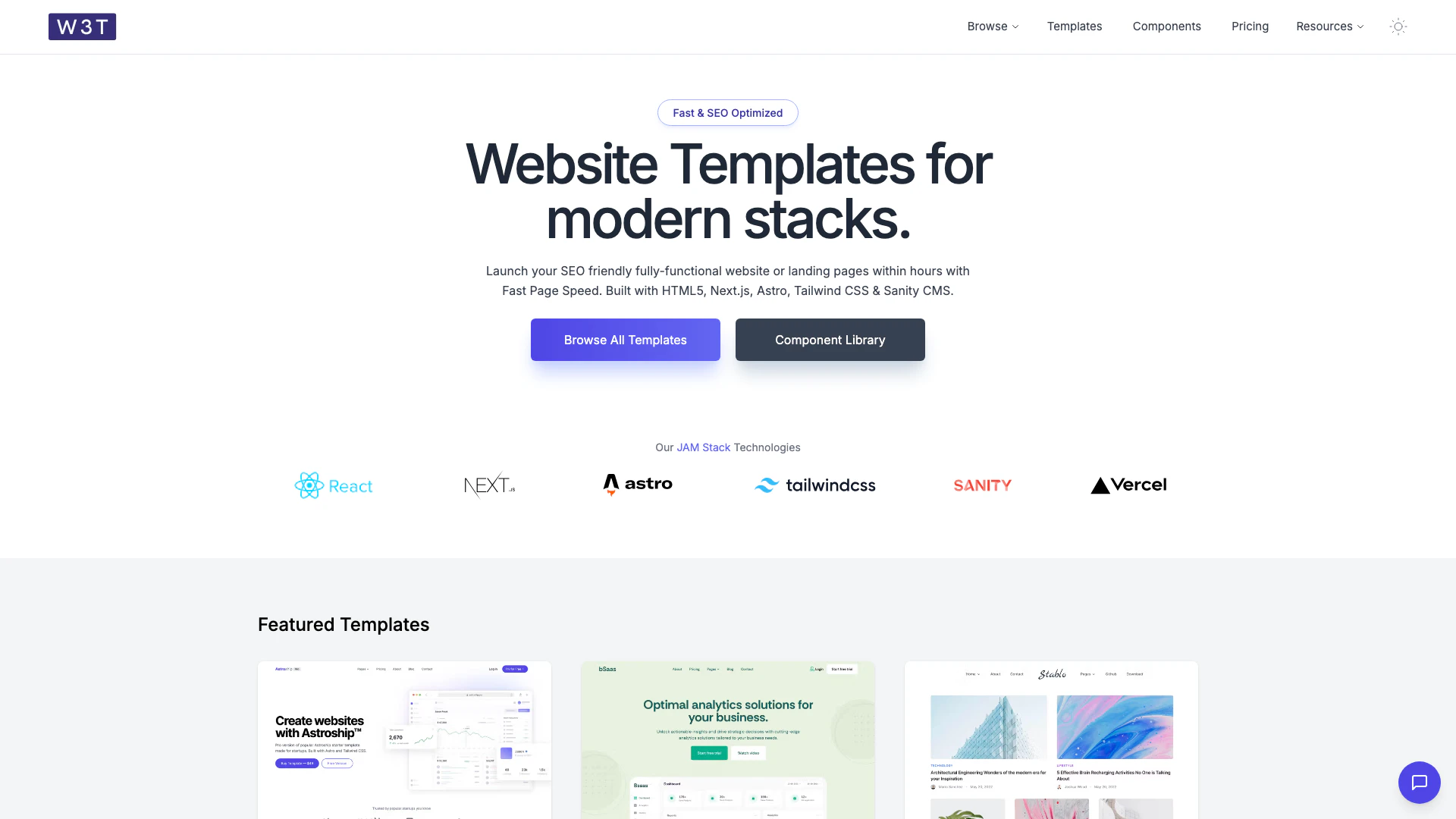
Launch SEO-friendly websites quickly with templates.
- Developer Tools
- AI Development Tools
- SaaS Development Tools
- AI Web App Builders
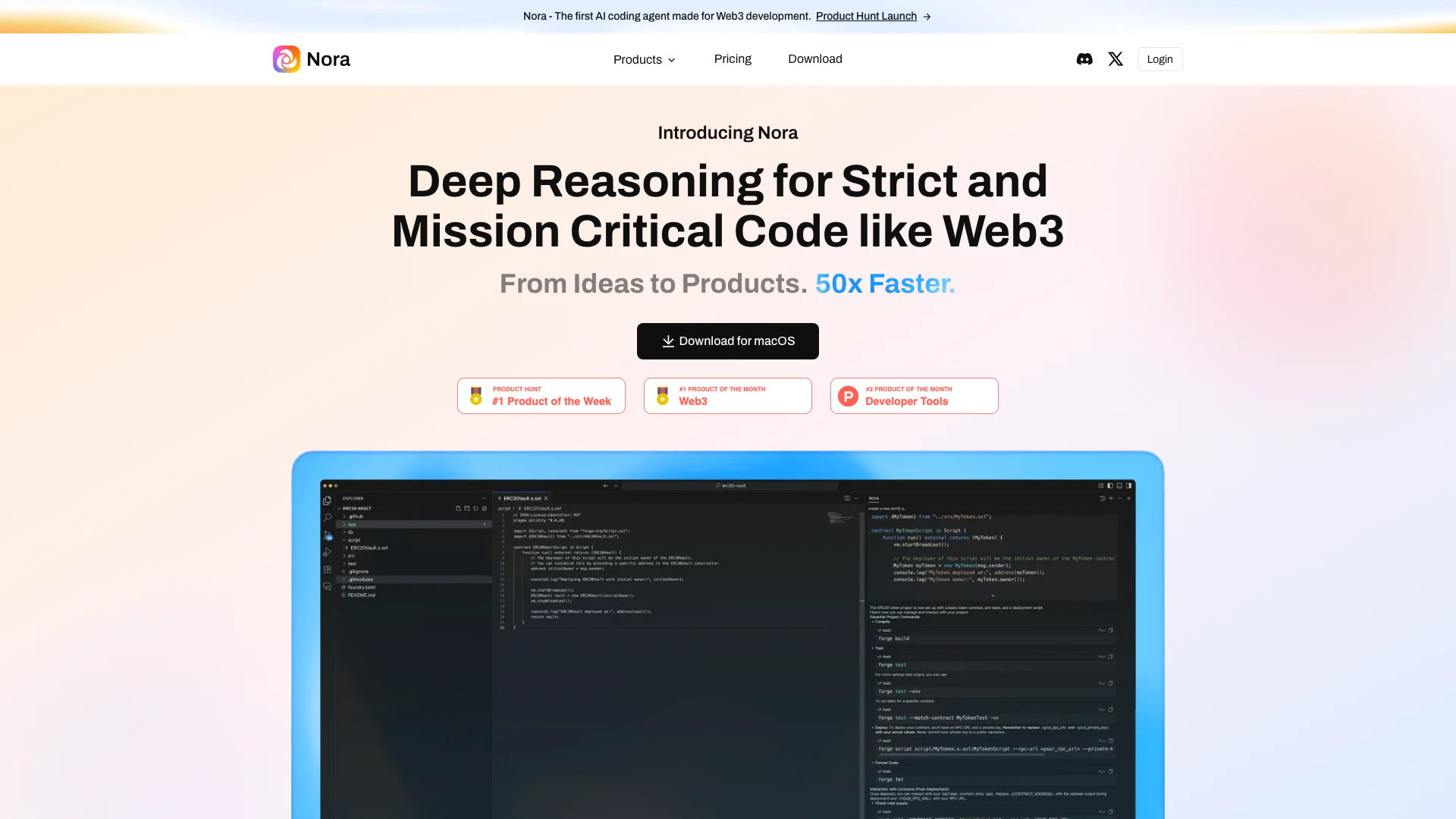
Nora is an AI coding agent designed for Web3 development.
- Developer Tools
- AI Development Tools
- Ai Model Fine Tuning Tools
- Web3 Development Tools
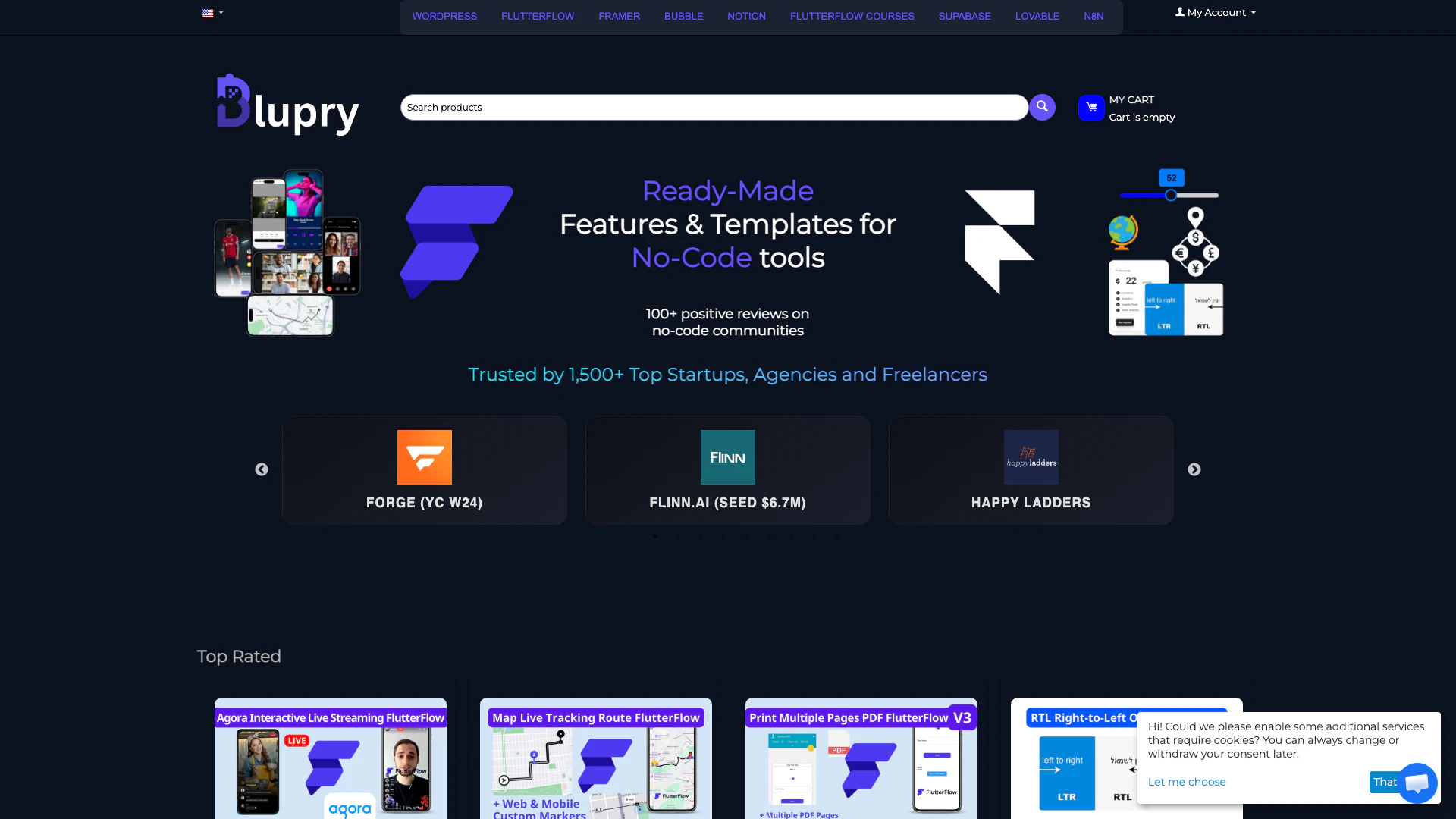
Discover no-code templates for popular tools.
- Developer Tools
- Design Systems and UI Templates
- UI Component Libraries
- App Development Collaboration Tools