

Opencodeai
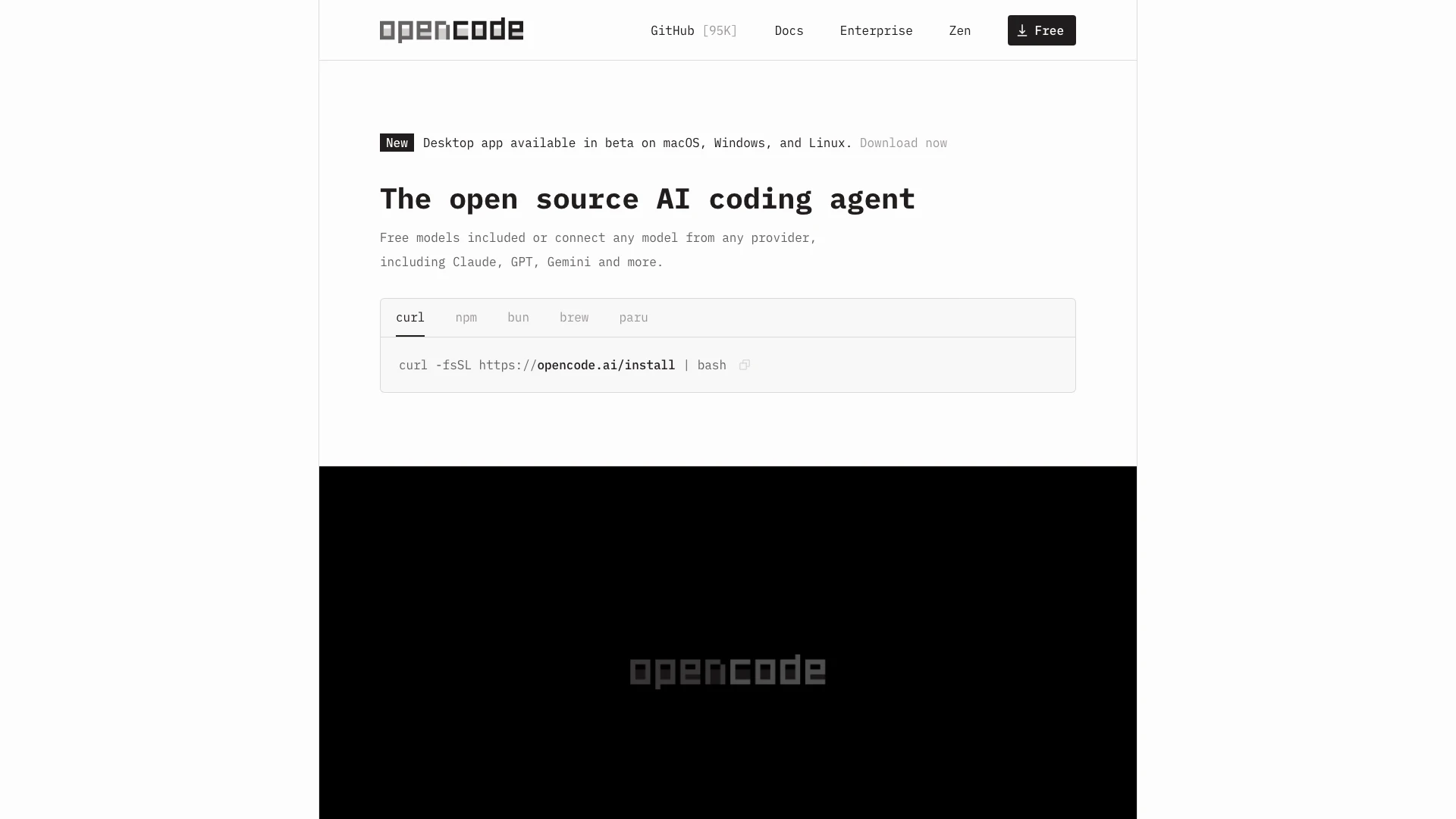




What is OpenCode?
OpenCode is an open-source[1] AI coding agent[2] designed to assist developers in writing code across various environments, including terminals, IDEs, and desktop applications. It leverages multiple language server protocols (LSPs) to provide intelligent code suggestions and enhancements, making the coding process more efficient. With its multi-session capabilities, users can run several agents concurrently on the same project, allowing for greater flexibility and productivity. OpenCode supports integration with popular coding tools like GitHub Copilot[5] and ChatGPT, providing users with access to a wide range of coding models from over 75 providers. It is built with a strong emphasis on privacy, ensuring that no code or context data is stored, making it suitable for use in sensitive environments.
How to use OpenCode?
- Download and install OpenCode from the official website for your operating system (macOS, Windows, or Linux).
- Launch the application or open your terminal and initiate OpenCode by running the installation command: `curl -fsSL https://opencode.ai/install | bash`.
- Log in with your GitHub or OpenAI account to access additional features like GitHub Copilot or ChatGPT.
- Start a coding session by selecting your preferred programming environment, whether it be a terminal interface, desktop app, or IDE extension.
- Utilize the built-in LSP support to automatically load the appropriate language servers for your coding tasks.
What are the main features of OpenCode?
- Open Source: OpenCode is completely open-source, allowing developers to contribute and customize it according to their needs.
- Multi-Session Support[3]: Users can run multiple coding agents in parallel on the same project, enhancing productivity.
- Integration with AI Models: Access to over 75 LLM providers through Models.dev, including local models, for varied coding tasks.
- LSP Enabled[4]: Automatically loads the correct language server protocols for enhanced coding assistance.
- Compatibility: Works across different environments, including terminals, desktop applications, and IDEs.
- Privacy First[6]: No code or context data is stored, making it suitable for privacy-sensitive environments.
Who is OpenCode for?
OpenCode is designed for developers of all skill levels, from beginners to experienced professionals, who are looking for an efficient coding assistant. It is particularly beneficial for those who work in environments where privacy is a concern, as it does not store any code or context data. Teams working on collaborative projects will also find value in its multi-session capabilities, allowing multiple users to work on the same project simultaneously. Additionally, developers who utilize AI models for coding tasks will appreciate the integration with tools like GitHub Copilot and ChatGPT.
What are the use cases of OpenCode?
- Collaborative Coding: Teams can use OpenCode to work on shared projects, utilizing multi-session support to enhance collaboration and efficiency.
- Learning and Development: New developers can leverage OpenCode's AI suggestions to learn coding best practices and improve their skills in real-time.
- Integrating AI Models: Developers can connect their existing AI subscriptions with OpenCode to utilize advanced AI capabilities for coding tasks.
Opencodeai Pros and Cons
Pros
- Open Source Flexibility: OpenCode is an open source coding agent, allowing users to customize and extend its functionality according to their needs.
- Multi-Session Support: Users can start multiple agents in parallel on the same project, enhancing productivity and collaboration.
- Integration with AI Models: Supports over 75 LLM providers, enabling users to connect any model from any provider, including local models.
- Privacy Focused: OpenCode does not store any code or context data, ensuring operation in privacy-sensitive environments.
Cons
No cons data detected for this tool
Analytics of Opencodeai
Opencodeai Website Traffic Analysis
Visits Over Time
Traffic Sources
Oct 2025 - Dec 2025 Worldwide Desktop Only
- Direct: 48.69%
- Search: 27.76%
- Social: 14.29%
- Referrals: 8.19%
- Paid Referrals: 0.91%
- Mail: 0.15%
Top Regions
| Region | Percentage |
|---|---|
🇺🇸 United States | 18.29% |
🇻🇳 Vietnam | 6.24% |
🇮🇳 India | 5.75% |
🇨🇳 China | 5.23% |
🇧🇷 Brazil | 4.46% |
- United States: 18.29%
- Vietnam: 6.24%
- India: 5.75%
- China: 5.23%
- Brazil: 4.46%
Top Keywords
| Keyword | Volume | CPC | Estimated Value |
|---|---|---|---|
| opencode | 200.15K | $2.63 | $152620.00 |
| open code | 31.11K | $2.70 | $22550.00 |
| opencode desktop | 5.82K | $0.00 | $3370.00 |
| opencode ai | 4.73K | $7.00 | $3370.00 |
| opencode zen | 3.65K | $0.00 | $3520.00 |
Opencodeai Compare
| Tool Name | Introduction | Pricing | Type | Rating | Launch Date | Learn more |
|---|---|---|---|---|---|---|
2Mn+ readymade ChatGPT prompt ideas built by prompt engineers, using insights from eCommerce experts - that really work! | Free | February 6, 2023 | Get deal | |||
Tutor AI - Your personal AI tutor to learn anything | Free | September 23, 2007 | Get deal | |||
Generate AI lesson plans, PowerPoints, and more with Copilot! Use Copilot to breeze through your unit planning and material creation! | Free | November 13, 2022 | Get deal |



Info current as of post date. Offers and availability may vary by location and are subject to change.
Opencodeai Q&A
OpenCode is an open source AI coding agent that helps you write code in your terminal, IDE, or desktop.
For more FAQs, please visit this link: https://opencode.ai/docs
Opencodeai Alternatives

DeepSeek focuses on pioneering general AI technologies and models.
- Other
- Large Language Models (LLMs)
- AI Development Tools
- Ai Model Fine Tuning Tools

Explore cutting-edge AI models with Deepseek.
- Developer Tools
- AI Development Tools
- Ai Model Fine Tuning Tools
- AI Cloud Computing Platforms

OpenAI Codex enhances coding efficiency with AI-driven task support.
- Developer Tools
- AI Coding Assistants
- AI Development Tools
- AI Prompt Engineering Tools