

Osirisbrain





What is OsirisBrain?
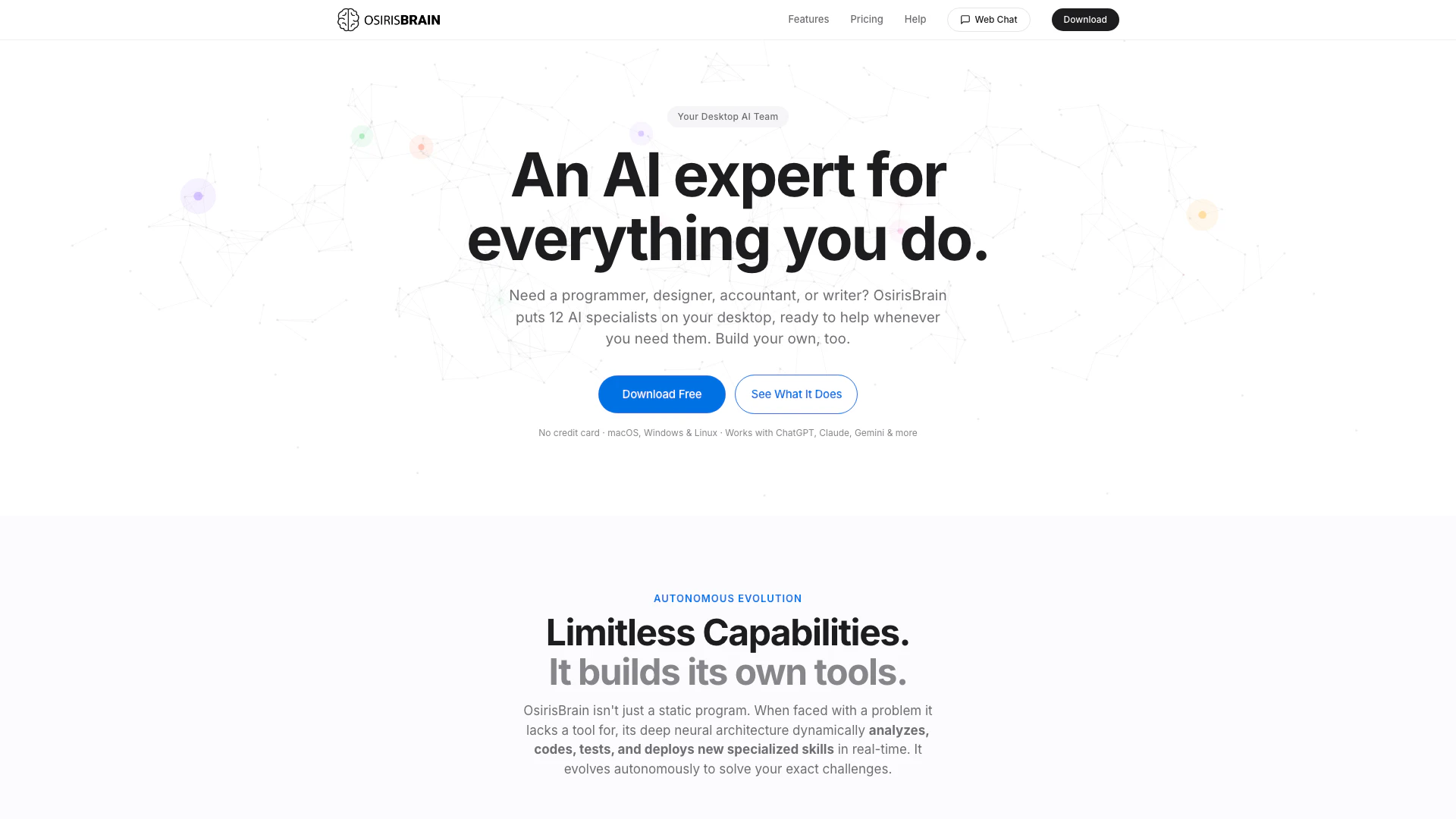
OsirisBrain is a powerful autonomous AI[1] desktop agent[2] designed to enhance productivity by providing access to 12 specialized AI professionals[3], including programmers, designers, writers, and accountants, directly on your desktop. It operates locally on macOS, Windows, and Linux, ensuring that your data remains secure and private. With over 100 tools for desktop automation, file management, code execution, email handling, web browsing, and more, OsirisBrain evolves autonomously by creating new tools as needed. It integrates seamlessly with multiple AI providers, including ChatGPT and Claude, offering a free tier that allows for three hours of usage per day, forever.
How to use OsirisBrain?
- Download the appropriate version of OsirisBrain for your platform (macOS, Windows, or Linux) from the official website.
- Install the application and open it to receive your free license key, which allows you to use the tool for three hours each day.
- Activate your license by entering the provided key in the app.
- Connect your AI provider API key (e.g., OpenAI, Anthropic) to enable advanced functionalities.
- Start interacting with your AI professionals by selecting a specific role or building your own custom AI agent.
What are the main features of OsirisBrain?
- 12 Specialized AI Professionals: Includes roles like programmer, designer, writer, and accountant, each with tailored prompts.
- Custom Skill Builder: Create personalized AI agents by defining their knowledge and behavior.
- Local Operation: Runs directly on your machine, ensuring data privacy.
- Remote Chat Functionality: Access your AI agent from any browser on any device.
- Vision Capability: Allows the agent to analyze your screen and provide feedback on visual content.
- Multi-Provider Support: Connect with various AI APIs, enabling flexibility in tool usage.
- Persistent Memory: Remembers facts and preferences across sessions without setup.
- Voice Input: Engage with your agent using speech-to-text technology.
- Plugin Manager: Easily manage and extend capabilities with additional plugins.
Who is OsirisBrain for?
OsirisBrain is designed for a diverse range of users, including professionals such as programmers, designers, writers, and accountants who seek to streamline their workflows. It is also suitable for students and anyone needing assistance with tasks like file management, coding, or content creation. The intuitive interface and autonomous capabilities make it accessible for individuals without technical expertise, allowing them to harness the power of AI without the need for complex setups.
What are the use cases of OsirisBrain?
- Programming Assistance: Utilize the programmer AI to write, debug, and optimize code efficiently.
- Design Feedback: Get instant visual feedback on design projects by sharing screenshots with the design AI.
- Content Creation: Leverage the writing AI to generate articles, reports, or creative content quickly.
- Financial Management: Use the accountant AI for expense tracking, invoice generation, and financial analysis.
- Learning and Tutoring: Engage with the educational features for tutoring in various subjects, from K-12 to university level.
Product Images

Osirisbrain Pros and Cons
Pros
- Powerful AI Team at Your Desk: OsirisBrain features 12 specialized AI professionals including programmers, designers, and writers, providing a comprehensive support system for various tasks.
- Autonomous Tool Evolution: The AI can autonomously analyze, code, test, and deploy new skills in real-time, adapting to user needs without manual intervention.
- Robust Security Features: OsirisBrain includes a multi-layer security system with end-to-end encryption, ensuring user data and conversations are kept private and secure.
Cons
No cons data detected for this tool
Osirisbrain Pricing
Free
All 12 AI professionals, 3 hours per day, resets at midnight, vision & screen capture, 3-layer security system, no credit card required.
Annual
Everything in Free, unlimited hours, auto-updates, watchdog auto-restart, priority support, single device license.
Press
1-year unlimited license for tech YouTubers, journalists, and influencers. Get full access in exchange for an honest review. Unlimited daily hours, priority support, official Press Kit.
For the latest pricing, please visit this link: https://osirisbrain.com/#pricing
Prices are subject to change. Please visit the official website for the most up-to-date pricing information.
Osirisbrain Compare
| Tool Name | Introduction | Pricing | Type | Rating | Launch Date | Learn more |
|---|---|---|---|---|---|---|
Build, scale, and monitor AI Agents. | Free | September 13, 1996 | Get deal | |||
Edit your selfies to get the results you want with powerful and easy-to-use tools. Give your selfies the VIP treatment. Touch up, reshape & apply digital makeup. | Free | December 1, 2012 | Get deal | |||
Paraphrasing Tool (Ad-Free and No Sign-up Required) - QuillBot AI | Free | December 31, 1984 | Get deal |


Info current as of post date. Offers and availability may vary by location and are subject to change.
Osirisbrain Q&A
Yes. Your conversations are stored in a secure database protected by Row Level Security. Only your license key can access your data. We never sell or share your information.
For more FAQs, please visit this link: https://osirisbrain.com/help
Osirisbrain Alternatives

Discover Gemini, Google's versatile AI assistant for writing and planning.
- Productivity & Office
- AI Productivity Tools
- AI Business Planning Tools
- AI Prompt Management Tools
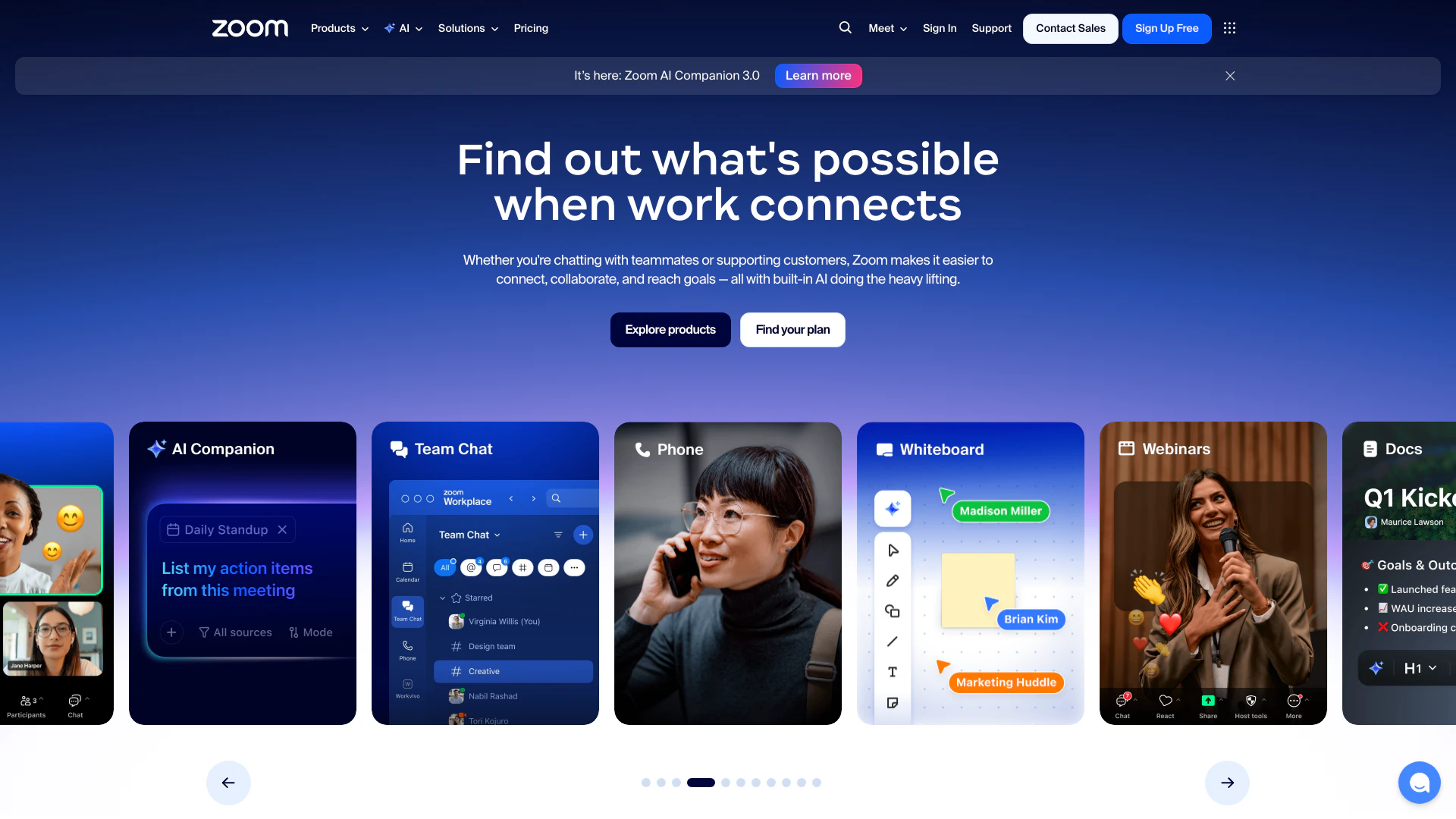
Connect and collaborate seamlessly with Zoom's all-in-one platform.
- Productivity & Office
- Content Management Tools
- AI Meeting Management Tools
- AI Meeting Optimization Tools

Notion AI enhances productivity by integrating AI tools directly into your workspace.
- Productivity & Office
- AI Productivity Tools
- AI Information Management Tools
- Content Management Tools