

Pi



What is Pi?
Pi is a terminal-based coding agent designed to enhance your coding workflow by allowing you to customize and manipulate it according to your specific needs. Unlike traditional coding tools, Pi is a minimal agent harness that can be adapted to fit your workflows rather than forcing you to adjust to its limitations. It provides a flexible environment where you can create and share extensions, skills, prompt templates, and themes, all of which can be bundled as Pi packages and shared via npm or git.
How to use Pi?
- Install Pi from the official website or GitHub repository.
- Launch Pi in your terminal to access its interactive interface.
- Customize Pi by adding extensions, skills, and themes to tailor it to your workflow.
- Use commands like `/reload` to update Pi with any new customizations.
- Navigate through your session history using the `/tree` command, allowing you to branch and return to previous points in your coding sessions.
What are the main features of Pi?
- Customizable Workflow: Tailor Pi to your specific needs by creating extensions and skills.
- Session Management: Store and manage sessions as trees, allowing easy navigation and branching.
- Multiple Modes: Operate in interactive, print/JSON, RPC, and SDK modes for varied use cases.
- Real-time Interaction: Submit steering and follow-up messages to guide the agent during its operations.
- Shareable Sessions: Export sessions to HTML or share them via GitHub gists for collaboration.
Who is Pi for?
Pi is ideal for developers, software engineers, and tech enthusiasts who seek a highly customizable coding environment. It caters to those who value flexibility in their tools and prefer a terminal-based interface for coding tasks. Whether you are working on personal projects, collaborating with teams, or looking for an efficient way to manage coding sessions, Pi offers the necessary tools to enhance your productivity.
What are the use cases of Pi?
- Custom Development: Use Pi to create tailored coding environments for specific projects or workflows.
- Session Management: Efficiently manage and navigate through multiple coding sessions, making it easy to return to previous work.
- Collaborative Coding: Share your coding sessions with others by exporting them or creating shareable links, facilitating collaboration and feedback.
Pi Pros and Cons
Pros
- Multi-Model Support: Pi allows users to switch between multiple AI models from various providers mid-session, enhancing flexibility and adaptability for different coding tasks.
- Customizability and Extensibility: Users can create custom extensions and modify system prompts, enabling tailored functionality and personalized workflows that suit specific project needs.
- Dynamic Context Management: Pi's ability to manage context dynamically, including auto-summarization and message filtering, helps maintain focus and efficiency in coding sessions.
Cons
No cons data detected for this tool
Pi Compare
| Tool Name | Introduction | Pricing | Type | Rating | Launch Date | Learn more |
|---|---|---|---|---|---|---|
Configure it once and automate your images forever without intervention—no need to review. Photos are ready to publish. Adjust backgrounds, lighting, banners, and more to fit your company branding. | Free | October 5, 2021 | Get deal | |||
AiSofiya offers AI-powered tools, chatbots, and automation to help websites and businesses work smarter, faster, and 24/7. | Free | January 10, 2023 | Get deal | |||
Lunit develops AI solutions that detect early-stage cancer and optimize cancer treatment for saving lives through technology. | Free | August 10, 2015 | Get deal |


Info current as of post date. Offers and availability may vary by location and are subject to change.
Pi Alternatives

OpenAI Codex enhances coding efficiency with AI-driven task support.
- Developer Tools
- AI Coding Assistants
- AI Development Tools
- AI Prompt Engineering Tools

AI Detector - Trusted AI Checker for ChatGPT, GPT4 & Gemini
- AI Content Detection
- AI Detection Bypass
- Ai Apis
- Ai Developer Tools
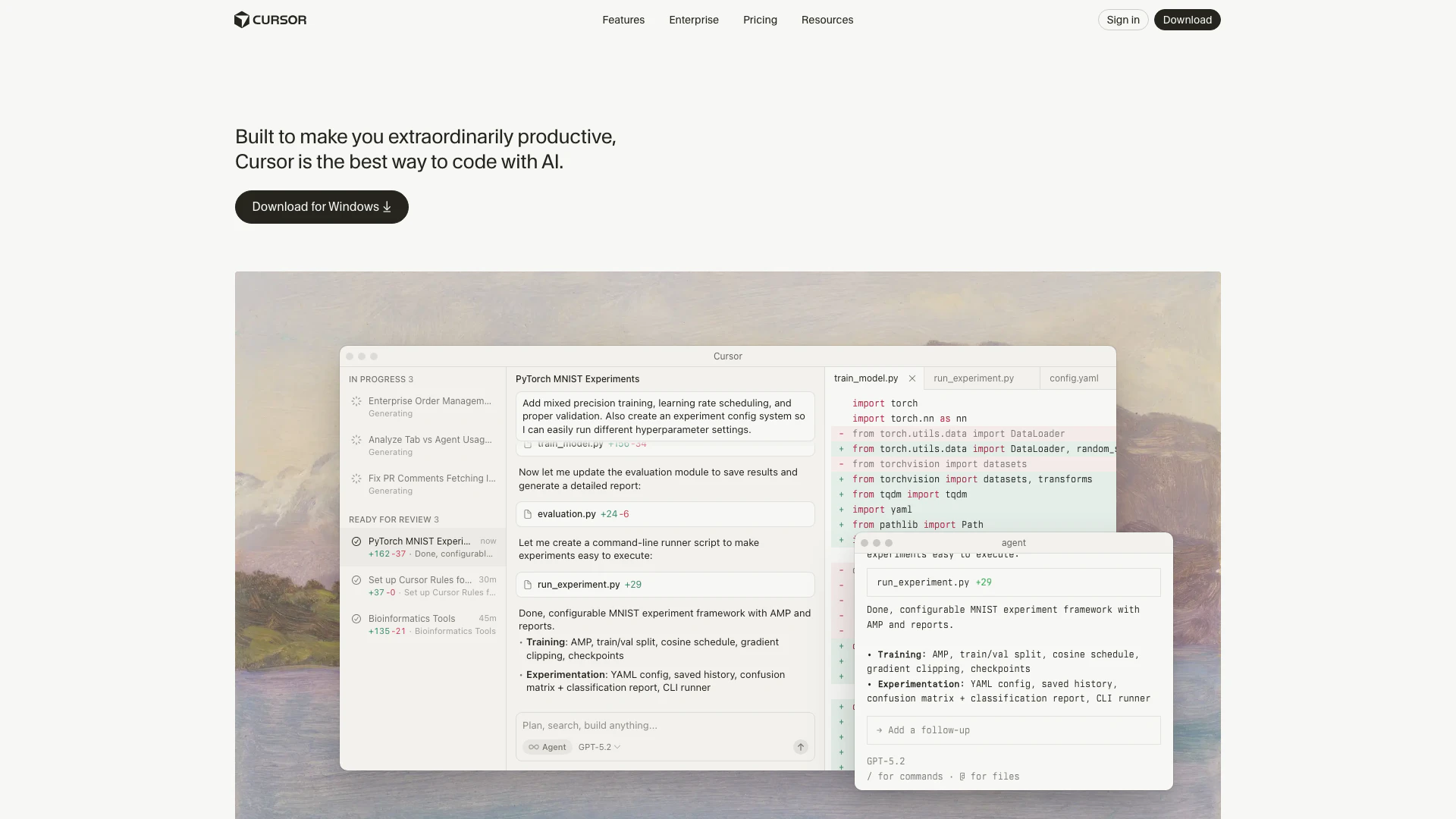
Cursor enhances productivity by providing AI-powered coding assistance.
- Developer Tools
- AI Coding Assistants
- AI Development Tools
- AI Code Context Tools