
Pixop
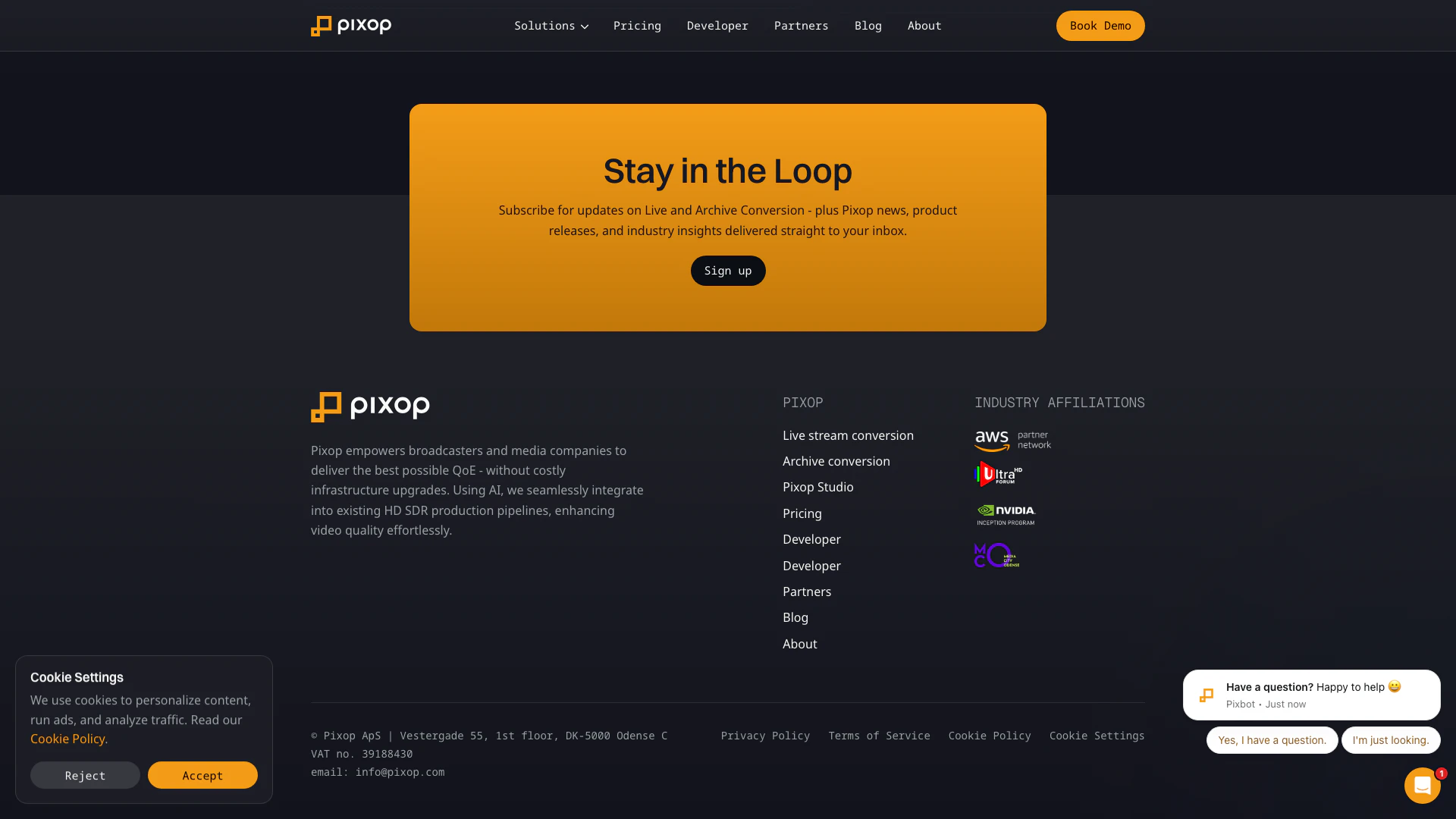





What is Pixop?
Pixop is an advanced AI-powered[1] video enhancement[2] tool designed specifically for broadcasters and media companies. It integrates seamlessly into existing workflows to elevate video quality from HD to UHD HDR[3] without the need for expensive infrastructure upgrades. Pixop leverages artificial intelligence to enhance video through upscaling[4], restoration, and optimization, ensuring that viewers receive the best possible experience. By providing tools that enhance video quality effortlessly, Pixop addresses the industry's long-standing issue of 'good enough' video quality, setting a new standard for excellence in media production.
How to use Pixop?
- Sign Up: Create an account on the Pixop website to access the platform.
- Select Your Service: Choose between Pixop LIVE for real-time video enhancement, Pixop FILE for VOD archive conversion, or Pixop Studio for flexible cloud-based video editing.
- Upload Video: Upload your HD video files to the chosen service. For live streams, connect your video source directly.
- Choose Enhancement Options: Select the desired AI filters and settings for upscaling, restoration, or optimization according to your needs.
- Process Video: Start the enhancement process. Pixop will utilize its AI capabilities to enhance your video quality.
- Download or Stream: Once processing is complete, download your enhanced video or stream it directly to your audience.
What are the main features of Pixop?
- AI-Powered Upscaling: Enhances video resolution from HD to UHD HDR with minimal latency.
- Video Restoration[5]: Restores and optimizes old or degraded video content for better viewing quality.
- Seamless Integration: Easily integrates into existing media workflows without needing significant infrastructure changes.
- Multiple Service Options: Offers various solutions including live streaming enhancement, archive conversion, and a browser-based studio for flexible editing.
- Cloud-Based Processing: Utilizes cloud technology for scalable and efficient video processing.
Who is Pixop for?
Pixop is tailored for broadcasters, media companies, content owners, and any organizations involved in video production. It is particularly beneficial for those who need to enhance video quality for live broadcasts, on-demand content, or archival footage. The tool is designed to cater to both technical and non-technical users, making it accessible for media professionals looking to improve viewer experience without extensive technical expertise or significant investment in new infrastructure.
What are the use cases of Pixop?
- Live Sports Broadcasting: Enhancing live sports feeds from HD to UHD HDR in real-time for better audience engagement.
- VOD Archive Remastering: Restoring and monetizing old video archives by upgrading their quality for modern viewing standards.
- Studio Production Enhancement: Utilizing Pixop Studio for flexible video editing and enhancement during production workflows.
Product Images






Pixop Pros and Cons
Pros
- AI-Powered Video Enhancement: Pixop utilizes AI for upscaling, restoration, and optimization, ensuring superior video quality for broadcasters and media workflows.
- Seamless Integration: The solutions integrate directly into existing HD SDR production pipelines, allowing for UHD HDR delivery without costly infrastructure upgrades.
- Real-Time Processing: Pixop's Live Converter provides real-time AI-enhanced video for live events, maintaining ultra-low latency and requiring no changes to existing workflows.
Cons
No cons data detected for this tool
Pixop Pricing
Pixop Studio
Transparent pricing for Pixop Studio - only pay for what you process, store, and download. Pricing examples: Video Processing $0.001–$0.551 per gigapixel processed. Simple and scalable for smaller needs. Pricing varies depending on filters applied and scale of processing. Volume discounts increase proportionally with the processed gigapixel quantity on a per job basis, reaching the max discount percentage at 1000 GP. Your account also accumulates a lifetime loyalty bonus which adds 0.2 GP per USD of invoiced processing credits to this calculation. Video Encoding $0.007–$0.136 per gigapixel encoded. Pricing varies depending on the encoder used and the scale of encoding. Discounts apply, as with Video Processing. Storage $0.023 / gigabyte / month. We check your storage and download usage weekly, but only charge you when your total exceeds $10 (excl. VAT). All costs are based on AWS rates — passed on directly with no extra fees. To reduce spend, delete unused files regularly. Download $0.090 / gigabyte.
For the latest pricing, please visit this link: https://www.pixop.com/pricing
Prices are subject to change. Please visit the official website for the most up-to-date pricing information.
Analytics of Pixop
Pixop Website Traffic Analysis
Visits Over Time
Traffic Sources
Nov 2025 - Jan 2026 Worldwide Desktop Only
- Direct: 44.92%
- Search: 34.89%
- Social: 10.10%
- Referrals: 8.61%
- Paid Referrals: 1.08%
- Mail: 0.09%
Top Keywords
| Keyword | Volume | CPC | Estimated Value |
|---|---|---|---|
| pixop video upscaler | 0 | $0.00 | $110.00 |
| pixop | 2.20K | $0.20 | $1990.00 |
| pixop problem | 180 | $0.00 | $170.00 |
| pixop deinterlacer | 170 | $0.00 | $160.00 |
| pixop utilities | 170 | $0.00 | $160.00 |
Pixop Compare
| Tool Name | Introduction | Pricing | Type | Rating | Launch Date | Learn more |
|---|---|---|---|---|---|---|
 | Visus - Train your own ChatGPT AI | Free | 💼Work | December 29, 2022 | Get deal | |
 | Transform your marketing with SMSGenius, the leading SMS marketing software. | Free | 💼Work🎨Creativity | January 9, 2023 | Get deal | |
 | Jobvouch is a free ATS resume checker that helps you upload your resume and paste a job description to receive your ATS score in just 30 seconds, with AI-driven resume tailoring to match any job without requiring a signup. | Free | 💼Work | December 23, 1991 | Get deal |
Info current as of post date. Offers and availability may vary by location and are subject to change.
Pixop Alternatives
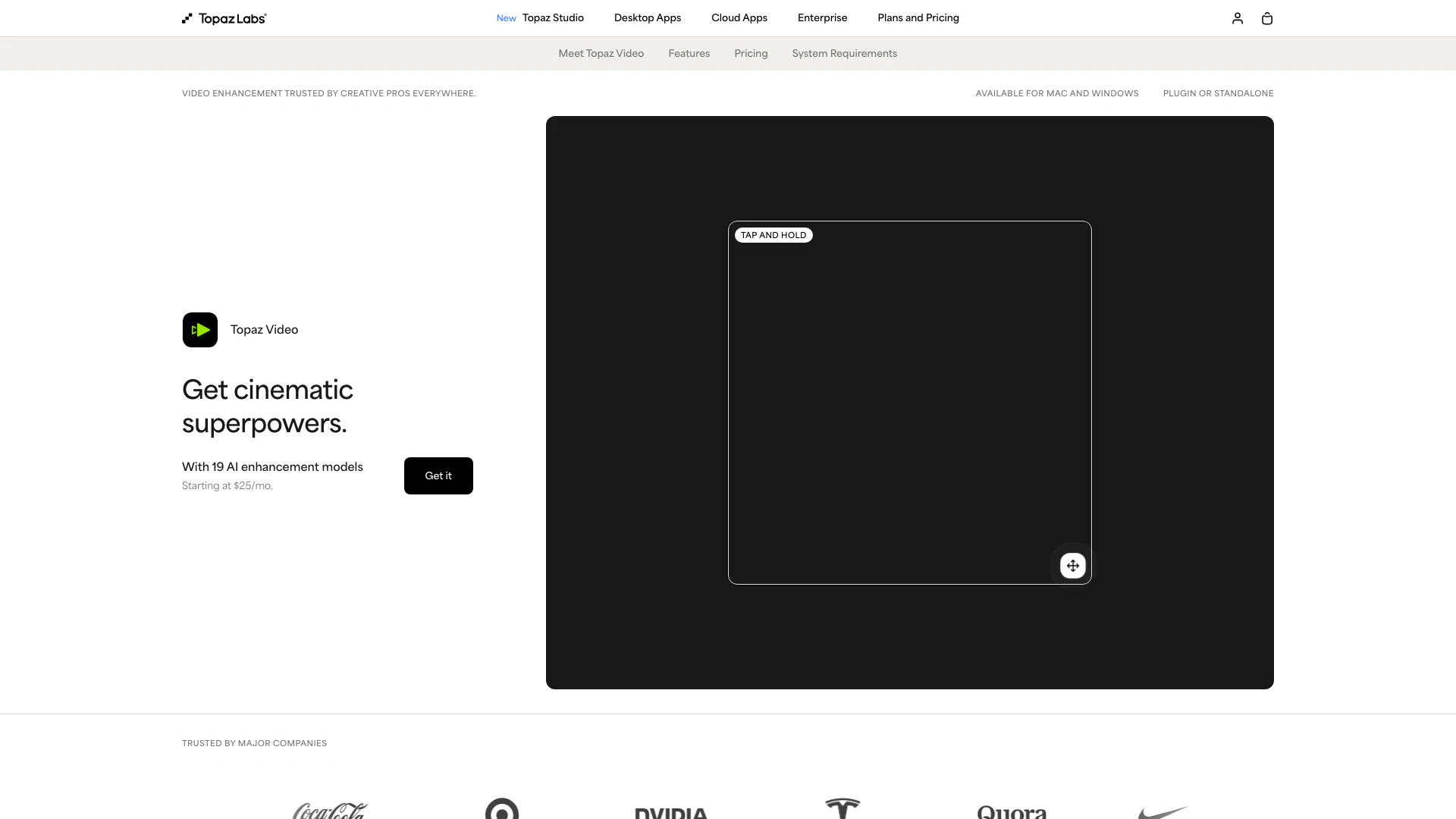
Enhance your videos with advanced AI tools.
- Video & Animation
- AI Video Editor
- AI Video Enhancer
- AI Video Upscaler
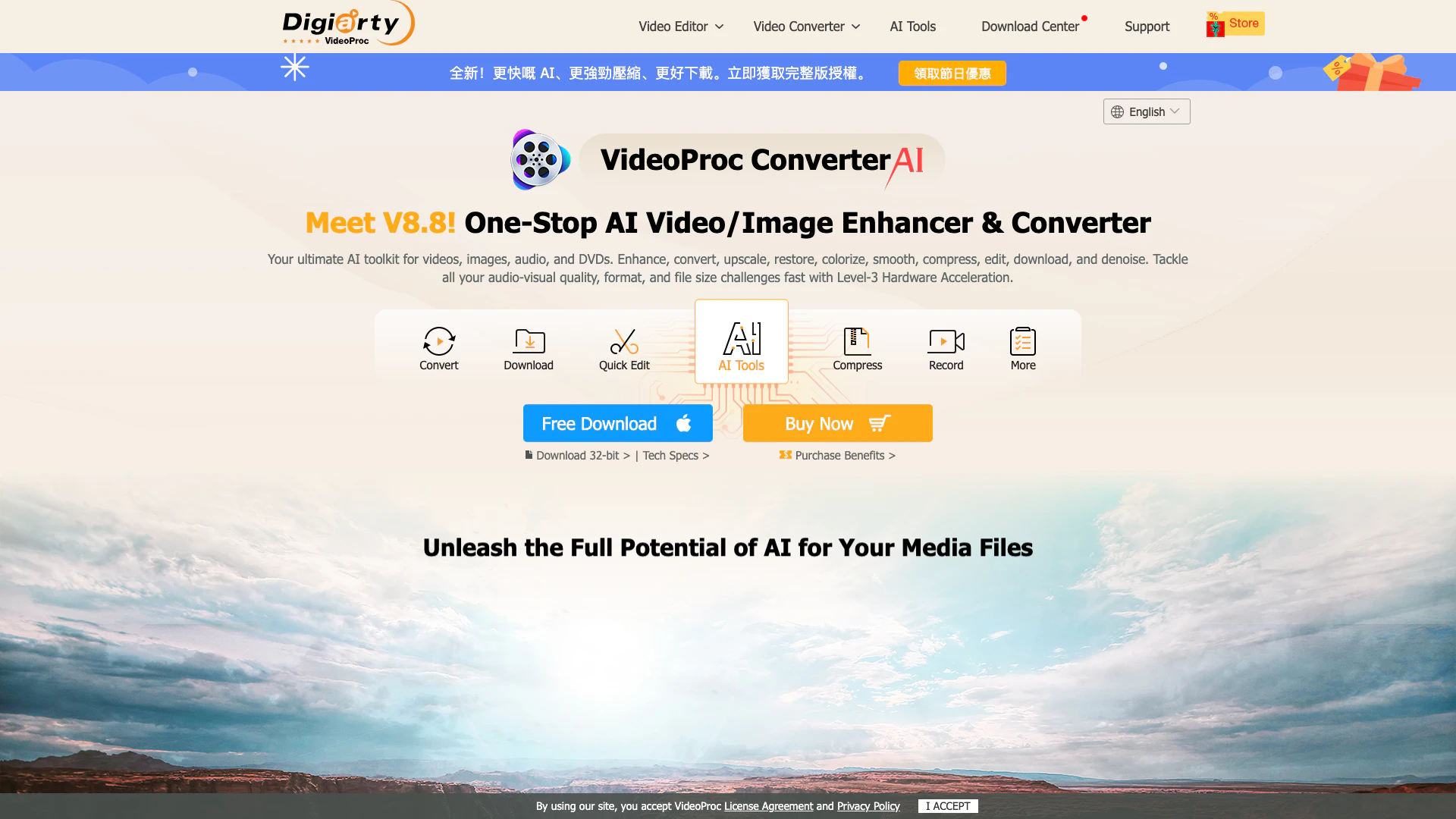
An all-in-one AI video converter and enhancer.
- Video & Animation
- AI Video Enhancer
- AI Video Upscaler
- Video Compression Tool

Enhance your videos to stunning HD or 4K quality effortlessly with BeautyPlus.
- Video & Animation
- AI Video Editor
- AI Video Enhancer
- AI Video Upscaler