

Reap





What is Reap?
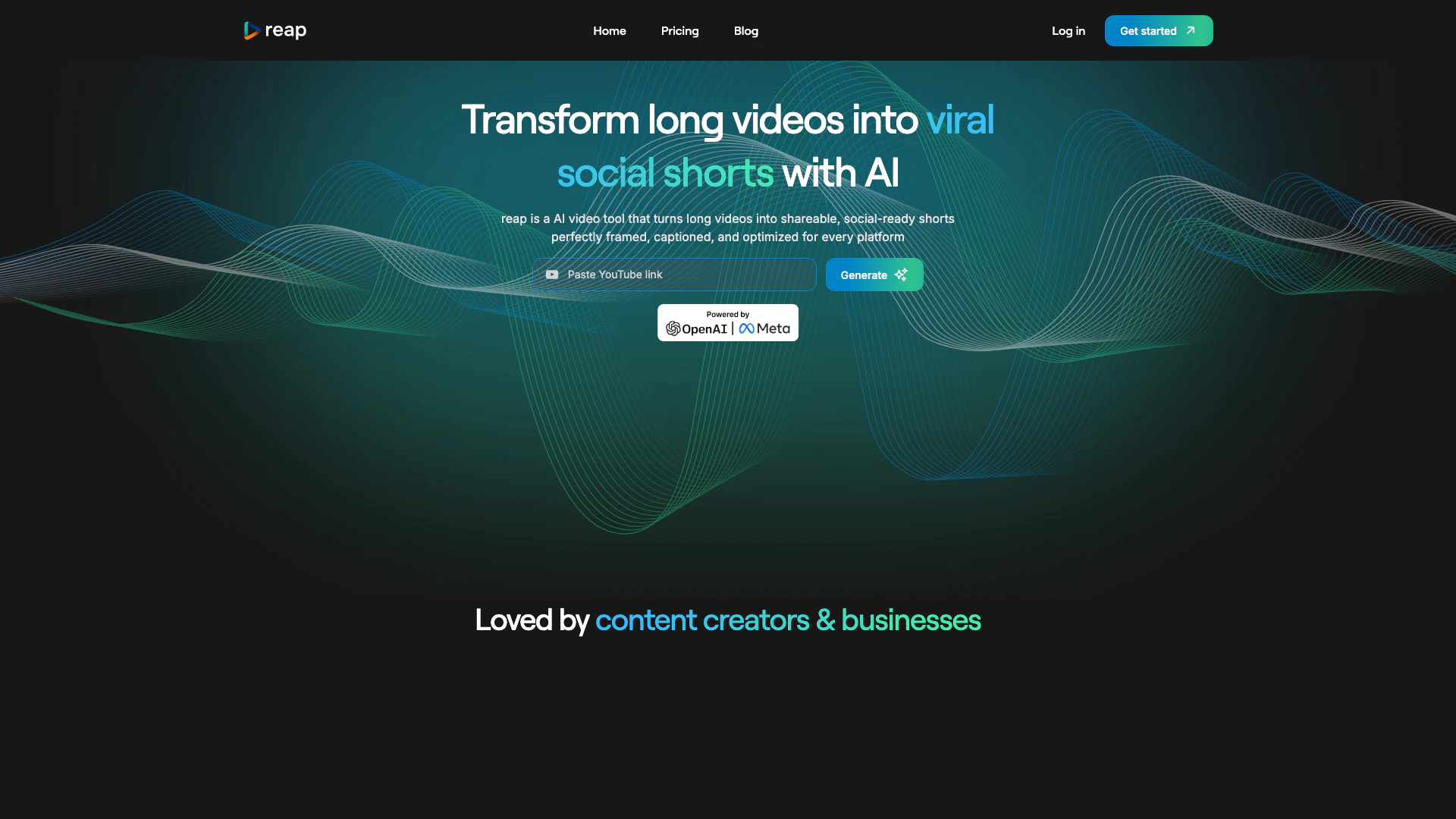
Reap is an innovative AI video editing and clipping tool[1] designed to transform long videos into engaging, shareable clips optimized for various social media platforms. With just one click, users can convert extensive content into viral-ready shorts, making it an essential tool for content creators and businesses looking to enhance their video marketing strategies. By leveraging advanced AI technology, Reap ensures that videos are perfectly framed, captioned, and tailored for maximum engagement across all platforms.
How to use Reap?
- Sign up for a Reap account on their website.
- Upload your long video that you want to repurpose.
- Use the AI-powered tools to select highlights or let Reap automatically curate engaging clips.
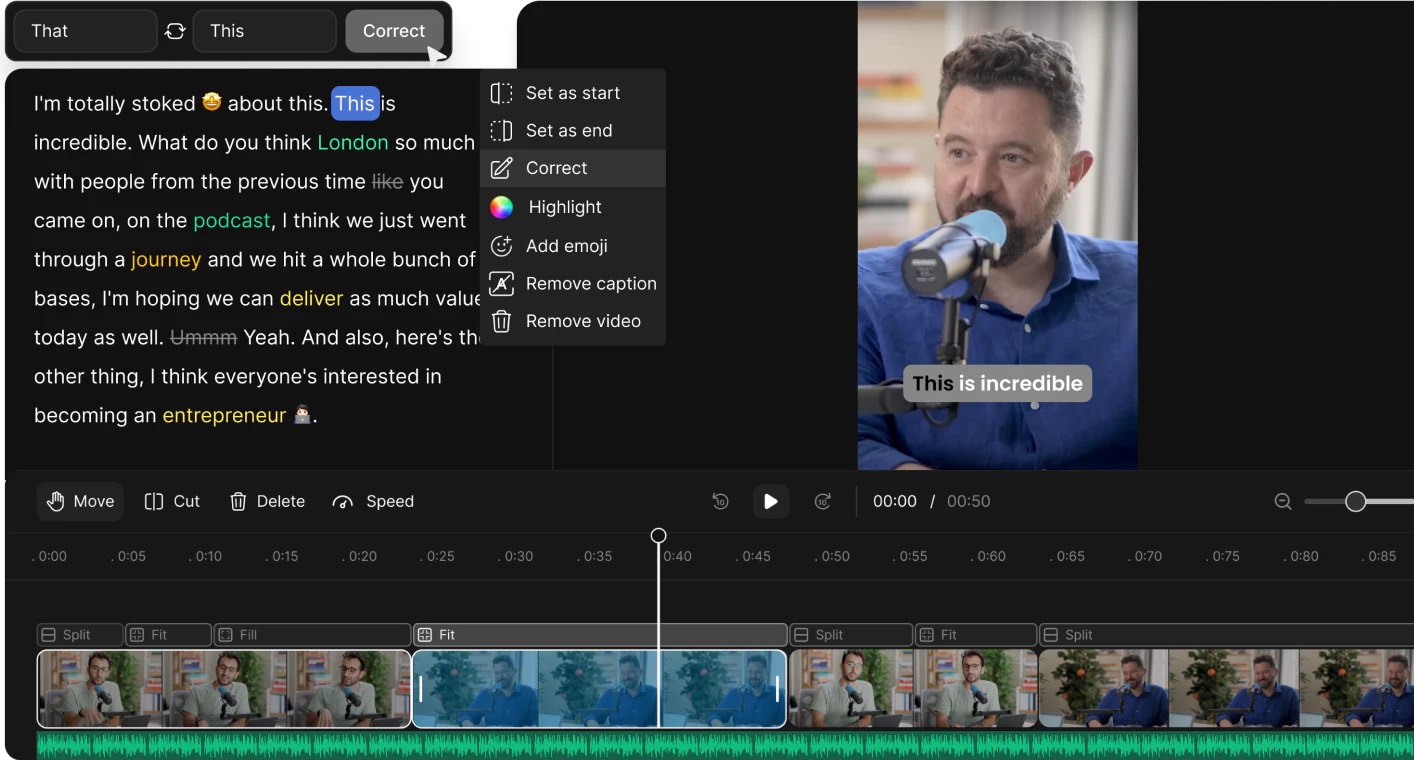
- Edit the clips if necessary, using features like captioning, speaker detection, and background noise removal.
- Choose the appropriate aspect ratio for your target platform (Instagram, YouTube, etc.).
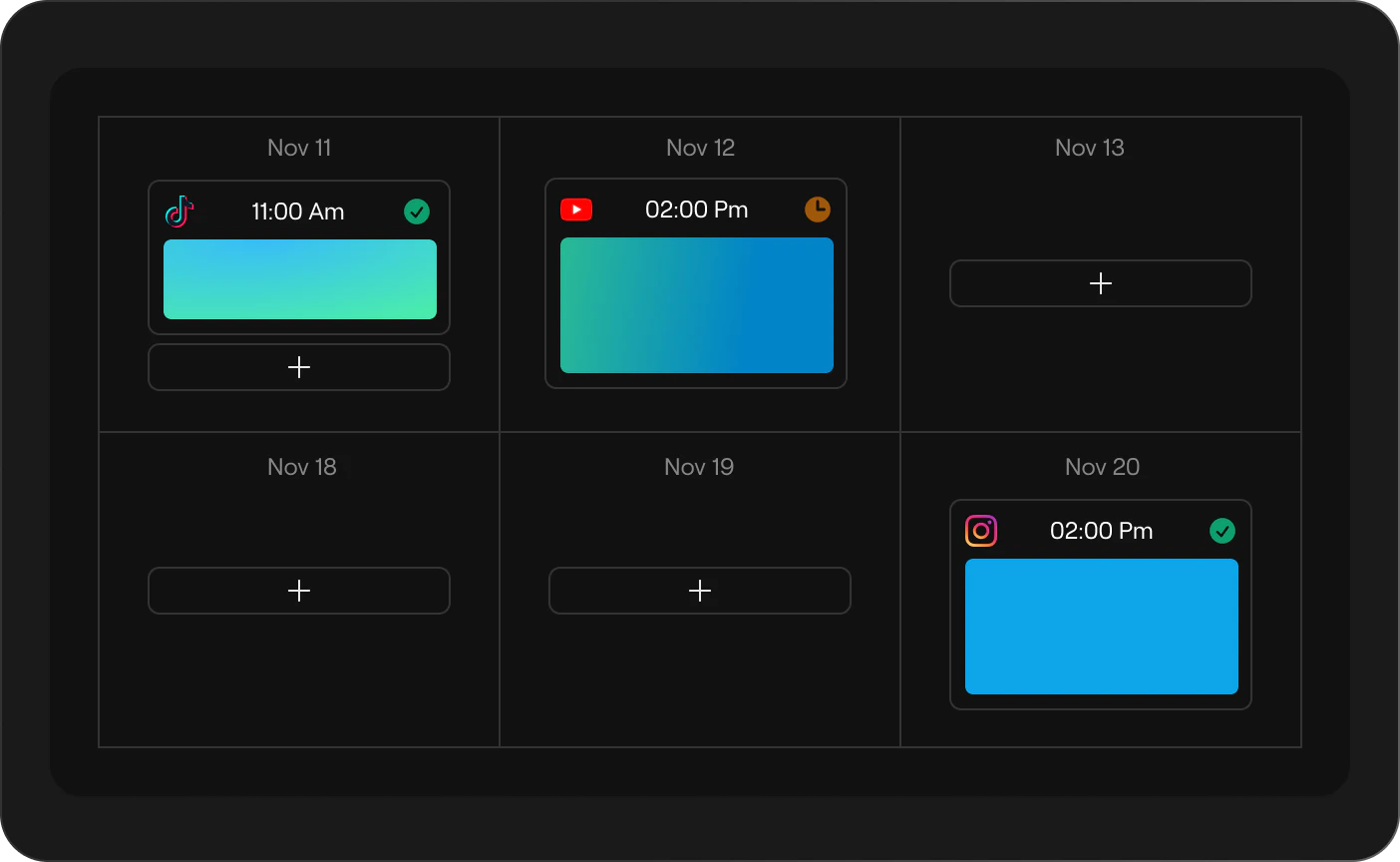
- Publish your clips directly to social media platforms or schedule them for later.
What are the main features of Reap?
- AI Clip Curation[2]: Automatically extracts the most engaging moments from your videos.
- Caption Presets[3]: Generates eye-catching subtitles to enhance accessibility and engagement.
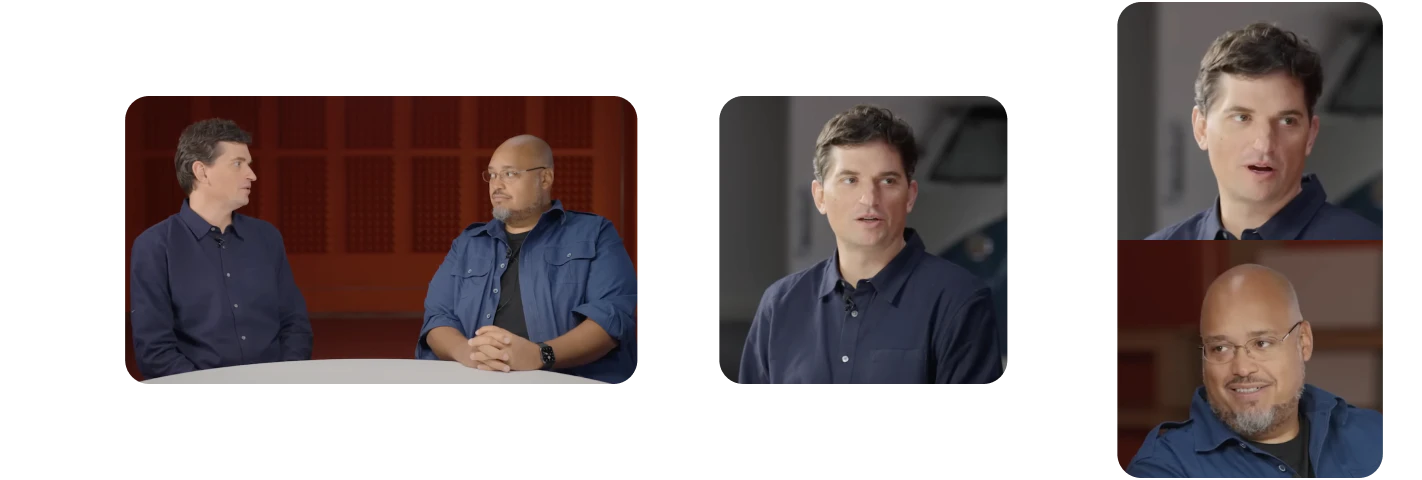
- Auto Speaker Detection[4]: Tracks speakers in real-time for a polished look.
- Aspect Ratios[5]: Repurposes content for various social media formats automatically.
- Transcript-Based Editing: Allows editing directly from the video transcript for precision.
- AI B-Roll: Enriches videos with contextually relevant footage.
- Background Noise Removal: Cleans audio for a professional sound.
Who is Reap for?
Reap is tailored for content creators, marketers, and businesses looking to enhance their video presence on social media. It is ideal for those who produce long-form content such as interviews, educational videos, podcasts, and webinars and want to efficiently repurpose that content into engaging clips suitable for platforms like Instagram, TikTok, and YouTube. With its user-friendly interface and powerful AI features, Reap caters to both novice and experienced users aiming to boost their video marketing efforts.
What are the use cases of Reap?
- Social Media Marketing: Transforming webinars into short promotional clips for social media ads.
- Content Repurposing: Taking long podcasts and creating bite-sized clips for audience engagement.
- Educational Content: Editing lecture recordings into concise, shareable lessons for students.
Product Images
Reap Pros and Cons
Pros
- AI-Powered Video Editing: Reap utilizes advanced AI technology to automate video editing, making it easy to create engaging clips from longer videos.
- Multi-Platform Publishing: With one click, users can publish their edited videos across various social media platforms, enhancing reach and engagement.
- Automatic Captioning: Reap generates accurate subtitles automatically, improving accessibility and viewer engagement with over 97% accuracy.
Cons
No cons data detected for this tool
Reap Pricing
Free Plan
For all content creators. Upto 60 Processing Minutes, No Watermark, Auto Reframe, HD Resolution Clips, Basic Subtitle Styles.
Creator Plan
For professional content creators. AI Clipping: Upto 120 hours/year, AI Captions: Upto 120 hours/year, Editor Transcription: 120 hours, Export in 1080p (watermark-free), Upto 24 hours/year of dubbing and translation, Premium subtitle styles + Auto-Reframed clipping, Social Media Scheduler and Publisher, Custom Brand Templates, 98+ Languages, Automation & Integrations API, Access to unlimited stock media library.
Studio Plan
For creative organizations and more. AI Clipping: Upto 240 hours/year, AI Captions: Upto 240 hours/year, Editor Transcription: 300 hours, Exports in 4K (watermark-free), Upto 60 hours/year of dubbing and translation, Team collaboration features (up to 3 users), Advanced AI tools, 98+ Languages, Automation & Integrations API, Priority support and faster processing times.
For the latest pricing, please visit this link: https://www.reap.video/pricing
Prices are subject to change. Please visit the official website for the most up-to-date pricing information.
Analytics of Reap
Reap Website Traffic Analysis
Visits Over Time
Traffic Sources
Nov 2025 - Jan 2026 Worldwide Desktop Only
- Direct: 53.07%
- Search: 29.99%
- Referrals: 9.80%
- Social: 5.36%
- Paid Referrals: 1.13%
- Mail: 0.11%
Top Regions
| Region | Percentage |
|---|---|
🇺🇸 United States | 35.37% |
🇮🇳 India | 7.09% |
🇬🇧 United Kingdom | 4.78% |
🇩🇪 Germany | 4.50% |
🇻🇳 Vietnam | 4.28% |
- United States: 35.37%
- India: 7.09%
- United Kingdom: 4.78%
- Germany: 4.50%
- Vietnam: 4.28%
Top Keywords
| Keyword | Volume | CPC | Estimated Value |
|---|---|---|---|
| reap video clip | 0 | $0.00 | $130.00 |
| reap | 20.29K | $3.54 | $610.00 |
| reap ai | 250 | $2.39 | $360.00 |
| reap video | 110 | $0.00 | $90.00 |
| reap clipping ai | 90 | $0.00 | $90.00 |
Reap Compare
| Tool Name | Introduction | Pricing | Type | Rating | Launch Date | Learn more |
|---|---|---|---|---|---|---|
Paraphrasing Tool (Ad-Free and No Sign-up Required) - QuillBot AI | Free | December 31, 1984 | Get deal | |||
Configure it once and automate your images forever without intervention—no need to review. Photos are ready to publish. Adjust backgrounds, lighting, banners, and more to fit your company branding. | Free | October 5, 2021 | Get deal | |||
Explore Prompt Vibes to create unique prompts with our ChatGPT Prompt generator. Discover a collection of the best prompts designed for various uses. | Free | February 25, 2023 | Get deal |

Info current as of post date. Offers and availability may vary by location and are subject to change.
Reap Q&A
reap revolutionizes video content creation with its user-friendly AI-powered platform. By leveraging advanced generative AI technology, reap automatically identifies key moments in longer videos, crafting captivating short clips that resonate with audiences. Trendy captions and seamless transitions are seamlessly integrated, ensuring a polished final product. Users can opt for automated curation or manually select highlights using the intuitive text-based video editor. Informed by insights from professional video editors, reap applies best practices for short video editing, guaranteeing engaging results every time.
Reap Alternatives

CapCut is a comprehensive online creative suite for video editing and graphic design.
- Video & Animation
- AI Video Editor
- AI Video Creation Suite
- AI Creative Video Production
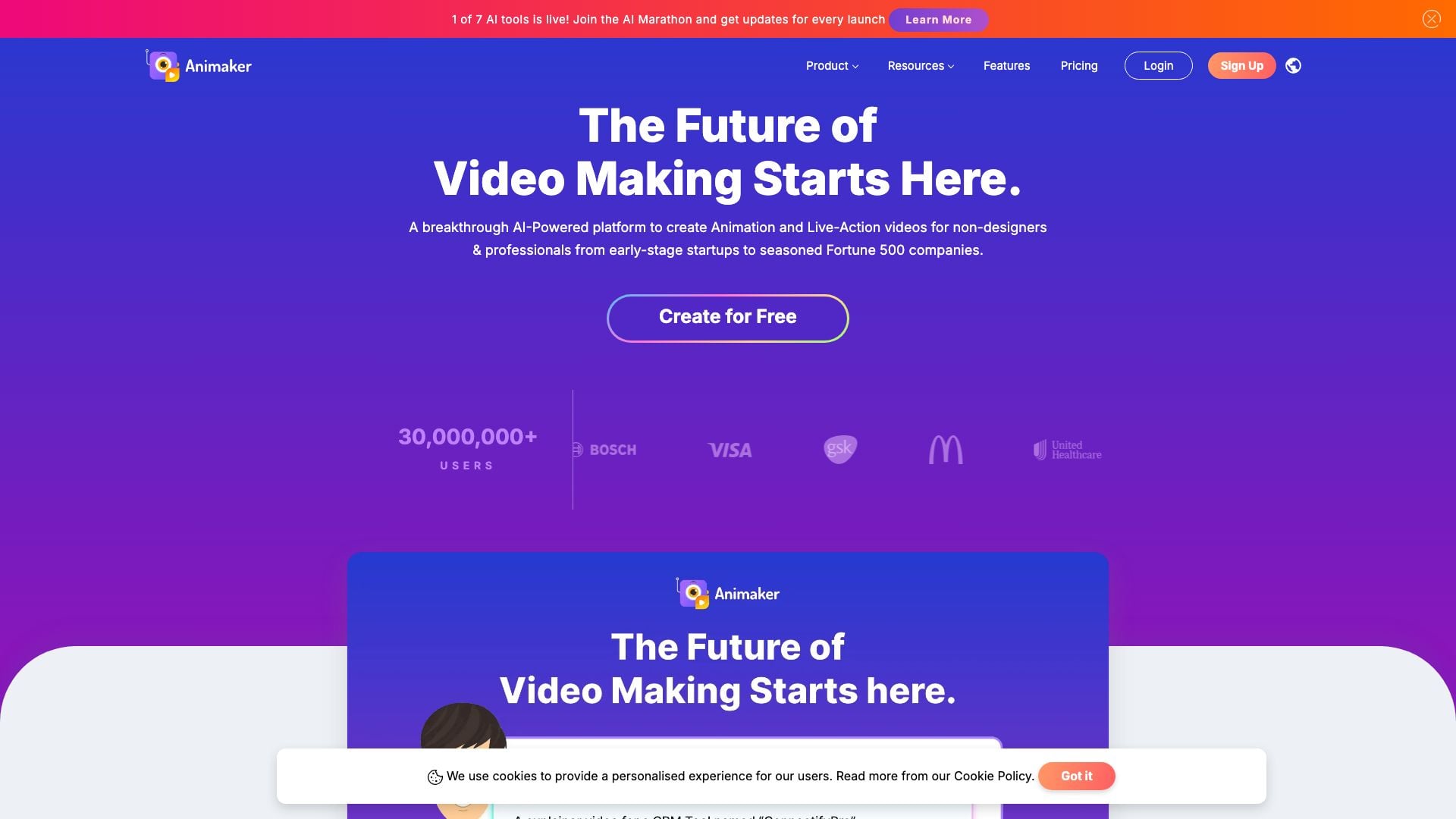
Animaker is an online AI animation generator and video maker that brings studio quality video content within everyone's reach. Animated Videos, Done Right!
- Video & Animation
- AI Video Editor
- AI Video Generator