

Safeappeals





What is SafeAppeals?
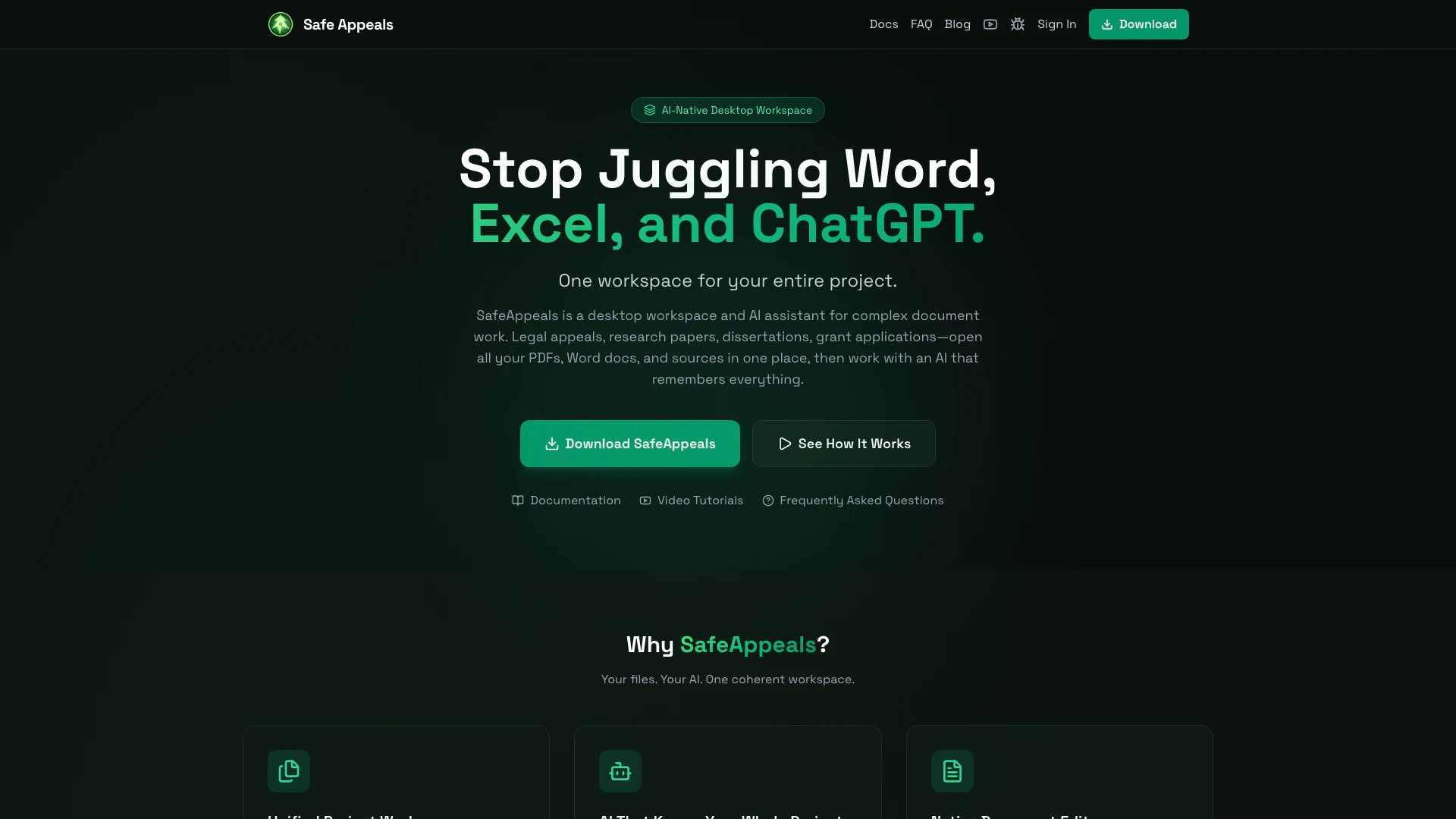
SafeAppeals is an AI-native[1] desktop workspace designed for managing complex document work, such as legal appeals[3], dissertations, research papers, and grant applications. This innovative tool allows users to open all their PDFs and documents in one place, supported by an AI that remembers everything. By integrating various document types, SafeAppeals eliminates the hassle of switching between different applications, providing a seamless and organized workspace for users to collaborate and manage their projects effectively.
How to use SafeAppeals?
- Create a Project Workspace: Open a folder for your project and save it as a workspace to unlock project-specific AI context and settings.
- Drop In Your Documents: Import your PDFs, research papers, notes, and sources. SafeAppeals will organize and index everything for easy access.
- Chat With Your AI: Interact with the AI to ask questions, draft content, and analyze sources, leveraging the AI's understanding of your entire project.
- Export Your Work: Generate polished papers, timelines, and summaries that are ready for submission.
What are the main features of SafeAppeals?
- Unified Project Workspace: Combine all your files—PDFs, Word documents, spreadsheets, and emails—in one accessible location.
- AI That Knows Your Whole Project: The AI can view and understand your entire project context, eliminating the need for repetitive explanations.
- Native Document Editors: Directly edit Word, Excel, and PDF files within SafeAppeals, making it easier to write papers and manage citations.
- Organized Document Management[2]: Import and automatically organize your documents, notes, and sources for streamlined access.
Who is SafeAppeals for?
SafeAppeals is designed for a diverse range of users who handle complex document work. This includes legal professionals such as paralegals and advocates dealing with legal appeals, graduate students working on dissertations and theses, researchers conducting academic studies and grant applications, and consultants preparing client reports and case studies. Essentially, anyone overwhelmed by managing multiple documents and needing an efficient way to organize their work will find SafeAppeals beneficial.
What are the use cases of SafeAppeals?
- Legal Appeals: Assisting injured workers and advocates in managing workers' compensation and human rights cases effectively.
- Graduate Studies: Helping students compile dissertations and literature reviews by organizing research sources and drafts in one location.
- Research Projects: Facilitating the creation of academic papers and grant applications by providing AI assistance for multi-source analysis.
Safeappeals Pros and Cons
Pros
- Unified Project Workspace: SafeAppeals consolidates all your files—PDFs, Word docs, spreadsheets—into one workspace, eliminating the need to switch between multiple applications.
- AI Context Awareness: The AI in SafeAppeals understands your entire project, allowing for seamless interactions without the need for repetitive explanations or copying and pasting.
- Native Document Editing: Users can edit Word, Excel, and PDF files directly within SafeAppeals, streamlining the process of writing and managing citations.
Cons
No cons data detected for this tool
Safeappeals Pricing
Starter
Perfect for getting started. 700K tokens, all AI models included, credits never expire, email support.
Pro
Best value — save 24%. 2M tokens, all AI models included, credits never expire, priority support.
Power
For heavy users — save 39%. 5M tokens, all AI models included, credits never expire, priority support.
For the latest pricing, please visit this link: https://safeappeals.com/
Prices are subject to change. Please visit the official website for the most up-to-date pricing information.
Safeappeals Compare
| Tool Name | Introduction | Pricing | Type | Rating | Launch Date | Learn more |
|---|---|---|---|---|---|---|
AiSofiya offers AI-powered tools, chatbots, and automation to help websites and businesses work smarter, faster, and 24/7. | Free | January 10, 2023 | Get deal | |||
AutoDraw | Free | January 2, 1998 | Get deal | |||
Edit your selfies to get the results you want with powerful and easy-to-use tools. Give your selfies the VIP treatment. Touch up, reshape & apply digital makeup. | Free | December 1, 2012 | Get deal |



Info current as of post date. Offers and availability may vary by location and are subject to change.
Safeappeals Q&A
SafeAppeals is a desktop workspace and AI case manager designed for workers' compensation and human-rights appeals. It combines native document editors (Word, Excel, PDF), AI chat that understands your entire case, and legal-specific tools like case timelines and file organizers—all in one application.
For more FAQs, please visit this link: https://safeappeals.com/docs/faq
Safeappeals Alternatives

Box AI enhances enterprise productivity with intelligent content management and automation.
- Operations & Management
- AI Workflow Automation
- AI Productivity Tools
- AI Information Management Tools

Thomson Reuters CoCounsel (Formerly Casetext) is the only Gen AI assistant created for professionals utilizing our world-class technology & content.
- Productivity & Office
- Ai Document Generator
- AI Research Tools
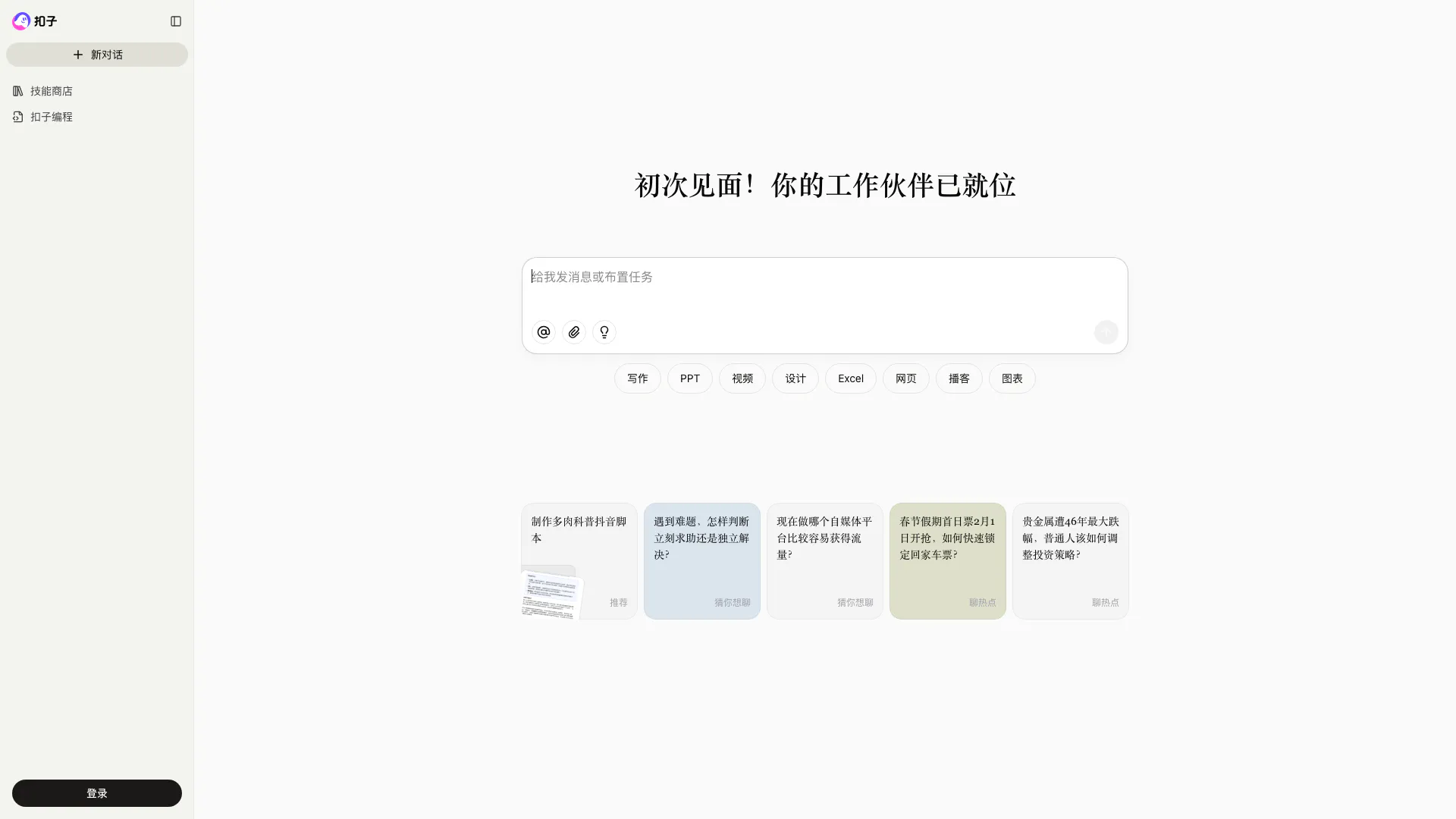
Coze is a powerful AI office assistant that enhances productivity through various automated tasks.
- Productivity & Office
- AI Productivity Tools
- AI Spreadsheet Tools
- AI File Management Tools