

Screenshotbro





What is Screenshotbro?
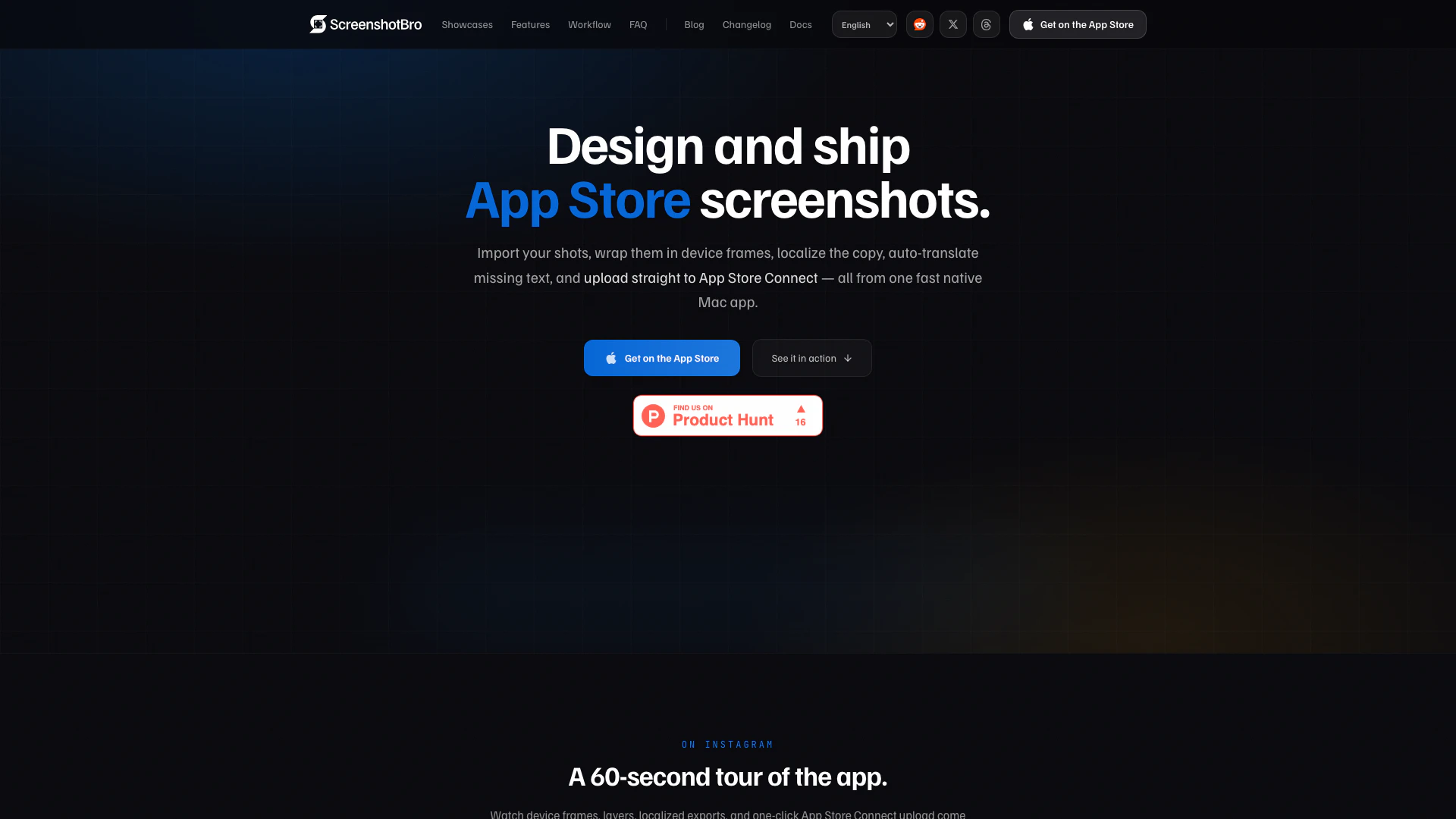
Screenshotbro is a powerful design tool specifically designed for Mac users to create stunning App Store and Google Play screenshots. This tool allows users to efficiently add device frames, localize content, batch export images, and directly upload their designs to App Store Connect. With its streamlined workflow, Screenshotbro aims to simplify the process of generating polished screenshot sets without the hassle of managing multiple design files.
How to use Screenshotbro?
- Download and Install: Start by downloading Screenshotbro from the Mac App Store and install it on your Mac.
- Import Screenshots: Drag and drop multiple screenshots into the app. Screenshotbro will automatically wrap each image in the appropriate device frame.
- Design Your Screenshots: Use the editing tools to customize your screenshots by adding text, shapes, and backgrounds. You can also choose device frames from a library.
- Localize Content: Add translations for different locales and fine-tune the text for each shape.
- Batch Export: Once your designs are complete, hit the export button to organize your screenshots by locale and row.
- Upload to App Store Connect: Finally, connect your App Store Connect API key and upload your screenshots directly to the desired app and version.
What are the main features of Screenshotbro?
- Batch Import: Easily drag and drop multiple screenshots at once.
- One-Click Upload: Upload screenshots directly to App Store Connect.
- Device Frames: Choose from a variety of device bezels for iPhones, iPads, and Android devices.
- Localization: Supports multiple languages with auto-translation features.
- Customizable Backgrounds: Use gradients or images for backgrounds with adjustable settings.
- Shape and Layer Tools: Add and customize shapes, text, and images with ease.
- Smart Alignment: Snap guides help maintain alignment while designing.
- iCloud Sync: Keep your projects available across all your Macs.
Who is Screenshotbro for?
Screenshotbro is ideal for app developers, designers, and marketers who need to create high-quality screenshots for their applications on the App Store and Google Play. It caters to those who value efficiency and quality in their design process, allowing them to produce visually appealing assets without the complexity of traditional design software. Whether you are an indie developer or part of a larger team, Screenshotbro provides the tools necessary to enhance your app's presentation.
What are the use cases of Screenshotbro?
- Creating App Store Screenshots: Design and prepare professional-looking screenshots for submission to the App Store.
- Localizing App Screenshots: Easily translate and adapt screenshots for different languages and regions to reach a broader audience.
- Batch Exporting Screenshots: Quickly export multiple screenshots at once, saving time during the app launch process.
- Mockup Presentations: Use Screenshotbro to create mockups for presentations or marketing materials showcasing your app's features.
- Efficient Design Workflow: Streamline the design process with features that reduce repetitive tasks and improve productivity.
Screenshotbro Pros and Cons
Pros
- Multi-Template Editing: Edit once and update all variants simultaneously, saving time and ensuring consistency across screenshots.
- Localized Export: Export screenshots in multiple locales with auto-organized folders, making it easy to manage assets for different regions.
- Native macOS Performance: Built with Swift and SwiftUI, providing instant launch and native performance without the overhead of browser-based tools.
Cons
No cons data detected for this tool
Screenshotbro Pricing
Free Tier
Unlimited in time, allows you to keep 1 project with up to 3 rows and 5 templates per row. Full access to every device frame, shape, and locale, watermark-free exports included.
Pro Tier
Lifts limits on projects, rows, and templates. Unlocks App Store Connect upload and iCloud sync.
For the latest pricing, please visit this link: https://screenshotbro.app/
Prices are subject to change. Please visit the official website for the most up-to-date pricing information.
Screenshotbro Compare
| Tool Name | Introduction | Pricing | Type | Rating | Launch Date | Learn more |
|---|---|---|---|---|---|---|
Rewind | Free | February 2, 2018 | Get deal | |||
Explore AI Lawyer for easy, quick, and budget-friendly legal help. Empowering consumers and lawyers with AI-driven solutions for all your legal needs. | Free | February 11, 2023 | Get deal | |||
AiSofiya offers AI-powered tools, chatbots, and automation to help websites and businesses work smarter, faster, and 24/7. | Free | January 10, 2023 | Get deal |



Info current as of post date. Offers and availability may vary by location and are subject to change.
Screenshotbro Q&A
Yes. The free tier is unlimited in time and lets you keep 1 project with up to 3 rows and 5 templates per row — full access to every device frame, shape, and locale, watermark-free exports included. Pro lifts those limits and unlocks App Store Connect upload and iCloud sync.
Screenshotbro Alternatives

Adobe Firefly is an AI-driven tool for creating unique images, videos, and audio.
- Image Generation & Editing
- AI Image Generator
- AI Photo Editor
- AI Realistic Image Generator

Picsart is a versatile platform for creating stunning visual content using AI tools.
- Image Generation & Editing
- AI Image Generator
- AI Photo Editor
- Gallery Creation Tool

Pixelbin.io is free online photo editor. Use PixelBin to edit, crop, enhance, or add background to your images. A mobile app is also available for editing.
- Image Generation & Editing
- AI Smart Crop
- AI Image Enhancer
- AI Photo Editor