

Sharemytimer
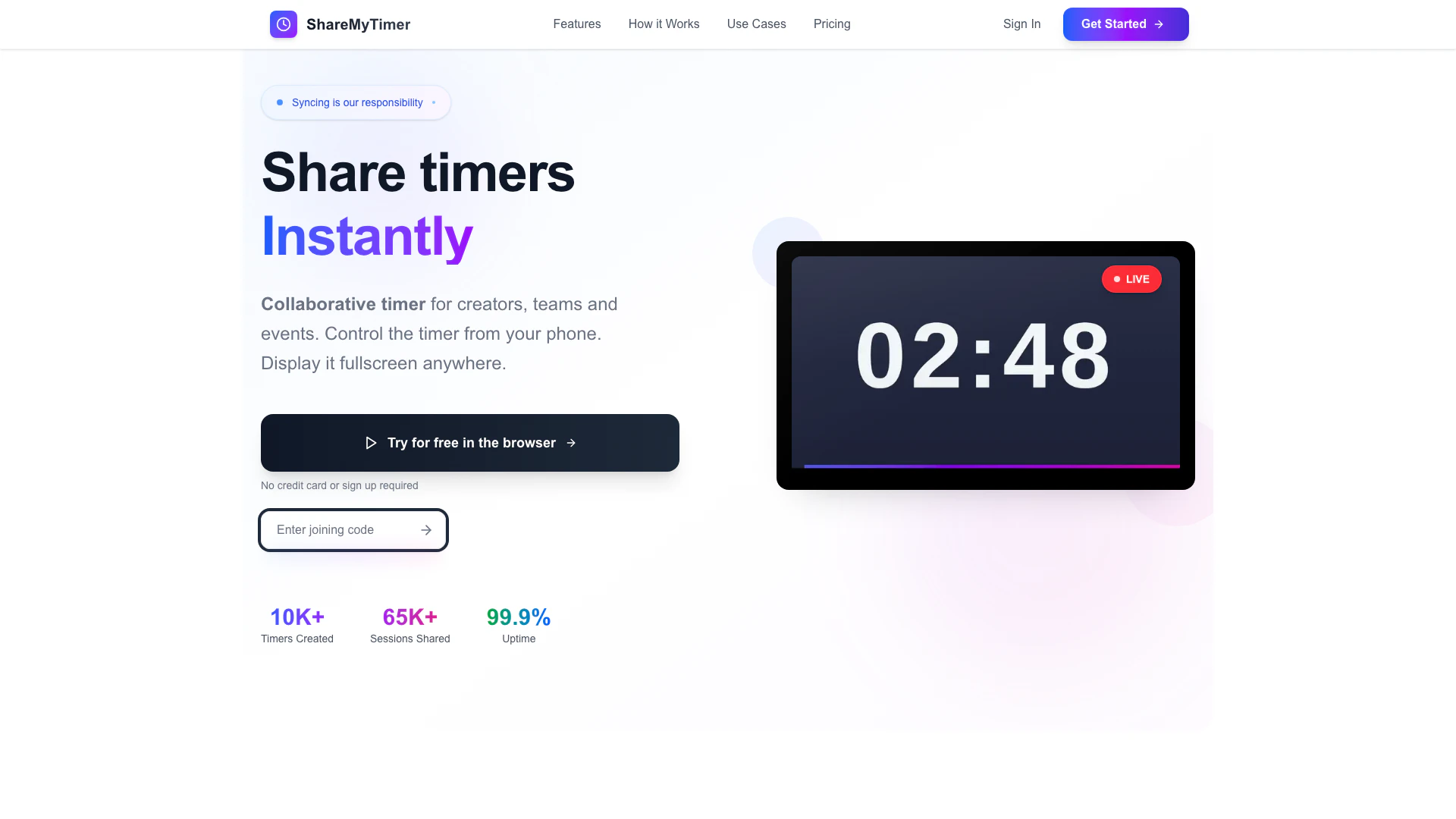





What is ShareMyTimer?
ShareMyTimer is a collaborative timing tool designed to create and share synchronized timers for teams and events. It allows users to control the timer directly from their phones and display it in fullscreen mode anywhere, ensuring that all participants are on the same page without any need for sign-ups or complicated setups. With a focus on real-time synchronization, ShareMyTimer enhances collaboration and coordination during various activities, making it an ideal solution for creators, educators, and teams.
How to use ShareMyTimer?
- Create: Set your desired timer duration and customize the display message for your session.
- Share: Copy the unique link generated for your timer and send it to anyone who needs to view it.
- Sync: Everyone connected will see the same timer in real-time, while you control the timer from your device.
What are the main features of ShareMyTimer?
- Instant Sharing: Share timers instantly via links or QR codes without any accounts or hassle.
- Real-Time Messaging: Send live updates to all connected viewers, enhancing communication.
- Multiple Themes: Choose from over 10 beautiful themes to match your event's style.
- Zoom & OBS Ready: Seamlessly integrate with streaming and meeting platforms.
- Unlimited Viewers: Support an unlimited number of viewers on a single timer.
- Count Up & Count Down Modes: Flexibility in timer functionality to suit different activities.
Who is ShareMyTimer for?
ShareMyTimer is designed for a diverse range of users including remote teams needing synchronized meetings and breaks across different time zones, educators managing exam times and class activities, event organizers coordinating presentations and workshops, and groups engaging in shared focus sessions like Pomodoro or study groups. Its user-friendly interface and zero-friction setup make it accessible for anyone looking to enhance their timing coordination.
What are the use cases of ShareMyTimer?
- Remote Work: Use ShareMyTimer to synchronize meeting times and breaks for distributed teams across various time zones.
- Educational Settings: Manage class activities and exam durations effectively, ensuring all students are aligned with the schedule.
- Events and Workshops: Coordinate timing for presentations, activities, and discussions, allowing for smooth transitions and engagement.
Sharemytimer Pros and Cons
Pros
- Instant Sharing: Share timers instantly using links or QR codes without the need for accounts or sign-ups.
- Real-Time Synchronization: Everyone sees the same timer in real-time, ensuring perfect coordination during events.
- No Setup Required: Users can create and share timers without any downloads or complicated setups, making it user-friendly.
Cons
No cons data detected for this tool
Sharemytimer Alternatives
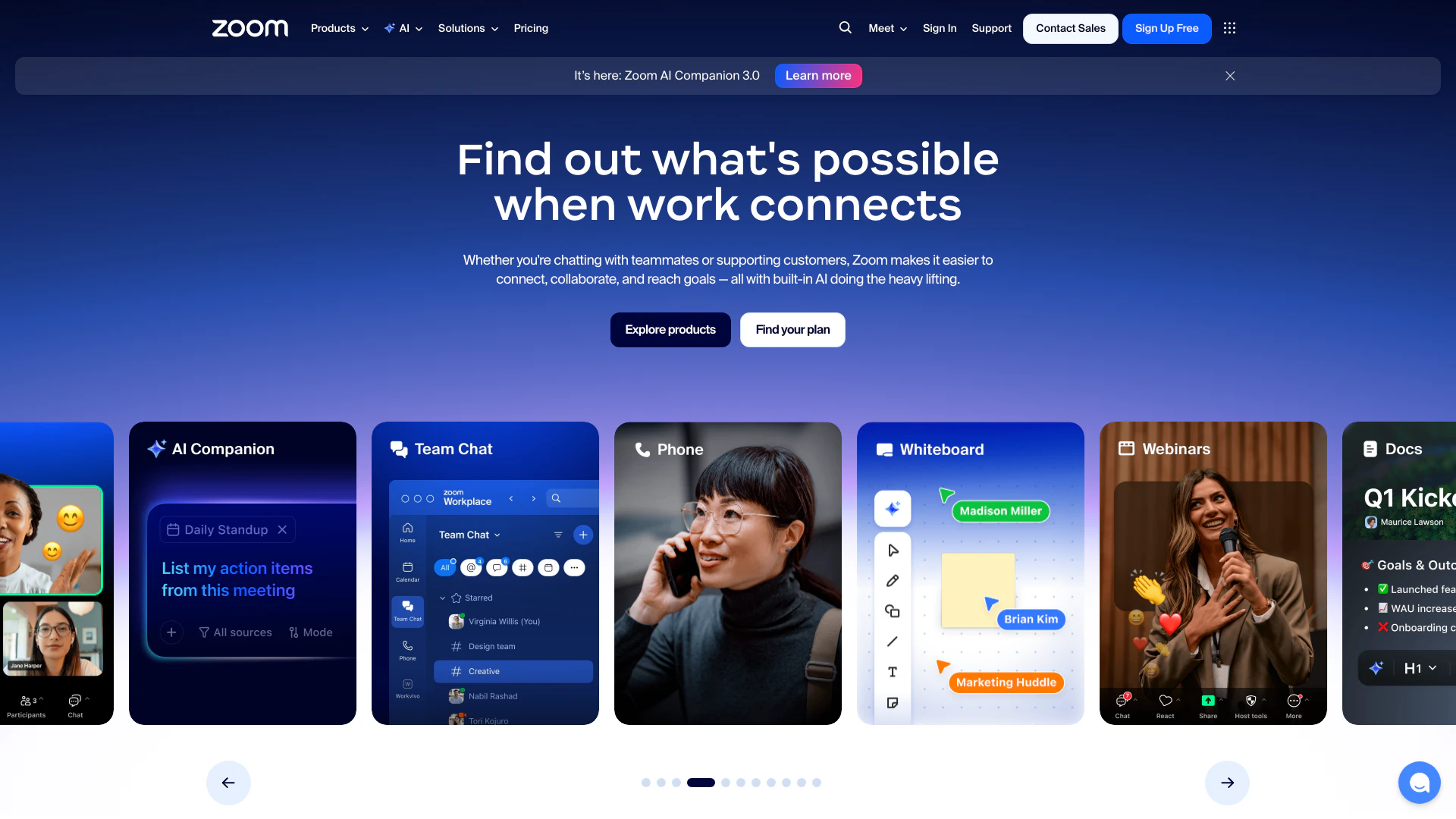
Connect and collaborate seamlessly with Zoom's all-in-one platform.
- Productivity & Office
- Content Management Tools
- AI Meeting Management Tools
- AI Meeting Optimization Tools
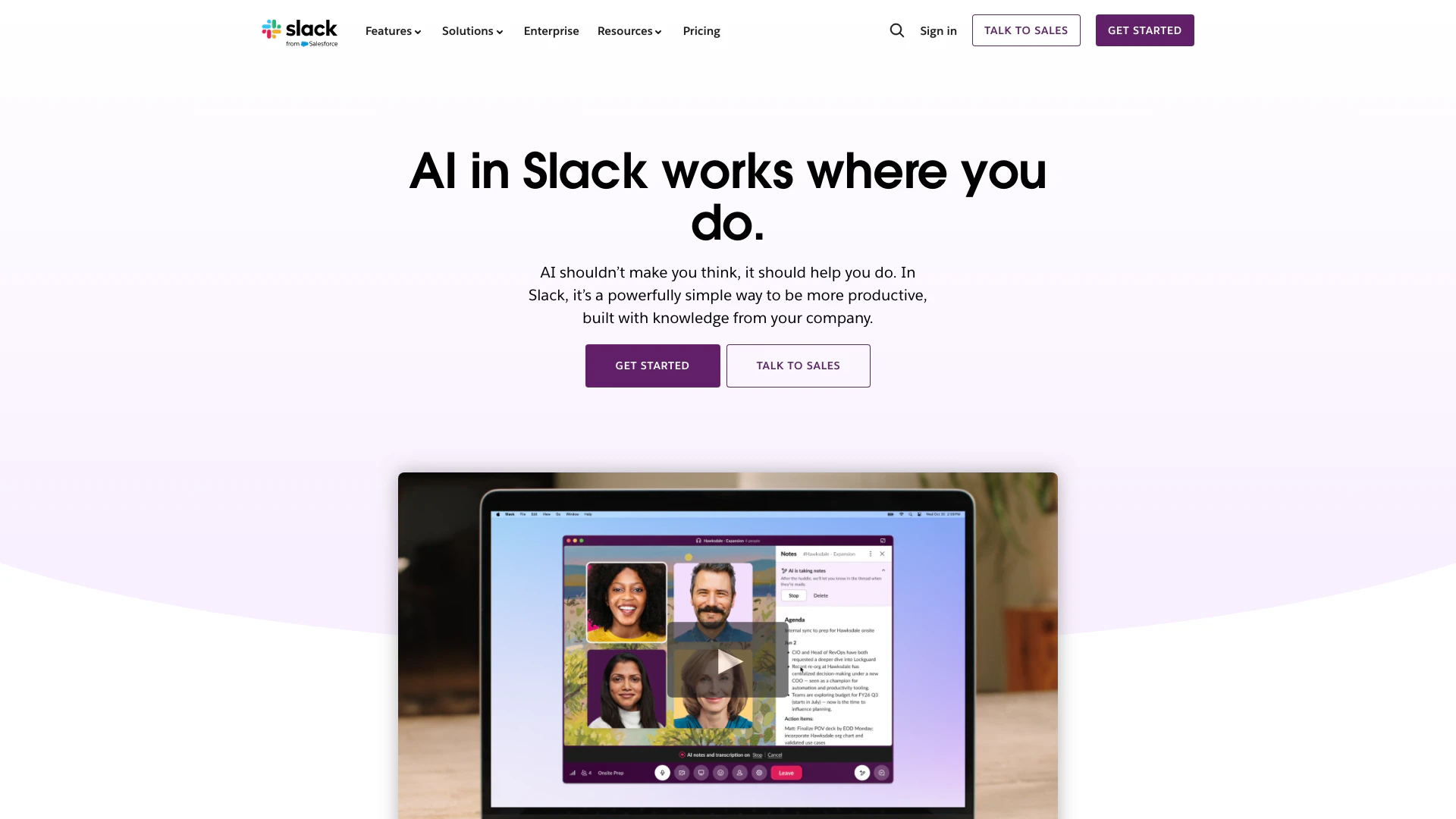
Enhance collaboration and productivity with Slack's AI features.
- Productivity & Office
- AI Productivity Tools
- AI Meeting Management Tools
- AI Meeting Optimization Tools

Boost Productivity in HubSpot with Breeze Copilot | HubSpot
- Operations & Management
- AI CRM Tools
- Ai Productivity Tools