

Siftwatch





What is Siftwatch?
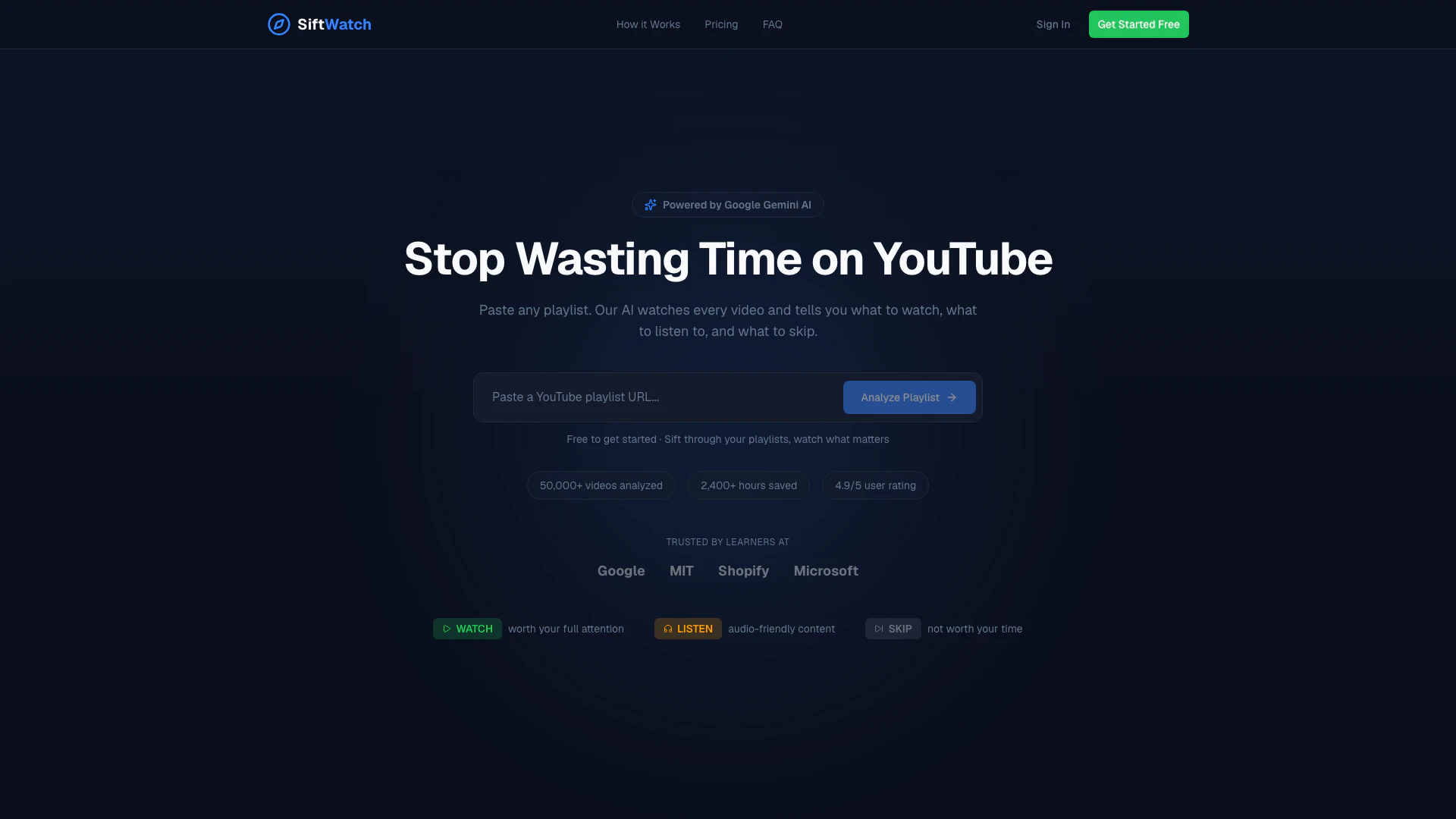
Siftwatch is an innovative AI-powered tool designed to enhance your YouTube experience by analyzing playlists. Users simply paste a YouTube playlist URL, and the AI evaluates each video, providing personalized recommendations on what to watch, listen to, or skip. With Siftwatch, you can save hours of time by focusing only on the most relevant content, making it ideal for learners and anyone looking to optimize their video consumption.
How to use Siftwatch?
- Visit the Siftwatch website and create an account or log in.
- Paste the URL of the YouTube playlist you wish to analyze into the designated field.
- Allow the AI to analyze the videos, which may take a few moments.
- Review the personalized action plan generated by Siftwatch, indicating which videos to watch, listen to, or skip.
What are the main features of Siftwatch?
- Personalized Classification: Adjust settings based on your interests and expertise, allowing the AI to tailor recommendations.
- Smart Timestamps: Quickly navigate to key moments in videos, such as sponsors or essential learning points.
- Multi-Language Summaries: Receive analysis results and summaries in various languages including French, Spanish, and Arabic.
- Listen Mode: Identify videos suitable for audio-only consumption, making multitasking easier.
Who is Siftwatch for?
Siftwatch is designed for a diverse audience, particularly students, professionals, and lifelong learners who want to maximize their time on YouTube. It caters to individuals who frequently use YouTube for educational purposes, such as those studying programming, marketing, or any other field where video content is prevalent. The tool is also beneficial for anyone who wants to streamline their video-watching experience and avoid irrelevant content.
What are the use cases of Siftwatch?
- Educational Learning: Students can analyze playlists of lecture videos to focus on key topics and skip redundant content.
- Professional Development: Professionals can sift through industry-related videos to find the most relevant training materials.
- Personalized Content Consumption: Users can create playlists of their interests and let Siftwatch guide them on what to prioritize.
Siftwatch Pros and Cons
Pros
- AI-Powered Video Analysis: Siftwatch uses AI to analyze YouTube playlists, providing personalized recommendations on what to watch, listen to, or skip, saving users significant time.
- Personalized Experience: Users can set their interests and expertise level, allowing the AI to adapt its recommendations to individual preferences.
- Multi-Language Support: Siftwatch offers summaries and results in multiple languages, including French, Spanish, and Arabic, catering to a diverse user base.
Cons
No cons data detected for this tool
Siftwatch Pricing
Free
Free to get started, sift through your playlists, watch what matters.
PRO
Most Popular plan.
POWER
Advanced plan for deeper analyses.
20 credits
Buy credit packs anytime — they never expire. 20 credits for $5.
50 credits
Best Value. 50 credits for $10.
150 credits
150 credits for $25.
For the latest pricing, please visit this link: https://www.siftwatch.com/#pricing
Prices are subject to change. Please visit the official website for the most up-to-date pricing information.
Siftwatch Compare
| Tool Name | Introduction | Pricing | Type | Rating | Launch Date | Learn more |
|---|---|---|---|---|---|---|
AiSofiya offers AI-powered tools, chatbots, and automation to help websites and businesses work smarter, faster, and 24/7. | Free | January 10, 2023 | Get deal | |||
Lunit develops AI solutions that detect early-stage cancer and optimize cancer treatment for saving lives through technology. | Free | August 10, 2015 | Get deal | |||
Paraphrasing Tool (Ad-Free and No Sign-up Required) - QuillBot AI | Free | December 31, 1984 | Get deal |

Info current as of post date. Offers and availability may vary by location and are subject to change.
Siftwatch Q&A
Siftwatch works with any public YouTube playlist, accommodating playlists with up to hundreds of videos.
For more FAQs, please visit this link: https://www.siftwatch.com/#faq
Siftwatch Alternatives

CapCut is a comprehensive online creative suite for video editing and graphic design.
- Video & Animation
- AI Video Editor
- AI Video Creation Suite
- AI Creative Video Production
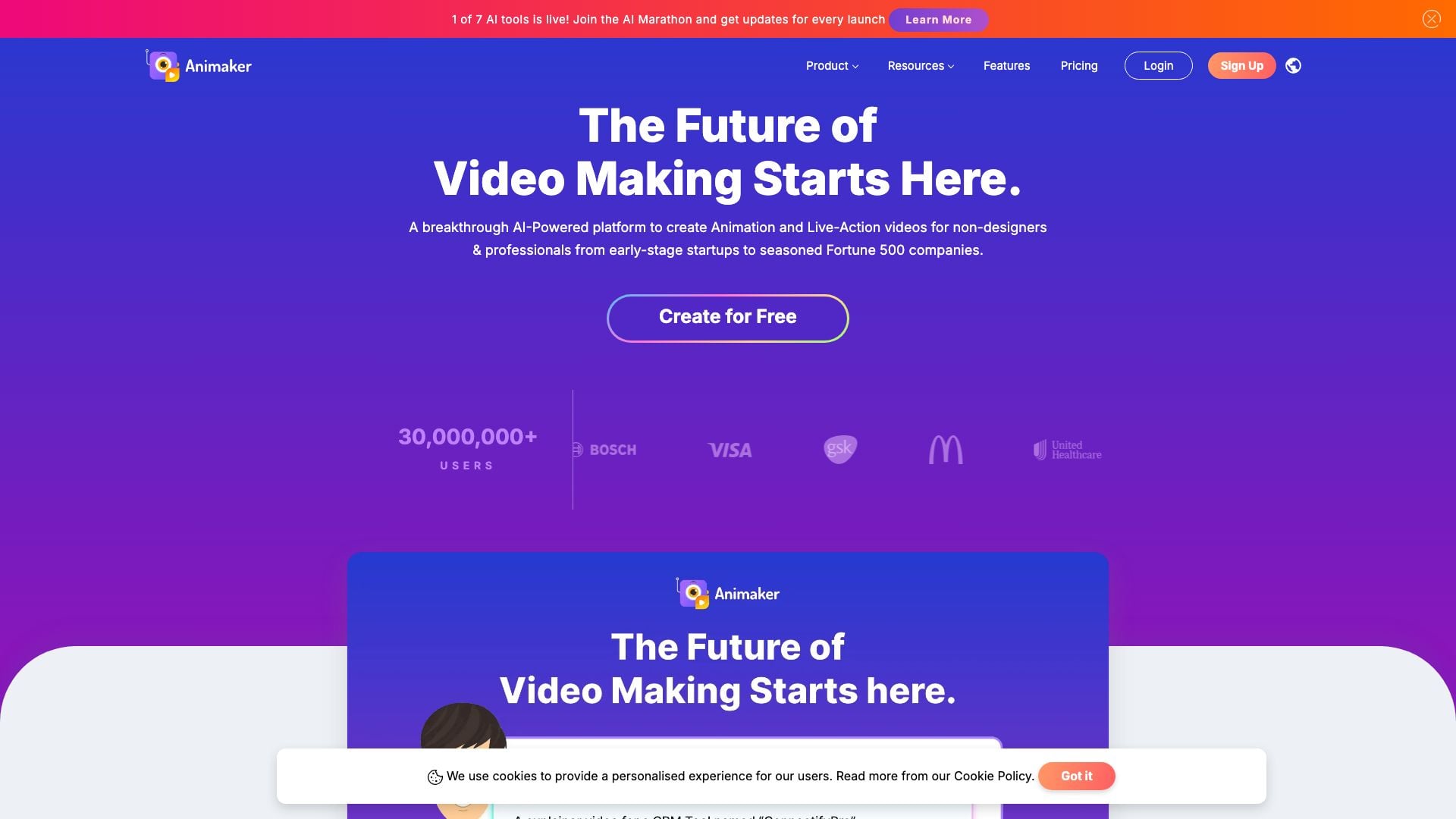
Animaker is an online AI animation generator and video maker that brings studio quality video content within everyone's reach. Animated Videos, Done Right!
- Video & Animation
- AI Video Editor
- AI Video Generator