

Slidesgo
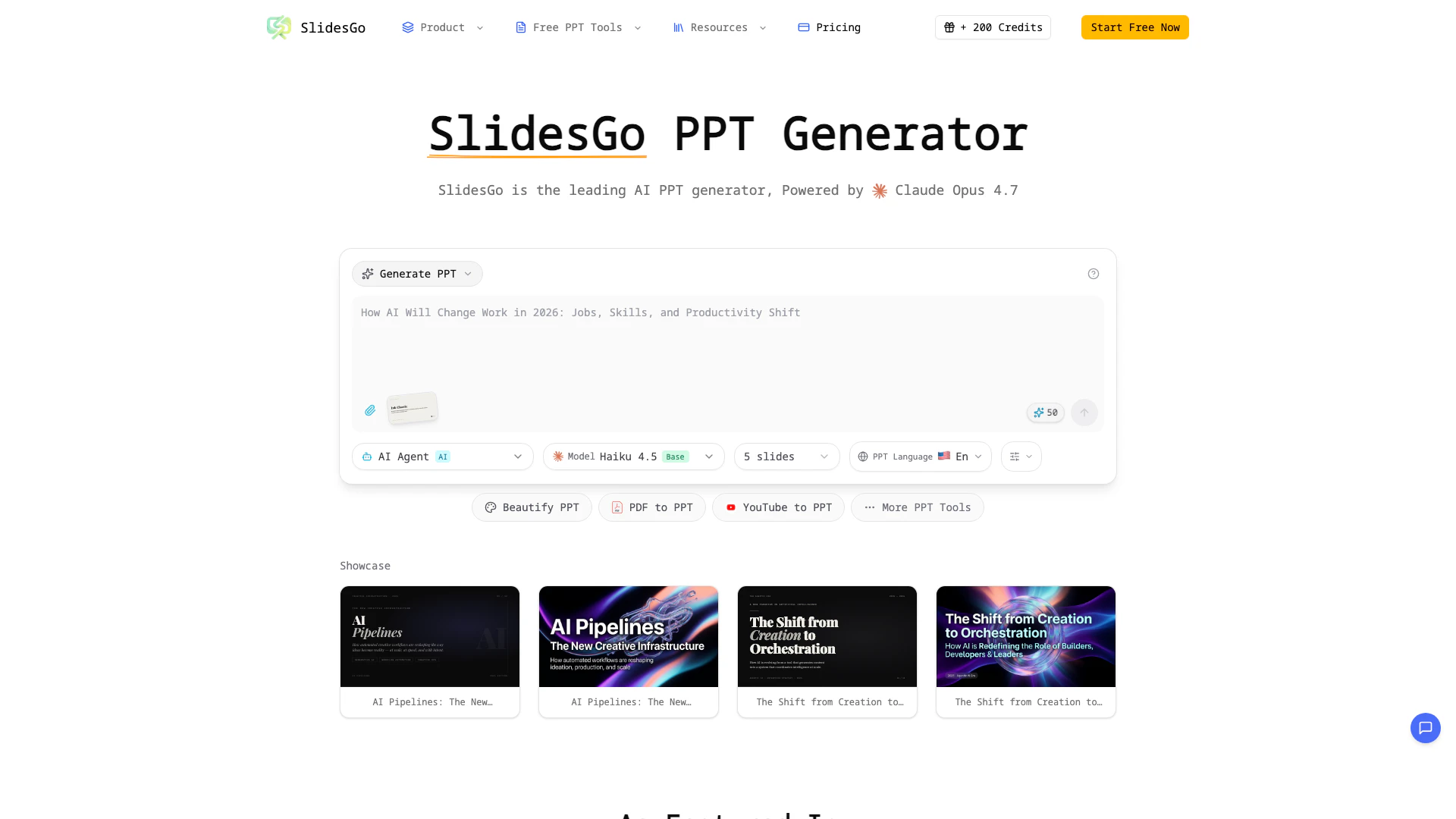





What is SlidesGo?
SlidesGo is a revolutionary AI PPT maker that transforms your ideas into polished presentations in minutes. As the most advanced AI PowerPoint generator, SlidesGo leverages cutting-edge artificial intelligence to manage design, layout, and content structure, making it an ideal solution for both business and educational presentations. With SlidesGo, users can create professional results effortlessly, marking the future of presentation creation.
How to use SlidesGo?
- Visit the SlidesGo website and sign up for an account.
- Describe your presentation topic in the provided text box.
- Allow the AI PPT generator to create a complete slide deck with professional layouts and content.
- Review the generated presentation and make any necessary edits in real-time.
- Enhance your slides with suggested images and charts as needed.
- Export your final presentation as a PPTX file when ready.
What are the main features of SlidesGo?
- AI PPT Generation: Automatically creates a complete slide deck based on your presentation topic.
- AI PowerPoint Beautification: Enhances existing presentations by fixing layouts and applying professional styles.
- Speaker Notes Generation: Provides detailed speaker notes for each slide to aid in presentation delivery.
- Real-time Preview & Edit: Allows users to preview and edit presentations directly in the browser.
- Smart Layouts: Automatically selects the best layout for each slide based on content type.
- Chart Generation: Creates professional charts and graphs from raw data.
- Image Suggestions: Recommends relevant images to enhance visual appeal.
- Multi-language Support: Facilitates presentation creation in multiple languages.
Who is SlidesGo for?
SlidesGo is designed for a wide range of users including business professionals, educators, and content creators who need to create effective presentations quickly and efficiently. Whether you are preparing a business pitch, an educational lecture, or a creative project, SlidesGo provides the tools necessary to produce high-quality presentations without the hassle of traditional design methods.
What are the use cases of SlidesGo?
- Business Presentations: Create polished pitch decks and reports for meetings and conferences.
- Educational Lectures: Develop engaging slide decks for classroom presentations or online courses.
- Marketing Campaigns: Design visually appealing presentations for marketing strategies and product launches.
- Workshops and Training: Prepare instructional materials and presentations for workshops or training sessions.
- Creative Projects: Generate unique presentations for art shows, creative pitches, or personal projects.
Slidesgo Pros and Cons
Pros
- Fast Presentation Creation: SlidesGo allows users to create complete presentation decks in minutes, significantly reducing the time spent on design and formatting.
- AI-Powered Design Automation: The AI technology in SlidesGo automatically generates professional slides and selects optimal layouts based on the content, enhancing the overall presentation quality.
- Multi-language Support: SlidesGo supports the creation of presentations in multiple languages, making it suitable for global teams and diverse audiences.
Cons
No cons data detected for this tool
Slidesgo Compare
| Tool Name | Introduction | Pricing | Type | Rating | Launch Date | Learn more |
|---|---|---|---|---|---|---|
Generate AI lesson plans, PowerPoints, and more with Copilot! Use Copilot to breeze through your unit planning and material creation! | Free | November 13, 2022 | Get deal | |||
Configure it once and automate your images forever without intervention—no need to review. Photos are ready to publish. Adjust backgrounds, lighting, banners, and more to fit your company branding. | Free | October 5, 2021 | Get deal | |||
AI-Based Cloud Cost Reduction Platform | Profisea Labs | Free | May 1, 2020 | Get deal |



Info current as of post date. Offers and availability may vary by location and are subject to change.
Slidesgo Alternatives
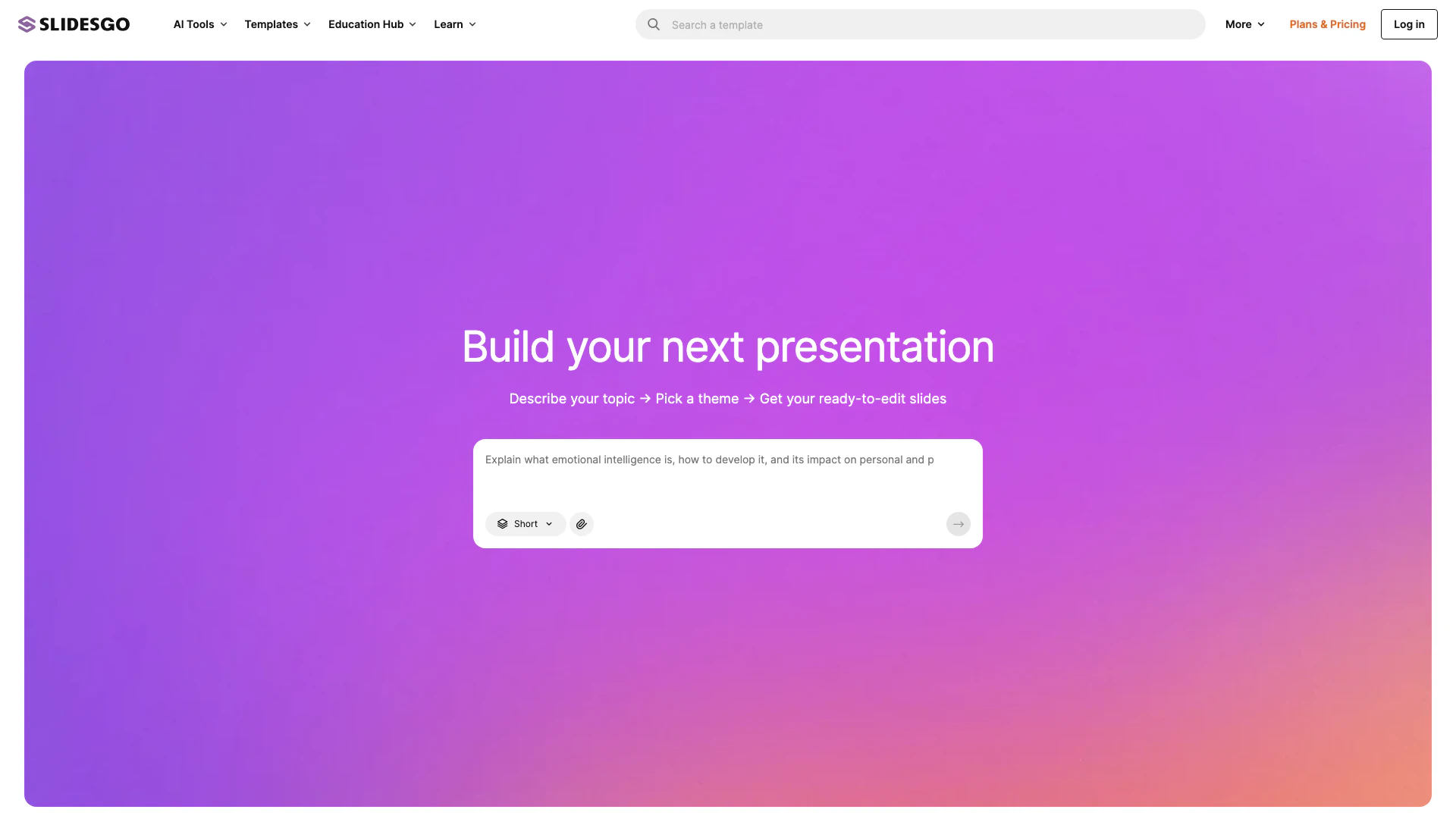
Slidesgo offers free Google Slides and PowerPoint templates for stunning presentations.
- Productivity & Office
- Presentation Templates
- Free Presentation Resources
- Google Slides and PowerPoint Tools
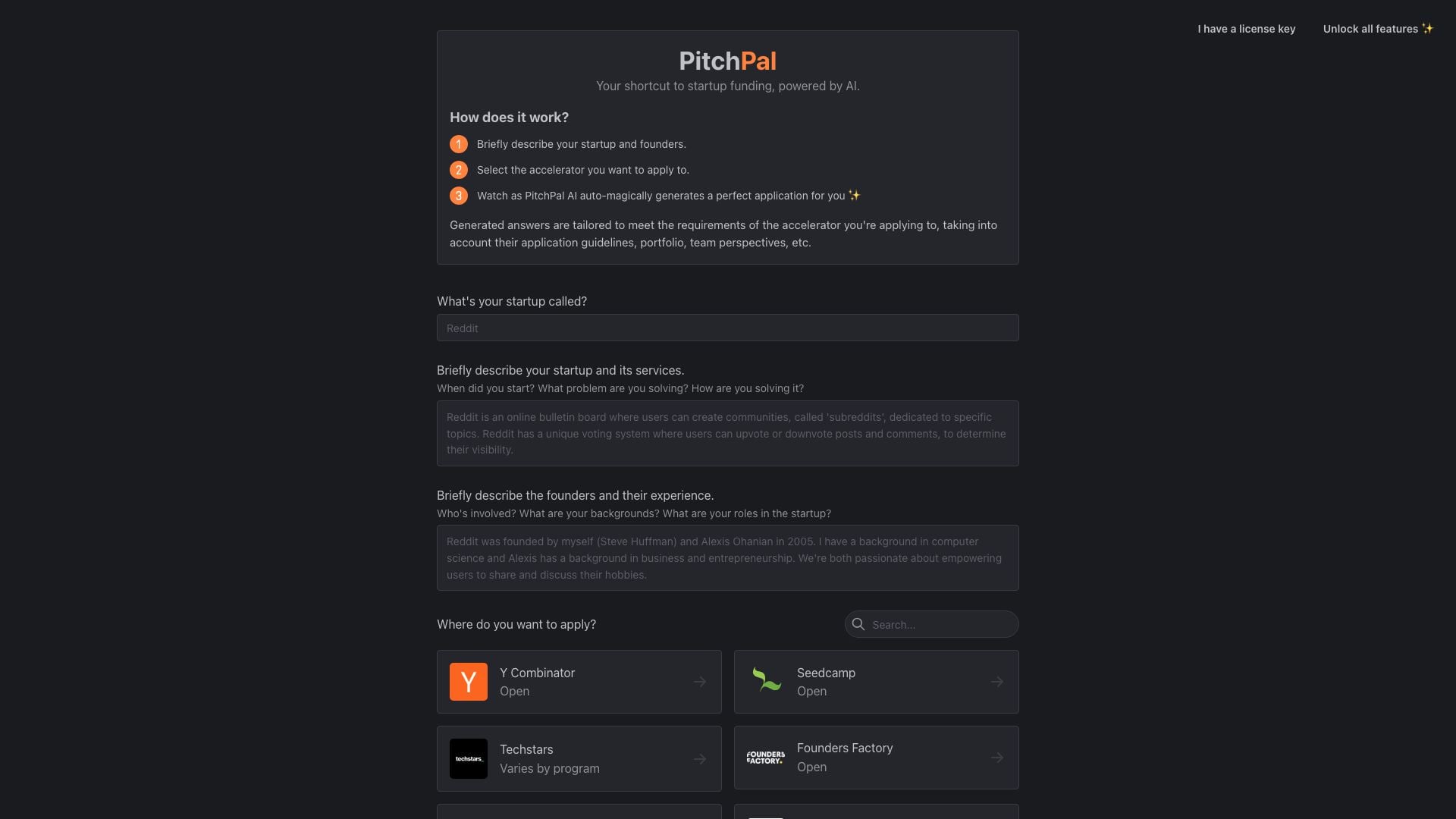
Briefly describe your startup, select an accelerator, and watch as PitchPal AI auto-magically generates a perfect application for you ✨
- Art & Design
- AI Design Generator
- AI Marketing Tools
- AI Pitch Deck Generator

Supademo: AI Interactive Product Demos
- Art & Design
- AI Design Generator
- AI UX/UI Design
- AI Video Generator