

Stochastic
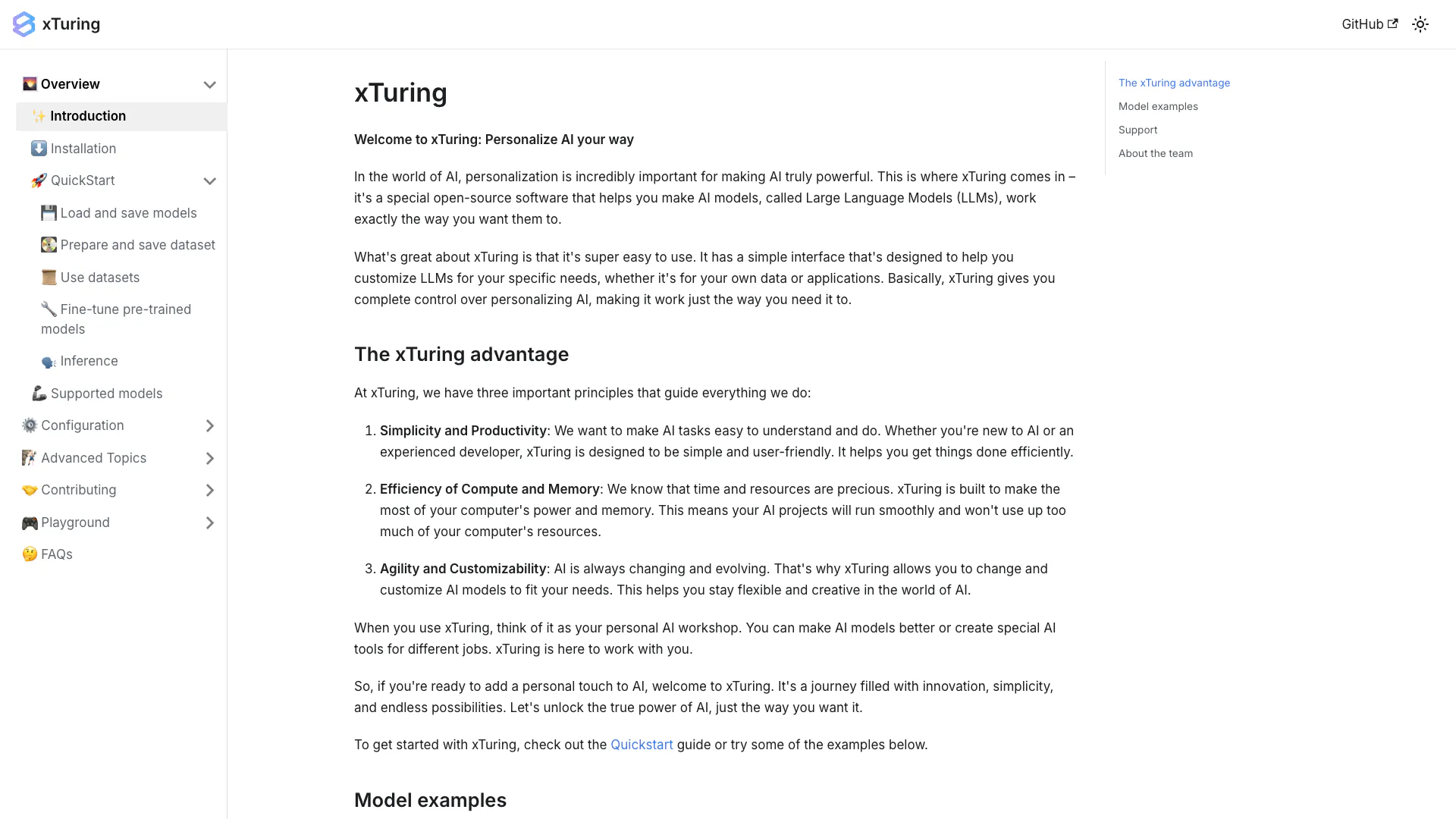




What is xTuring?
xTuring is an open-source AI personalization library designed to help users customize Large Language Models (LLMs) to meet specific needs. By providing a user-friendly interface, xTuring enables developers and data scientists to personalize AI models effectively, making them more relevant and efficient for various applications. The tool emphasizes simplicity, efficiency, and customizability, allowing users to leverage the power of AI in a way that aligns with their unique requirements.
How to use xTuring?
- Install xTuring: Begin by downloading and installing the xTuring library from the official GitHub repository.
- Load Your Model: Use the provided functions to load a pre-trained model or create a new one tailored to your dataset.
- Prepare Your Dataset: Format and save your dataset for training or fine-tuning your AI models using xTuring's tools.
- Fine-tune the Model: Follow the guidelines to fine-tune your model according to your specific requirements, adjusting parameters as needed.
- Run Inference: Utilize the inference functions to test and deploy your customized AI model for practical applications.
What are the main features of xTuring?
- Open-source Accessibility: xTuring is fully open-source, allowing users to modify and adapt the library to their needs.
- User-friendly Interface: The tool provides a simple interface for easy customization of AI models.
- Support for Multiple Models: xTuring supports various pre-trained models, enabling flexibility in application.
- Efficient Resource Management: Designed to optimize compute and memory usage for smoother performance.
- Customizability: Users can easily adjust models to fit their specific data and application requirements.
Who is xTuring for?
xTuring is ideal for developers, data scientists, and AI enthusiasts who seek to personalize AI models for specific applications. It caters to both beginners looking to explore AI personalization and experienced professionals aiming to fine-tune complex models. The tool is suitable for various industries, including technology, healthcare, finance, and education, where tailored AI solutions can enhance user experiences and operational efficiency.
What are the use cases of xTuring?
- Custom Chatbots: Build personalized chatbots that understand and respond to user queries based on specific datasets.
- Content Generation: Fine-tune models to generate tailored content for marketing, blogging, or social media.
- Data Analysis: Use xTuring to create models that analyze and interpret data, providing insights tailored to specific business needs.
Stochastic Pros and Cons
Pros
- User-Friendly Interface: xTuring features a simple interface designed for both beginners and experienced developers, making it easy to customize AI models.
- Efficient Resource Management: The tool is optimized for compute and memory efficiency, ensuring smooth operation without excessive resource consumption.
- High Customizability: xTuring allows users to easily modify and fine-tune AI models, providing flexibility to adapt to various needs.
Cons
No cons data detected for this tool
Stochastic Compare
| Tool Name | Introduction | Pricing | Type | Rating | Launch Date | Learn more |
|---|---|---|---|---|---|---|
Explore AI Lawyer for easy, quick, and budget-friendly legal help. Empowering consumers and lawyers with AI-driven solutions for all your legal needs. | Free | February 11, 2023 | Get deal | |||
🧠 AI-powered image resizer for social media | Free | June 8, 2021 | Get deal | |||
Paraphrasing Tool (Ad-Free and No Sign-up Required) - QuillBot AI | Free | December 31, 1984 | Get deal |


Info current as of post date. Offers and availability may vary by location and are subject to change.
Stochastic Alternatives

DeepSeek focuses on pioneering general AI technologies and models.
- Other
- Large Language Models (LLMs)
- AI Development Tools
- Ai Model Fine Tuning Tools

Explore cutting-edge AI models with Deepseek.
- Developer Tools
- AI Development Tools
- Ai Model Fine Tuning Tools
- AI Cloud Computing Platforms

OpenAI Codex enhances coding efficiency with AI-driven task support.
- Developer Tools
- AI Coding Assistants
- AI Development Tools
- AI Prompt Engineering Tools