

Summarywise




What is SummaryWise?
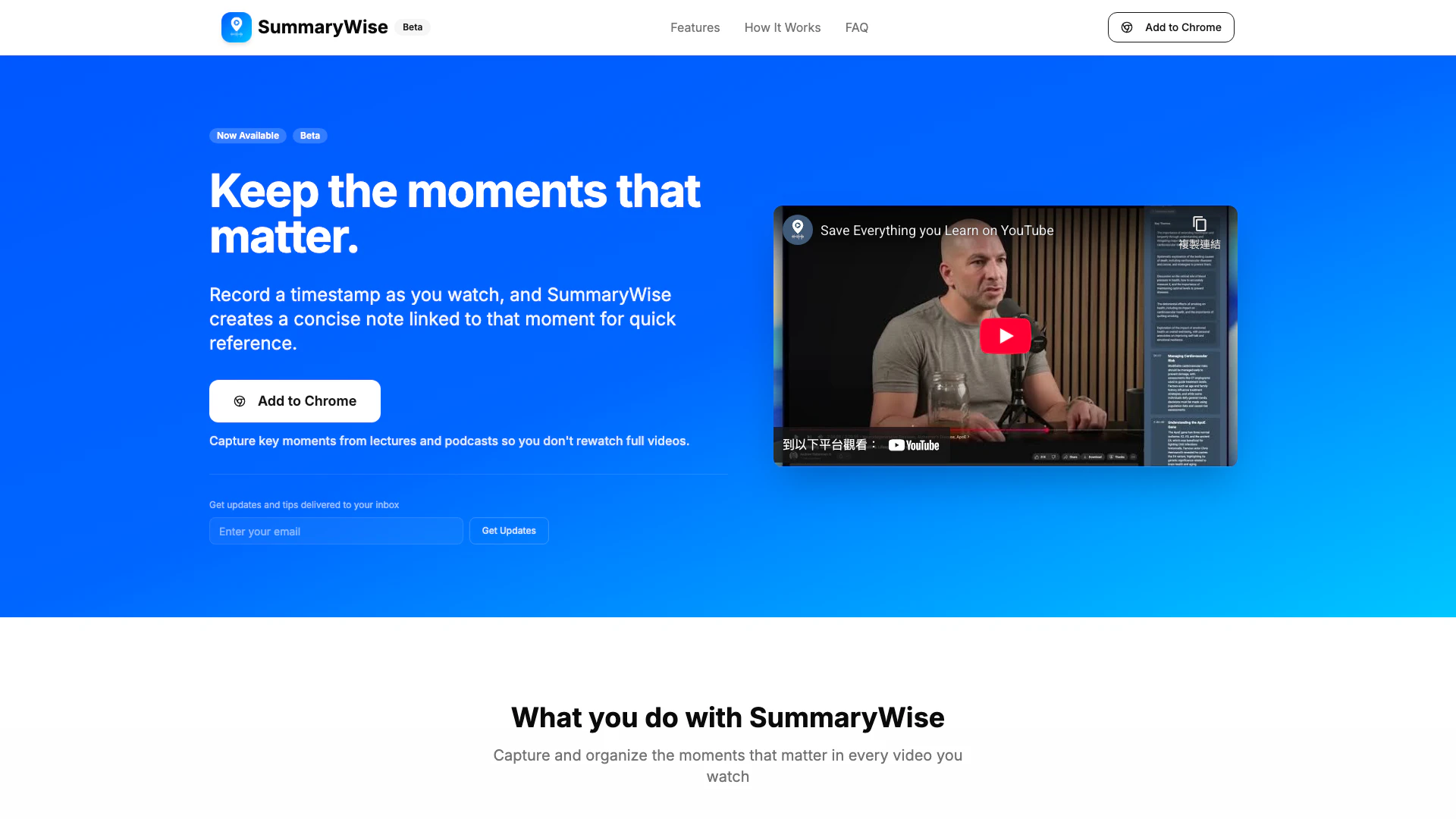
SummaryWise is a Chrome extension[1] designed to enhance the way users engage with YouTube videos by allowing them to highlight[2] and summarize[3] important moments in seconds. This innovative tool is particularly valuable for serious learners, as it enables users to capture timestamped highlights[4] from lectures, podcasts, and interviews, creating concise notes linked to specific moments. By utilizing AI technology, SummaryWise generates instant mini summaries[5] based on the surrounding audio, facilitating better recall and organized study sessions. This tool is ideal for students, researchers, and professionals who seek to maximize their learning experience on YouTube.
How to use SummaryWise?
- Install the Chrome extension: Add SummaryWise to your Chrome browser with a single click to start capturing insights immediately.
- Watch a lecture, podcast, or interview on YouTube: Open any YouTube video and begin watching as you normally would.
- Click 'Create Highlight' at important moments: When you encounter a significant point, click the 'Create Highlight' button in the extension.
- SummaryWise writes a mini summary for that timestamp: The AI analyzes the surrounding audio and generates a short summary that appears in the sidebar.
- Edit notes and return to highlights later: Refine the generated summaries in your own words, and revisit them whenever you study that topic again.
What are the main features of SummaryWise?
- Timestamped highlights: Mark precise moments in videos when important information occurs.
- Instant mini summaries: Automatically generated summaries that provide quick insights based on the highlighted moment.
- Editable notes: Customize the mini summaries to better fit your personal study or project needs.
- Organized recall: Review highlights categorized by video, topic, or channel for efficient study sessions.
- Quick access: Jump back to specific clips in videos without needing to rewatch the entire content.
Who is SummaryWise for?
SummaryWise is tailored for a diverse audience, including: - Students who watch video lectures and require notes tied to specific explanations rather than entire chapters. - Podcast listeners aiming to capture significant ideas from lengthy episodes as short, linked notes. - Researchers and professionals who watch talks, interviews, or tutorials and need to revisit exact moments for their work or studies. This tool is ideal for anyone who treats YouTube as a serious learning platform.
What are the use cases of SummaryWise?
- Lecture review: Capture key explanations at the moment they appear in a lecture and revisit them by timestamp for effective study.
- Podcast research: Mark insightful moments in long podcast episodes and return to the exact clip during review sessions.
- Structured note-taking: Build organized highlights and summaries that link directly to video sources, enhancing the learning process.
Product Images

Summarywise Pros and Cons
Pros
- Timestamped Highlights: Capture key moments in videos by recording timestamps, allowing for quick reference later.
- Instant Mini Summaries: AI generates concise summaries based on surrounding audio, providing quick insights without rewatching.
- Editable Notes: Users can refine AI-generated summaries in their own words, tailoring notes to their needs.
Cons
No cons data detected for this tool
Summarywise Compare


Info current as of post date. Offers and availability may vary by location and are subject to change.
Summarywise Q&A
Yes, SummaryWise offers a free trial for users to test the features before committing to a subscription.
For more FAQs, please visit this link: https://summarywise.com/#faq
Summarywise Alternatives

CapCut is a comprehensive online creative suite for video editing and graphic design.
- Video & Animation
- AI Video Editor
- AI Video Creation Suite
- AI Creative Video Production

Animaker is an online AI animation generator and video maker that brings studio quality video content within everyone's reach. Animated Videos, Done Right!
- Video & Animation
- AI Video Editor
- AI Video Generator