

Tiny



What is Tiny?
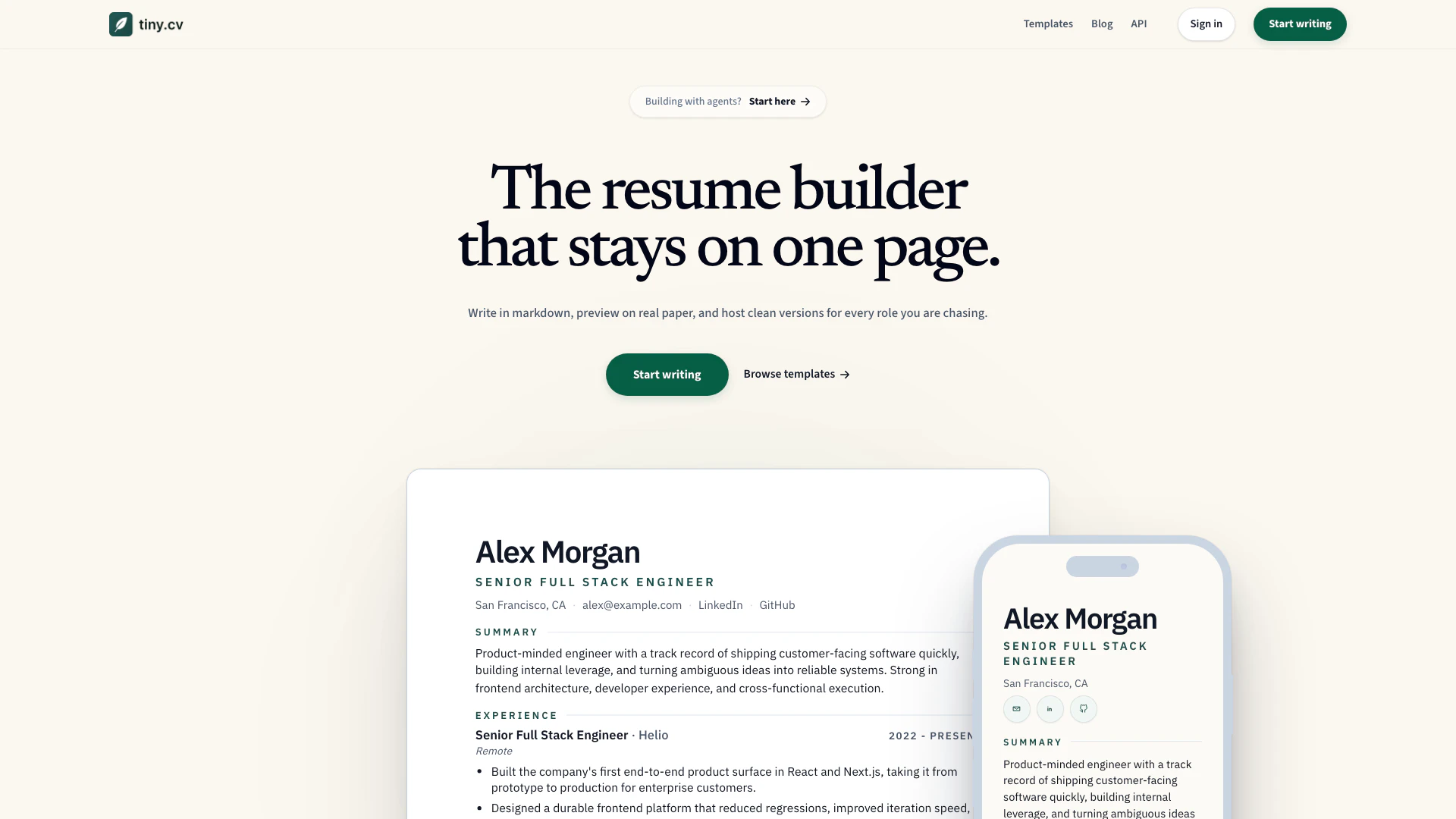
Tiny is an innovative online tool designed for creating and managing professional resumes and CVs. With a user-friendly interface, Tiny allows users to write their CVs in markdown, preview them in real-time, publish a clean CV link, and export their documents as PDFs. This tool is particularly beneficial for job seekers and professionals looking to present their qualifications in a structured and visually appealing manner.
How to use Tiny?
- Visit the Tiny website at https://tiny.cv/ and create an account or log in.
- Choose a template that fits your career role or start with a blank page.
- Use the markdown editor to input your personal information, work experience, education, and skills.
- Preview your CV in real-time to see how it will look to potential employers.
- Once satisfied, publish your CV to generate a clean link or export it as a PDF for sharing.
What are the main features of Tiny?
- Markdown-first resume editor for easy content creation.
- Real-time preview to visualize changes instantly.
- Clean CV link for easy sharing with employers.
- PDF export functionality for professional presentation.
- Various templates tailored for different career paths.
- Open source platform for transparency and community contributions.
Who is Tiny for?
Tiny is designed for job seekers, professionals, and anyone looking to create a polished resume or CV. It is particularly useful for individuals in technical, creative, and product-oriented roles who want to showcase their skills and experience effectively. Additionally, it caters to those who prefer a modern, markdown-based approach to resume writing.
What are the use cases of Tiny?
- Creating a professional CV for job applications in various industries, including tech, design, and sales.
- Generating a clean, shareable CV link for networking or online job applications.
- Exporting a PDF version of a CV for interviews and formal submissions.
Tiny Pros and Cons
Pros
- Markdown Editing Capability: Tiny allows users to write in markdown, making it easy to format text and include various elements without complex interfaces.
- Real-time Preview: The tool provides a live preview feature that shows how the CV will look when printed, ensuring users can see their formatting in real-time.
- Clean CV Link Hosting: Users can publish a clean, focused link to their CV, making it easy to share without exposing a complex builder interface.
Cons
No cons data detected for this tool
Tiny Pricing
Founder Pass
For the first 100 paid users: permanently claim your Tiny CV identity, remove branding, and keep lifetime access to premium publishing features.
Annual Pro
Premium themes, cleaner public pages, higher export limits, and one active premium URL while you are applying.
Free Plan
Free stays useful. Paid plans are for people who want durable professional identity, cleaner public pages, and fewer rough edges between editing, sharing, and sending.
For the latest pricing, please visit this link: https://tiny.cv/#pricing
Prices are subject to change. Please visit the official website for the most up-to-date pricing information.
Tiny Compare
| Tool Name | Introduction | Pricing | Type | Rating | Launch Date | Learn more |
|---|---|---|---|---|---|---|
Civitai: The Home of Open-Source Generative AI | Free | November 2, 2022 | Get deal | |||
Paraphrasing Tool (Ad-Free and No Sign-up Required) - QuillBot AI | Free | December 31, 1984 | Get deal | |||
2Mn+ readymade ChatGPT prompt ideas built by prompt engineers, using insights from eCommerce experts - that really work! | Free | February 6, 2023 | Get deal |

Info current as of post date. Offers and availability may vary by location and are subject to change.
Tiny Q&A
Tiny allows you to write in markdown, preview your CV on paper, publish a clean CV link, and export a PDF.
Tiny Alternatives

Gemini is Google’s AI assistant for writing and brainstorming.
- Writing & Editing
- AI Writing Assistants
- AI Chatbot
- AI Creativity and Productivity Enhancer
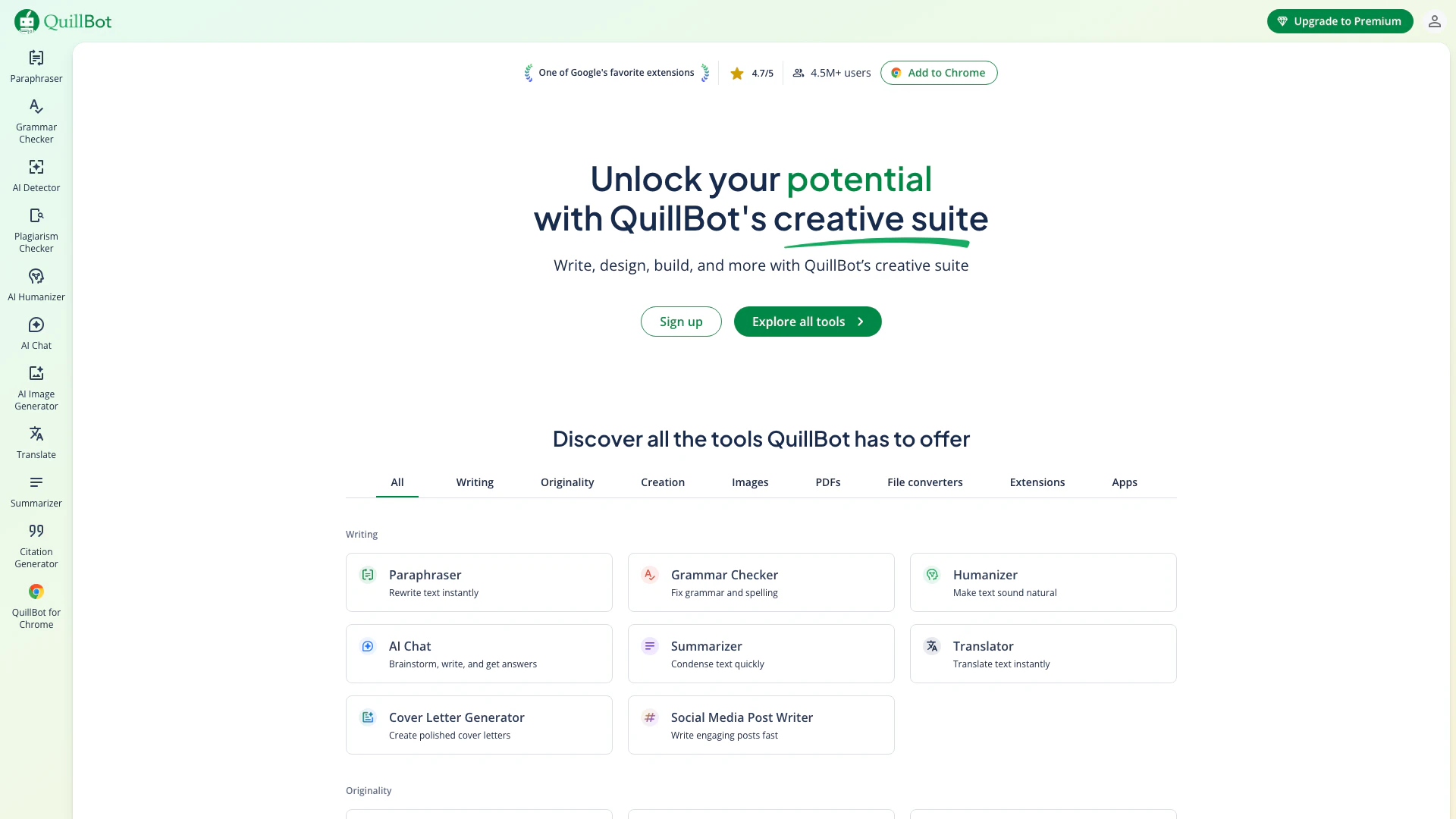
QuillBot enhances your writing with AI tools for paraphrasing, grammar checking, and more.
- Writing & Editing
- AI Grammar Checker
- AI Paraphraser & Rewriter
- AI Writing Assistants

Play and create AI-generated adventures with infinite possibilities.
- Writing & Editing
- AI Text Generator
- AI Writing Assistants