

Tradingview-magical-keyboard-shortcuts
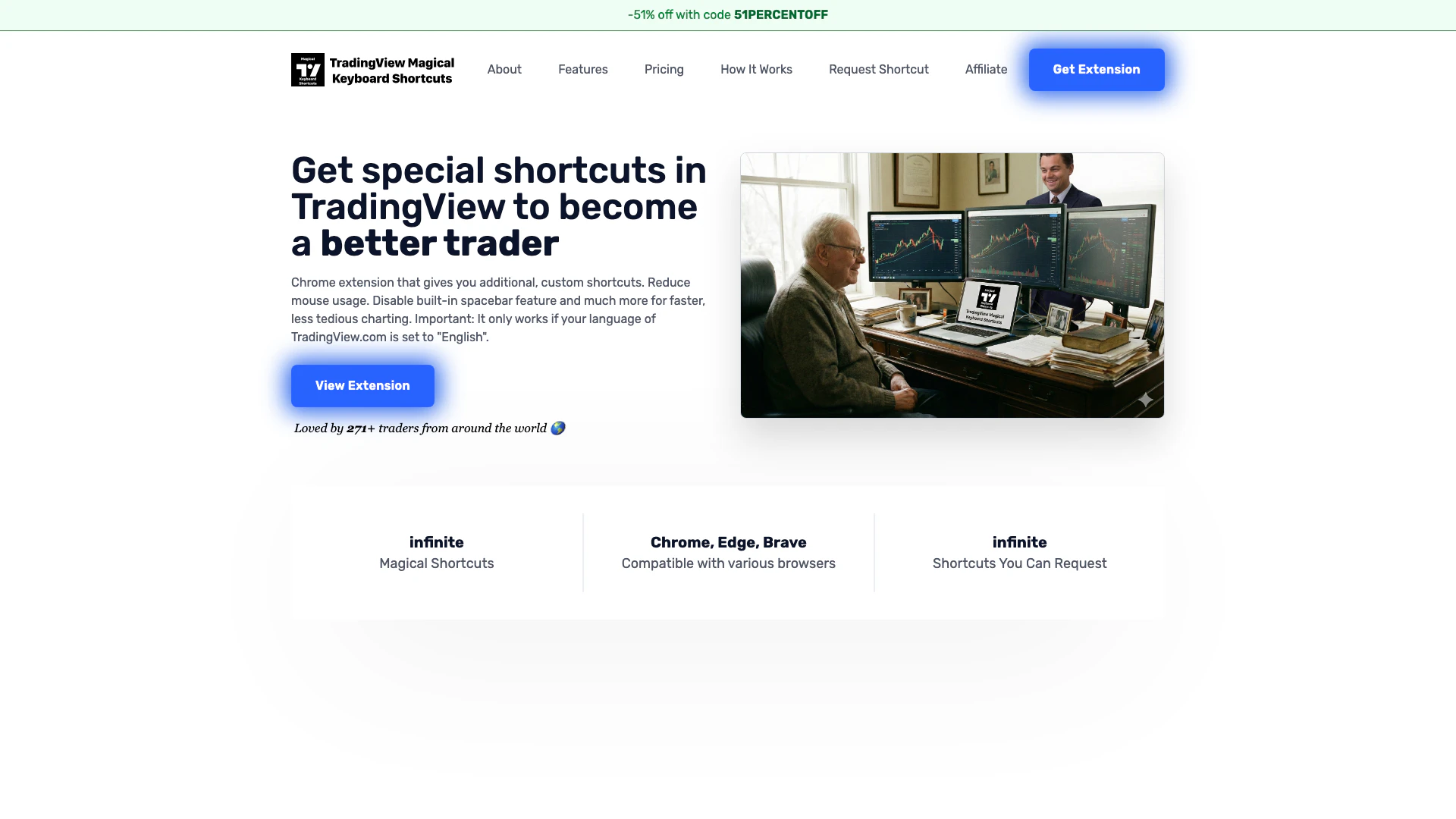




What is TradingView[3] Magical Keyboard Shortcuts[2]?
TradingView Magical Keyboard Shortcuts is a powerful Chrome extension[4] designed to enhance your trading experience on TradingView.com by providing custom keyboard shortcuts. This tool allows traders to reduce their reliance on mouse usage, streamline their charting process[5], and improve overall efficiency while trading. With features such as the ability to disable the default spacebar behavior and create personalized shortcuts[6], users can navigate TradingView more effectively, making it a valuable asset for traders looking to optimize their workflow.
How to use TradingView Magical Keyboard Shortcuts?
- Visit the Chrome Web Store and download the TradingView Magical Keyboard Shortcuts extension. Once installed, open TradingView.com and pin the extension to your browser by clicking the jigsaw puzzle piece icon, followed by the pin icon next to the extension name.
- Open the extension popup and select the features you wish to enable. The 'Disable default behavior of spacebar' feature is available for free, while other features can be accessed by starting a free trial, no credit card required.
- After your free trial ends, if you want to retain access to the PRO features, click the 'Upgrade to PRO' button in the extension popup. If you want to use the extension on another computer or browser, click 'Login' in the popup and follow the instructions.
What are the main features of TradingView Magical Keyboard Shortcuts?
- Custom shortcuts[1] for faster navigation and charting.
- Ability to create self-made shortcuts, allowing any key to be assigned to other keys or combinations.
- Disable the default behavior of the spacebar to prevent unintended symbol changes.
- Cancel all orders quickly using the 'Shift+A' shortcut.
- Gamer-style shortcuts using WASD keys for intuitive chart navigation.
- Cycle through time frames using the left and right arrow keys.
- Enable vertical scrolling with the SHIFT key for enhanced charting.
Who is TradingView Magical Keyboard Shortcuts for?
TradingView Magical Keyboard Shortcuts is designed for traders of all levels who use TradingView.com for charting and analysis. Whether you are a beginner looking to improve your trading efficiency or an experienced trader seeking to streamline your workflow, this extension is tailored to enhance your trading experience. It is particularly beneficial for those who prefer keyboard shortcuts over mouse navigation, enabling quicker and more effective chart manipulation.
What are the use cases of TradingView Magical Keyboard Shortcuts?
- Quickly navigate through multiple symbols and time frames without using the mouse, significantly speeding up the analysis process.
- Create personalized shortcuts for frequently used tools, such as the Fib Retracement tool, to enhance productivity during trading sessions.
- Utilize the extension's features to cancel orders swiftly, allowing for rapid adjustments in fast-moving markets.
Tradingview-magical-keyboard-shortcuts Pros and Cons
Pros
- Customizable Shortcuts: Users can create their own keyboard shortcuts for TradingView, enhancing their trading efficiency by assigning any key to any function.
- Reduced Mouse Dependency: The extension allows traders to minimize mouse usage, making charting faster and less tedious.
- Multiple Browser Compatibility: Compatible with Chrome, Edge, and Brave browsers, making it accessible to a wider range of users.
Cons
No cons data detected for this tool
Tradingview-magical-keyboard-shortcuts Pricing
Forever Free Plan
Use the 'disable spacebar' feature
Lifetime PRO Plan
Everything in the Free Plan, Use all 5 additional PRO features, Request any shortcut, Future updates included forever, Use promo code '51PERCENTOFF' at checkout for 51% off. limited time only!
Monthly PRO Plan
Everything in the Free Plan, Use all 5 additional PRO features, Request any shortcut, Future updates included for the duration of the subscription
For the latest pricing, please visit this link: https://www.tradingview-magical-keyboard-shortcuts.com/
Prices are subject to change. Please visit the official website for the most up-to-date pricing information.
Tradingview-magical-keyboard-shortcuts Reviews
Went searching for a better way to deal with vertical scroll and found this magical extension. Phil was a pleasure to work with in dealing with using a mac with mouse... fixed it and everything is working great! Even fixed the spacebar issue. Such a huge thing was the vertical scroll though. Great product for sure!
Great extension and great support from the dev! Strongly recommended!
Does what it says. After just a short while, I got very used to using my left hand to quickly change time frames (like I'm doing in Overwatch with WASD) and with the right hand I can use the mouse and chart super quickly.
For more reviews, visit this link: https://www.tradingview-magical-keyboard-shortcuts.com/#reviews
Tradingview-magical-keyboard-shortcuts Compare
| Tool Name | Introduction | Pricing | Type | Rating | Launch Date | Learn more |
|---|---|---|---|---|---|---|
Civitai: The Home of Open-Source Generative AI | Free | November 2, 2022 | Get deal | |||
Explore AI Lawyer for easy, quick, and budget-friendly legal help. Empowering consumers and lawyers with AI-driven solutions for all your legal needs. | Free | February 11, 2023 | Get deal | |||
Configure it once and automate your images forever without intervention—no need to review. Photos are ready to publish. Adjust backgrounds, lighting, banners, and more to fit your company branding. | Free | October 5, 2021 | Get deal |


Info current as of post date. Offers and availability may vary by location and are subject to change.
Tradingview-magical-keyboard-shortcuts Q&A
The extension offers custom shortcuts for TradingView, including the ability to create your own shortcuts, disable the default behavior of the spacebar, cancel all orders with Shift+A, use gamer shortcuts with WASD keys, cycle through time frames with arrow keys, enable vertical scrolling with the SHIFT key, and activate 'Stop Order Trading' for quick scalping.
Tradingview-magical-keyboard-shortcuts Alternatives
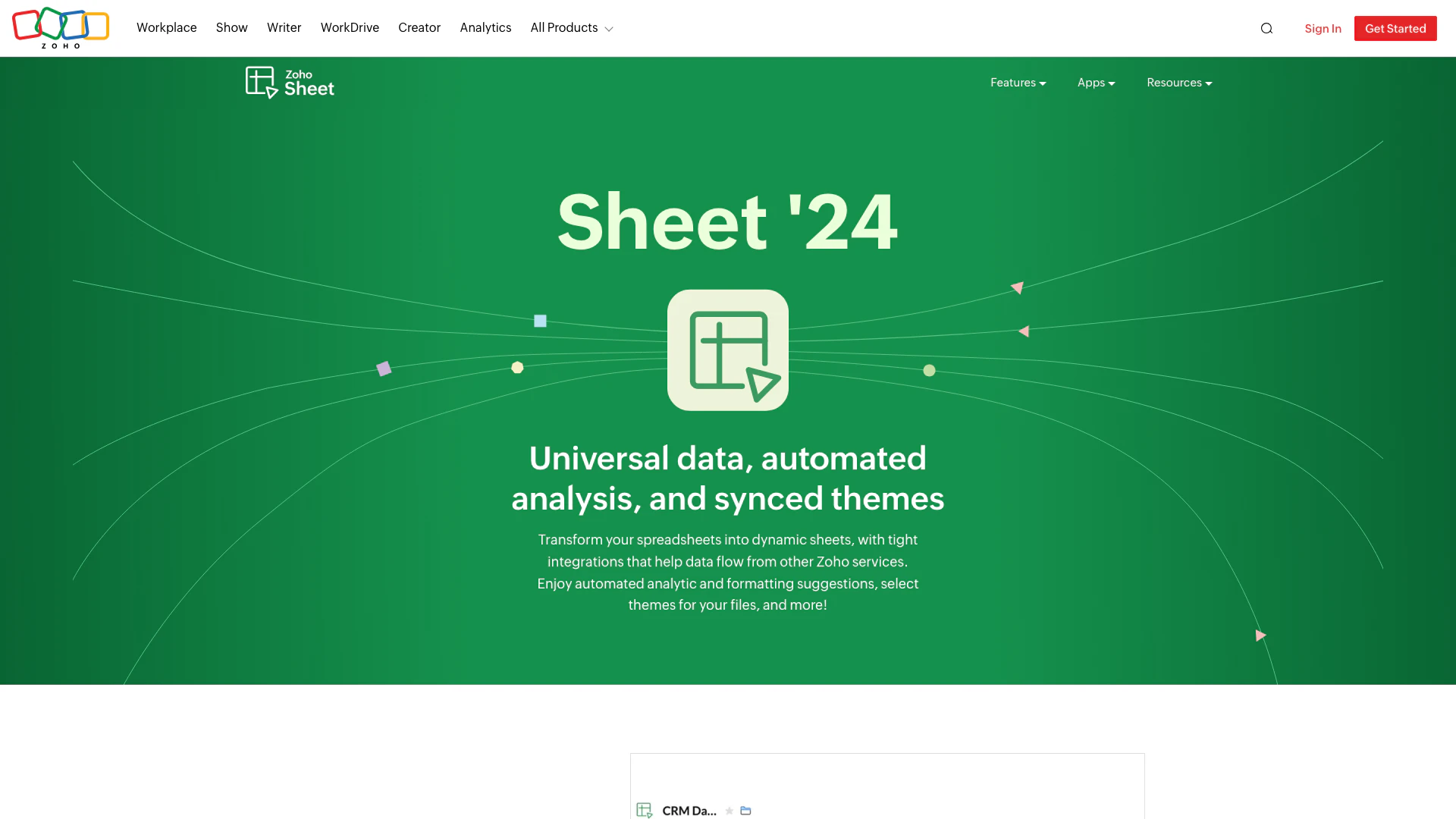
Transform your spreadsheets with Zoho Sheet's dynamic features.
- Productivity & Office
- AI Spreadsheet Tools
- AI Spreadsheet Automation Tools
- Productivity Maximization Tools

Automate customer service with Jotform AI Agents.
- Productivity & Office
- Productivity Maximization Tools
- Form Building Tools
- Content Management Tools

Superhuman enhances productivity with AI tools for seamless workflow.
- Productivity & Office
- Ai Productivity Tools
- Productivity Maximization Tools
- Efficiency Enhancement Tools