

Videototextconverter



What is Videototextconverter?
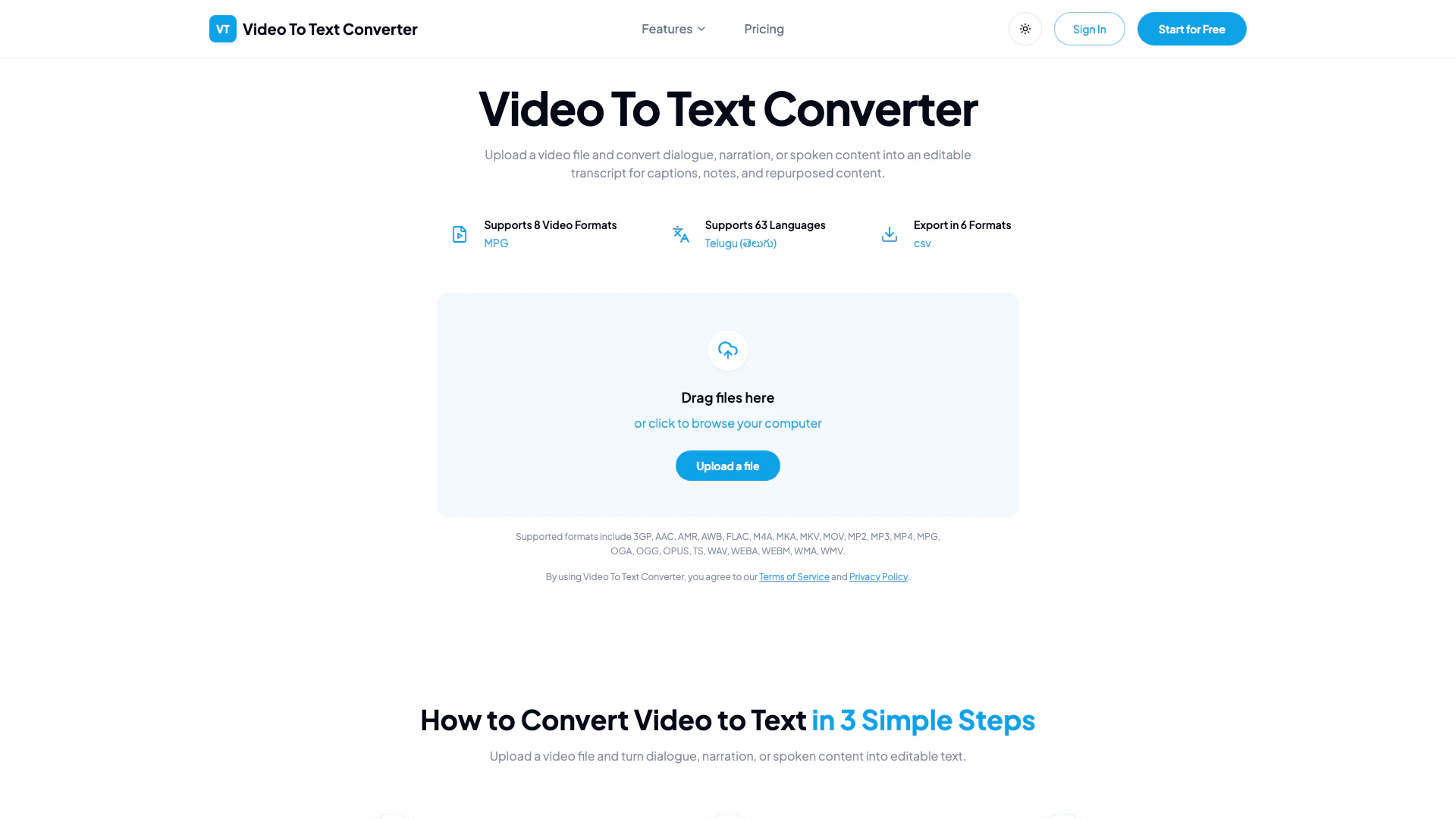
Videototextconverter is an innovative online tool designed to convert video files into editable text transcripts. This powerful AI-based converter allows users to easily upload a video file and automatically transcribe the spoken content, including dialogue and narration, into a written format. The resulting transcripts can be utilized for various purposes, such as creating captions, taking notes, or repurposing content for articles and summaries. With support for multiple video formats and languages, Videototextconverter streamlines the transcription process, making it accessible and efficient for anyone looking to transform video speech into text.
How to use Videototextconverter?
- Upload Your Video File: Select a video file from your device. Supported formats include 3GP, MKV, MOV, MP4, MPG, TS, WEBM, and WMV.
- Start AI Transcription: Initiate the transcription process as the converter analyzes the video's audio track to create an accurate transcript.
- Export Your Transcript: Once the transcription is complete, export the text in various formats such as TXT, PDF, DOCX, SRT, VTT, or CSV for further use.
What are the main features of Videototextconverter?
- Supports 8 popular video formats including 3GP, MP4, and WMV.
- Transcribes audio into text with high accuracy using advanced AI technology.
- Supports 63 languages, making it versatile for global users.
- Offers multiple export options including TXT, PDF, DOCX, SRT, VTT, and CSV.
- Ideal for creating captions, notes, and repurposed content from video files.
Who is Videototextconverter for?
Videototextconverter is designed for a wide range of users, including educators, content creators, marketers, and business professionals. It is particularly beneficial for those who frequently work with video content, such as teachers looking to transcribe lectures, marketers needing captions for promotional videos, or journalists conducting interviews. The tool is also useful for anyone who wants to create searchable notes or repurpose video content into written formats.
What are the use cases of Videototextconverter?
- Educational Transcriptions: Convert recorded lectures and webinars into text for study materials and notes.
- Content Creation: Generate articles and summaries from video interviews or presentations for blogs and websites.
- Captioning and Subtitling: Create SRT and VTT files for video subtitles, enhancing accessibility for viewers.
Videototextconverter Pros and Cons
Pros
- Supports Multiple Video Formats: The tool supports a wide range of video formats including 3GP, MP4, MKV, and more, allowing users to upload various types of videos for transcription.
- Multi-Language Support: Videototextconverter supports transcription in 63 languages, making it accessible for a diverse user base and suitable for global content.
- Flexible Export Options: Users can export transcripts in multiple formats such as TXT, PDF, DOCX, SRT, and VTT, catering to different documentation and subtitle needs.
Cons
No cons data detected for this tool
Videototextconverter Pricing
Free Plan
Start transcribing for free with limited credits. Upload files or paste supported links to generate transcripts quickly.
For the latest pricing, please visit this link: https://videototextconverter.io/pricing
Prices are subject to change. Please visit the official website for the most up-to-date pricing information.
Videototextconverter Compare



Info current as of post date. Offers and availability may vary by location and are subject to change.
Videototextconverter Q&A
Yes, you can start using the Video To Text Converter for free with limited credits.
Videototextconverter Alternatives

OpusClip turns long videos into high-quality viral clips for you to share on TikTok, YouTube Shorts, and Reels to increase social media reach.
- Writing & Editing
- AI Content Repurposing
- AI Text Generator
- AI Social Media Tools
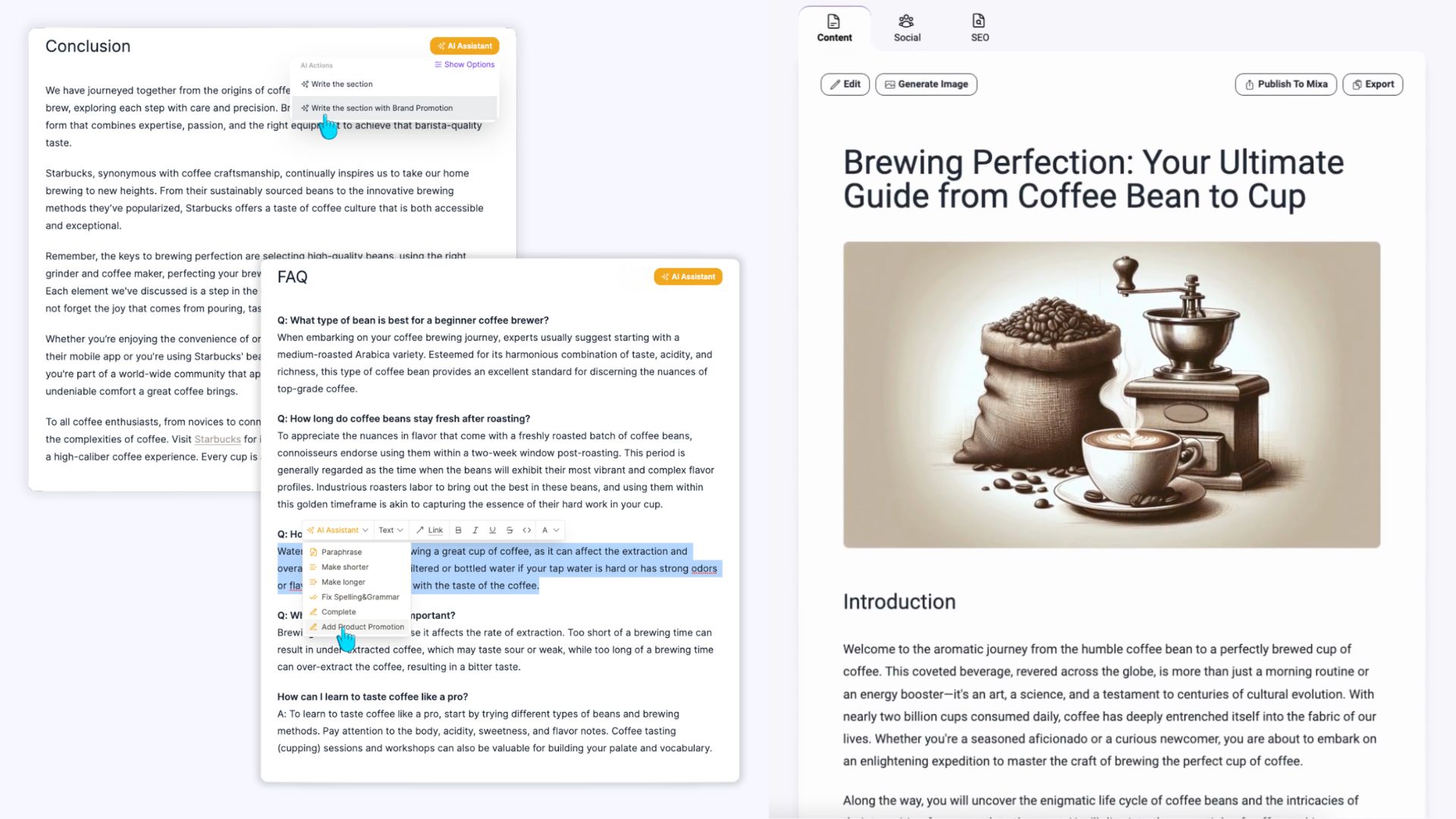
ContentOwl.ai - Your AI Content Assistant
- Writing & Editing
- AI Content Repurposing
- AI Text Generator
- AI Writing Assistants
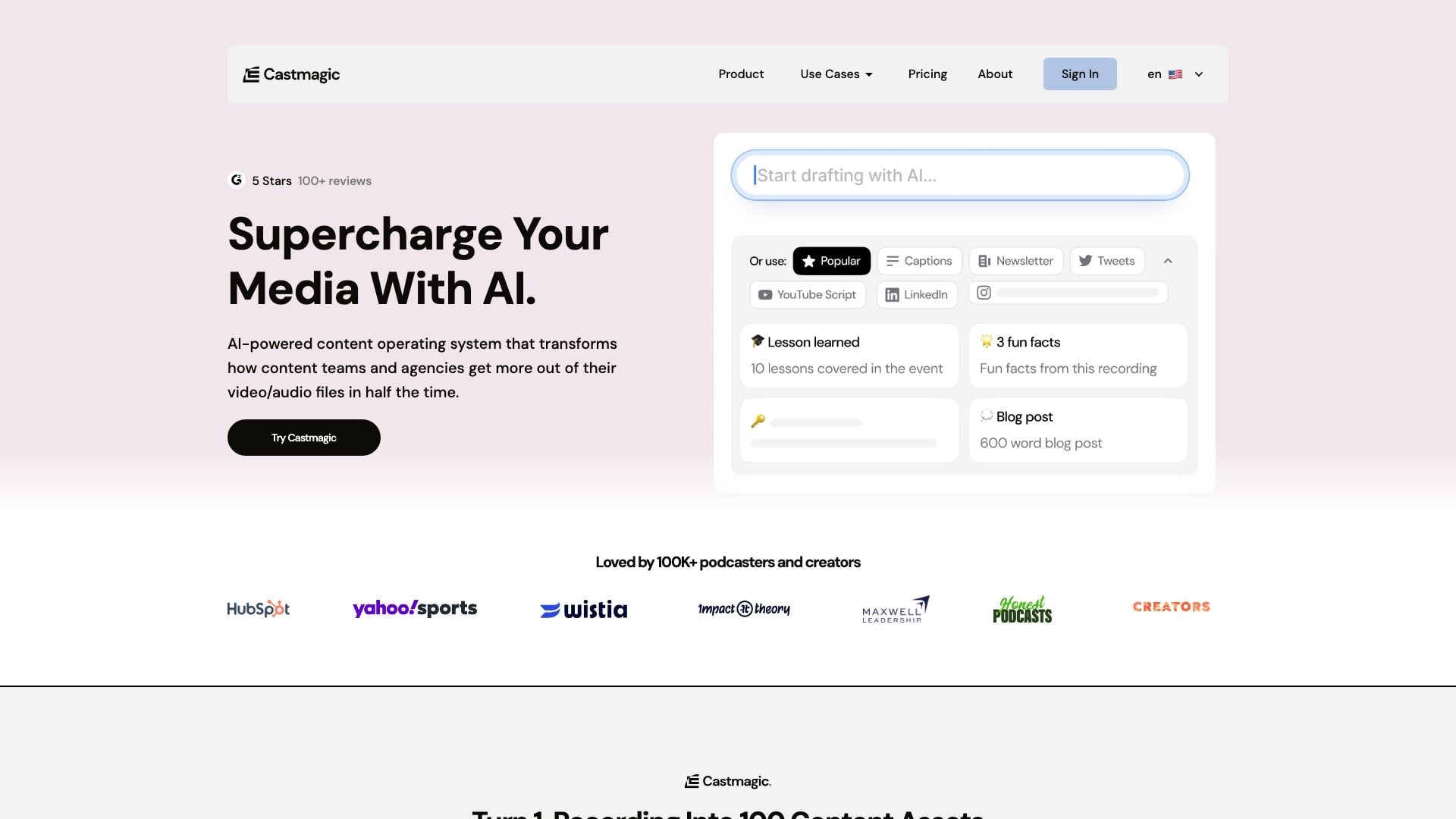
Turn long form audio into ready to use content assets, instantly. 10x your content. Upload your Mp3, download transcripts, notes, summaries, highlights, quotes, social posts, & more.
- Writing & Editing
- AI Content Repurposing
- AI Summarizer
- AI Transcription