

Videotovideoai
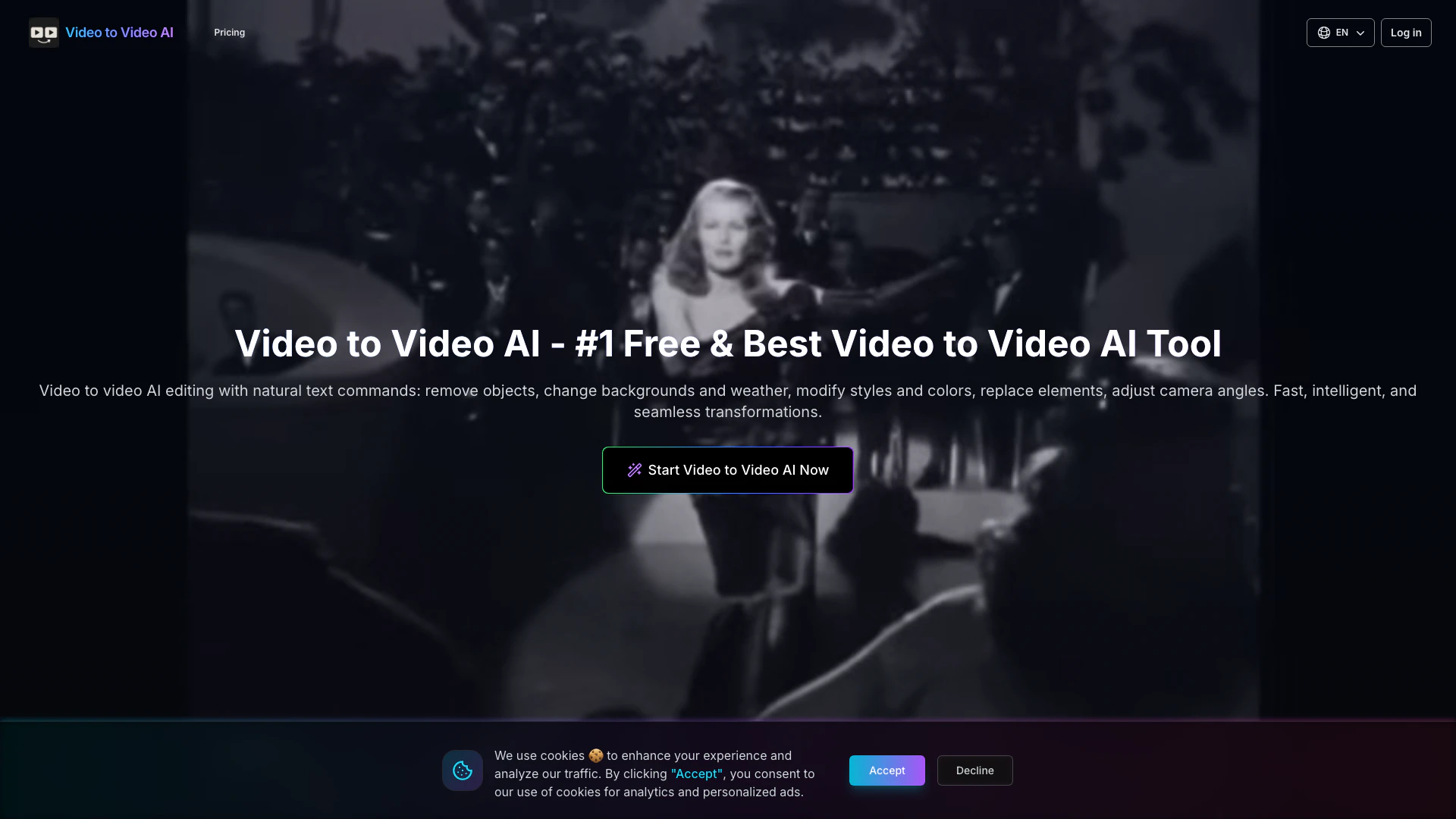
What is Videotovideoai?
Videotovideoai is a cutting-edge AI-powered[1] video editing[2] tool that allows users to transform videos using simple text commands[3]. With its advanced capabilities, users can remove objects, change backgrounds, modify styles, adjust weather and lighting, and replace elements in videos. The tool employs pixel-level semantic reconstruction to ensure high-quality edits, making it an ideal choice for both casual users and professionals looking to enhance their video content seamlessly.
How to use Videotovideoai?
To use Videotovideoai, follow these steps: 1. Upload Video: Start by uploading the video you want to transform. Supported formats include .mp4, .mov, .webm, and .m4v, with a maximum length of 10 seconds. 2. Describe Edits: Use natural language to describe the modifications you wish to make, such as changing backgrounds or removing objects. 3. AI Processing: The AI engine processes your commands and applies pixel-level modifications to the video. 4. Download Result: Once processing is complete, download your transformed video with the desired changes.
What are the main features of Videotovideoai?
Videotovideoai offers a range of powerful features, including: - Object Removal[4]: Easily remove unwanted objects from your videos. - Background Changes[5]: Change the background of your video with just a text command. - Style Modifications: Modify styles and colors to achieve the desired look. - Weather Adjustments: Change weather conditions and atmospheric effects for different moods. - Element Replacement: Replace elements in your video while maintaining motion and angles. - Pixel-Level Semantic Reconstruction: Ensures high-quality edits with realistic results.
Who is Videotovideoai for?
Videotovideoai is designed for a wide range of users including content creators, marketers, and video editors who seek to enhance their video content effortlessly. Whether you are a social media influencer looking to improve your video aesthetics or a professional filmmaker needing quick edits, Videotovideoai provides the tools to achieve stunning transformations with minimal effort. It is also suitable for businesses aiming to create engaging promotional videos.
What are the use cases of Videotovideoai?
Videotovideoai can be utilized in various scenarios, such as: 1. Social Media Content Creation: Quickly edit videos for platforms like Instagram or TikTok, enhancing visual appeal with background changes and object removal. 2. Marketing and Advertising: Create engaging promotional videos by modifying styles and adding dynamic elements to capture audience attention. 3. Film and Animation: Use the tool for character replacement and scene transformations in filmmaking and animation projects, maintaining consistency in motion and style.
Product Images





Videotovideoai Pricing
Basic
300 credits of video-to-video generation * 300 credits of video to video AI processing * Private video-to-video AI videos allowed * High quality video-to-video AI output * Advanced video to video AI model * Priority video to video AI generation
Standard
500 + 100 credits of video-to-video generation * 600 credits of video to video AI processing * Private video-to-video AI videos allowed * High quality video-to-video AI output * Advanced video to video AI model * Priority video to video AI generation
Pro
1000 + 250 credits of video-to-video generation * 1250 credits of video to video AI processing * Private video-to-video AI videos allowed * High quality video-to-video AI output * Advanced video to video AI model * Priority video to video AI generation
For the latest pricing, please visit this link: https://videotovideoai.app/pricing
Prices are subject to change. Please visit the official website for the most up-to-date pricing information.
Videotovideoai Compare
| Tool Name | Introduction | Pricing | Type | Rating | Launch Date | Learn more |
|---|---|---|---|---|---|---|
 | Unlock the power of multiple AI models in one sleek app. Apollo’s Multi-Model AI Chat Engine gives you instant access to ChatGPT, Claude, Gemini, and more — all… | Free | 💼Work🎨Creativity | December 31, 1984 | Get deal | |
 | Rewind | Free | 🙋♂️Personal💼Work | February 2, 2018 | Get deal | |
 | 2Mn+ readymade ChatGPT prompt ideas built by prompt engineers, using insights from eCommerce experts - that really work! | Free | 💼Work🎨Creativity | February 6, 2023 | Get deal |
Info current as of post date. Offers and availability may vary by location and are subject to change.