
Viralcanvasai





What is ViralCanvas AI?
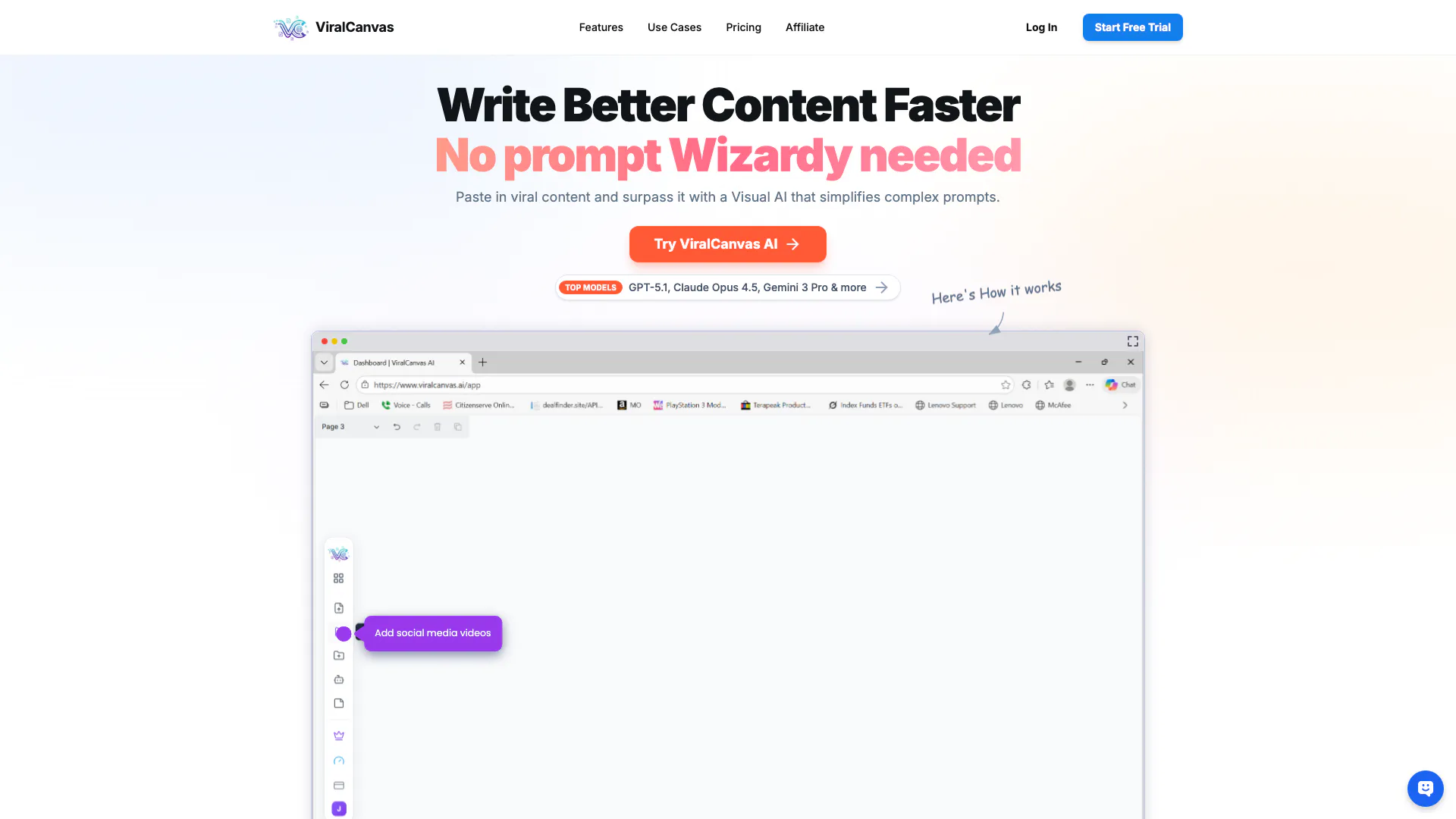
ViralCanvas AI is a visual workspace designed to enhance productivity by enabling users to manage complex workflows visually. This tool leverages advanced AI capabilities to simplify the content creation process, allowing users to paste in existing viral content and generate new, superior content without needing intricate prompts. It serves as an interactive platform where users can organize, connect, and manipulate various types of files, making it ideal for students, researchers, creators, and product teams.
How to use ViralCanvas AI?
- Sign up for a free trial on the ViralCanvas AI website.
- Once logged in, create a new canvas where you can start uploading your files, such as PDFs and images.
- Use the native note-taking feature to jot down ideas directly on your canvas, keeping your research and thoughts organized.
- Connect specific files to the AI chat for context-aware assistance, enabling the AI to help you with insights and suggestions.
- Utilize the structural grouping feature to manage and label related items effectively, streamlining your workflow.
What are the main features of ViralCanvas AI?
- Intelligent AI Chat: Embed AI directly onto your canvas for context-specific assistance.
- Rich File Blocks: Upload and manage various file types as interactive objects.
- Structural Grouping: Organize related items into containers for efficient project management.
- Native Note-taking: Create text blocks instantly next to your research without switching tabs.
- Video Workspace: Embed and analyze video content alongside notes for comprehensive learning.
- Laser Connections: Establish dynamic links between items to create a persistent knowledge graph.
Who is ViralCanvas AI for?
ViralCanvas AI is tailored for a diverse range of users including students and researchers who need to organize extensive papers and citations, creators and writers looking to connect inspiration with drafts, product teams visualizing requirements and user feedback, and data analysts summarizing patterns across reports. Its visual and interactive workspace is designed to meet the needs of anyone dealing with complex workflows.
What are the use cases of ViralCanvas AI?
- Academic Research: Students can upload and organize research papers, extracting citations and finding supporting quotes using AI assistance.
- Content Creation: Writers can connect their drafts with inspirational content and utilize AI to enhance their writing process.
- Project Management: Product teams can visualize user feedback and requirements, ensuring that all elements of a project are interconnected and easily manageable.
Product Images


Viralcanvasai Pros and Cons
Pros
- Visual Workspace for Ideas: ViralCanvas AI offers a unique visual workspace that mirrors nonlinear thinking, allowing users to organize and manage complex ideas effectively.
- Intelligent AI Integration: The tool embeds AI directly onto the canvas, providing context-aware assistance that enhances productivity and creativity.
- Rich File Management: Users can securely upload and interact with various file types, including PDFs and images, making it easier to manage research and creative projects.
Cons
No cons data detected for this tool
Viralcanvasai Pricing
Basic
Essential credits for casual exploration. Monthly Usage Estimates: 10-minute Youtube Scripts ~30, TikTok/IG Scripts ~200, Research Papers Analysis ~330. 1,000 AI Credits / Month. File Uploads Unlimited. Video Analysis Analyze up to 1,000 videos. Access to top Models: Opus 4.5, Sonnet 4.5, Gemini 3 Pro, GPT 5.1. Standard Support. Unlimited Canvases.
Pro
Precision tools for the serious creative mind. Monthly Usage Estimates: 10-minute Youtube Scripts ~65, TikTok/IG Scripts ~400, Research Papers Analysis ~660. 2,000 AI Credits / Month. File Uploads Unlimited. Video Analysis Analyze up to 2,000 videos. Access to top Models: Opus 4.5, Sonnet 4.5, Gemini 3 Pro, GPT 5.1. Unlimited Canvases. High-Priority Support.
Elite
The ultimate limit-breaking experience. Monthly Usage Estimates: 10-minute Youtube Scripts ~160, TikTok/IG Scripts ~1,000, Research Papers Analysis ~1,600. 5,000 AI Credits / Month. File Uploads Unlimited. Video Analysis Analyze up to 5,000 videos. Access to top Models: Opus 4.5, Sonnet 4.5, Gemini 3 Pro, GPT 5.1. Priority Feature Access. Concierge Support.
Agency
Powerhouse capacity for high-volume teams. Monthly Usage Estimates: 10-minute Youtube Scripts ~320, TikTok/IG Scripts ~2,000, Research Papers Analysis ~3,300. 10,000 AI Credits / Month. File Uploads Unlimited. Video Analysis Analyze up to 10,000 videos. Access to top Models: Opus 4.5, Sonnet 4.5, Gemini 3 Pro, GPT 5.1. Priority Feature Beta Access. Direct Concierge Support.
For the latest pricing, please visit this link: https://www.viralcanvas.ai/#pricing
Prices are subject to change. Please visit the official website for the most up-to-date pricing information.
Viralcanvasai Compare
| Tool Name | Introduction | Pricing | Type | Rating | Launch Date | Learn more |
|---|---|---|---|---|---|---|
Tutor AI - Your personal AI tutor to learn anything | Free | September 23, 2007 | Get deal | |||
Build, scale, and monitor AI Agents. | Free | September 13, 1996 | Get deal | |||
2Mn+ readymade ChatGPT prompt ideas built by prompt engineers, using insights from eCommerce experts - that really work! | Free | February 6, 2023 | Get deal |


Info current as of post date. Offers and availability may vary by location and are subject to change.
Viralcanvasai Q&A
Every AI-powered action (summarization, chat query, extraction) consumes a specific number of credits based on complexity. Elite plans include more for heavy users.
Viralcanvasai Alternatives

Generate stunning images and videos effortlessly with Dreamina's AI.
- Image Generation & Editing
- AI Avatar Generator
- AI Image Generator
- AI Romantic Image & Video Generator

Adobe Firefly is an AI-driven tool for creating unique images, videos, and audio.
- Image Generation & Editing
- AI Image Generator
- AI Photo Editor
- AI Realistic Image Generator

Picsart is a versatile platform for creating stunning visual content using AI tools.
- Image Generation & Editing
- AI Image Generator
- AI Photo Editor
- Gallery Creation Tool