

Voicetype
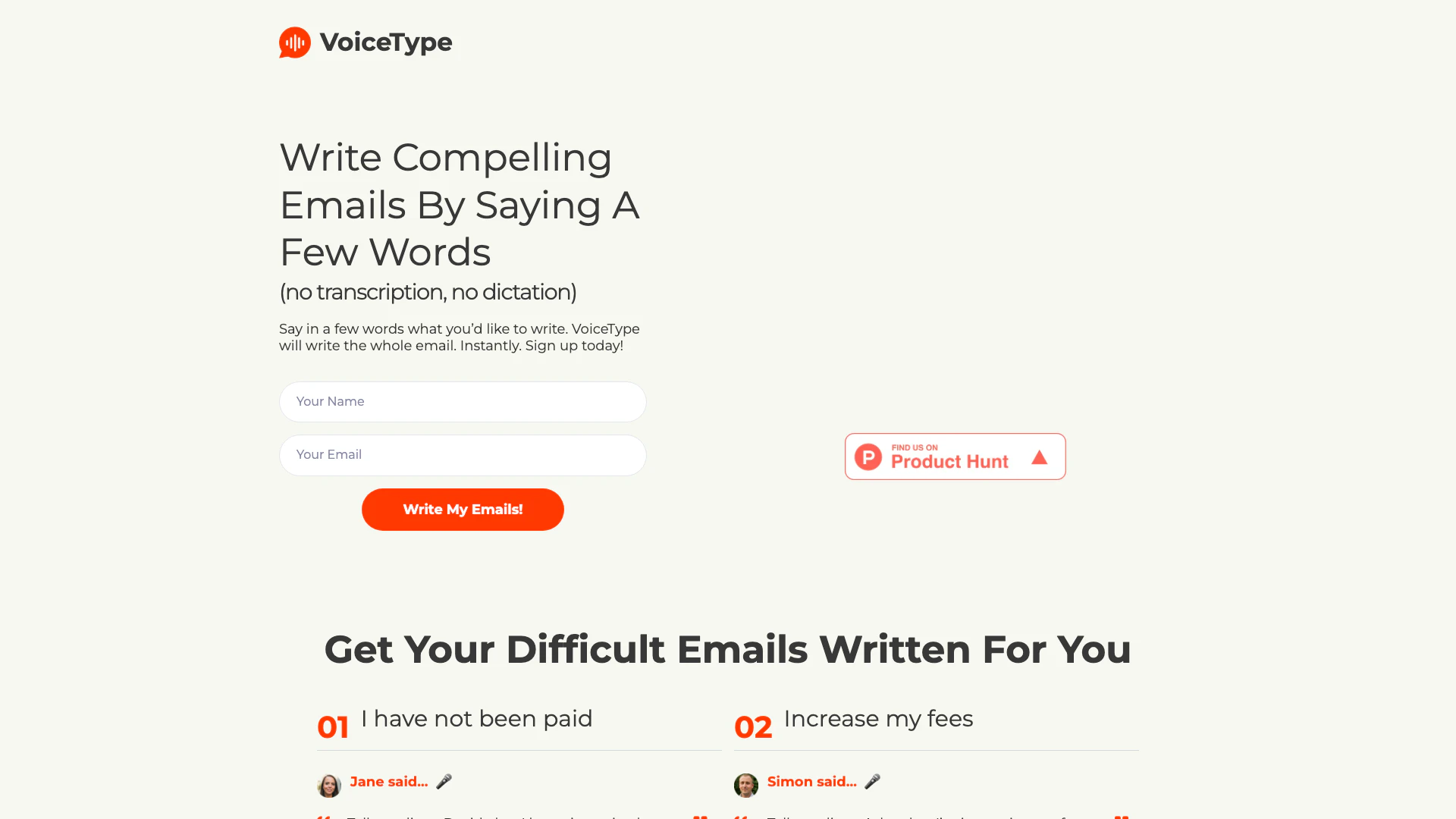





What is VoiceType?
VoiceType is an innovative AI assistant designed to simplify the email writing process. By utilizing voice prompts, users can generate entire emails without the need for transcription or dictation. This tool is particularly beneficial for individuals who struggle with writing or those who wish to save time on email composition. VoiceType operates as a Chrome browser extension that activates when composing or replying to emails in Gmail, allowing users to express their thoughts verbally, which the AI then transforms into a well-structured email. This unique approach eliminates the hassle of typing while ensuring that the emails maintain a professional tone and clarity.
How to use VoiceType?
- Install the VoiceType Chrome extension from the Chrome Web Store.
- Open your Gmail and click on 'Compose' or 'Reply' to initiate a new email.
- Click on the VoiceType icon to activate the microphone.
- Verbally describe the content of your email, keeping it concise and clear.
- Review the generated email draft and make any necessary adjustments before sending.
What are the main features of VoiceType?
- Instant Email Drafting: Generate complete emails from short voice prompts without transcription.
- Contextual Replies: Tailor responses to specific email threads without needing to narrate the entire conversation.
- User-Friendly Interface: Simple activation through a Chrome extension that integrates seamlessly with Gmail.
- Error-Free Writing: Ensures grammatically correct and clear emails, reducing the chances of spelling mistakes.
- Accessibility: Designed for users who may struggle with writing, including those with dyslexia or language barriers.
Who is VoiceType for?
VoiceType is ideal for anyone who frequently writes emails and seeks to enhance their productivity. This includes professionals, freelancers, and students who may find traditional email writing time-consuming or challenging. It's particularly beneficial for individuals with dyslexia, non-native English speakers, or those who prefer verbal communication over typing. By simplifying the email drafting process, VoiceType empowers users to communicate effectively and efficiently.
What are the use cases of VoiceType?
- Professional Communication: Quickly draft emails to clients or colleagues regarding project updates or deadlines.
- Client Interactions: Send reminders or follow-ups to clients about payments or service updates.
- Personal Management: Compose emails to family or friends with ease, sharing updates or planning events.
Product Images




















Voicetype Pros and Cons
Pros
- Quick Email Drafting: VoiceType allows users to draft entire emails from short voice prompts, significantly speeding up the email writing process.
- Instant Email Drafting: VoiceType allows users to draft entire emails instantly by simply speaking a few words, eliminating the need for typing.
- Efficient Email Composition: VoiceType allows users to compose entire emails quickly by simply speaking a few words, significantly reducing the time spent on writing.
- Contextual Email Responses: VoiceType tailors email replies based on the context of the conversation, ensuring relevance and coherence.
- User-Friendly Voice Commands: The tool enables users to explain their email intentions verbally, making it easy to use without the need for dictation or transcription.
- Contextual Understanding: The tool tailors email responses based on the context of the email thread, ensuring relevant and appropriate replies.
- User-Friendly Interface: The tool is designed for ease of use, enabling users to simply speak their thoughts without the need for dictation or transcription.
- Error-Free Writing: VoiceType guarantees grammatically correct emails, eliminating spelling errors and enhancing professionalism.
- User-Friendly Voice Input: VoiceType is designed for users to explain what they want to write verbally, making it easier for those who dislike typing or have writing difficulties.
Cons
No cons data detected for this tool
Analytics of Voicetype
Voicetype Website Traffic Analysis
Visits Over Time
Traffic Sources
Dec 2025 - Feb 2026 Worldwide Desktop Only
- Search: 45.46%
- Direct: 32.77%
- Referrals: 13.78%
- Social: 5.68%
- Paid Referrals: 1.18%
- Mail: 0.16%
Top Regions
| Region | Percentage |
|---|---|
🇻🇳 Vietnam | 83.37% |
🇺🇸 United States | 8.75% |
🇮🇳 India | 7.88% |
- Vietnam: 83.37%
- United States: 8.75%
- India: 7.88%
Top Keywords
| Keyword | Volume | CPC | Estimated Value |
|---|---|---|---|
| voicetype | 840 | $1.60 | $170.00 |
| voicetype ai voice-to-text | 240 | $0.00 | $0.00 |
| voicetype ai | 220 | $0.00 | $0.00 |
| voice type ai | 210 | $0.00 | $10.00 |
| voicetype ai en français | 180 | $0.00 | $0.00 |
Voicetype Reviews
This is invaluable because of my dyslexia. It allows me to quickly write PERFECT emails without having to worry about my writing abilities. I'm now able to email people who previously I only contacted via phone or voice messages. This opened a completely new world to me.
This is invaluable because of my dyslexia. It allows me to quickly write PERFECT emails without having to worry about my writing abilities. I'm now able to email people who previously I only contacted via phone or voice messages. This opened a completley new world to me.
I recently started using VoiceType extension for Gmail and I'm absolutely loving it! The convenience of being able to quickly explain rather than dictate emails has been a real help. I'd definitely recommend it to anyone who's constantly concerned about their email presentation.
For more reviews, visit this link: https://voicetype.io#feedback-from-users
Voicetype Compare
| Tool Name | Introduction | Pricing | Type | Rating | Launch Date | Learn more |
|---|---|---|---|---|---|---|
AiSofiya offers AI-powered tools, chatbots, and automation to help websites and businesses work smarter, faster, and 24/7. | Free | January 10, 2023 | Get deal | |||
Build, scale, and monitor AI Agents. | Free | September 13, 1996 | Get deal | |||
Civitai: The Home of Open-Source Generative AI | Free | November 2, 2022 | Get deal |


Info current as of post date. Offers and availability may vary by location and are subject to change.
Voicetype Q&A
VoiceType is a Chrome browser extension that appears when you hit Compose or Reply in your Gmail. When you click on VoiceType, it activates the microphone and you can describe, fluently or not, what you would like to write or reply. You can take your time. You don't have to use any specific words or phrases.
For more FAQs, please visit this link: https://voicetype.io/#faq
Voicetype Alternatives

Gemini is Google’s AI assistant for writing and brainstorming.
- Writing & Editing
- AI Writing Assistants
- AI Chatbot
- AI Creativity and Productivity Enhancer
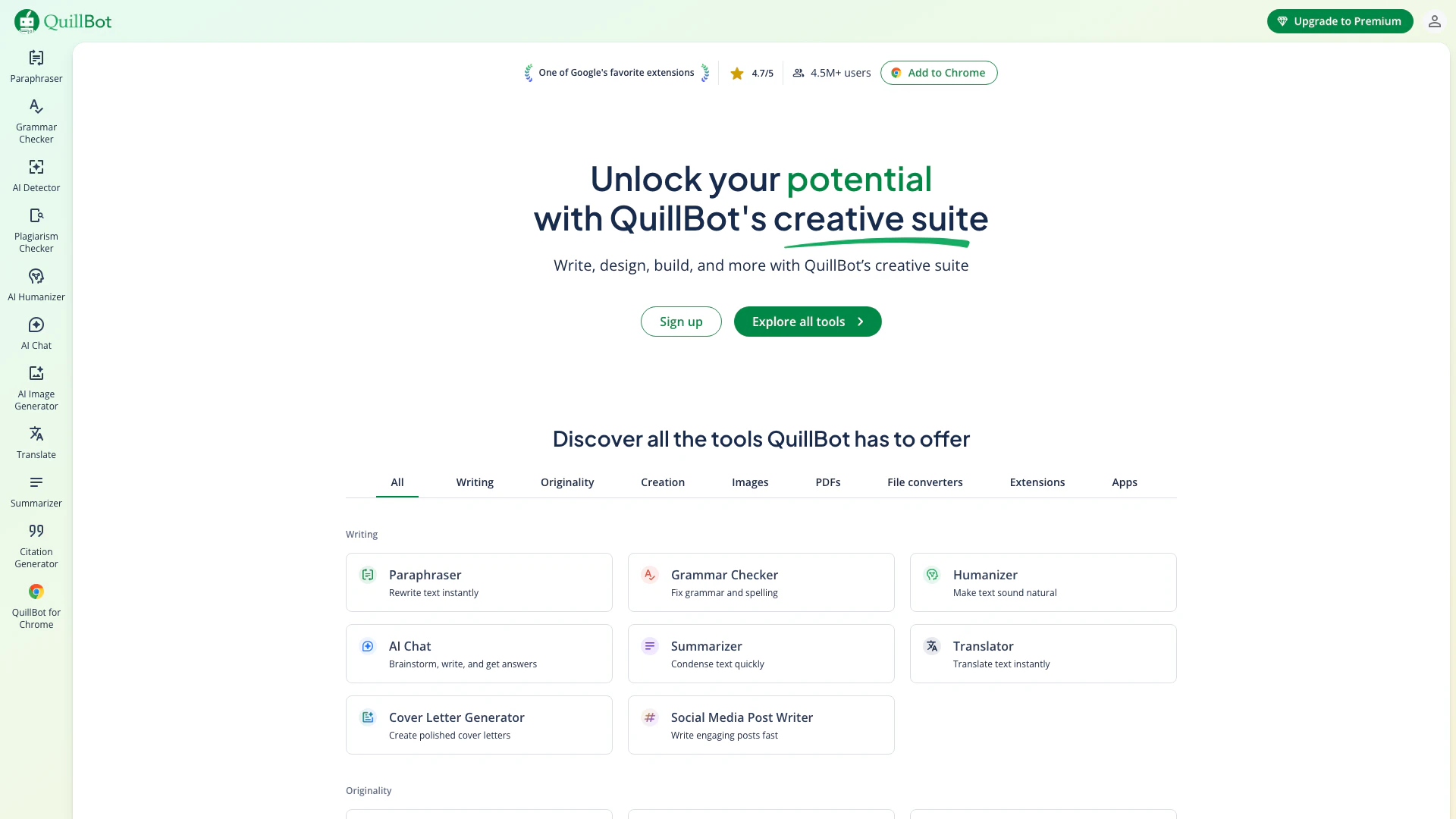
QuillBot enhances your writing with AI tools for paraphrasing, grammar checking, and more.
- Writing & Editing
- AI Grammar Checker
- AI Paraphraser & Rewriter
- AI Writing Assistants

Play and create AI-generated adventures with infinite possibilities.
- Writing & Editing
- AI Text Generator
- AI Writing Assistants