

Wpsai




What is WPS AI?
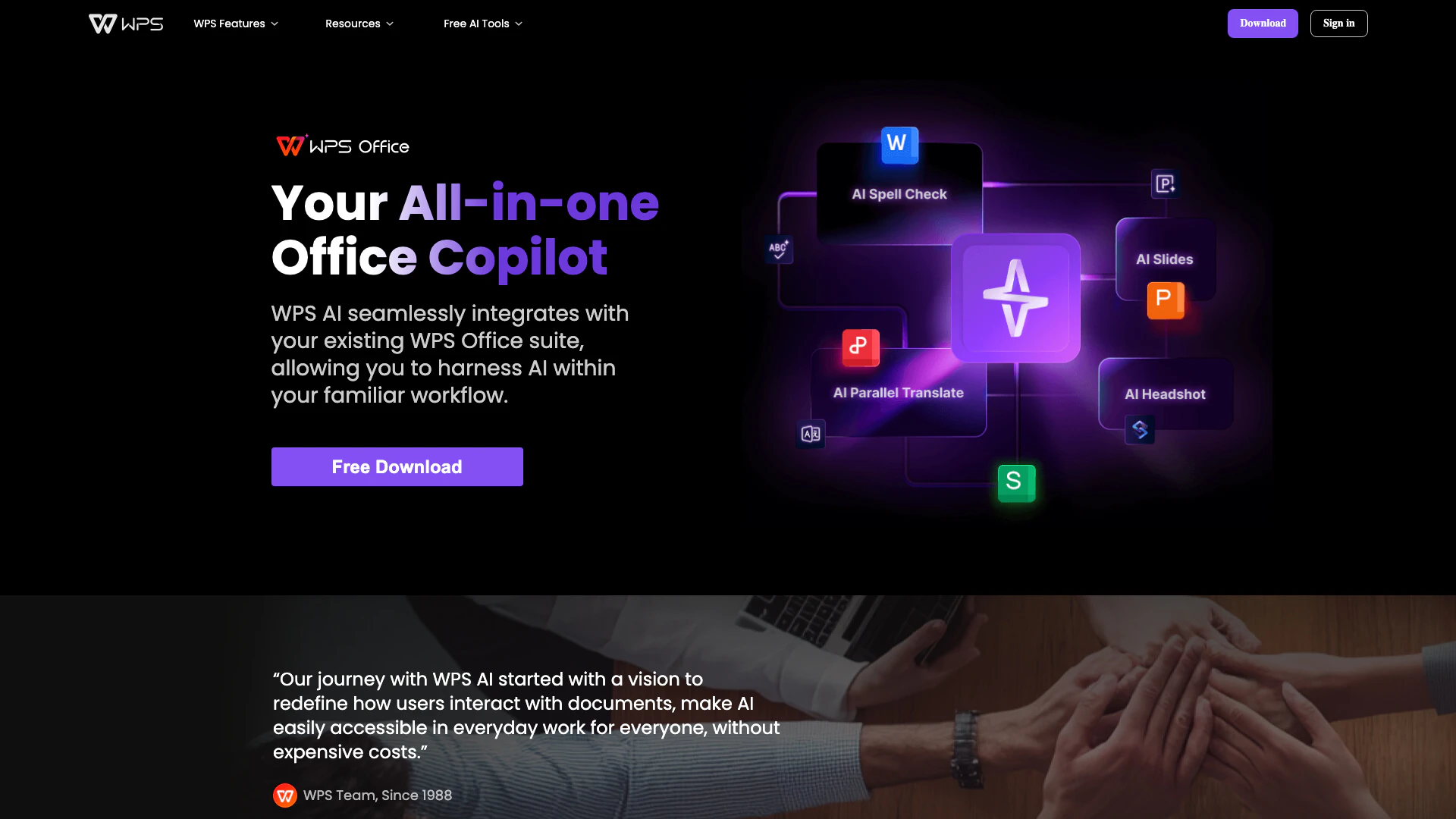
WPS AI is an innovative all-in-one office copilot designed to enhance productivity in various document-related tasks. It seamlessly integrates with the WPS Office suite, offering features such as writing assistance, PowerPoint creation, spell checking, translation, and the ability to chat with PDF documents. This AI-powered tool is available for free download on Windows, Mac, and Android platforms, making it a convenient alternative to traditional office software like Microsoft Copilot.
How to use WPS AI?
- Download and install WPS Office from the official website.
- Open WPS Office and locate the WPS AI icon in the top right corner of the interface.
- Click on the WPS AI icon to access its features, which can be used across WPS Word, PowerPoint, and PDF components on both Windows and Android platforms.
What are the main features of WPS AI?
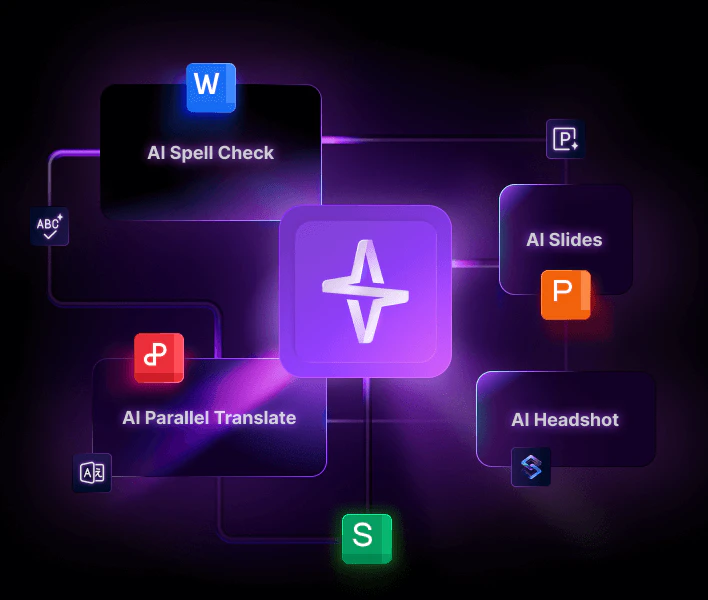
- AI Spell Check[1]: Automatically corrects spelling errors as you write.
- AI Parallel Translate[2]: Translates text in real-time, making communication easier across languages.
- AI Slides[3]: Assists in creating visually appealing PowerPoint presentations quickly.
- Smart Create[4]: Generates content based on prompts, enhancing writing efficiency.
- Chat PDF[5]: Allows users to interact with PDF documents, extracting information and answering queries.
Who is WPS AI for?
WPS AI is designed for a diverse audience, including students, educators, professionals, and anyone who regularly works with documents. It is particularly beneficial for individuals looking for a cost-effective alternative to Microsoft Office, as well as those who require advanced AI features to streamline their writing, presentation, and document management tasks.
What are the use cases of WPS AI?
- Academic Writing: Students can utilize WPS AI for writing essays, reports, and theses with enhanced grammar checks and content suggestions.
- Business Presentations: Professionals can create impactful PowerPoint slides quickly using AI assistance for design and content generation.
- Document Translation: Users working in multilingual environments can leverage the AI translation feature for effective communication and document sharing.
Product Images

Wpsai Pros and Cons
Pros
- All-in-One Office Suite: WPS AI integrates seamlessly with WPS Office, providing a comprehensive solution for document creation, editing, and management, including writing, presentations, and PDFs.
- AI-Powered Features: The tool offers advanced AI functionalities such as spell check, translation, and smart content creation, enhancing productivity and user experience.
- Cross-Platform Availability: WPS AI is available on multiple platforms including Windows, Mac, and Android, allowing users to access their work from various devices.
Cons
No cons data detected for this tool
Wpsai Pricing
Free Trial
WPS AI, part of the WPS Office suite, is available with a free trial, allowing users to experience its AI-powered features before deciding whether to upgrade to a premium plan.
For the latest pricing, please visit this link: https://www.wps.ai/
Prices are subject to change. Please visit the official website for the most up-to-date pricing information.
Analytics of Wpsai
Wpsai Website Traffic Analysis
Visits Over Time
Traffic Sources
Nov 2025 - Jan 2026 Worldwide Desktop Only
- Direct: 42.84%
- Search: 42.45%
- Referrals: 10.00%
- Social: 3.40%
- Paid Referrals: 0.92%
- Mail: 0.22%
Top Regions
| Region | Percentage |
|---|---|
🇺🇸 United States | 5.21% |
🇳🇬 Nigeria | 4.49% |
🇮🇳 India | 4.32% |
🇰🇭 Cambodia | 3.79% |
🇧🇷 Brazil | 3.59% |
- United States: 5.21%
- Nigeria: 4.49%
- India: 4.32%
- Cambodia: 3.79%
- Brazil: 3.59%
Top Keywords
| Keyword | Volume | CPC | Estimated Value |
|---|---|---|---|
| wps ai 官网 | 0 | $0.00 | $170.00 |
| wps | 351.98K | $0.18 | $310.00 |
| wps office | 261.23K | $0.13 | $580.00 |
| wps ai | 3.09K | $6.22 | $420.00 |
| why is word missing spelling errors | 200 | $0.00 | $180.00 |
Wpsai Reviews
For years, WPS Office has been my go-to for writing essays and reading PDF documents. Now, with its AI features, my writing and reading tasks have become a breeze. The seamless integration within Office lets me focus more on my work without constantly switching between tools. It’s truly a fantastic app!
WPS Office’s AI features have been a game-changer for my productivity. The AI-assisted slide design saved me hours of formatting on a recent presentation. Its intelligent grammar suggestions have also improved my writing. It’s like having a personal assistant in my office suite!
Not just the top alternative to Microsoft Office; what really draws me in is WPS´s commitment to constantly updating features to meet users’ needs. With the integration of more and more AI functions like AI Writer and AI PDF, my office efficiency has soared. I’m eagerly anticipating more surprises!
For more reviews, visit this link: https://www.wps.ai/#reviews
Wpsai Compare
| Tool Name | Introduction | Pricing | Type | Rating | Launch Date | Learn more |
|---|---|---|---|---|---|---|
Tutor AI - Your personal AI tutor to learn anything | Free | September 23, 2007 | Get deal | |||
Build, scale, and monitor AI Agents. | Free | September 13, 1996 | Get deal | |||
Explore AI Lawyer for easy, quick, and budget-friendly legal help. Empowering consumers and lawyers with AI-driven solutions for all your legal needs. | Free | February 11, 2023 | Get deal |



Info current as of post date. Offers and availability may vary by location and are subject to change.
Wpsai Q&A
WPS AI, part of the WPS Office suite, is available with a free trial, allowing users to experience its AI-powered features before deciding whether to upgrade to a premium plan.
For more FAQs, please visit this link: https://www.wps.ai/#faq
Wpsai Alternatives

Discover Gemini, Google's versatile AI assistant for writing and planning.
- Productivity & Office
- AI Productivity Tools
- AI Business Planning Tools
- AI Prompt Management Tools

Notion AI enhances productivity by integrating AI tools directly into your workspace.
- Productivity & Office
- AI Productivity Tools
- AI Information Management Tools
- Content Management Tools

Notion is an AI-powered workspace that automates tasks and enhances team collaboration.
- Productivity & Office
- AI Productivity Tools
- AI Information Management Tools
- AI Task Management Tools