

Zerobranch





What is Zerobranch?
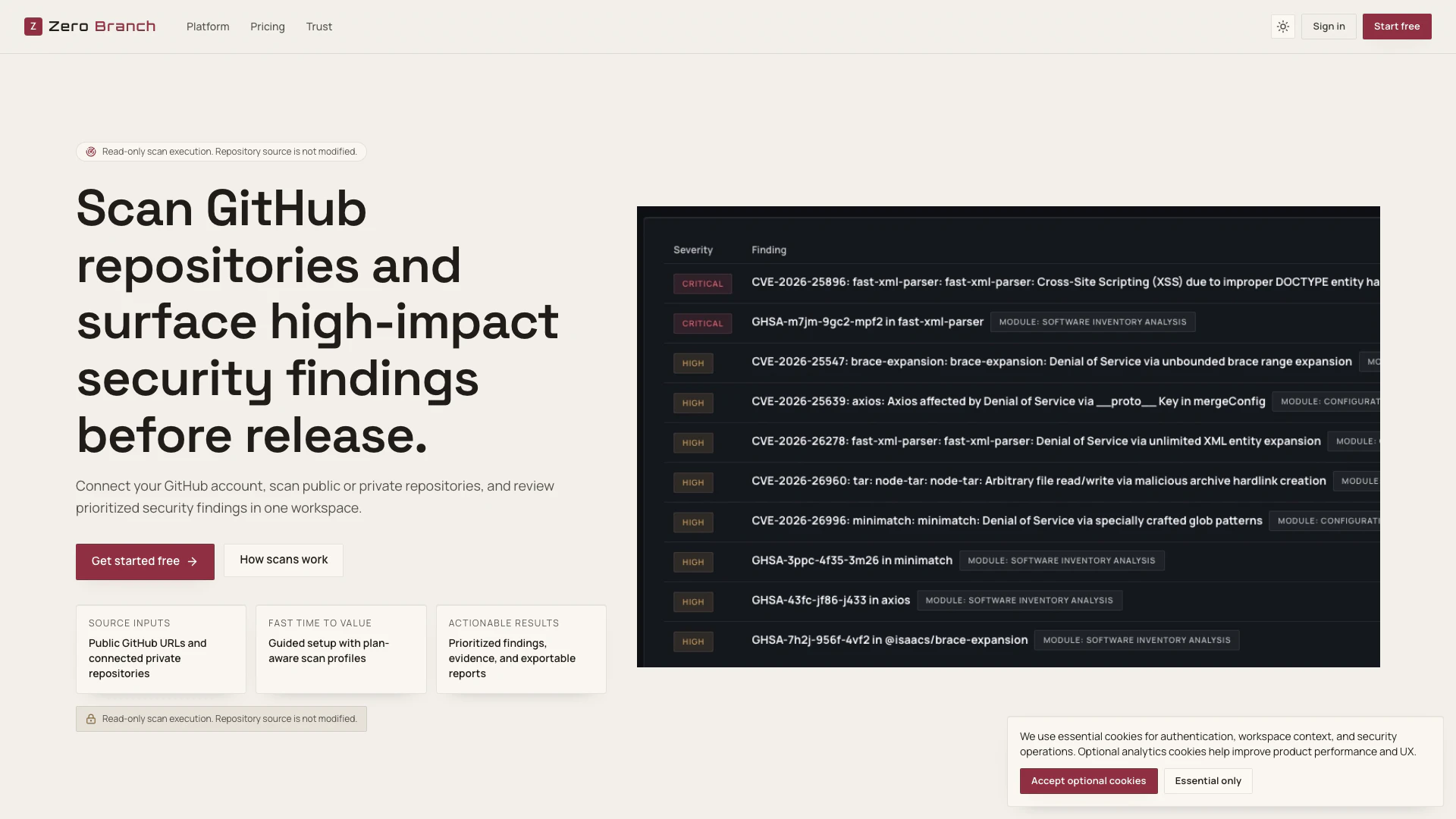
Zerobranch is a powerful tool designed to enhance security in software development by scanning GitHub repositories[1] for potential vulnerabilities. It allows users to connect their GitHub accounts and scan both public and private repositories, providing a centralized workspace to review prioritized security findings. With its focus on actionable results, Zerobranch helps teams identify high-impact security issues before they can affect software releases, ensuring a robust security posture for modern engineering organizations.
How to use Zerobranch?
- Select workspace and source: Start by picking your personal or organizational workspace, then choose a public GitHub URL or a connected private repository.
- Configure and run scan: Select an available scan profile, confirm the included checks, and optionally set a specific branch or reference before launching the scan.
- Prioritize and report: After the scan is complete, review the severity-ranked findings, check coverage details, and export reports for further analysis and team handoff.
What are the main features of Zerobranch?
- Public and private scan inputs: Easily scan public GitHub repositories or connected private repositories within your workspace.
- Configurable scan profiles[3]: Choose from various scan profiles tailored to your needs, including clear checks and plan-aware gating.
- Workspace-scoped access control: Ensure that repository access, scans, and reports adhere to workspace membership and permission rules.
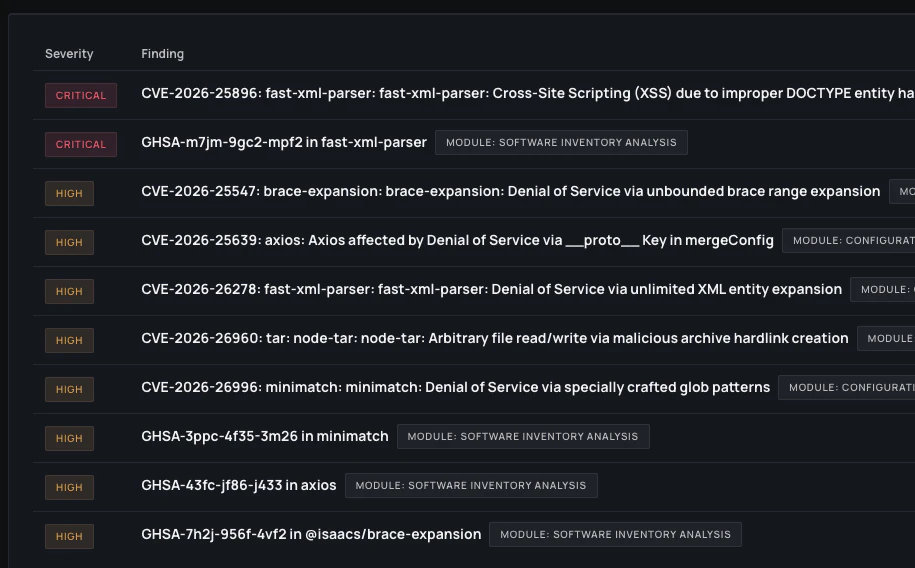
- Actionable findings: Review findings grouped by severity, complete with remediation guidance and evidence context for efficient triage.
- Reports and exports: Generate in-app reports, export findings in CSV/TSV format, and download PDF reports when available.
- Large repository coverage: Use bounded scan windows and continuation controls to analyze large repositories effectively.
Who is Zerobranch for?
Zerobranch is primarily targeted at software developers, security teams, and engineering organizations looking to enhance their security measures during the software development lifecycle. It is particularly beneficial for teams that manage both public and private GitHub repositories, allowing them to proactively identify and address security vulnerabilities before software releases. Independent builders and small startups can also leverage Zerobranch to ensure their projects maintain a strong security posture from the outset.
What are the use cases of Zerobranch?
- Pre-release vulnerability assessment[2]: Use Zerobranch to scan your codebase for vulnerabilities before deploying new software versions to production.
- Continuous security monitoring: Regularly scan connected repositories to identify newly introduced security issues as part of an ongoing security strategy.
- Compliance and auditing: Generate exportable reports for compliance audits, ensuring that your software meets industry security standards.
Product Images
Zerobranch Pros and Cons
Pros
- Comprehensive Security Scanning: Zerobranch allows users to scan both public and private GitHub repositories, ensuring a thorough review of security findings.
- Prioritized Findings: The tool provides prioritized security findings, helping users focus on the most critical issues first.
- Exportable Reports: Users can export findings in various formats such as CSV, TSV, and PDF, facilitating easy sharing and documentation.
Cons
No cons data detected for this tool
Zerobranch Pricing
Free
For early validation with limited monthly scan volume. Includes 10 public scans and 10 private scans per month, 2 advanced review scans per month with built-in analysis, 1 private repository connection, 5 AI recommendation runs per month, and a baseline security posture view.
Pro
For solo builders who need deeper security coverage and export-ready reports. Includes 600 public scans and 200 private scans per month, 200 deep scans per month, and PDF exports when available, with integrity hash metadata.
Team
For small teams running one organization workspace with shared controls. Includes 2,500 public scans and 1,200 private scans per month, 1 organization workspace and up to 5 invited members, 1,200 deep scans per month, and advanced workspace policies and access controls.
For the latest pricing, please visit this link: https://www.zerobranch.io/pricing
Prices are subject to change. Please visit the official website for the most up-to-date pricing information.
Zerobranch Compare
| Tool Name | Introduction | Pricing | Type | Rating | Launch Date | Learn more |
|---|---|---|---|---|---|---|
Rewind | Free | February 2, 2018 | Get deal | |||
Configure it once and automate your images forever without intervention—no need to review. Photos are ready to publish. Adjust backgrounds, lighting, banners, and more to fit your company branding. | Free | October 5, 2021 | Get deal | |||
Tutor AI - Your personal AI tutor to learn anything | Free | September 23, 2007 | Get deal |



Info current as of post date. Offers and availability may vary by location and are subject to change.
Zerobranch Q&A
To start your first scan, create a free workspace, choose a public GitHub URL or a connected repository, and review findings in one report view.
For more FAQs, please visit this link: https://www.zerobranch.io/docs
Zerobranch Alternatives
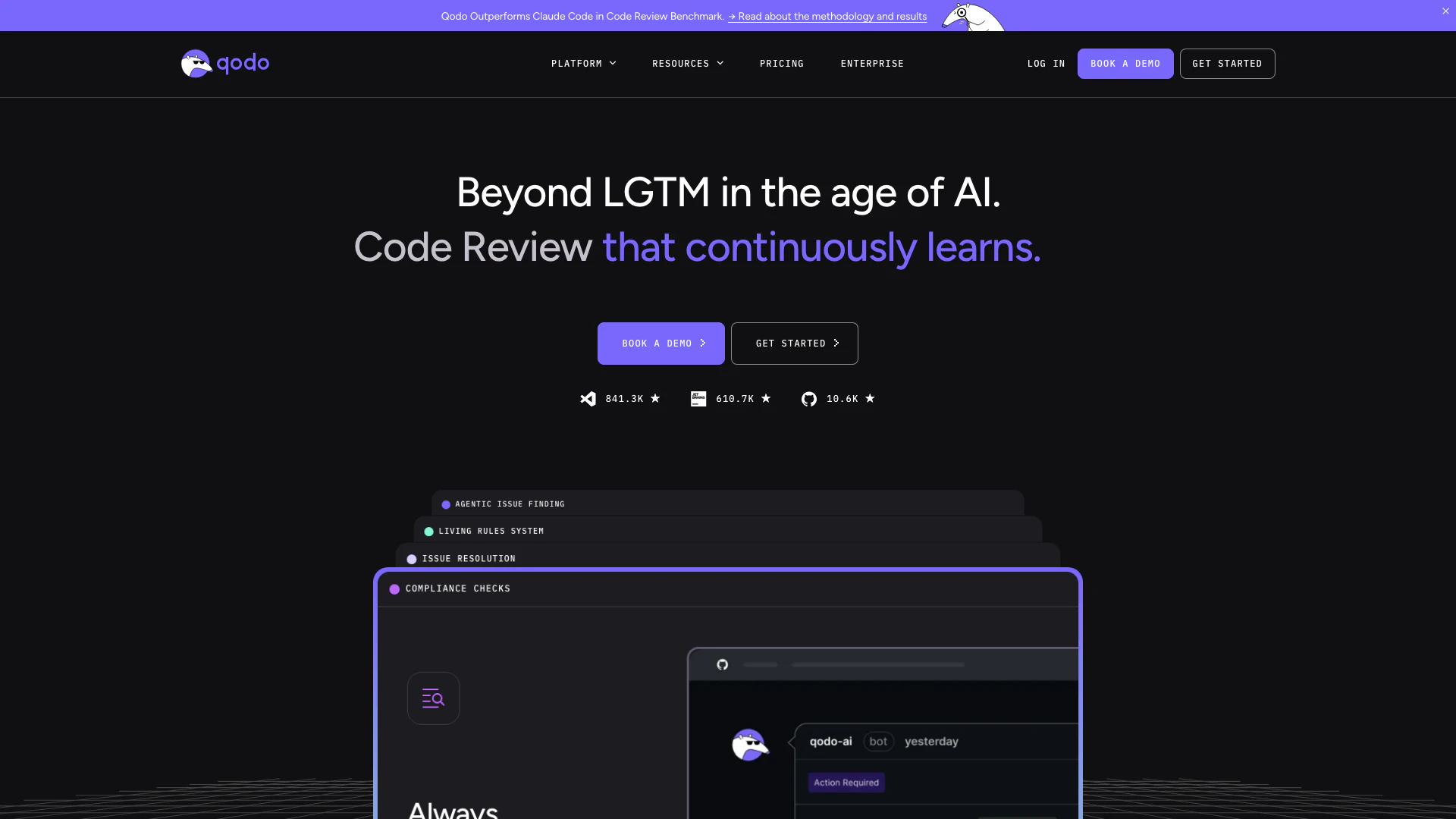
Qodo is an AI-driven code review tool that enhances code quality and speeds up development.
- Developer Tools
- Ai Code Review
- Ai Developer Tools
- AI Coding Assistants
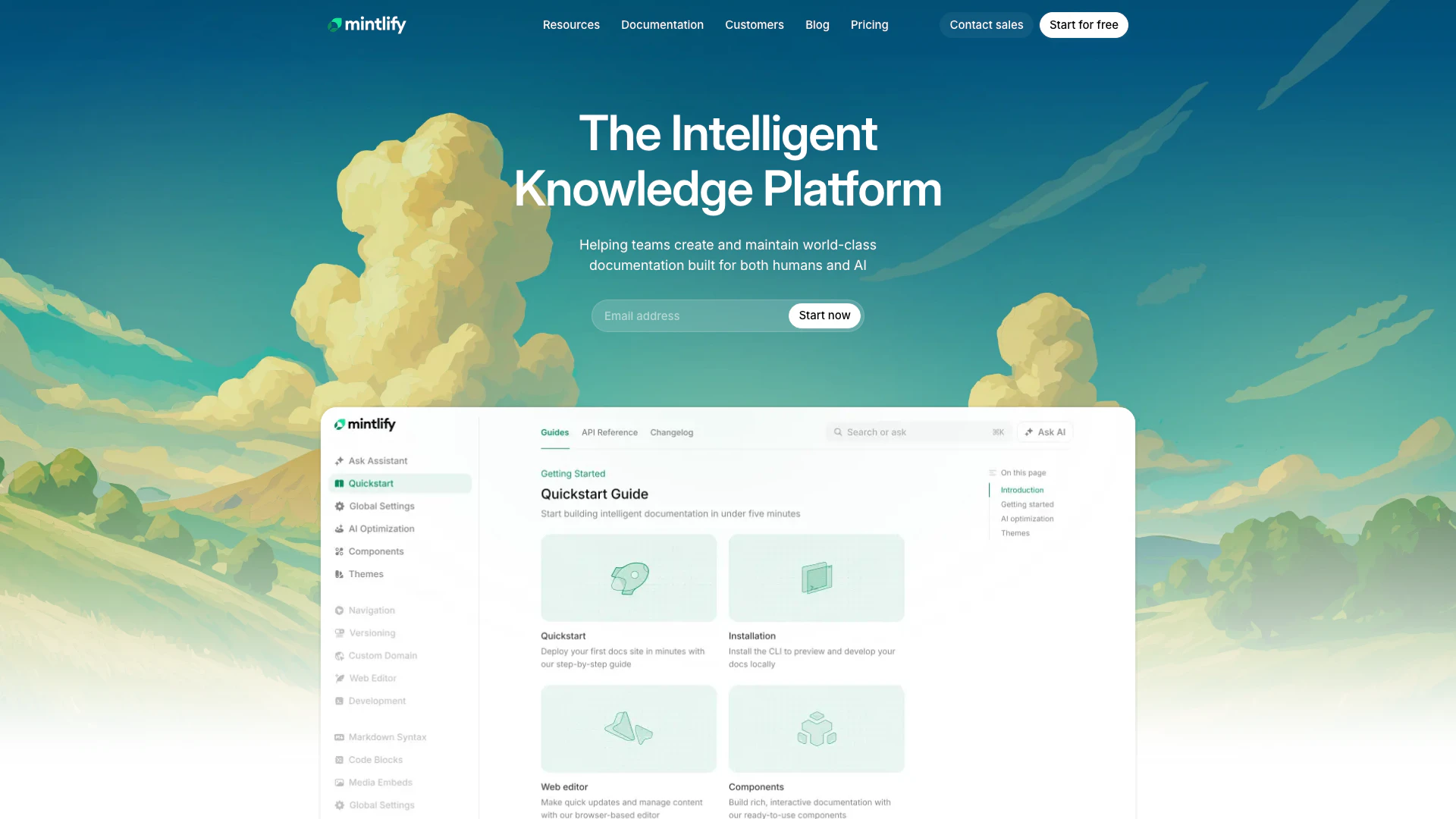
Revolutionize your documentation with AI-powered tools.
- Developer Tools
- AI Development Tools
- AI Documentation Tools
- Developer Productivity Tools
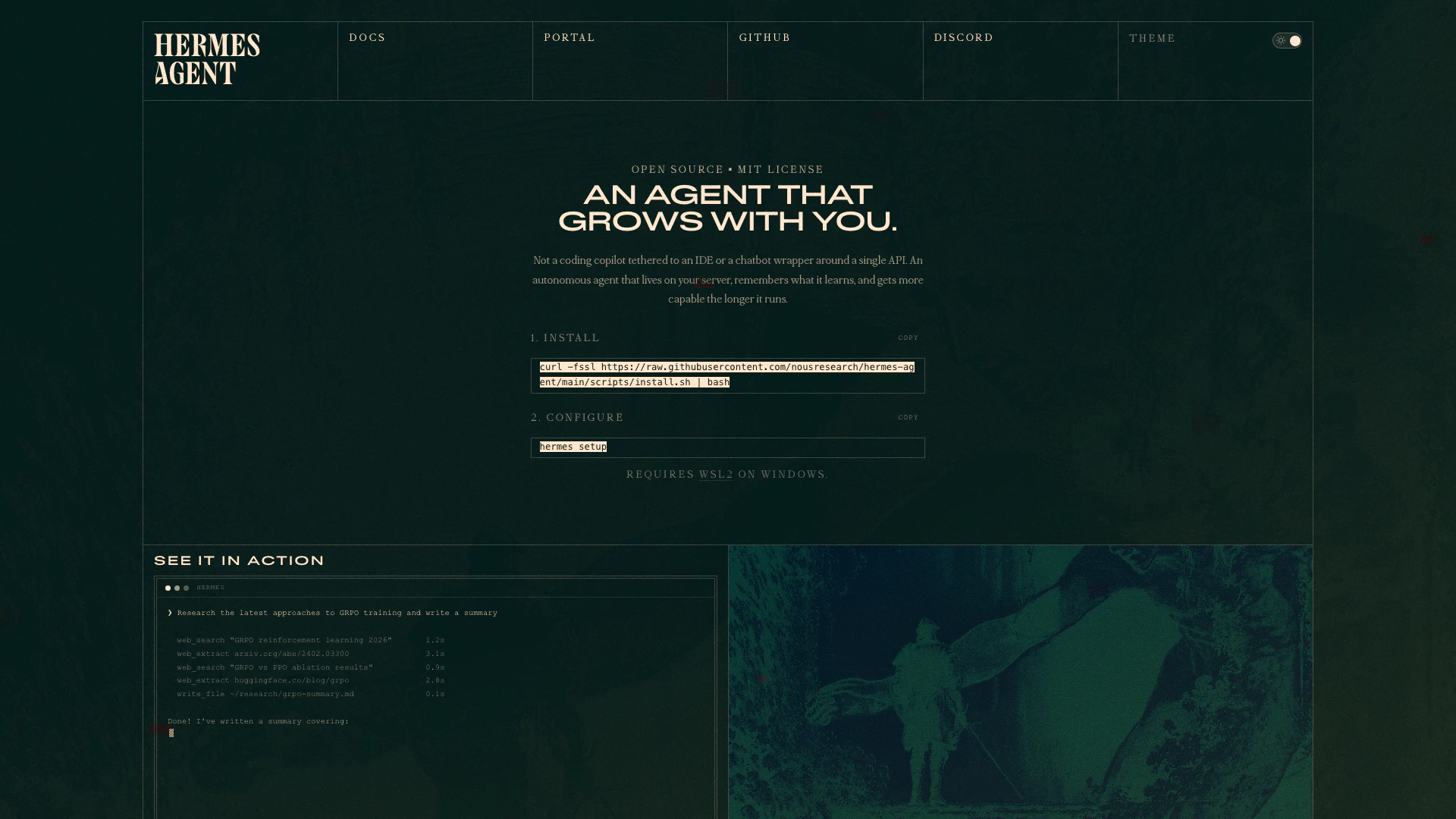
Nous Research presents Hermes, an open-source agent that learns and grows with your projects, adapting to your needs wherever you are.
- Developer Tools
- Ai Developer Tools
- AI Development Tools
- Developer Productivity Tools
Zerobranch Social Listening
I Wore Zero Drop BAREFOOT Shoe...
My barefoot shoe review after ...
Zero Balance Account ! #shorts
Zero Balance Account ! #shorts...
How to continue Re:Zero AFTER ...
Since season 3 of Re:Zero is e...
Unlock to view 7 social media results.