

Blitzrecorder
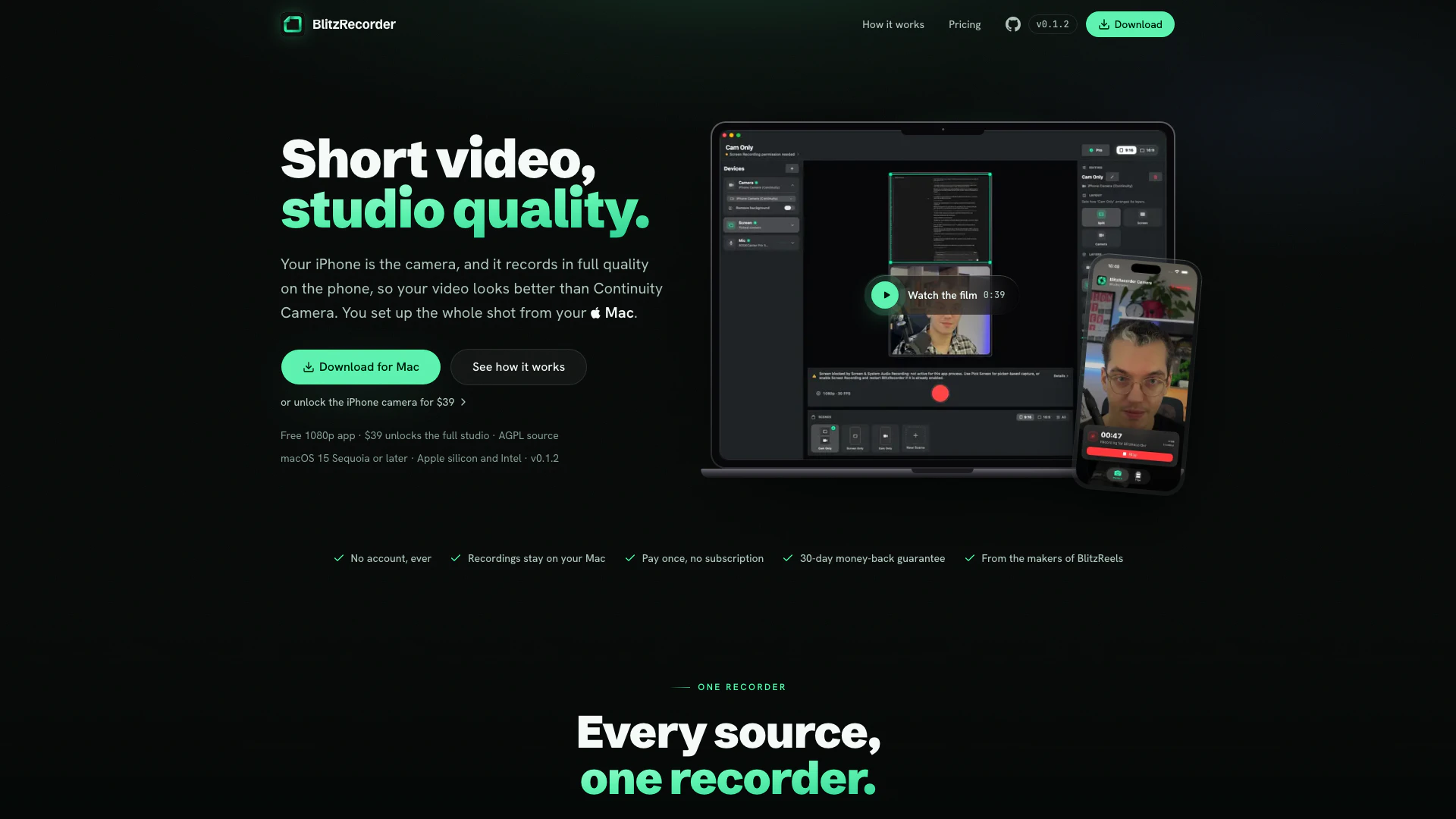





What is BlitzRecorder?
BlitzRecorder is an innovative software tool that transforms your iPhone into a high-quality studio camera for your Mac. Unlike traditional methods, BlitzRecorder records video in full quality directly on your iPhone, ensuring superior video clarity compared to the Continuity Camera. This tool is designed for creators who want to leverage their existing iPhone for professional-grade video recording, making it a cost-effective solution for content production.
How to use BlitzRecorder?
- Download and Install: Drag BlitzRecorder to your Applications folder and open it. There’s no need for account creation or sign-up.
- Approve Permissions: When prompted by macOS, allow access for screen recording, camera, and microphone. This is a one-time setup.
- Set Up and Record: Choose your desired layout, pair your iPhone if you want to use it as a camera, and hit the record button. The interface allows you to see exactly what you are recording.
What are the main features of BlitzRecorder?
- Full Quality Recording: Records video locally on the iPhone at full resolution, ensuring no loss of quality.
- Screen and Camera Integration: Combines screen capture and camera feed into one seamless frame.
- Live Scene Switching: Allows for dynamic transitions between different layouts while recording.
- Background Replacement: Users can replace their physical background with a clean backdrop for a more professional appearance.
- Remote Control: Frame and adjust the iPhone camera settings directly from your Mac.
- Flexible Orientation: Supports both vertical (9:16) and horizontal (16:9) formats for different content types.
- Raw File Retention: Saves separate audio, screen, and camera files for future editing.
Who is BlitzRecorder for?
BlitzRecorder is ideal for content creators, educators, and professionals who require high-quality video production without the need for expensive equipment. It caters to YouTubers, online instructors, and business professionals looking to create polished video presentations. This tool is especially beneficial for users who already own an iPhone, enabling them to utilize their existing devices for studio-quality recordings without incurring additional costs.
What are the use cases of BlitzRecorder?
- Online Tutorials: Create engaging educational videos by combining screen demonstrations with face-cam recordings.
- Live Streaming: Stream high-quality video content directly from your iPhone to various platforms, integrating different scenes and layouts.
- Professional Presentations: Produce polished video presentations for meetings or webinars, enhancing viewer engagement with high-resolution visuals.
Blitzrecorder Pros and Cons
Pros
- High-Quality Recording: BlitzRecorder allows your iPhone to record videos in full quality, ensuring superior video clarity compared to live streaming options like Continuity Camera.
- Seamless Integration: The app enables easy control of the iPhone camera from your Mac, allowing you to frame and adjust shots without needing to touch the phone.
- One-Time Purchase: BlitzRecorder offers a one-time payment model for unlocking full features, eliminating the need for ongoing subscription fees.
Cons
No cons data detected for this tool
Blitzrecorder Pricing
Free Mac App
Record your screen, camera, and mic with scenes, layouts, and backgrounds. Exports in 1080p. No account, no card, no subscription required.
Lifetime License
Unlocks the full studio features including the use of your iPhone as the camera, 4K export, and 60 fps export. One license for all your personal Macs, free updates through v1, and a 30-day money-back guarantee.
For the latest pricing, please visit this link: https://blitzrecorder.com/#pricing
Prices are subject to change. Please visit the official website for the most up-to-date pricing information.
Blitzrecorder Compare

Info current as of post date. Offers and availability may vary by location and are subject to change.
Blitzrecorder Q&A
Continuity Camera sends a live video stream to your Mac, so the quality drops and depends on your connection. BlitzRecorder records on the iPhone at full quality and sends the finished file to your Mac when you stop, so your video looks sharper. You also get scenes, layouts, and screen capture in the same app.
Blitzrecorder Alternatives

CapCut is a comprehensive online creative suite for video editing and graphic design.
- Video & Animation
- AI Video Editor
- AI Video Creation Suite
- AI Creative Video Production
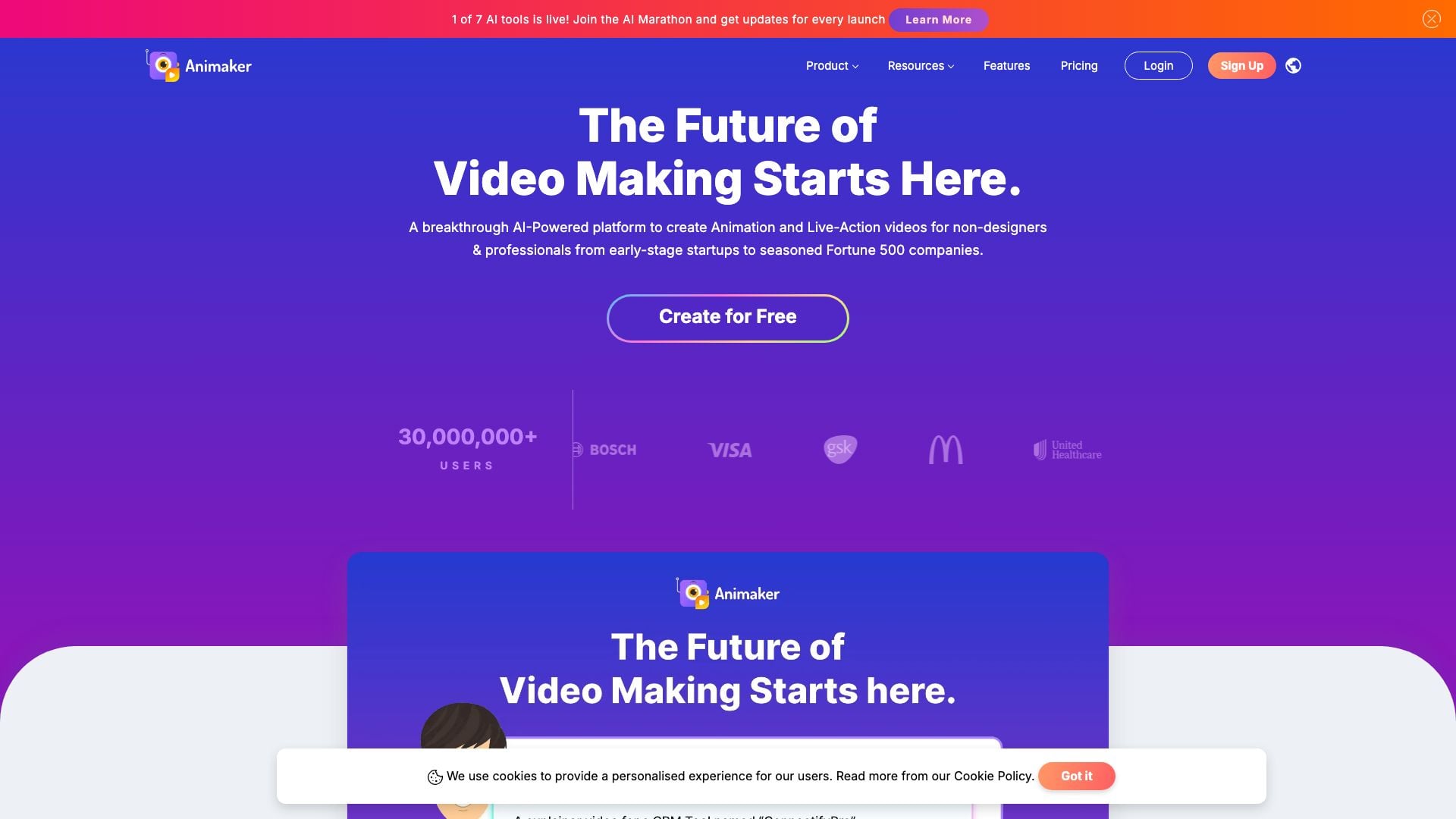
Animaker is an online AI animation generator and video maker that brings studio quality video content within everyone's reach. Animated Videos, Done Right!
- Video & Animation
- AI Video Editor
- AI Video Generator