

Collate





What is Collate?
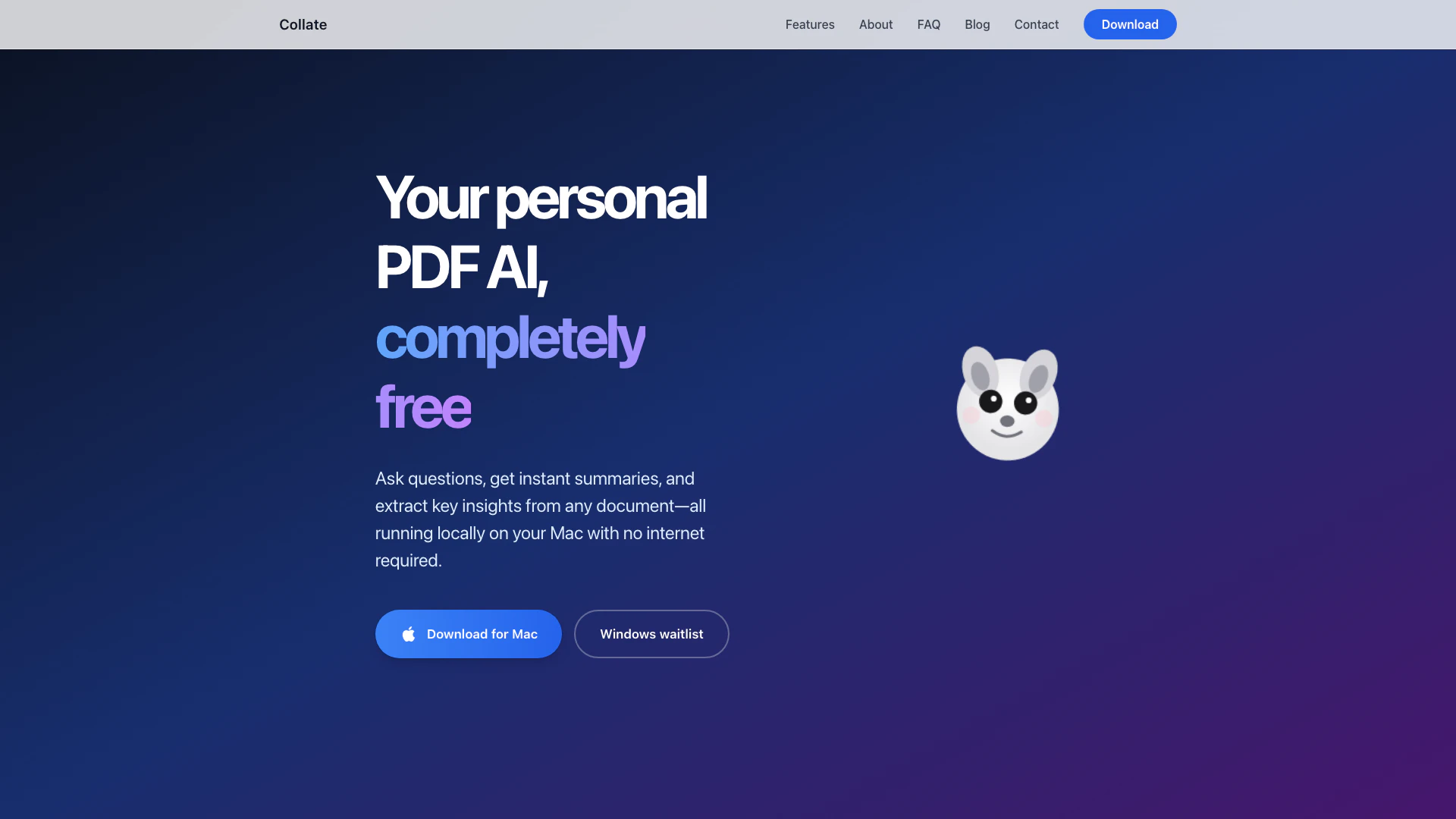
Collate is a powerful Mac application designed to facilitate interaction with PDF documents. It allows users to chat with their PDFs, generate summaries, and extract key insights, all while ensuring complete privacy by operating entirely offline. This means that users can access and utilize the tool without needing an internet connection, making it a convenient and secure option for handling sensitive documents. Collate is free to download and use, making it accessible for anyone looking to enhance their document processing capabilities.
How to use Collate?
- Download and Install: Visit the Collate website and download the application for Mac. Follow the installation instructions to set it up on your device.
- Add Your PDFs: Open Collate and drag your PDF files into the application or import them from folders. This keeps all your data secure and private on your device.
- Engage with Your Documents: Use the chat feature to ask questions about your PDFs. Collate will provide instant, accurate answers based on the content of your documents.
- Generate Summaries: Quickly create concise summaries of your PDFs with just one click, allowing you to digest large amounts of information rapidly.
- Capture Insights: Save any answers or summaries you find useful to your notes, and export them whenever needed.
What are the main features of Collate?
- Offline Functionality[1]: Collate operates entirely offline on your Mac, ensuring your data remains private and secure.
- Interactive Chat[2]: Engage in a conversation with your PDFs, asking questions and receiving instant responses.
- Instant Summaries[3]: Generate clear, actionable summaries from lengthy documents in seconds, making it easier to understand large volumes of information.
- Data Privacy[4]: All processing is done locally on your device, with no uploads to the cloud, ensuring complete privacy.
- Easy Import: Users can easily drag and drop PDF files or import entire folders into the application.
Who is Collate for?
Collate is designed for anyone who frequently works with PDF documents and values privacy and efficiency. This includes students needing to summarize academic papers, professionals extracting insights from reports, researchers analyzing literature, and anyone who prefers to manage their documents offline without the risk of data exposure. Its user-friendly interface makes it accessible for both tech-savvy individuals and those less familiar with advanced software.
What are the use cases of Collate?
- Academic Research: Students and researchers can use Collate to summarize research papers and extract key insights for their studies.
- Business Reports: Professionals can analyze lengthy business documents, generating summaries to make informed decisions quickly.
- Personal Document Management: Individuals can manage personal files, such as contracts or invoices, by summarizing key points and keeping track of important information securely.
Collate Pros and Cons
Pros
- Local Processing for Privacy: Collate processes all data locally on your Mac, ensuring complete privacy without the need for internet access.
- Instant Summaries and Insights: Quickly generate actionable insights and summaries from large PDF documents in seconds, enhancing productivity.
- Unlimited Usage: Users can utilize the app without any limitations on usage, making it a cost-effective solution for PDF management.
Cons
No cons data detected for this tool
Analytics of Collate
Collate Compare
| Tool Name | Introduction | Pricing | Type | Rating | Launch Date | Learn more |
|---|---|---|---|---|---|---|
Generate AI lesson plans, PowerPoints, and more with Copilot! Use Copilot to breeze through your unit planning and material creation! | Free | November 13, 2022 | Get deal | |||
🧠 AI-powered image resizer for social media | Free | June 8, 2021 | Get deal | |||
Paraphrasing Tool (Ad-Free and No Sign-up Required) - QuillBot AI | Free | December 31, 1984 | Get deal |


Info current as of post date. Offers and availability may vary by location and are subject to change.
Collate Q&A
Collate is a privacy-first AI assistant designed for self-learners and knowledge builders. It lets you chat with, summarize, and extract insights from PDFs entirely offline on your Mac, perfect for building personal knowledge bases without uploading documents to the cloud.
For more FAQs, please visit this link: https://collate.one/faq/
Collate Alternatives
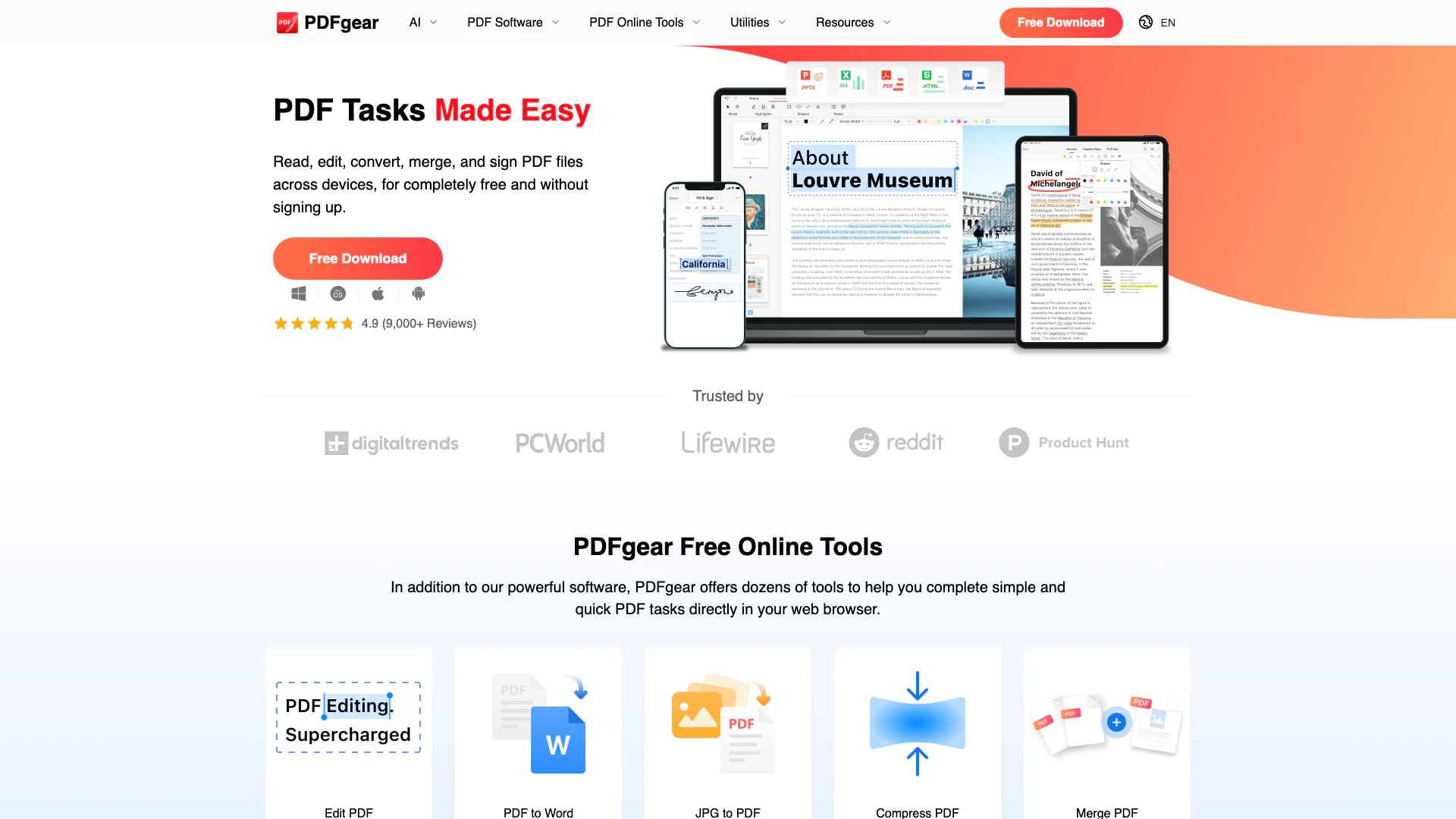
Powerful PDF editing made easy and free.
- Productivity & Office
- AI Document Processing Tools
- AI PDF Management Tools
- AI PDF Editing and Conversion Tools

ChatPDF combines AI technology with PDF analysis for smarter document interactions.
- Productivity & Office
- Ai Monitoring Tools
- AI Productivity Tools
- AI Information Management Tools

Engage with your PDFs using AI for insights and summaries.
- Productivity & Office
- Ai Monitoring Tools
- AI Productivity Tools
- AI Information Management Tools