

Dashira



What is Dashira?
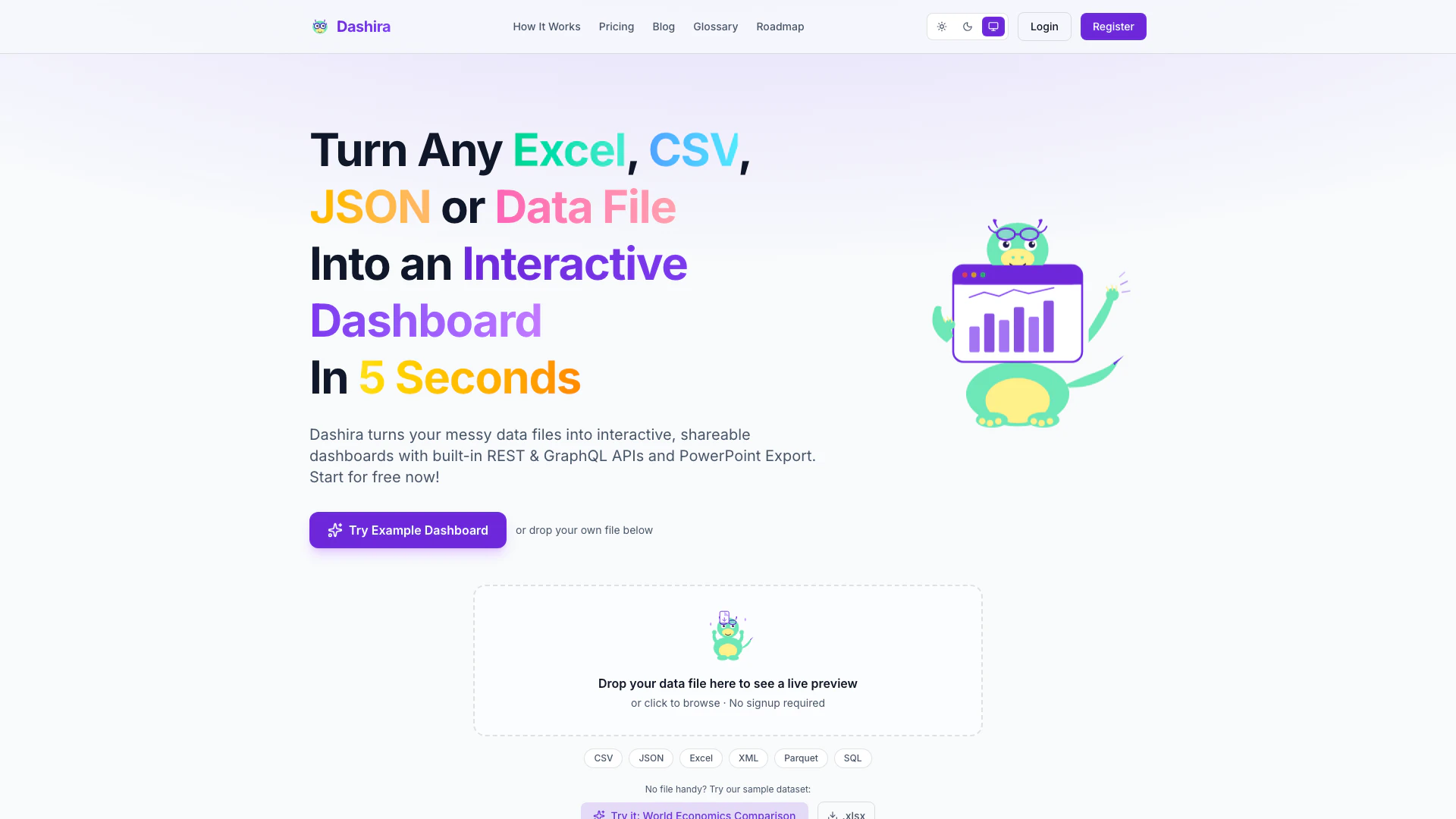
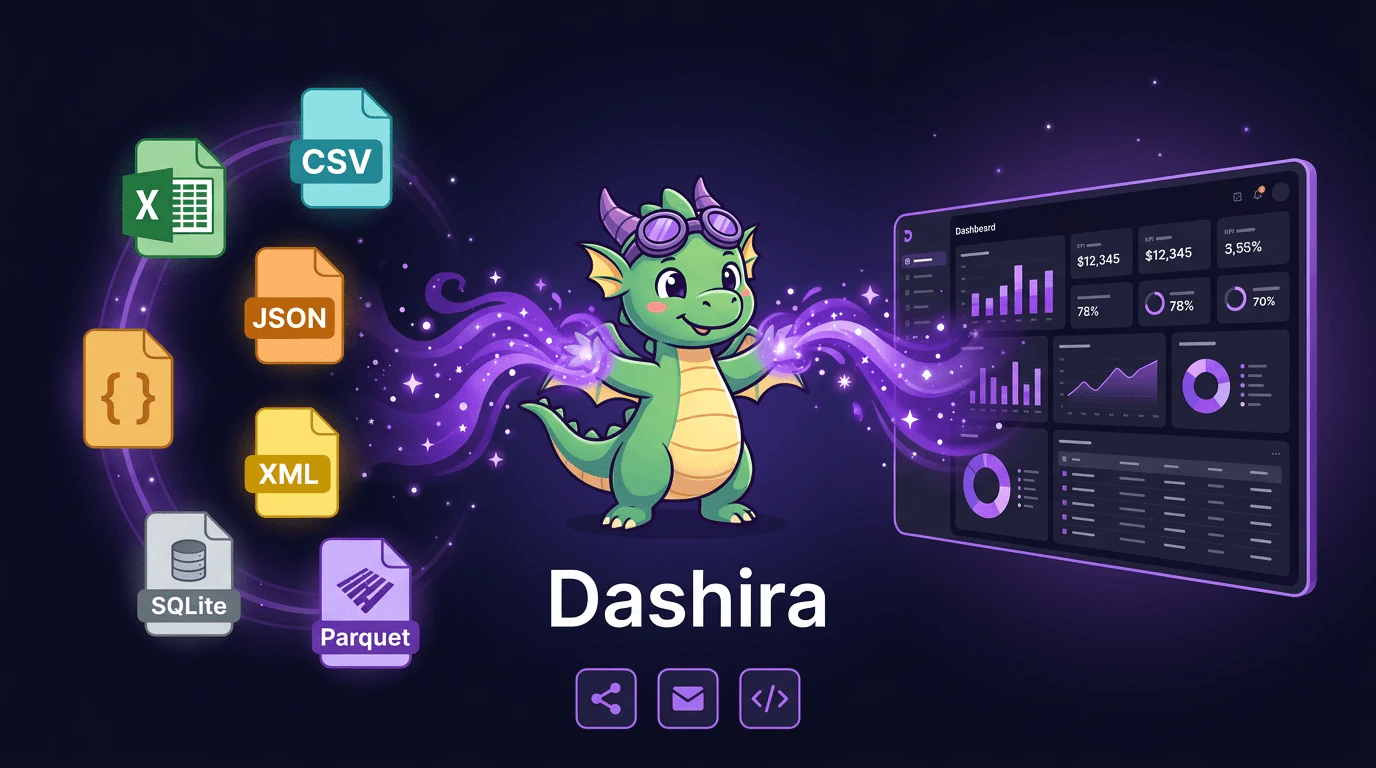
Dashira is a powerful data visualization[1] tool that allows users to upload data in various formats such as Excel, CSV, JSON, XML, and SQL. It transforms messy data files into interactive, shareable HTML5 dashboards[2] featuring charts, tables, filters, and built-in REST & GraphQL APIs[6]. With Dashira, users can generate professional dashboards quickly and easily, making data insights accessible to teams and stakeholders without the need for extensive technical expertise.
How to use Dashira?
- Upload your data: Start by dropping your data file in formats like CSV, Excel, JSON, XML, Parquet, or SQL into Dashira. You can also browse your computer to select the file.
- Generate the dashboard: Dashira will automatically analyze your data and select the appropriate charts, filters, and layout to create a polished dashboard.
- Share your dashboard: Once the dashboard is generated, you can share it via a link, embed it on your website, or export it as a standalone HTML5 file.
What are the main features of Dashira?
- Multi-format support[3]: Upload data in various formats including CSV, Excel, JSON, XML, Parquet, and SQL.
- AI-powered generation[4]: Automatically selects the best charts, filters, and layouts for your data.
- Interactive dashboards[5]: Create shareable dashboards with charts, tables, and filters for dynamic data exploration.
- REST & GraphQL APIs: Access your dashboard data programmatically with built-in APIs.
- Corporate branding options: Customize colors, logos, and whitelabeling for a professional look.
- Standalone HTML5 export: Export dashboards for offline use without needing a server.
Who is Dashira for?
Dashira is designed for a wide range of users, including data analysts, business intelligence professionals, marketers, and startup founders. It is ideal for teams looking to quickly visualize and share data insights without requiring extensive technical skills. From startups needing to impress investors with professional dashboards to large enterprises wanting to manage data across multiple departments, Dashira caters to anyone who needs to turn data into actionable insights effortlessly.
What are the use cases of Dashira?
- Business reporting: Generate shareable dashboards for quarterly reports and presentations to stakeholders.
- Data analysis[7]: Use Dashira to visualize complex datasets and identify trends and insights quickly.
- Marketing performance tracking: Create dashboards that display campaign metrics and KPIs for team visibility and alignment.
Product Images
Dashira Pros and Cons
Pros
- Supports Various Data Formats: Dashira allows users to upload data in multiple formats including CSV, Excel, JSON, XML, and SQL, making it versatile for different data sources.
- Quick Dashboard Creation: Users can generate interactive dashboards in just seconds, significantly reducing the time needed to visualize data.
- Built-in APIs for Integration: Dashira includes built-in REST and GraphQL APIs, enabling seamless integration with other tools and systems.
- Shareable and Customizable Dashboards: Dashboards can be shared via links, embedded on websites, and customized with corporate branding, enhancing user experience.
Cons
No cons data detected for this tool
Dashira Pricing
Free
Perfect for trying Dashira with your own data. * Up to 2 dashboards * File import (CSV, JSON, Excel) * Basic charts & tables * HTML & PowerPoint export * Public sharing & invites * API import * REST & GraphQL API * API keys
Beginner
For individuals who need sharing and more dashboards. * Up to 100 dashboards * File import (CSV, JSON, Excel) * All charts & tables * HTML & PowerPoint export * Public sharing & invites * API import * REST & GraphQL API * API keys
Pro
For teams that need API access and unlimited dashboards. * Unlimited dashboards * All file formats + API import * REST & GraphQL APIs per dashboard * API keys * Access control & sharing * HTML & PowerPoint export * Filters, search & advanced charts * Email support
Ultimate
For scaling teams that need advanced branding and priority support. * Everything in Pro * Corporate branding (colors, logo, fonts) * Priority support * Advanced access control * HTML & PowerPoint export * Higher scale for teams * All charts, filters & APIs * Faster onboarding support
Pro Lifetime
Pay once, get lifetime access to all Pro features. No recurring fees, ever. * Lifetime access — pay once, use forever * All future Pro updates included * Unlimited dashboards * REST & GraphQL APIs * API keys & API import * Access control & sharing * HTML & PowerPoint export * Email support
For the latest pricing, please visit this link: https://dashira.tech/pricing
Prices are subject to change. Please visit the official website for the most up-to-date pricing information.
Dashira Compare
| Tool Name | Introduction | Pricing | Type | Rating | Launch Date | Learn more |
|---|---|---|---|---|---|---|
AutoDraw | Free | January 2, 1998 | Get deal | |||
Tutor AI - Your personal AI tutor to learn anything | Free | September 23, 2007 | Get deal | |||
Configure it once and automate your images forever without intervention—no need to review. Photos are ready to publish. Adjust backgrounds, lighting, banners, and more to fit your company branding. | Free | October 5, 2021 | Get deal |



Info current as of post date. Offers and availability may vary by location and are subject to change.
Dashira Alternatives
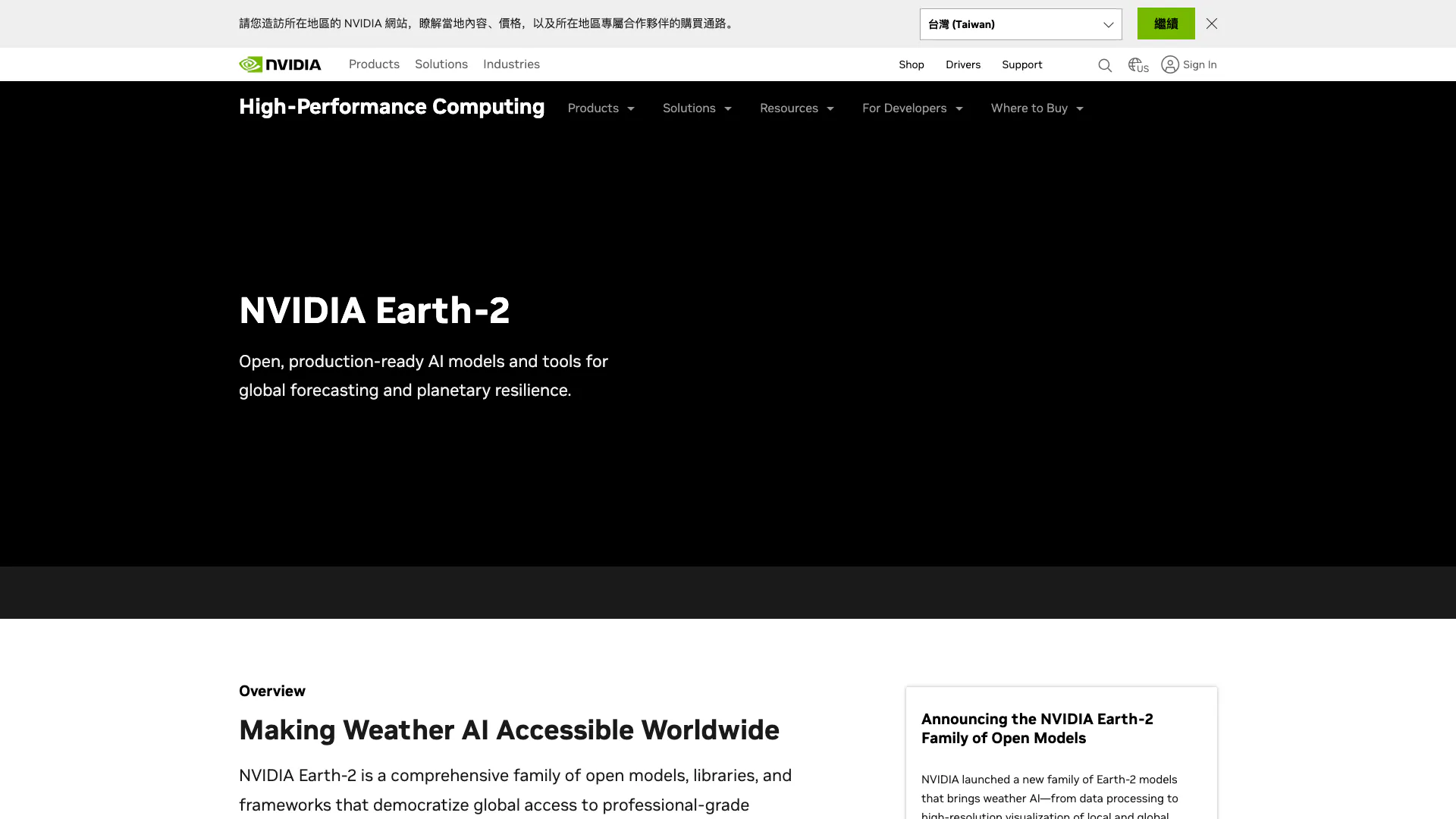
NVIDIA Earth-2 provides AI-driven climate modeling and weather forecasting.
- Data & Analytics
- AI Data Analytics Tools
- AI Prediction Tools
- AI Research Tools
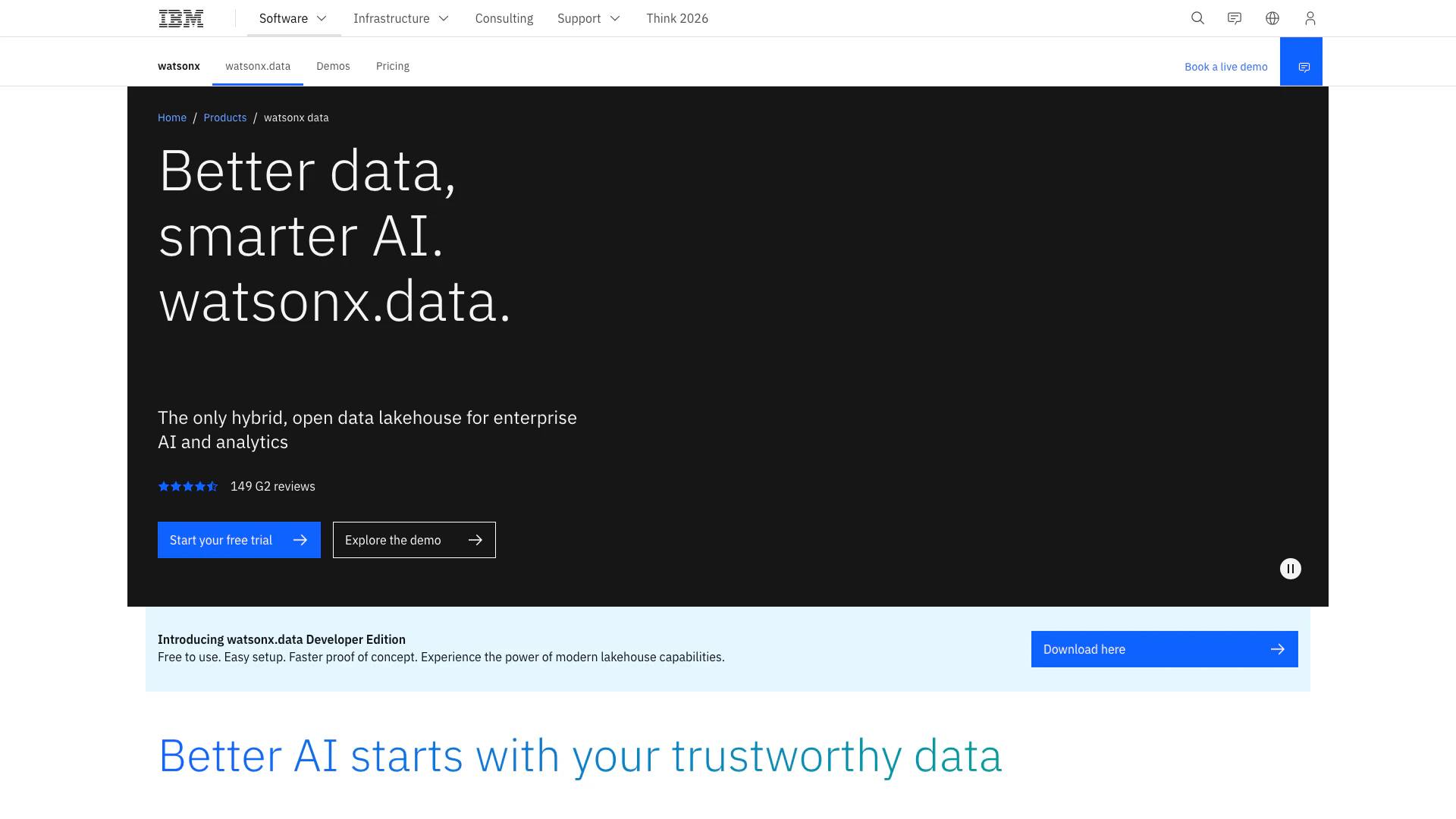
A hybrid open data lakehouse for AI and analytics.
- Data & Analytics
- AI Data Analytics Tools
- Cloud Infrastructure Management Tools
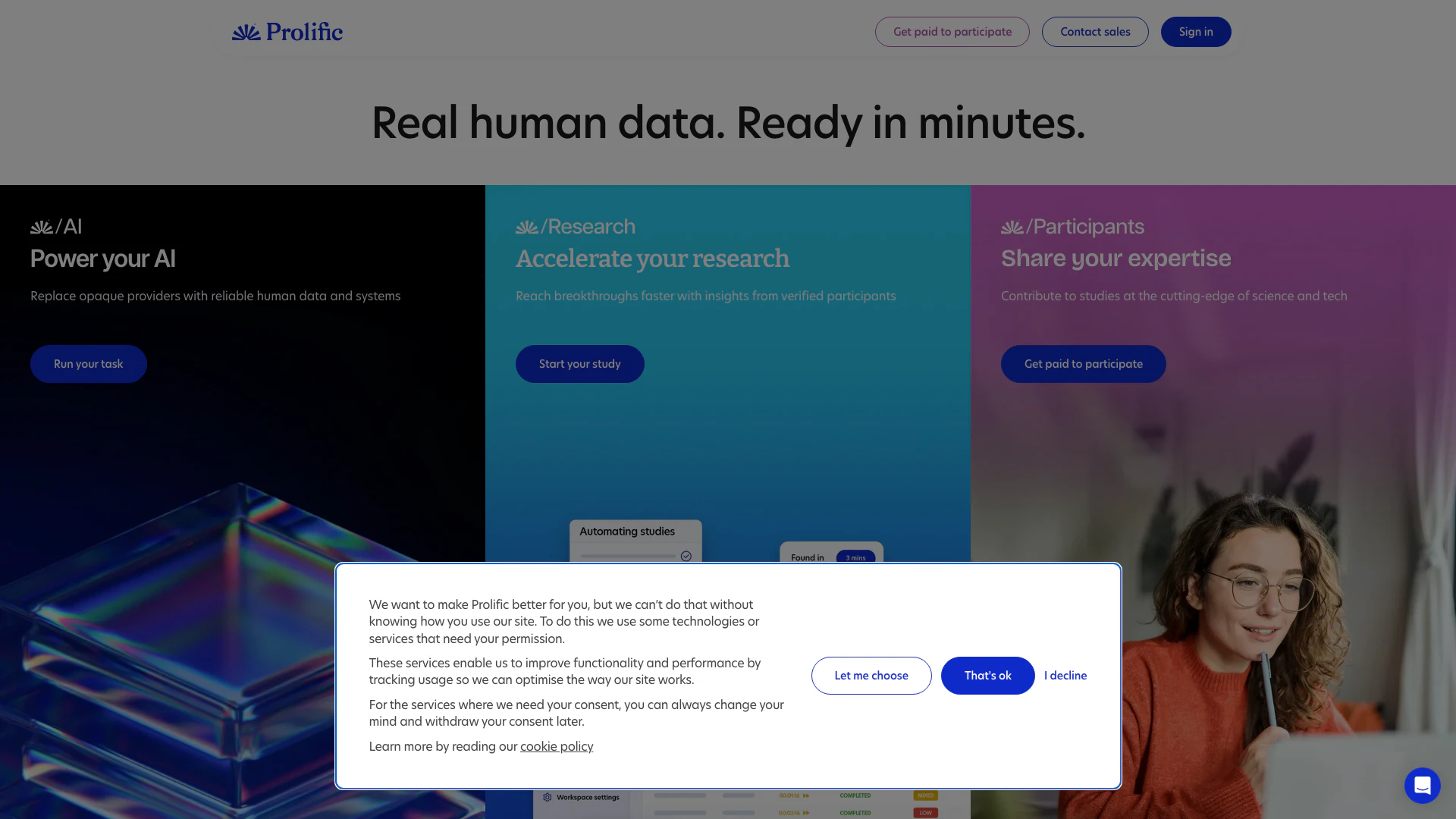
Prolific provides quick access to high-quality human data for AI and research.
- Data & Analytics
- AI Data Analytics Tools
- AI Research Tools
- Form Building and Data Collection Tools