

Dialpad



What is Dialpad?
Dialpad is an AI-powered[1] cloud platform[2] that integrates calling, messaging, and meetings into a unified contact center solution. It leverages advanced agentic AI[4] technology to enhance customer experience[5]s (CX) and facilitate faster resolution of inquiries. By combining multiple communication channels into one platform, Dialpad aims to streamline interactions and improve overall efficiency for businesses.
How to use Dialpad?
- Sign Up: Visit the Dialpad website and create an account by selecting a suitable plan.
- Set Up Your Profile: Log in to your account and configure your user profile, including adding your phone number and setting up your preferences.
- Integrate Applications: Connect Dialpad with other tools and applications your business uses, such as Salesforce or Google Workspace, for seamless workflow.
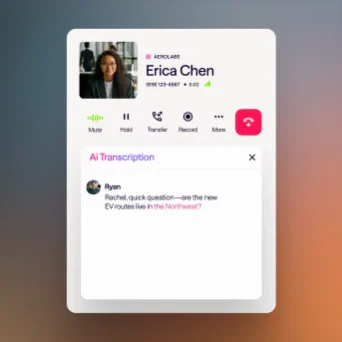
- Utilize Communication Tools: Start using Dialpad's features for calling, messaging, and meetings. You can initiate calls, send messages, and schedule meetings directly from the platform.
- Leverage AI Features: Use Dialpad's AI capabilities to gain insights, automate tasks, and enhance customer interactions, making your communication more effective.
What are the main features of Dialpad?
- Unified Communications[3]: Combines calling, messaging, and meetings into a single platform.
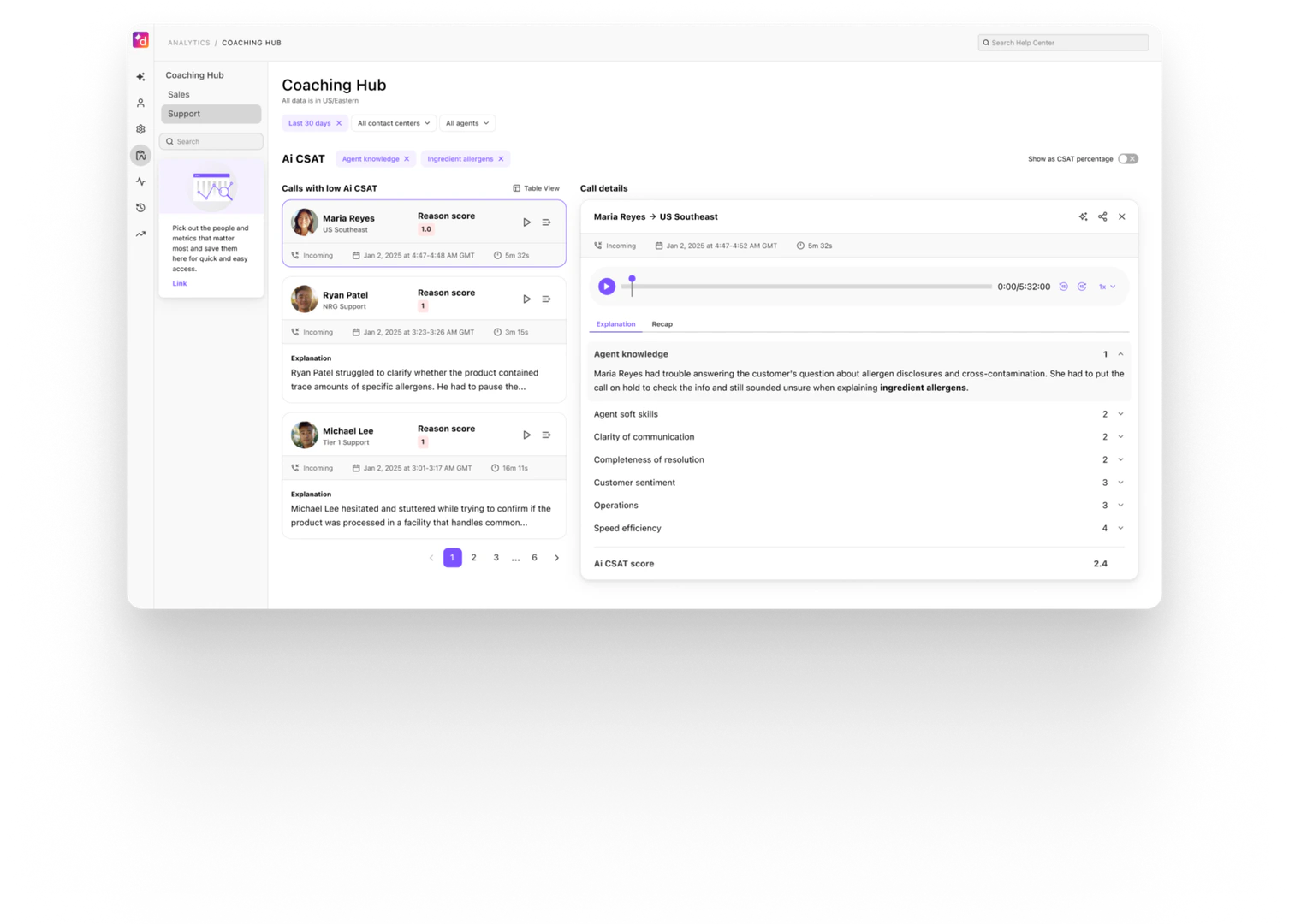
- AI-Powered Insights: Provides real-time analytics and insights to improve customer interactions.
- Agentic AI: Automates tasks and enhances customer service capabilities, enabling faster resolutions.
- Scalability: Supports a high volume of simultaneous interactions across various channels.
- Integrations: Works seamlessly with popular business applications like Salesforce, Google Workspace, and Zendesk.
Who is Dialpad for?
Dialpad is designed for businesses of all sizes that require a robust communication platform to manage customer interactions effectively. It is particularly beneficial for customer service teams, sales departments, and organizations looking to enhance their contact center operations. Companies seeking to leverage AI technology for improved customer experience will find Dialpad's features especially valuable.
What are the use cases of Dialpad?
- Customer Support: Use Dialpad to manage customer inquiries efficiently through voice, chat, and email support.
- Sales Calls: Equip sales teams with tools to make calls, track leads, and gain insights to close deals faster.
- Remote Team Collaboration: Facilitate communication among remote teams through integrated messaging and video conferencing features.
Product Images

Dialpad Pros and Cons
Pros
- AI-Powered Features: Dialpad utilizes advanced AI to enhance customer interactions, providing real-time insights and automations that improve efficiency and customer satisfaction.
- Unified Communication Platform: Combines calling, messaging, and meetings into a single platform, streamlining communication for teams and improving collaboration.
- Scalable Solutions: Designed to handle thousands of customer interactions simultaneously, ensuring consistent service across various channels.
Cons
No cons data detected for this tool
Dialpad Pricing
Standard
Seamless customer and team communication with unlimited calls, AI-powered meetings, and built-in messaging—perfect for small teams ready to scale. Features include HD calls and meetings, real-time transcripts, and instant call summaries.
Pro
Boost productivity with advanced integrations, 24/7 support, and multi-office management—ideal for growing businesses needing more flexibility. Includes everything in Standard, plus key CRM integrations and 24/7 customer support.
Enterprise
Enterprise-grade reliability with 99.9% uptime and unlimited scalability—built for organizations that need the best. Includes everything in Pro, plus secure access with SSO, user access controls, and unlimited office locations.
For the latest pricing, please visit this link: https://www.dialpad.com/pricing/
Prices are subject to change. Please visit the official website for the most up-to-date pricing information.
Analytics of Dialpad
Dialpad Compare
| Tool Name | Introduction | Pricing | Type | Rating | Launch Date | Learn more |
|---|---|---|---|---|---|---|
AutoDraw | Free | January 2, 1998 | Get deal | |||
Tutor AI - Your personal AI tutor to learn anything | Free | September 23, 2007 | Get deal | |||
Edit your selfies to get the results you want with powerful and easy-to-use tools. Give your selfies the VIP treatment. Touch up, reshape & apply digital makeup. | Free | December 1, 2012 | Get deal |



Info current as of post date. Offers and availability may vary by location and are subject to change.
Dialpad Alternatives
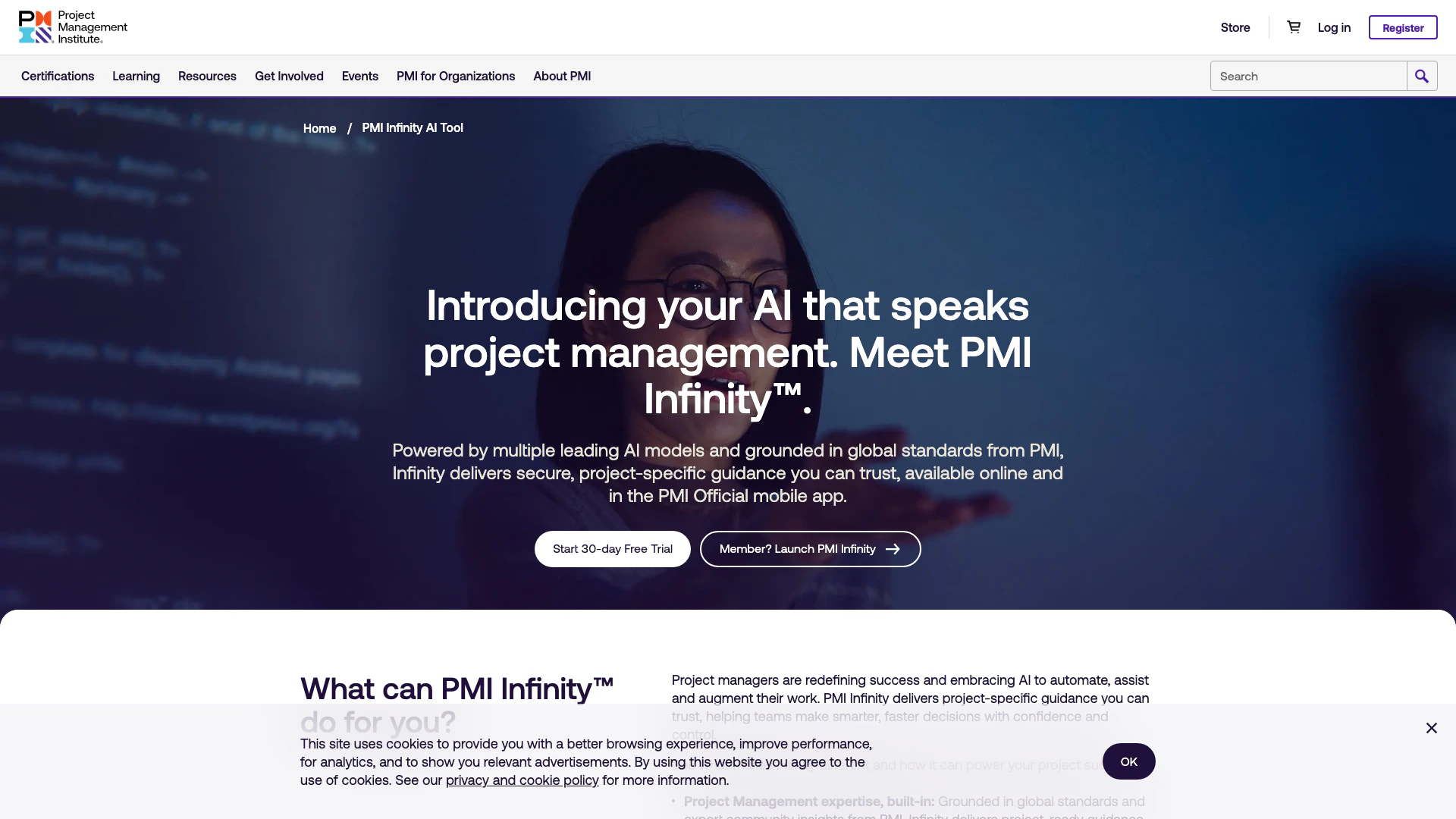
PMI Infinity is an AI assistant tailored for project management professionals.
- Operations & Management
- AI Interview Assistant
- AI Project Management Tools
- AI Operations Management Tools
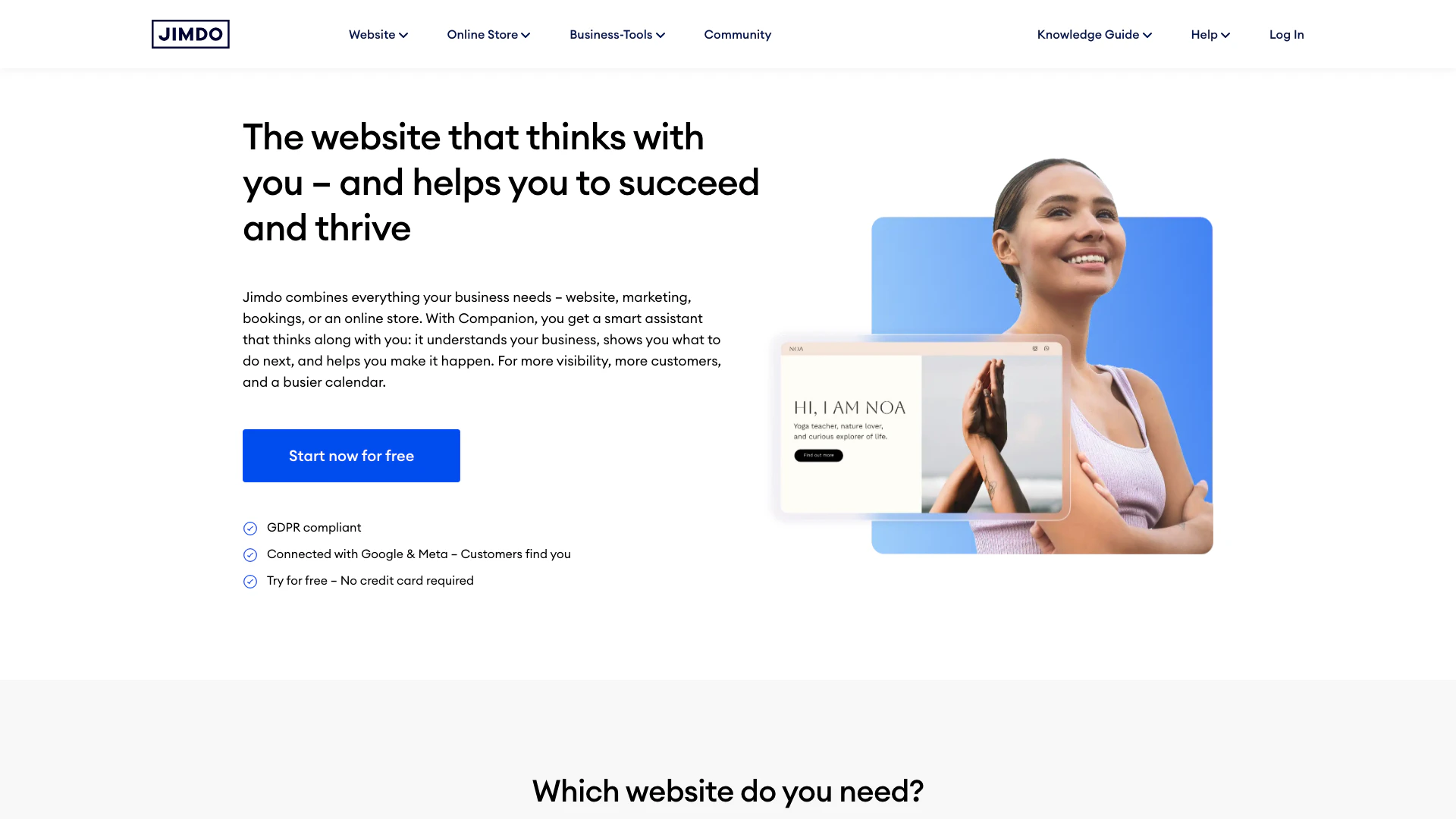
Jimdo provides a comprehensive platform for building websites and online stores with integrated marketing tools.
- Operations & Management
- Customizable CRM Solutions
- AI Operations Management Tools
- No Code Inventory Management Tools
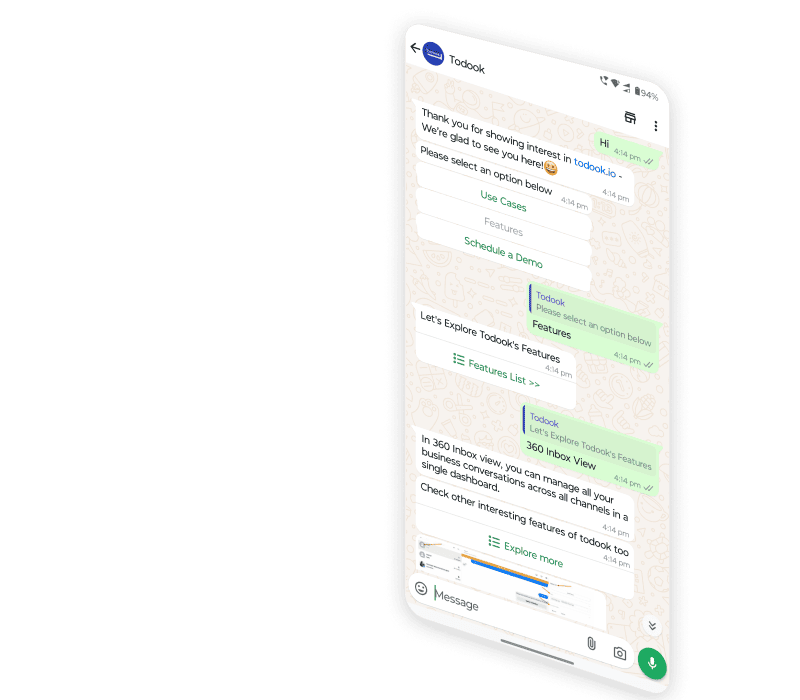
Todook | AI Chatbot | Customer Support
- Operations & Management
- AI Customer Service Tools
- Ai Assistant