

Erasevideo





What is EraseVideo?
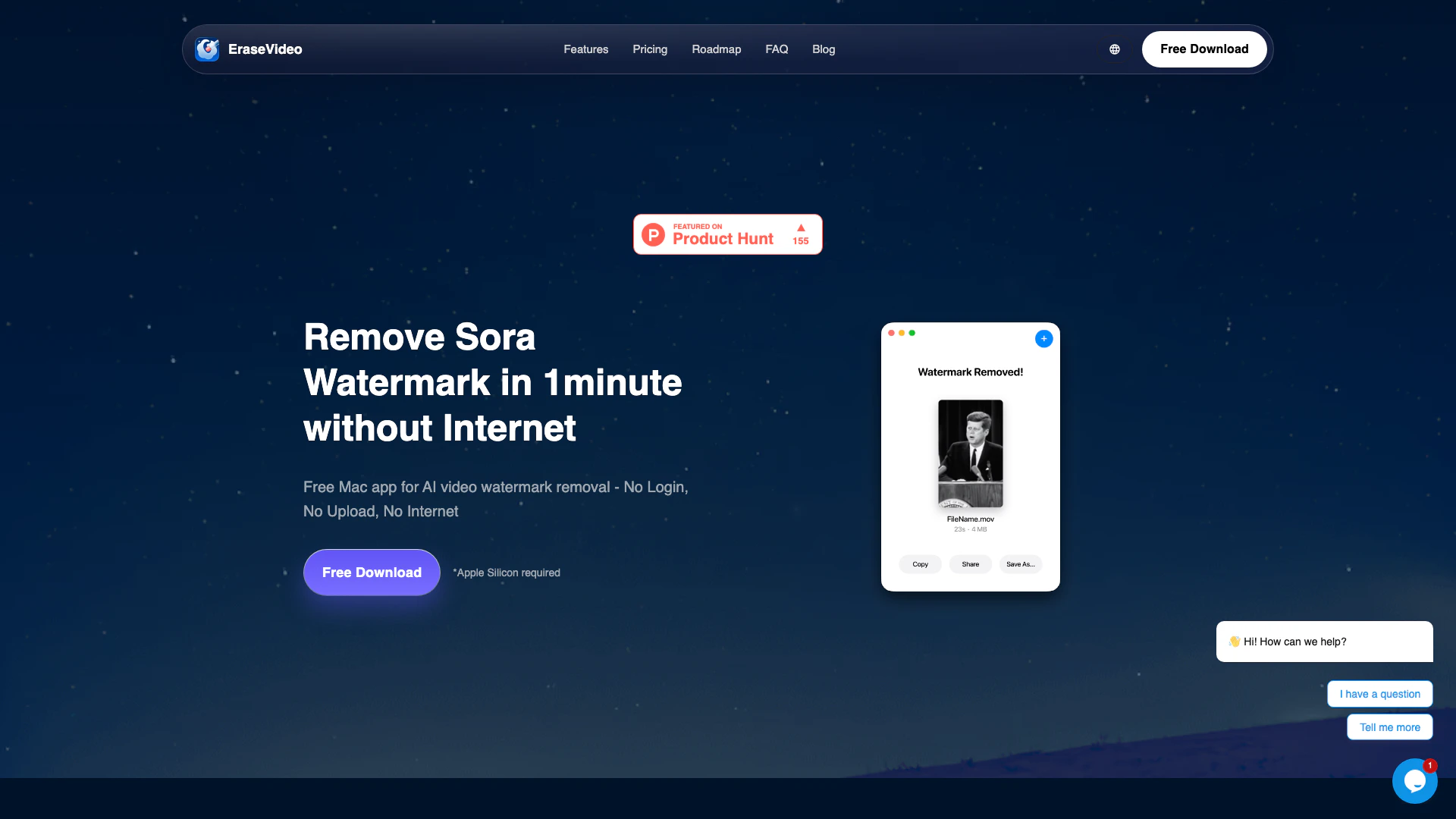
EraseVideo is a powerful Mac application designed for removing AI video watermarks instantly. It allows users to erase watermarks from popular AI video platforms such as Sora, Veo3, and Keling without the need for internet connectivity, login, or video uploads. The app guarantees fast, private, and professional results in just minutes, making it an ideal solution for content creators looking to maintain the integrity of their videos.
How to use EraseVideo?
- Download and install EraseVideo on your Mac.
- Open the application and drag and drop the video file you want to edit.
- The AI-powered tool will automatically detect the watermark and remove it without requiring any manual adjustments.
- Once the process is complete, preview the results and save the edited video to your device.
What are the main features of EraseVideo?
- AI-Powered Smart Removal: Automatically detects and removes watermarks from videos without manual input.
- 100% Local Processing: Operates entirely on your Mac, ensuring privacy and security without needing internet access.
- Lightning Fast Performance: Removes watermarks from a 15-second video in under one minute on M1 chip Macs.
- Free to Use: Allows users to remove watermarks from two videos per day without any login or hidden fees.
- Support for Multiple Platforms: Works with seven major AI video platforms including Sora, Veo, and TikTok.
Who is EraseVideo for?
EraseVideo is tailored for content creators, video editors, and anyone who frequently works with AI-generated videos. It's especially useful for those who need to remove watermarks quickly and efficiently without compromising video quality or privacy. The app is designed for Mac users who prefer a native application experience over online tools, making it ideal for professionals and hobbyists alike.
What are the use cases of EraseVideo?
- Content Creation: Ideal for YouTubers and social media influencers who want to create polished videos without watermarks.
- Video Editing: Useful for video editors looking to enhance their projects by removing unwanted watermarks from AI-generated footage.
- Personal Projects: Perfect for individuals who wish to edit family videos or personal content that may have watermarks from video platforms.
Product Images





Erasevideo Pros and Cons
Pros
- Fast Watermark Removal: EraseVideo can remove watermarks from a 15-second video in just 1 minute, ensuring quick processing times.
- No Internet Required: The app operates entirely offline, ensuring that your video content remains private and secure without needing internet access.
- User-Friendly Experience: With no login or upload required, users can start removing watermarks immediately, making it accessible and easy to use.
Cons
No cons data detected for this tool
Erasevideo Pricing
FREE
2 videos per day, 7 AI platforms support, Smart automatic detection, All future updates, 1 macOS device.
Annual Subscription
1 year unlimited usage, 7 AI platforms support, Smart automatic detection, All future updates, 2 macOS devices.
LIFETIME
Lifetime unlimited usage, 7 AI platforms support, Smart automatic detection, All future updates, 2 macOS devices.
For the latest pricing, please visit this link: https://erasevideo.app/#pricing
Prices are subject to change. Please visit the official website for the most up-to-date pricing information.
Erasevideo Compare
| Tool Name | Introduction | Pricing | Type | Rating | Launch Date | Learn more |
|---|---|---|---|---|---|---|
Build, scale, and monitor AI Agents. | Free | September 13, 1996 | Get deal | |||
Edit your selfies to get the results you want with powerful and easy-to-use tools. Give your selfies the VIP treatment. Touch up, reshape & apply digital makeup. | Free | December 1, 2012 | Get deal | |||
Paraphrasing Tool (Ad-Free and No Sign-up Required) - QuillBot AI | Free | December 31, 1984 | Get deal |


Info current as of post date. Offers and availability may vary by location and are subject to change.
Erasevideo Q&A
Every watermark removal job happens locally on your Mac. Nothing is uploaded, stored, or transmitted to our servers, so your footage stays private.
For more FAQs, please visit this link: https://erasevideo.app/#faq
Erasevideo Alternatives

CapCut is a comprehensive online creative suite for video editing and graphic design.
- Video & Animation
- AI Video Editor
- AI Video Creation Suite
- AI Creative Video Production

Animaker is an online AI animation generator and video maker that brings studio quality video content within everyone's reach. Animated Videos, Done Right!
- Video & Animation
- AI Video Editor
- AI Video Generator