

Getaera





What is Getaera?
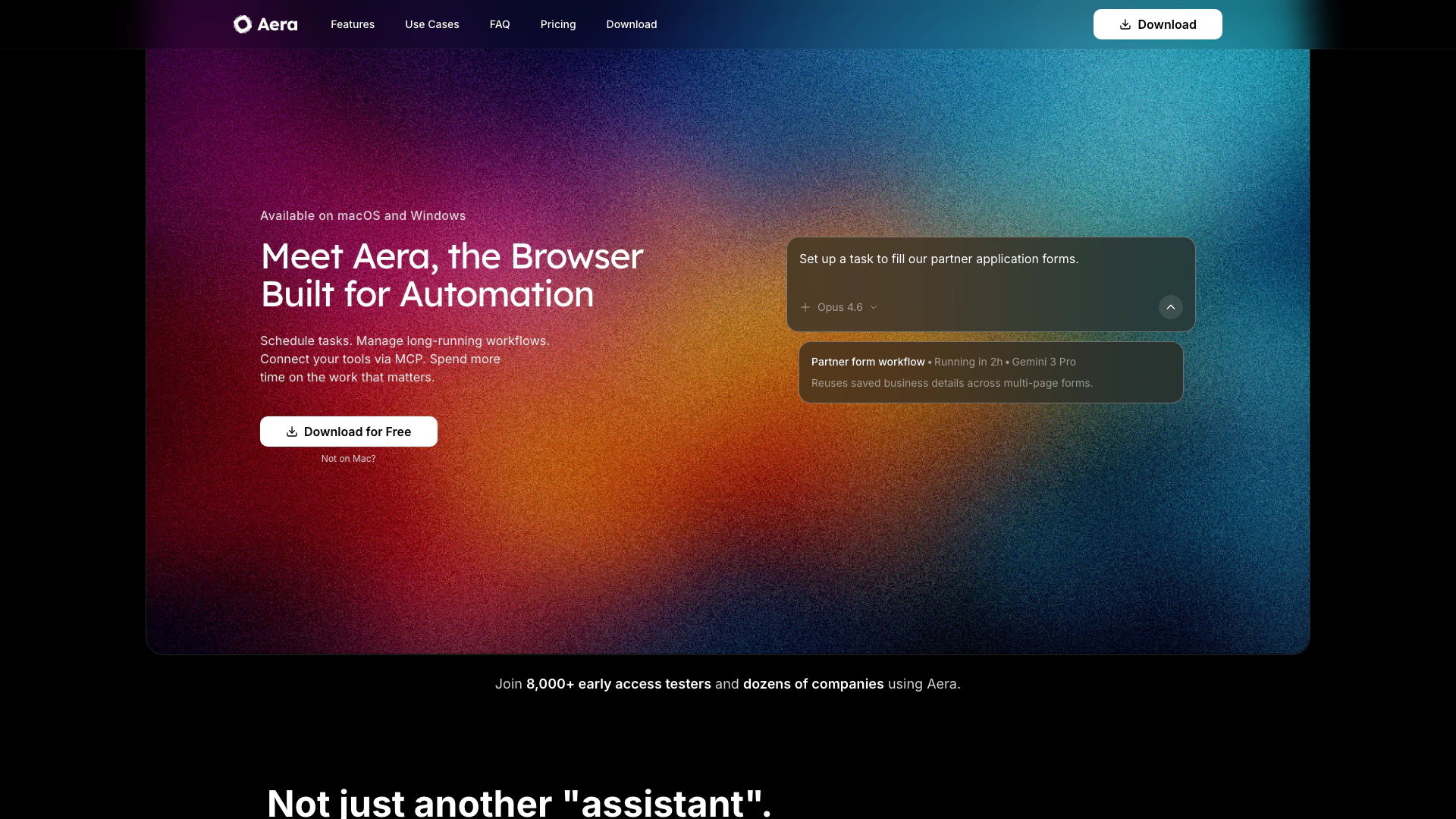
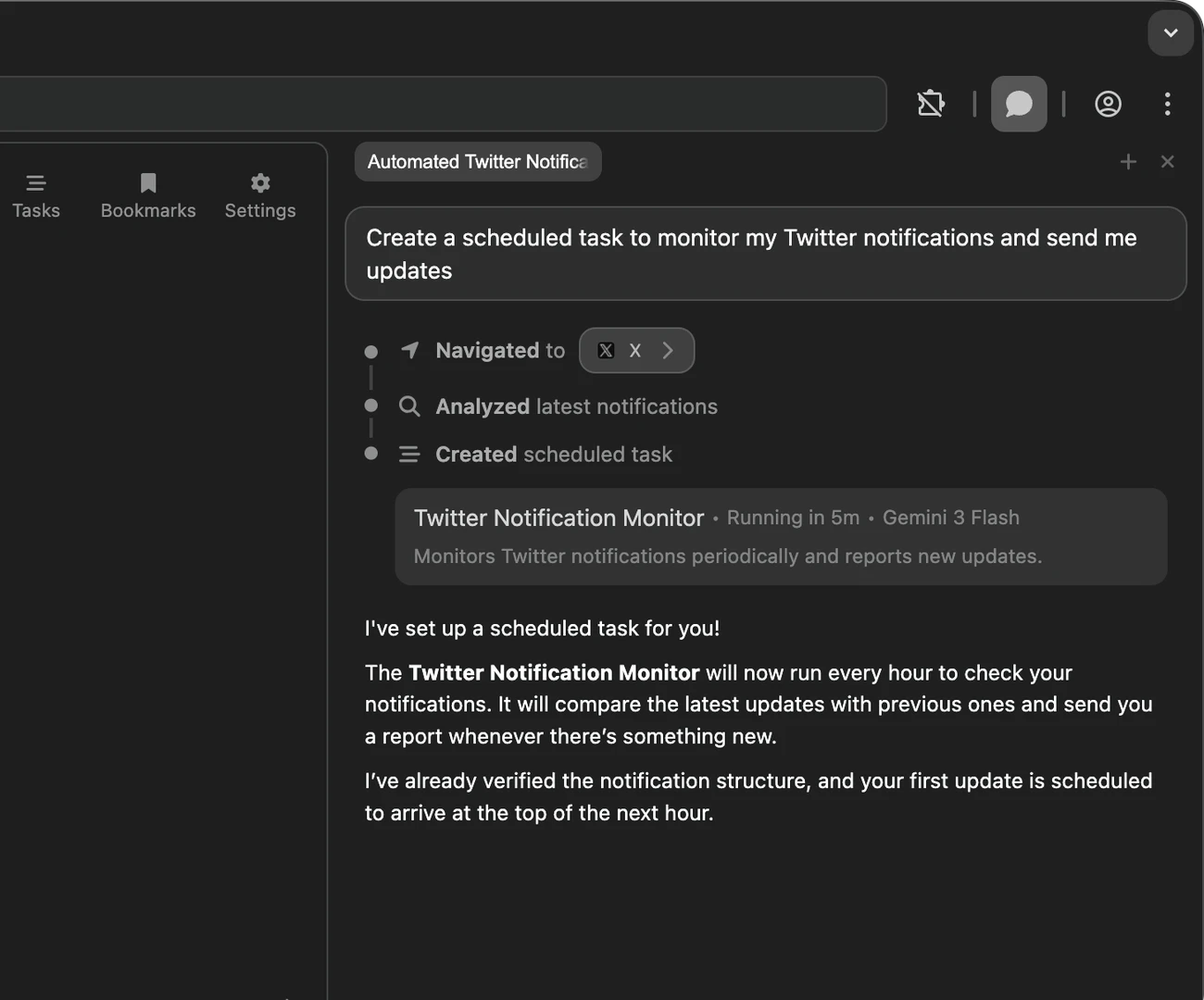
Getaera is an innovative browser designed specifically for automation, enabling users to build fully-autonomous workflows[1] directly within their browser. This tool allows users to schedule tasks, manage long-running workflows, and connect various tools seamlessly, thereby enhancing productivity and efficiency. By automating repetitive browser tasks, Getaera empowers users to focus on more important work, effectively reclaiming their time.
How to use Getaera?
- Download and install Getaera from the official website.
- Launch the browser and create your first task by defining the desired outcome and saving it.
- Schedule the task to run daily, weekly, or at your preferred cadence.
- Use the MCP (Multi-Connection Protocol) to connect Getaera with your existing tools, allowing for seamless data transfers and updates.
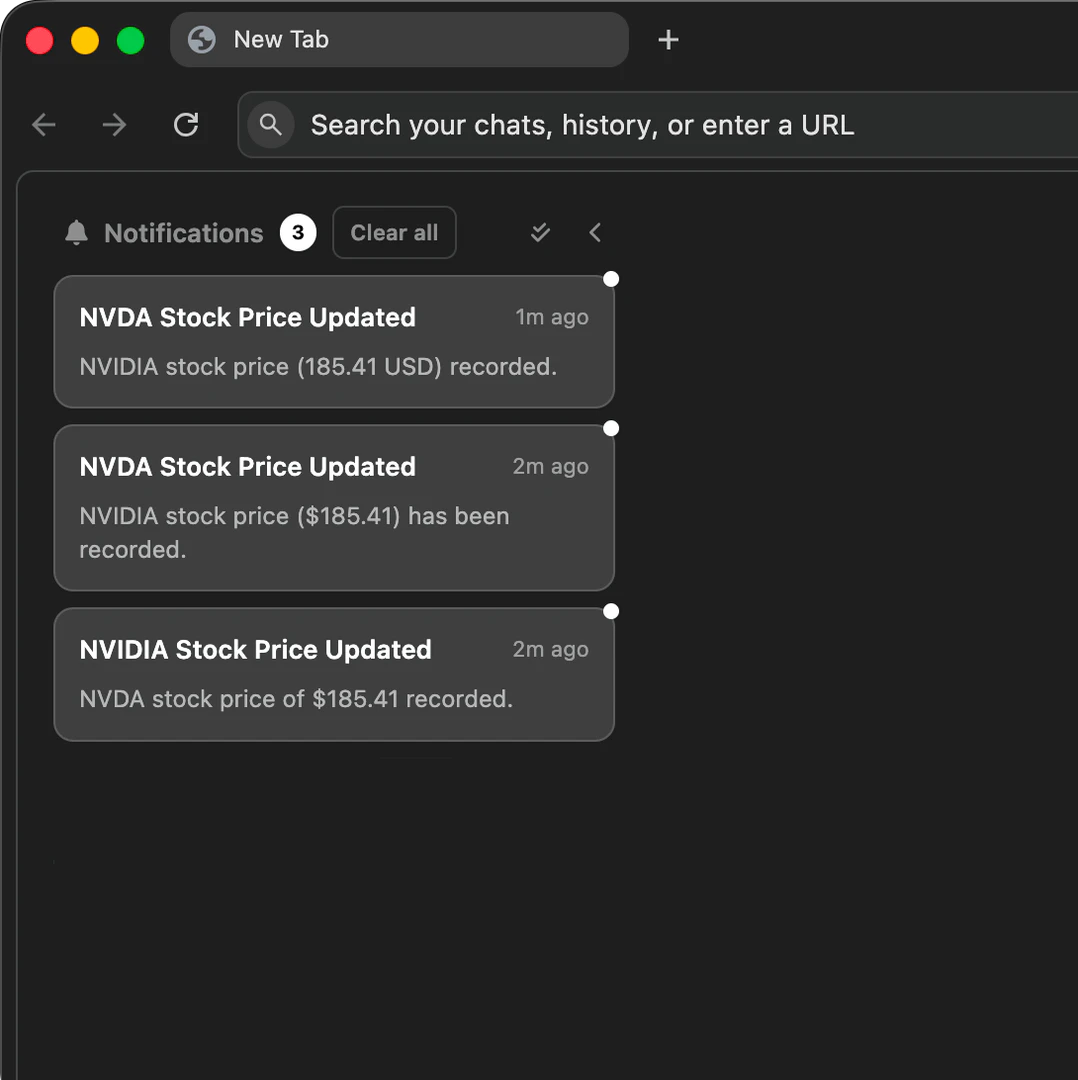
- Monitor the automation process and receive notifications once tasks are completed.
What are the main features of Getaera?
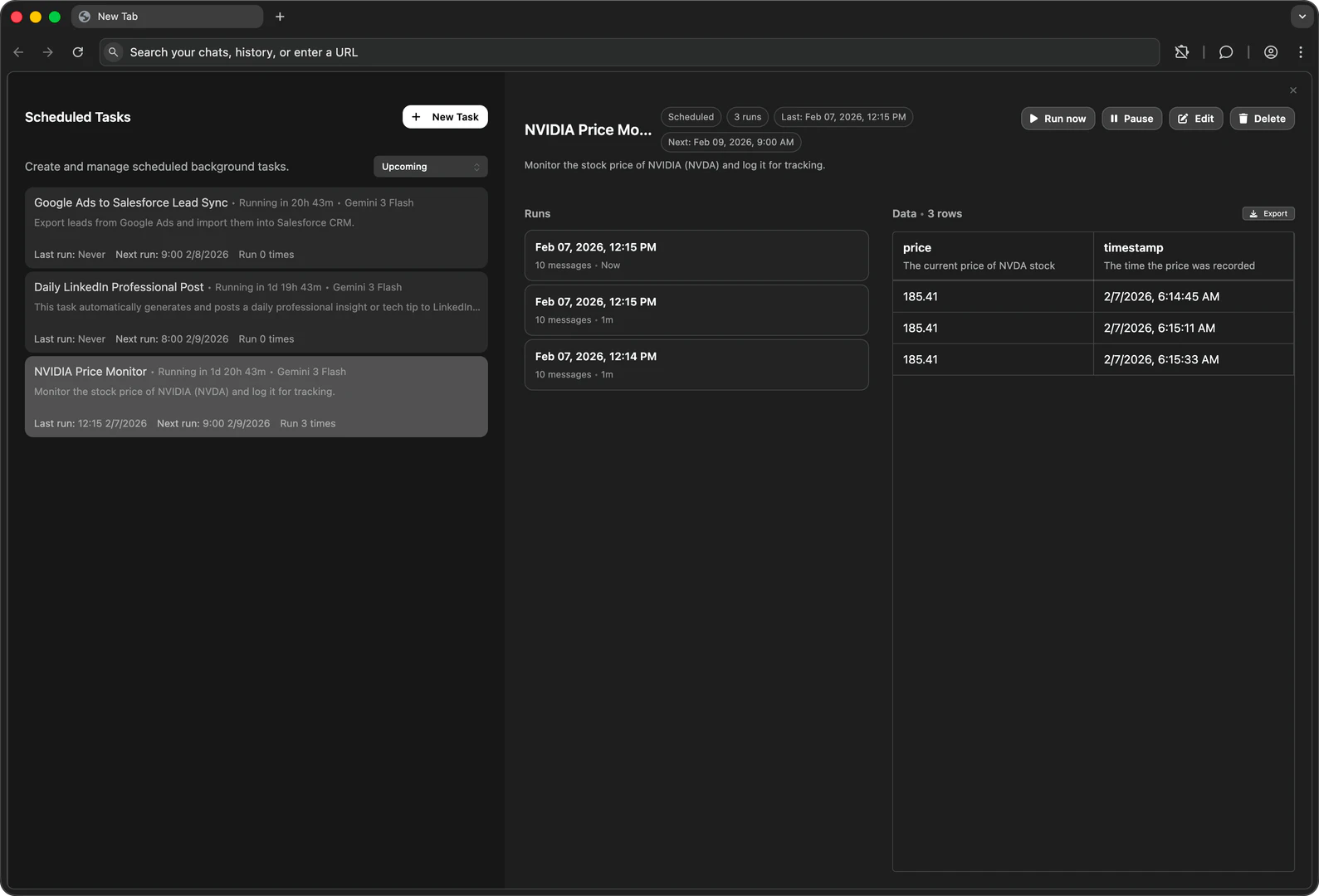
- Task Scheduling[2]: Easily set up tasks to run on a specific schedule without manual intervention.
- Workflow Management[3]: Manage long-running workflows that can continue processing even when the browser is closed.
- MCP Integration[4]: Connect Getaera with existing tools to trigger browser actions directly from them.
- Real-Time Data Access[5]: Get up-to-date context for every run, ensuring tasks reflect the latest information.
- Flexible Model Selection: Choose and switch between different models for workflow execution without being locked into a single option.
Who is Getaera for?
Getaera is designed for a wide range of users, including growth engineers, founders, and developers who are looking to automate repetitive browser tasks. It is ideal for professionals who spend significant time on web-based activities, such as checking analytics, scraping data, or managing reports, and want to streamline their workflows to focus on more strategic tasks.
What are the use cases of Getaera?
- Growth Engineers: Automate data collection and reporting tasks to gain insights without manual effort.
- Founders: Use Getaera to manage routine checks and updates, freeing up time for business development.
- Developers: Integrate Getaera into development workflows to automate testing and data handling tasks.
Product Images
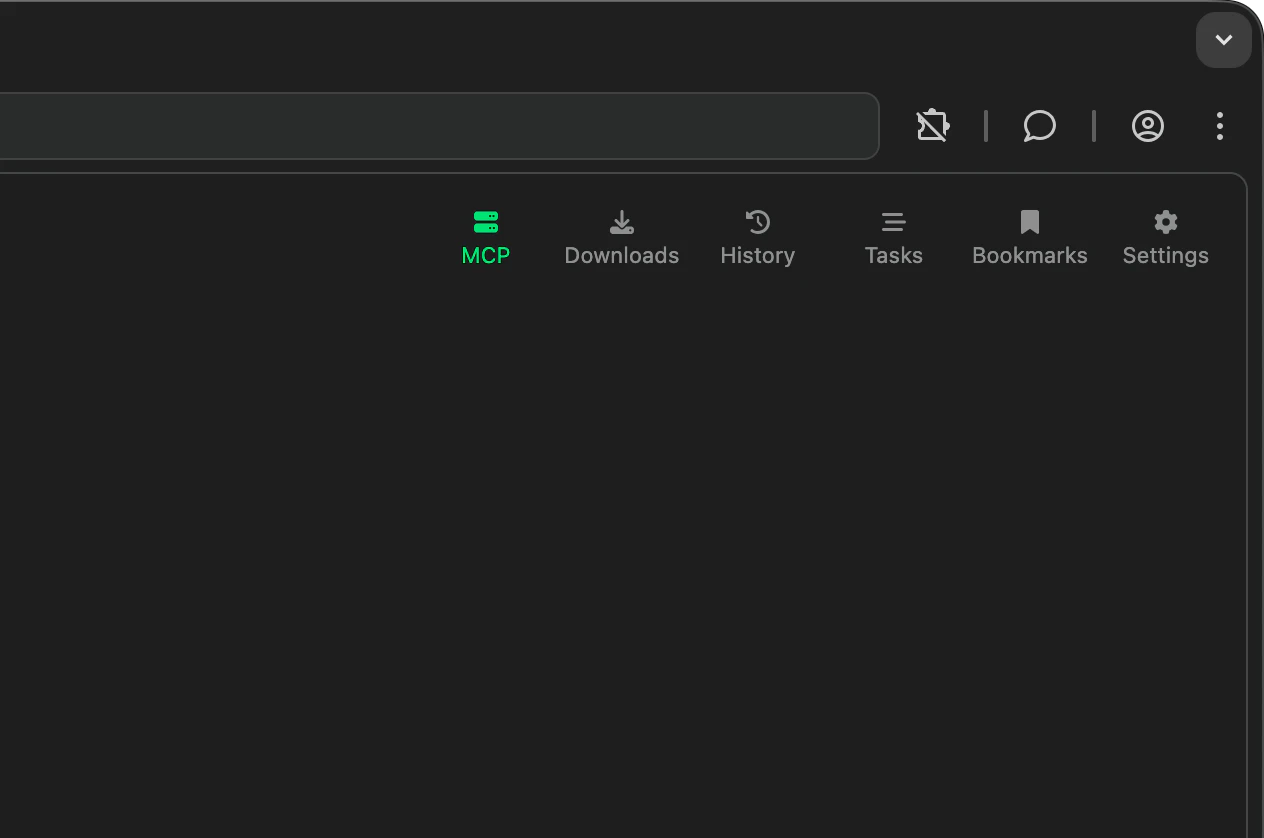

Getaera Pros and Cons
Pros
- Automates Repetitive Tasks: Aera allows users to automate repetitive browser tasks, saving time and reducing manual effort.
- Flexible Scheduling: Users can schedule tasks to run daily, weekly, or at custom intervals, ensuring workflows continue without constant supervision.
- Integration with Existing Tools: Aera connects with existing tools via MCP, enabling seamless workflow automation directly from familiar platforms.
Cons
No cons data detected for this tool
Getaera Compare
| Tool Name | Introduction | Pricing | Type | Rating | Launch Date | Learn more |
|---|---|---|---|---|---|---|
 | ezML - Enterprise Computer Vision Video Analysis | Free | 💼Work🎨Creativity | June 3, 2021 | Get deal | |
 | Drive engagement and delight with the all-in-one AI audio CMS built for publishers. | Free | 💼Work🎨Creativity | June 9, 2021 | Get deal | |
 | Streamline therapy management with Upheal's AI-powered tools. | Free | 💼Work🎨Creativity | October 11, 2021 | Get deal |
Info current as of post date. Offers and availability may vary by location and are subject to change.
Getaera Q&A
Aera executes tasks inside a real browser, performing actions like clicking, typing, and navigating, while other tools primarily answer questions. You can save workflows as recurring tasks, and Aera will run them on a schedule, showing you exactly what happened.
For more FAQs, please visit this link: https://getaera.app/faq
Getaera Alternatives

Box AI enhances enterprise productivity with intelligent content management and automation.
- Operations & Management
- AI Workflow Automation
- AI Productivity Tools
- AI Information Management Tools

Manus automates workflows and executes tasks to enhance productivity.
- Operations & Management
- AI Project Management Tools
- AI Workflow Automation
- AI Productivity Tools

Todoist helps you manage tasks and projects efficiently.
- Operations & Management
- AI Project Management Tools
- Ai Copilot Tools
- Ai Resume Checker