

Gopdf
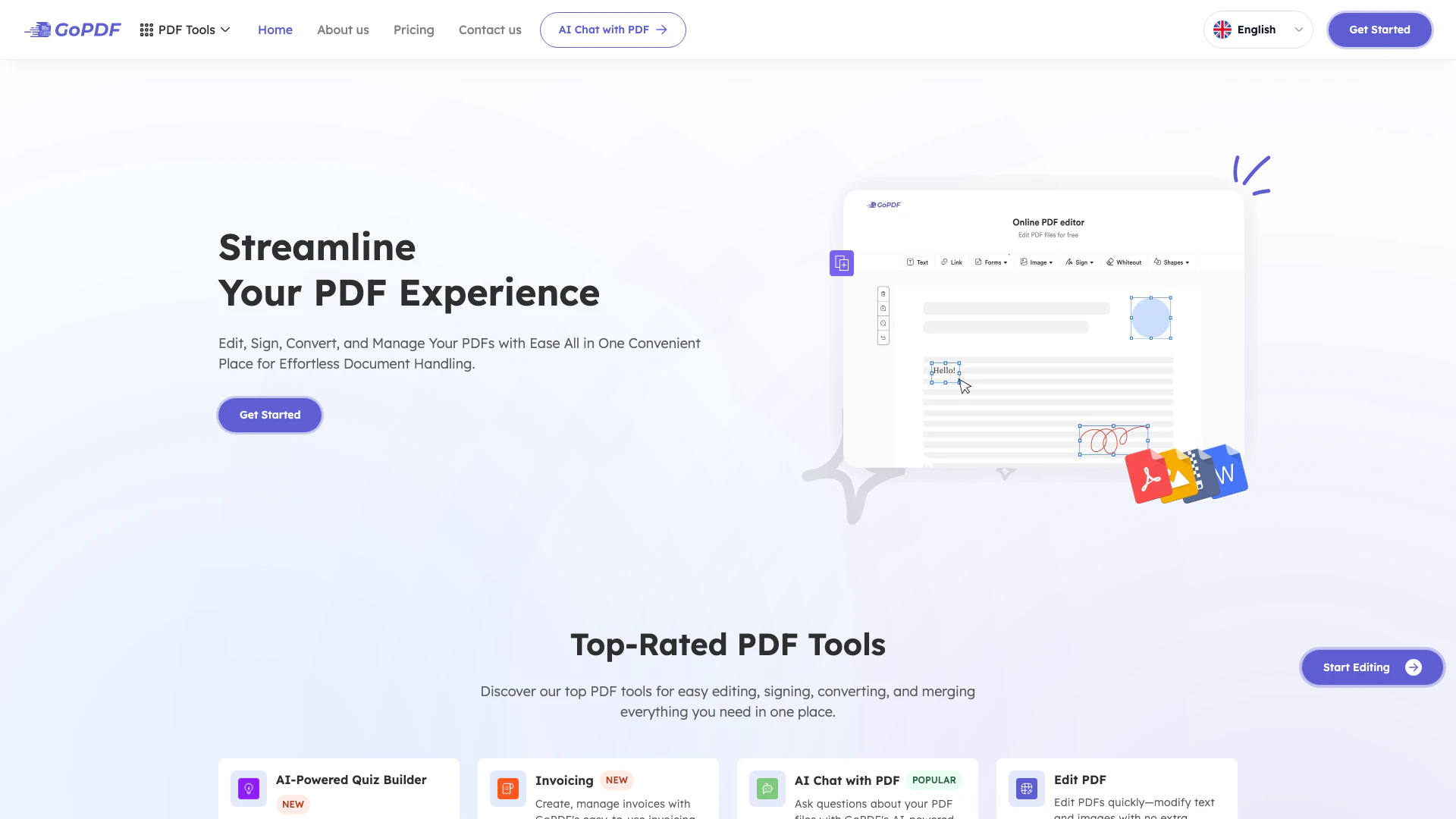


What is Gopdf?
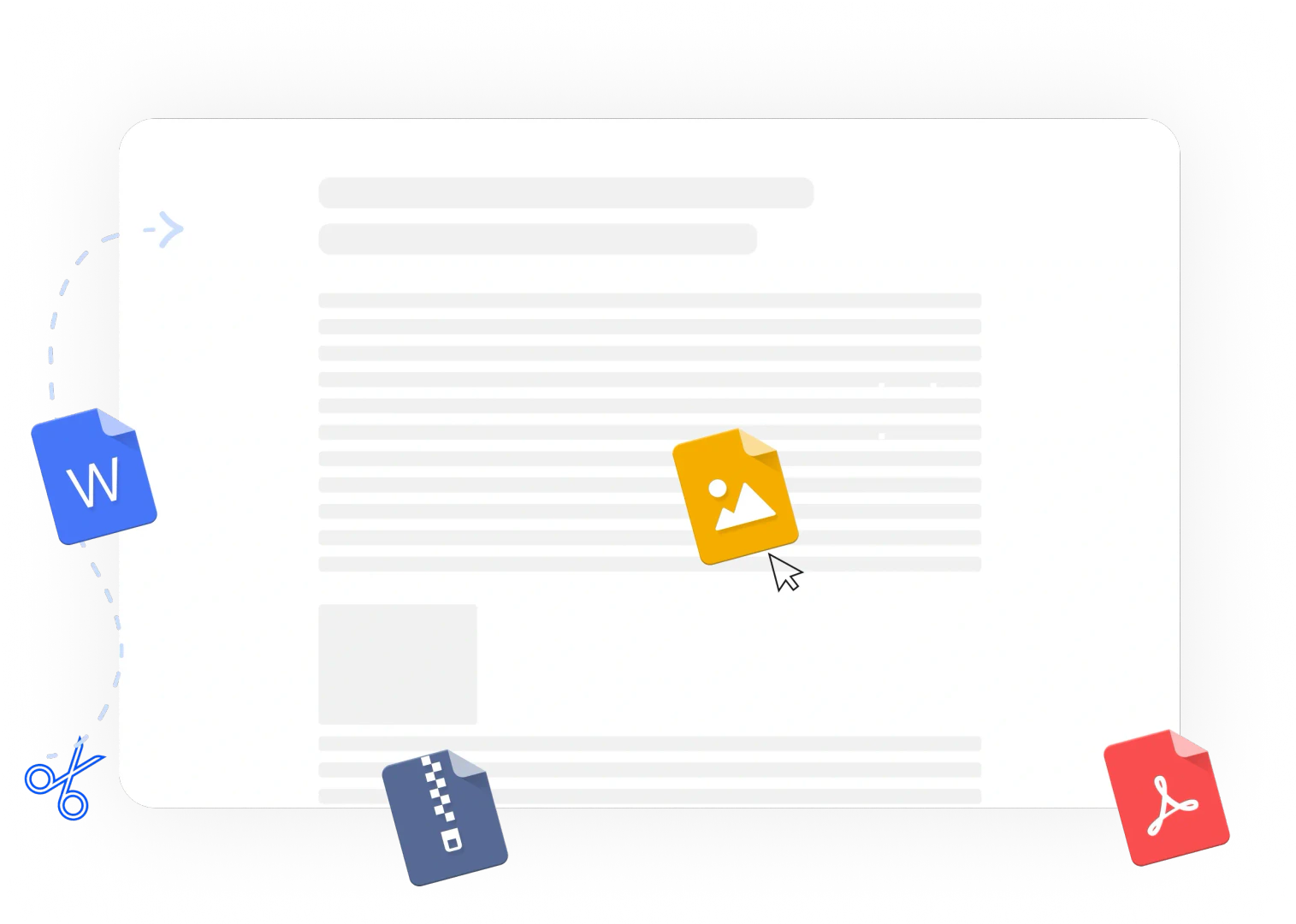
Gopdf is a free online PDF editor and management tool designed to simplify the handling of PDF documents. It offers a comprehensive suite of features that allows users to edit, compress, crop, sign, merge, protect, and convert PDF files into various formats such as JPG and Word. With its user-friendly interface, Gopdf enables users to perform these tasks efficiently, making it an ideal solution for anyone looking to manage PDF documents seamlessly.
How to use Gopdf?
- Visit the Gopdf website at https://gopdf.io/.
- Choose the specific tool you need from the homepage, such as 'Edit PDF', 'Compress PDF', or 'Convert PDF'.
- Upload your PDF file by clicking the designated button.
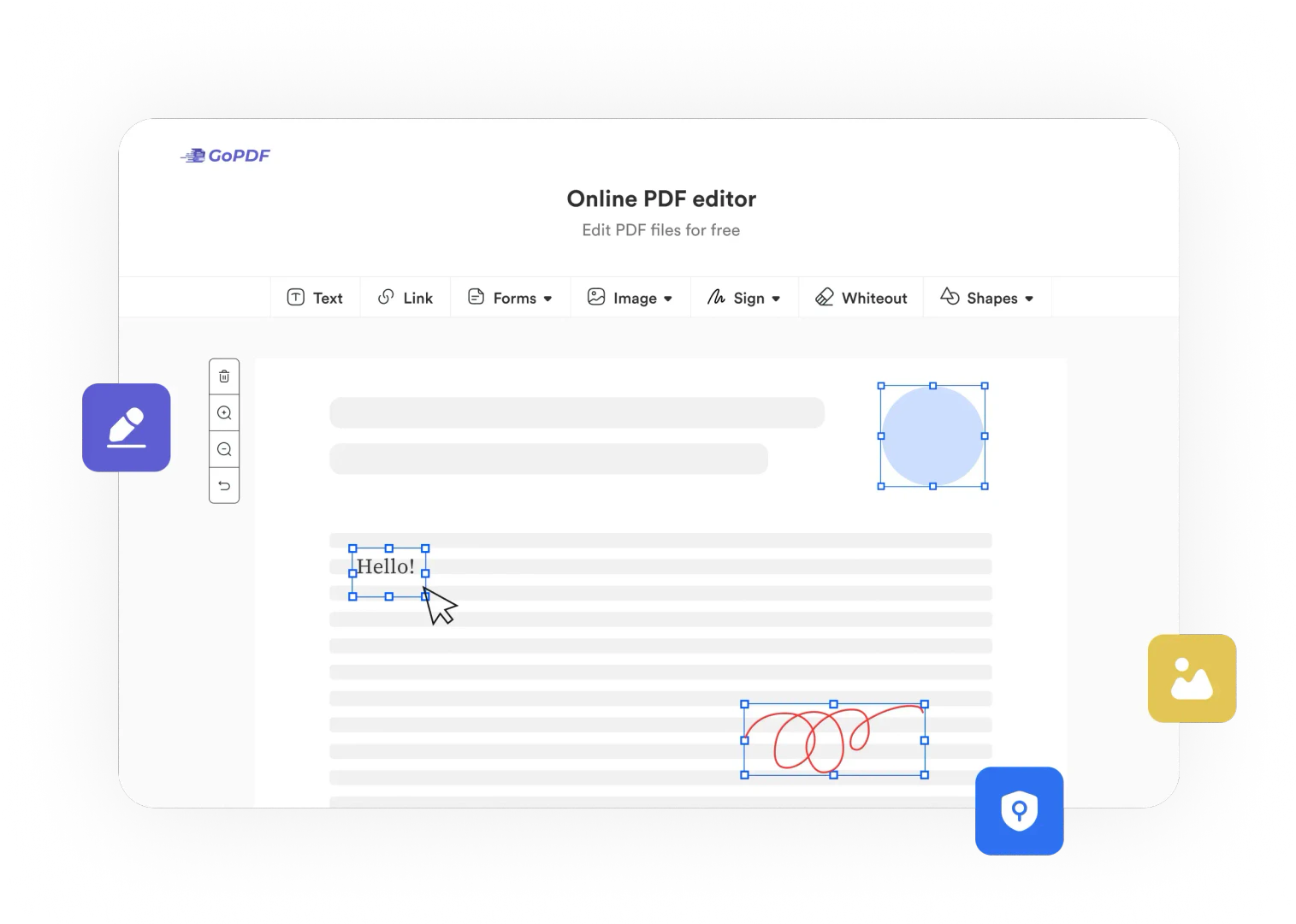
- Use the editing tools provided to make changes, such as adding text, signing, or merging files.
- Once done, download the modified PDF or convert it to your desired format.
What are the main features of Gopdf?
- Edit PDF: Modify text and images directly within your PDF documents.
- Compress PDF: Reduce the file size of your PDFs without losing quality.
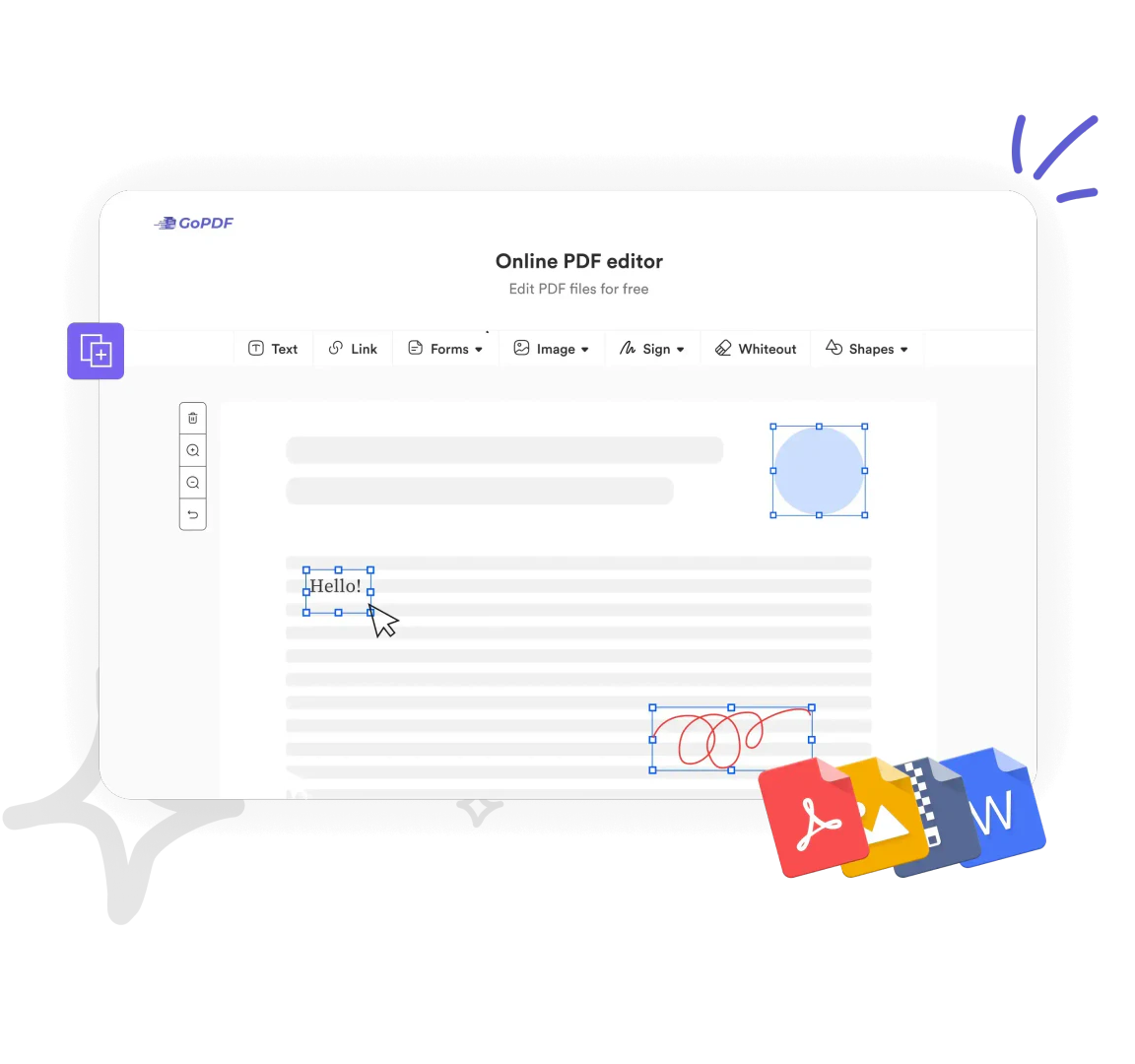
- Convert PDF: Easily convert PDFs to JPG or Word formats.
- Merge PDF: Combine multiple PDF files into a single document.
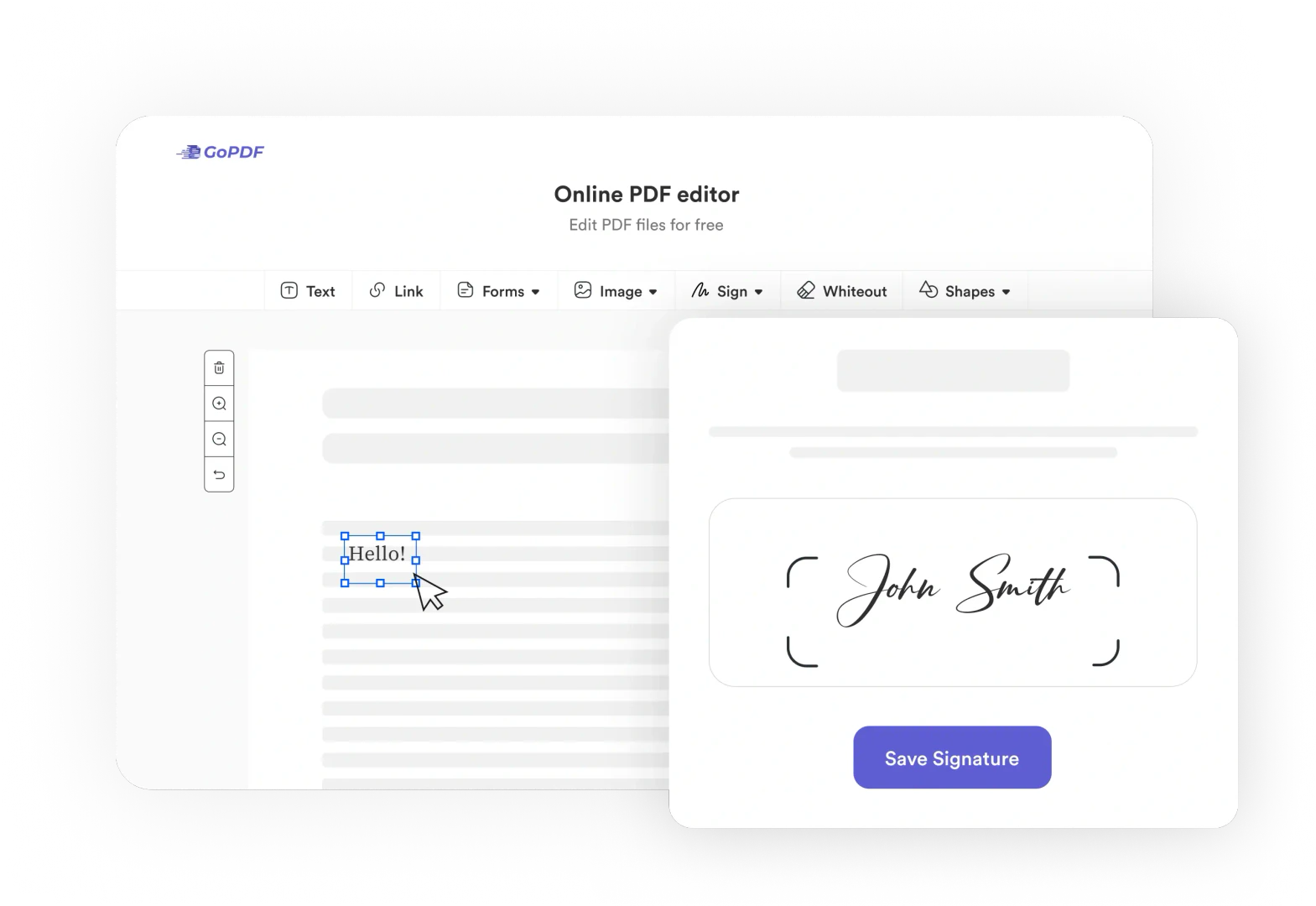
- Sign PDF: Add digital signatures and fill out forms effortlessly.
- Protect PDF: Secure your documents with passwords and permissions.
- Crop PDF: Trim unwanted sections from your PDF pages.
- AI Chat with PDF: Interact with your PDFs using AI-driven chat features.
Who is Gopdf for?
Gopdf is ideal for a wide range of users including students, professionals, and businesses. Students can utilize it to edit academic materials, fill out forms, and sign documents. Professionals can benefit from its comprehensive PDF management features for contract signing, document editing, and invoicing. Businesses can streamline their workflows by using Gopdf to create, merge, and protect sensitive documents, making it an essential tool for anyone dealing with PDFs regularly.
What are the use cases of Gopdf?
- Academic Use: Students can edit lecture notes, fill forms, and sign submissions digitally.
- Business Contracts: Professionals can use Gopdf to sign contracts, create invoices, and manage business documents securely.
- Document Conversion: Users can convert PDFs to JPG or Word for easy editing and sharing, enhancing collaboration.
Product Images
Gopdf Pros and Cons
Pros
- Comprehensive PDF Editing Features: GoPDF offers a wide range of editing tools, including text modification, image insertion, and page management, making it a versatile solution for PDF editing.
- AI-Powered Tools: The platform includes innovative features like AI Chat with PDF and an AI Quiz Builder, enhancing user interaction and engagement with documents.
- User-Friendly Interface: GoPDF boasts an intuitive design that simplifies navigation and enhances the user experience, allowing users to edit and manage PDFs effortlessly.
Cons
No cons data detected for this tool
Gopdf Pricing
Free
Enjoy 10 PDF conversions, 10 PDF edits, 1 AI project, and 2 GB cloud storage. Features include compressing and protecting PDFs, converting and merging PDFs, cropping PDFs, editing and adding text and images, filling and signing PDFs, searching and replacing, and using AI chat with PDF.
Pro
Better result with 500 PDF conversions, 300 PDF edits, 30 AI projects, and 500 GB cloud storage. Includes all features from the Free plan plus priority support, premium features, and faster processing speed.
Business
Go all in with 5000 PDF conversions, 2000 PDF edits, 500 AI projects, and 2000 GB cloud storage. Includes all features from the Pro plan plus extensive technical support, 24/7 customer support, and faster processing speed.
For the latest pricing, please visit this link: https://gopdf.io/
Prices are subject to change. Please visit the official website for the most up-to-date pricing information.
Analytics of Gopdf
Gopdf Website Traffic Analysis
Visits Over Time
Traffic Sources
Nov 2025 - Jan 2026 Worldwide Desktop Only
- Search: 53.34%
- Direct: 34.84%
- Referrals: 7.38%
- Social: 3.16%
- Paid Referrals: 1.01%
- Mail: 0.13%
Top Regions
| Region | Percentage |
|---|---|
🇮🇳 India | 25.52% |
🇺🇸 United States | 9.09% |
🇪🇹 Ethiopia | 4.08% |
🇬🇧 United Kingdom | 4.02% |
🇳🇬 Nigeria | 3.94% |
- India: 25.52%
- United States: 9.09%
- Ethiopia: 4.08%
- United Kingdom: 4.02%
- Nigeria: 3.94%
Top Keywords
| Keyword | Volume | CPC | Estimated Value |
|---|---|---|---|
| pdf editor | 2.50M | $0.46 | $280.00 |
| ai pdf editor | 14.81K | $0.59 | $850.00 |
| pdf editor ai | 4.80K | $0.09 | $370.00 |
| pdf edit ai | 1.19K | $0.09 | $210.00 |
| free ai pdf editor | 1.02K | $0.00 | $250.00 |
Gopdf Compare



Info current as of post date. Offers and availability may vary by location and are subject to change.
Gopdf Q&A
gopdf.io is an online platform offering a range of tools to create, edit, compress, and manage PDF files. With our AI-driven features, users can interact with their PDFs in new and innovative ways.
For more FAQs, please visit this link: https://gopdf.io/FAQs
Gopdf Alternatives
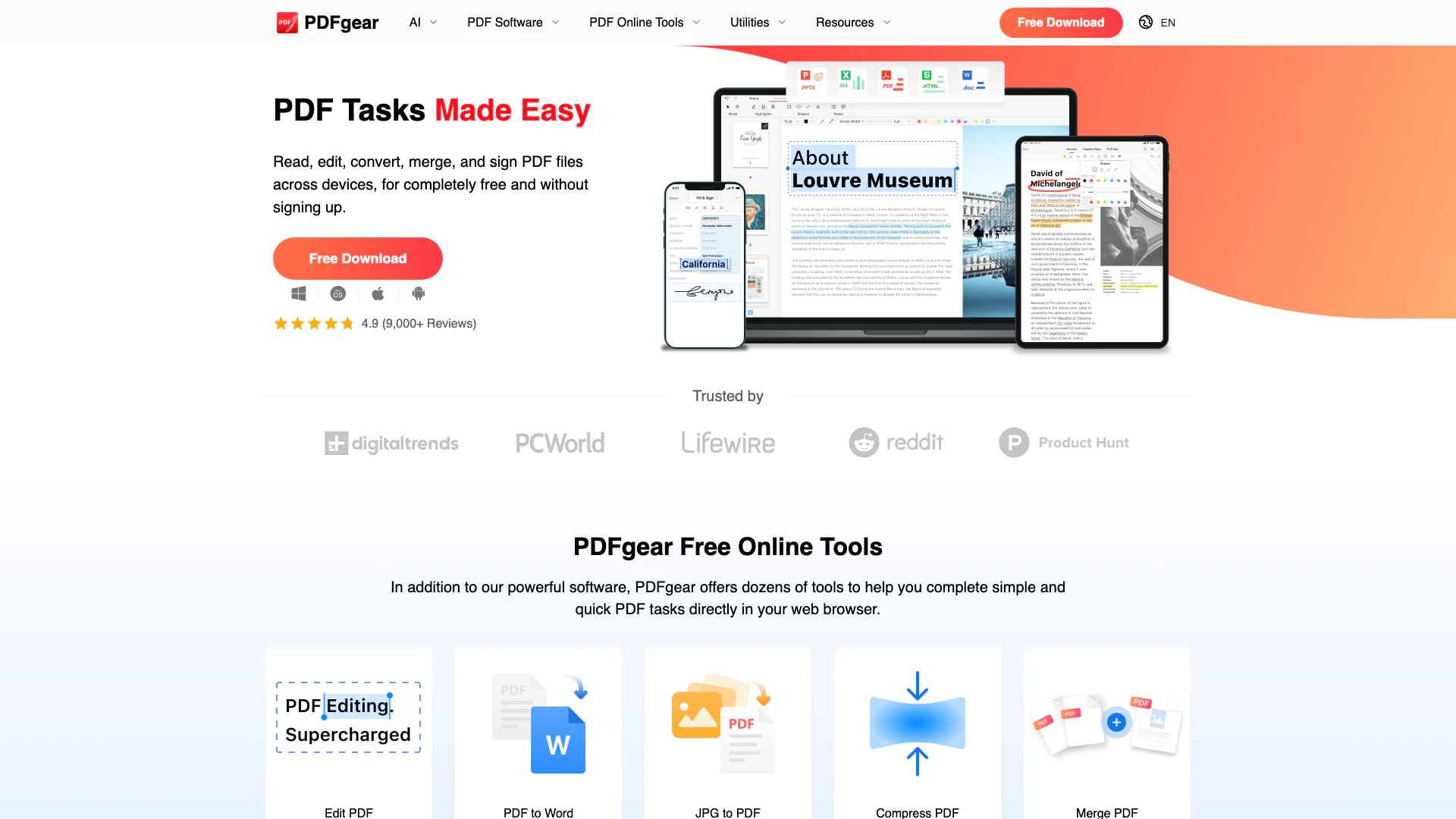
Powerful PDF editing made easy and free.
- Productivity & Office
- AI Document Processing Tools
- AI PDF Management Tools
- AI PDF Editing and Conversion Tools
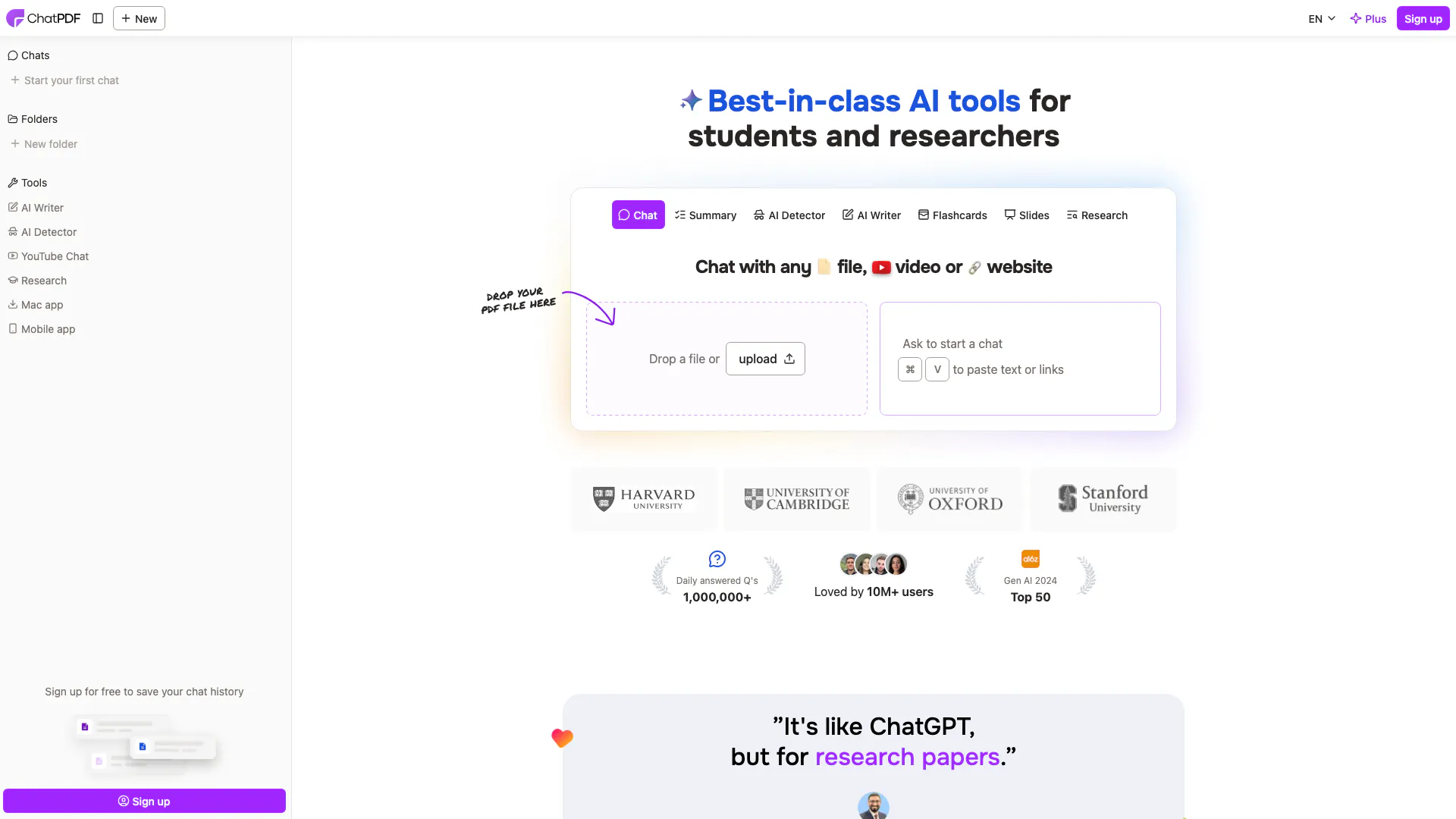
ChatPDF combines AI technology with PDF analysis for smarter document interactions.
- Productivity & Office
- Ai Monitoring Tools
- AI Productivity Tools
- AI Information Management Tools
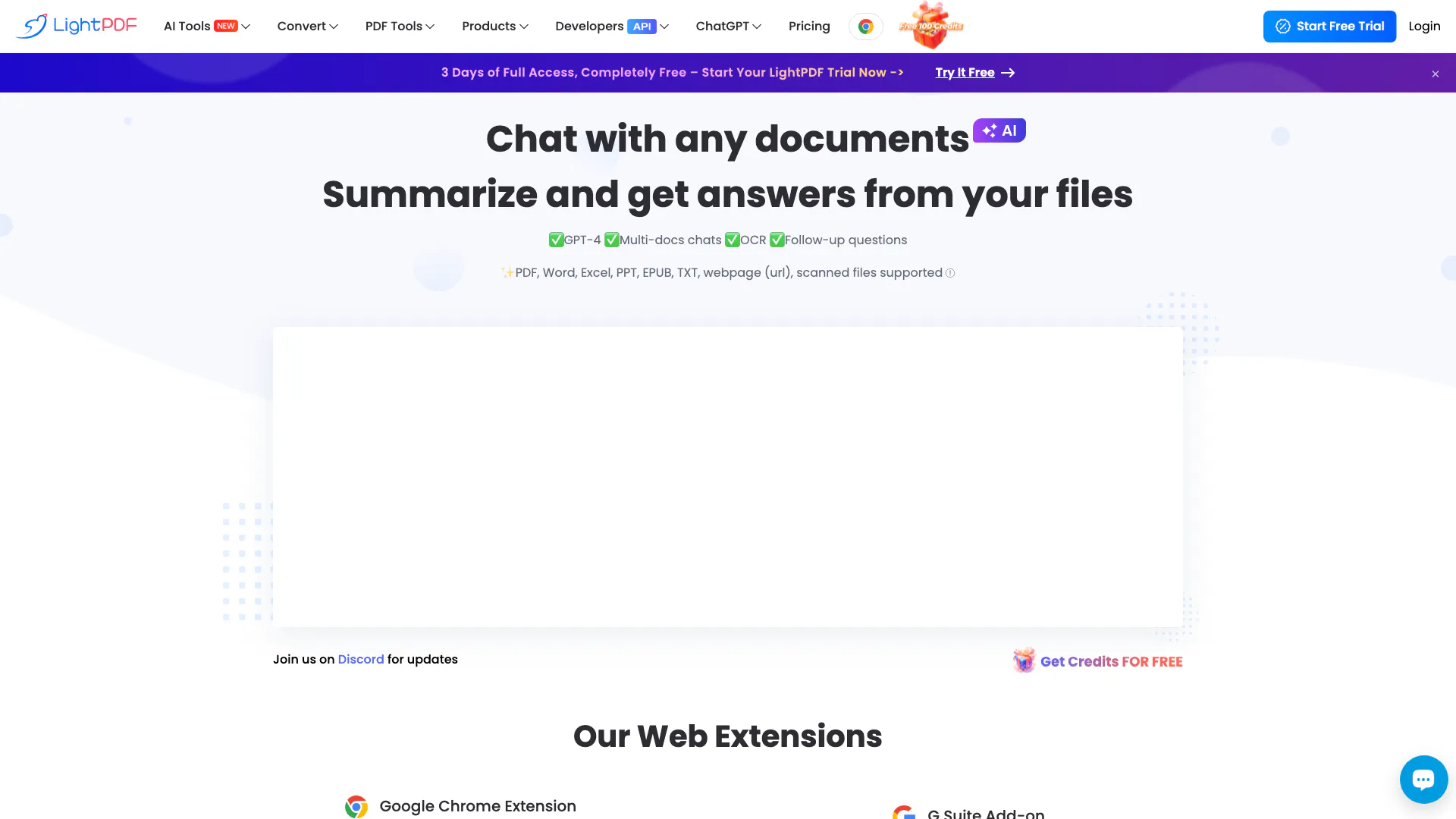
Engage with your PDFs using AI for insights and summaries.
- Productivity & Office
- Ai Monitoring Tools
- AI Productivity Tools
- AI Information Management Tools