

Kling26
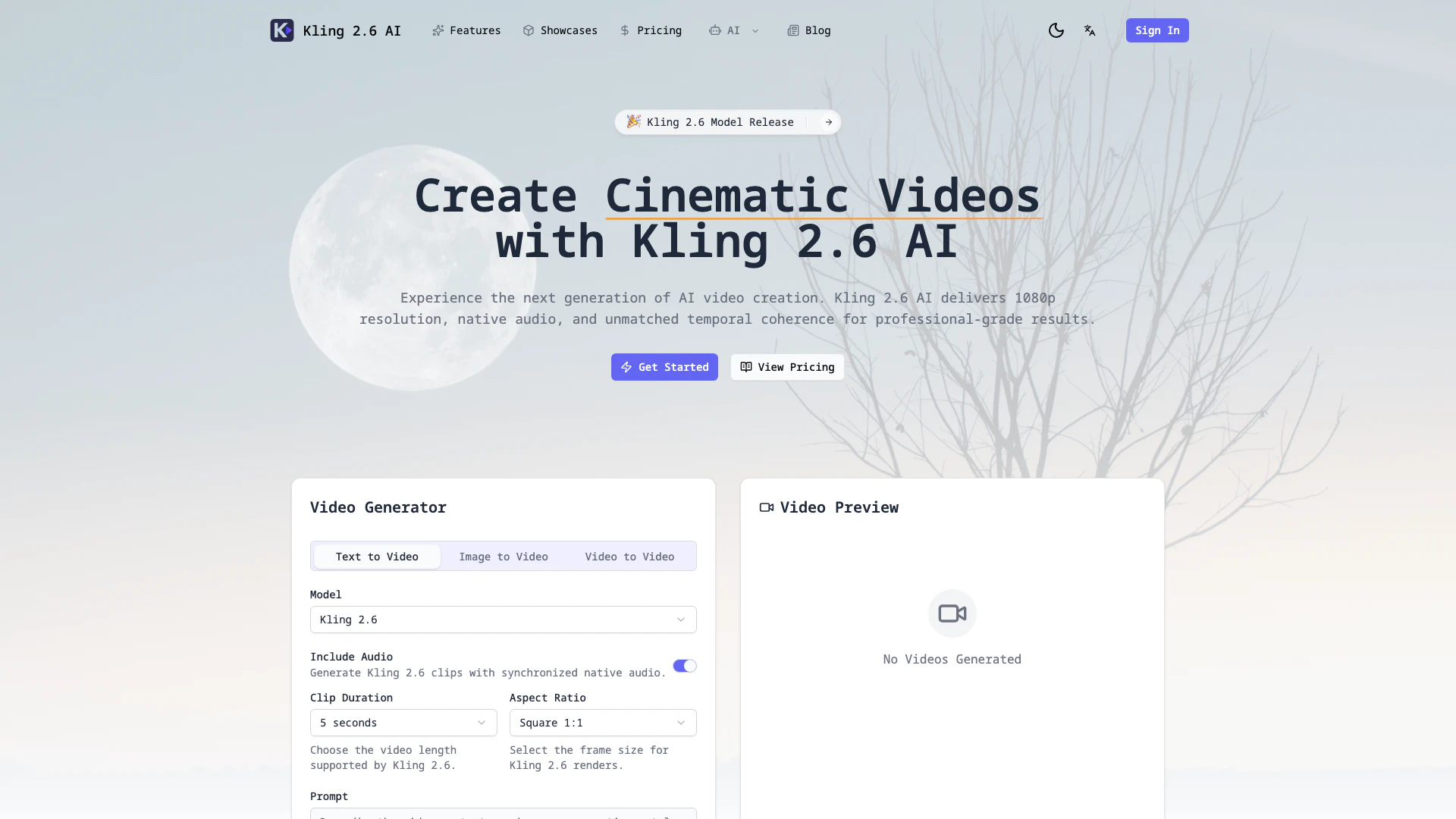



What is Kling 2.6 AI?
Kling 2.6 AI is an advanced AI video generator designed to produce high-quality cinematic videos in 1080p resolution. This innovative tool integrates native audio support and enhanced motion logic, allowing users to create visually stunning videos from text and image prompts. With its intuitive controls, Kling 2.6 AI enables users to move seamlessly from storyboarding to finished footage, all within a single workspace. The platform excels in transforming natural language descriptions into film-style compositions, making it ideal for filmmakers, marketers, and content creators looking to produce professional-grade results.
How to use Kling 2.6 AI?
To create videos using Kling 2.6 AI, follow these steps: 1. Describe Your Scene: Write a detailed prompt that includes the subject, motion, camera lenses, and mood you want to convey in your video. 2. Add References: Optionally upload still images, sketches, or audio cues to help anchor the look and pacing of your video. 3. Generate & Refine: Run drafts through Kling 2.6 AI, making adjustments to motion paths or keyframes as needed, and re-render within seconds. 4. Export & Share: Download your final 1080p footage complete with native audio, or directly send your takes into editing applications.
What are the main features of Kling 2.6 AI?
Kling 2.6 AI offers a comprehensive set of features that enhance video creation: - Text + Image + Audio Prompts: Combine narration, reference art, and soundtrack cues to guide every shot. - 1080p Native Resolution: Create high-fidelity videos with cinematic depth of field, advanced lighting, and motion blur effects. - Temporal Coherence: Ensure consistency in characters, props, and lighting across longer sequences. - Physics Awareness: Realistic understanding of depth, occlusion, and object interactions for believable movement. - Native Audio Pipeline: Generate synchronized dialogue, Foley, or score stems that perfectly match your video clips. - Collaboration Tools: Facilitate scene sharing, feedback gathering, and credit management among team members.
Who is Kling 2.6 AI for?
Kling 2.6 AI is tailored for a diverse range of users including filmmakers, marketers, indie production teams, and content creators. It is ideal for professionals who require high-quality video outputs in a short timeframe, such as cinematic directors looking to create stunning visuals, marketers needing engaging promotional content, and creative teams aiming to prototype ideas quickly. The tool's intuitive interface and powerful features make it suitable for both experienced videographers and those new to video production.
What are the use cases of Kling 2.6 AI?
Kling 2.6 AI can be utilized in various scenarios, including: 1. Cinematic Video Production: Create professional-grade short films or promotional videos with high-quality visuals and synchronized audio. 2. Marketing Campaigns: Generate engaging video content for social media advertisements, enhancing brand visibility and audience engagement. 3. Prototyping Visuals: Rapidly develop visual prototypes for presentations or creative pitches, allowing teams to visualize concepts without extensive production time.
Product Images

Kling26 Pros and Cons
Pros
- High-Quality Video Production: Kling 2.6 AI produces cinematic 1080p videos with advanced motion logic and native audio, ensuring professional-grade results.
- Intuitive Workflow: The tool allows users to move from storyboard to finished footage in one workspace, streamlining the video creation process.
- Multimodal Input Support: Users can blend text, images, and audio prompts to guide video creation, enhancing creative flexibility.
Cons
No cons data detected for this tool
Kling26 Pricing
Starter Monthly
Flexible subscription for casual creators. Cancel anytime.
Pro Monthly
For creators with steady content schedules. Best for regular creators.
Studio Monthly
For teams shipping content daily. Best for studios and agencies.
For the latest pricing, please visit this link: https://kling26.app/pricing
Prices are subject to change. Please visit the official website for the most up-to-date pricing information.
Kling26 Reviews
Kling 2.6 AI translated our storyboard into a 60-second spot with camera moves I'd expect from a Steadicam crew.
Reference-based prompting let us keep talent styling consistent across an entire campaign without reshoots.
The native audio stem saved me from hunting stock music—my clients get synchronized music right out of the render.
For more reviews, visit this link: https://kling26.app#creators-say
Kling26 Compare
| Tool Name | Introduction | Pricing | Type | Rating | Launch Date | Learn more |
|---|---|---|---|---|---|---|
AutoDraw | Free | January 2, 1998 | Get deal | |||
Explore Prompt Vibes to create unique prompts with our ChatGPT Prompt generator. Discover a collection of the best prompts designed for various uses. | Free | February 25, 2023 | Get deal | |||
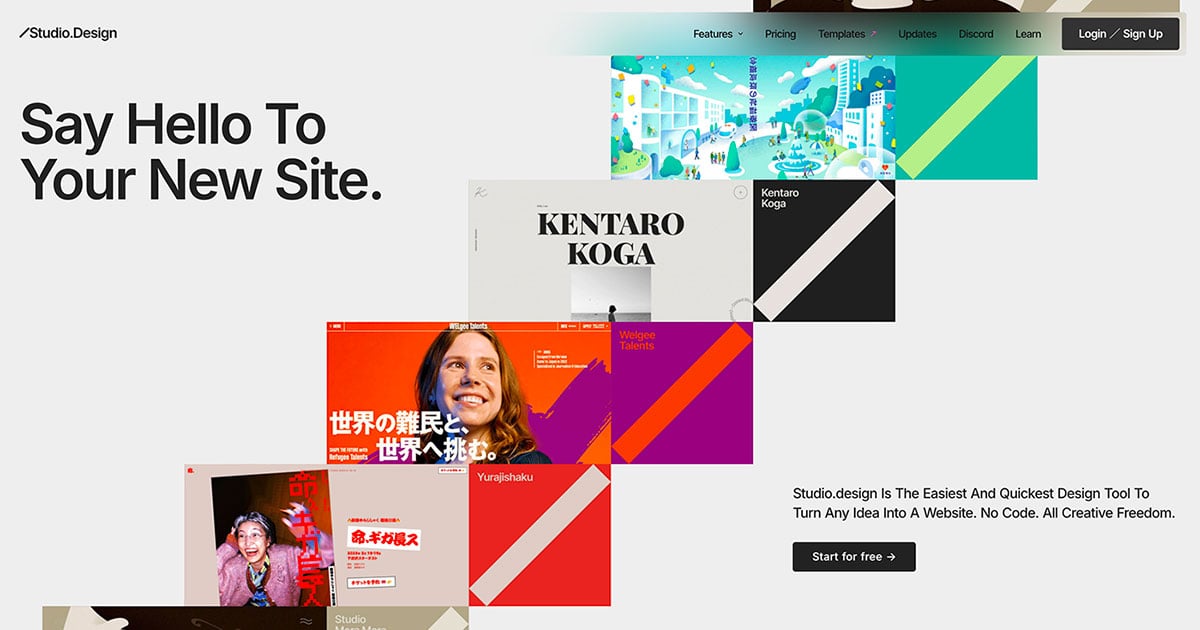
The easiest and quickest way to build your beautiful portfolio website, landing page or anything. No code. All creative freedom. | Free | July 6, 2017 | Get deal |

Info current as of post date. Offers and availability may vary by location and are subject to change.
Kling26 Q&A
Kling 2.6 AI is an advanced AI video generator that produces cinematic 1080p videos using natural language prompts and various inputs like images and audio. It combines intuitive controls for a seamless workflow from storyboard to finished footage.
Kling26 Alternatives

CapCut is a comprehensive online creative suite for video editing and graphic design.
- Video & Animation
- AI Video Editor
- AI Video Creation Suite
- AI Creative Video Production

Create stunning AI-generated videos and images with ease.
- Video & Animation
- AI Video Generator
- AI Video and Image Creator
- AI Creative Video and Image Generation

Kling AI empowers creators to generate stunning images and videos using advanced generative AI techniques.
- Image Generation & Editing
- AI Image Generator
- AI Video Generator
- AI Image and Video Synthesis