

Knowcast
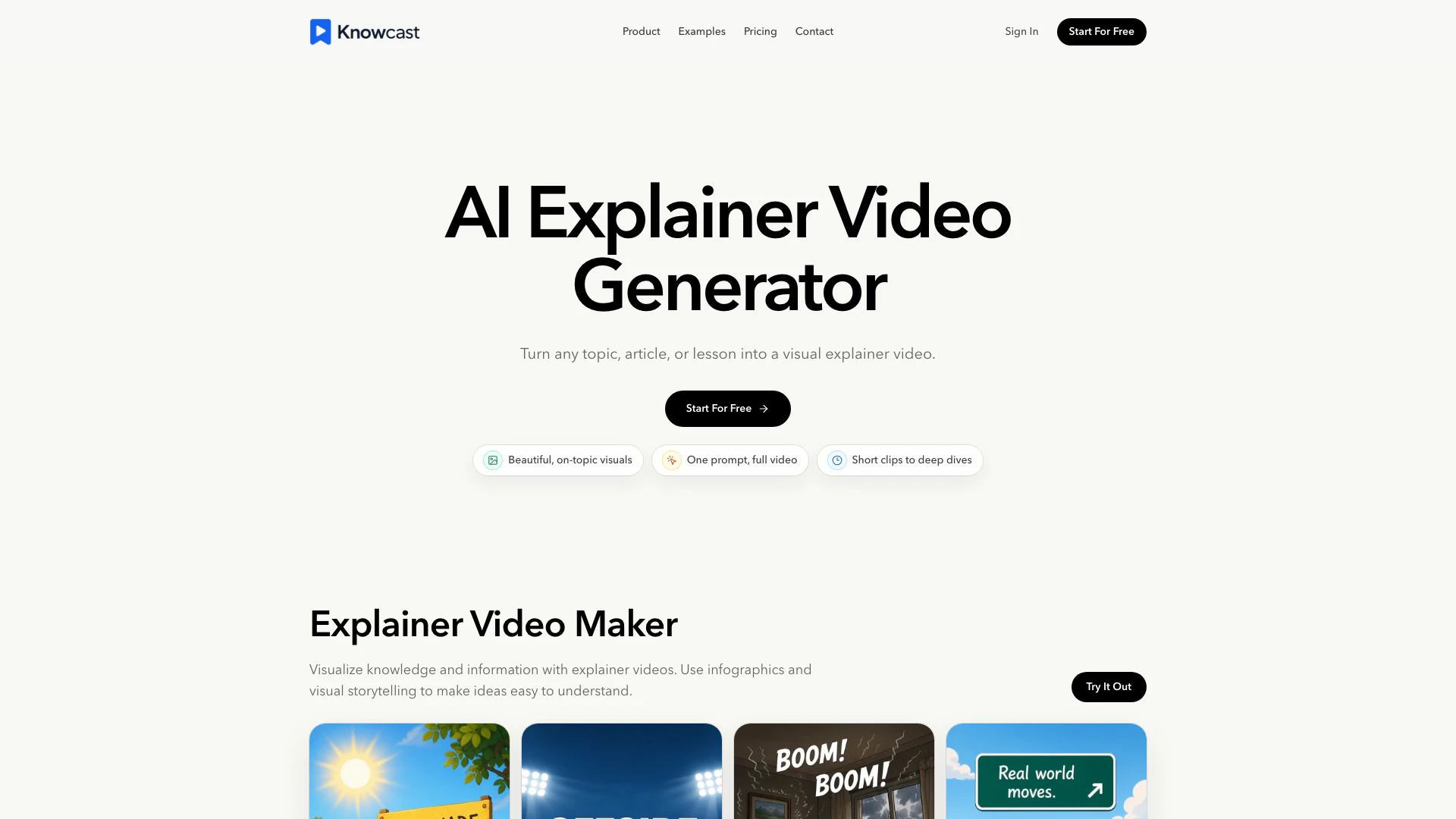


What is Knowcast?
Knowcast is an innovative AI explainer video generator designed to transform prompts and ideas into engaging visual explainer videos. With its unique capability to create infographics, captions, and storytelling elements, Knowcast serves as a powerful tool for creators and educators looking to convey complex information in a simple and visually appealing manner. By utilizing AI technology, Knowcast streamlines the video creation process, enabling users to produce high-quality educational content without the need for extensive video editing skills.
How to use Knowcast?
- Start with a topic or prompt: Describe the idea you want to teach or explain. This input will guide Knowcast in structuring your video.
- Generate a visual story: Knowcast will transform your prompt into a series of scenes, captions, and infographics, creating a clear narrative that simplifies complex information.
- Export a finished video: Review the generated content, make any necessary adjustments, and export your explainer video, ready for sharing on various platforms.
What are the main features of Knowcast?
- AI-powered explainer video generation that turns prompts into structured videos.
- Incorporation of infographics and visual storytelling to enhance understanding.
- Voice cloning technology that allows users to narrate videos in their own voice.
- Options for exporting videos suitable for platforms like YouTube, TikTok, and social media.
- User-friendly interface designed for creators and educators without video editing experience.
Who is Knowcast for?
Knowcast is tailored for a diverse range of users, including educators, content creators, marketers, and businesses. It is particularly beneficial for those who need to create educational content, product tutorials, or social media videos quickly and efficiently. Whether you are a teacher looking to enhance online lessons, a YouTuber aiming to produce engaging explainer videos, or a marketer seeking to simplify complex product features, Knowcast provides the tools necessary to make your ideas visually accessible.
What are the use cases of Knowcast?
- YouTube explainer videos: Create educational content, history lessons, and science breakdowns from a single prompt.
- TikTok and social media education: Develop concise visual explanations for fast-paced platforms like TikTok, Instagram Reels, and YouTube Shorts.
- Online lessons: Aid students in grasping difficult concepts through guided narration and infographic-led content.
- Product walkthroughs: Simplify product features and workflows with clear visual steps that enhance user understanding.
Knowcast Pros and Cons
Pros
- Visual Storytelling Features: Knowcast transforms prompts into engaging visual explainer videos, utilizing infographics and storytelling techniques to simplify complex ideas.
- User-Friendly Interface: The platform is designed for creators and educators without requiring prior video editing experience, making it accessible for all users.
- Multiple Use Cases: Knowcast can be used for various purposes, including educational videos, product walkthroughs, and social media content, catering to a wide audience.
Cons
No cons data detected for this tool
Knowcast Pricing
Free
For new creators exploring a first idea. Includes 200 credits per month, total video length of 2 minutes, basic preview workflow, credits reset monthly, voice clones, and remove watermark.
Standard
For educators and short-form creators. Includes 2000 credits per month, total video length of 30 minutes, videos under 10 minutes, 1 voice clone, edit videos, and remove watermark.
Pro
For YouTubers and course creators. Includes 6500 credits per month, total video length of 100 minutes, no video length limit, 3 voice clones, edit videos, faster generation speed, and higher monthly credits.
Max
For agencies and content teams. Includes 22000 credits per month, total video length of 350 minutes, no video length limit, 10 voice clones, edit videos, faster generation speed, and higher monthly credits.
For the latest pricing, please visit this link: https://www.knowcast.app/en#pricing
Prices are subject to change. Please visit the official website for the most up-to-date pricing information.
Knowcast Compare
| Tool Name | Introduction | Pricing | Type | Rating | Launch Date | Learn more |
|---|---|---|---|---|---|---|
Notion - Company OS for Small Businesses | Free | -- | January 12, 2025 | Get deal | ||
Descript: Edit Videos & Podcasts Like a Doc | AI Video Editor | Free | -- | December 31, 1984 | Get deal | ||
Typeface | Personalized Marketing AI Platform for Enterprises | Free | -- | May 13, 2021 | Get deal |

Info current as of post date. Offers and availability may vary by location and are subject to change.
Knowcast Q&A
An AI explainer video generator helps turn a topic, script, or prompt into a structured video with narration, visual scenes, captions, and simple storytelling. It is useful when you need to explain knowledge quickly without building every frame manually.
Knowcast Alternatives

CapCut is a comprehensive online creative suite for video editing and graphic design.
- Video & Animation
- AI Video Editor
- AI Video Creation Suite
- AI Creative Video Production

Create stunning AI-generated videos and images with ease.
- Video & Animation
- AI Video Generator
- AI Video and Image Creator
- AI Creative Video and Image Generation

Kling AI empowers creators to generate stunning images and videos using advanced generative AI techniques.
- Image Generation & Editing
- AI Image Generator
- AI Video Generator
- AI Image and Video Synthesis