

Reporttovideo
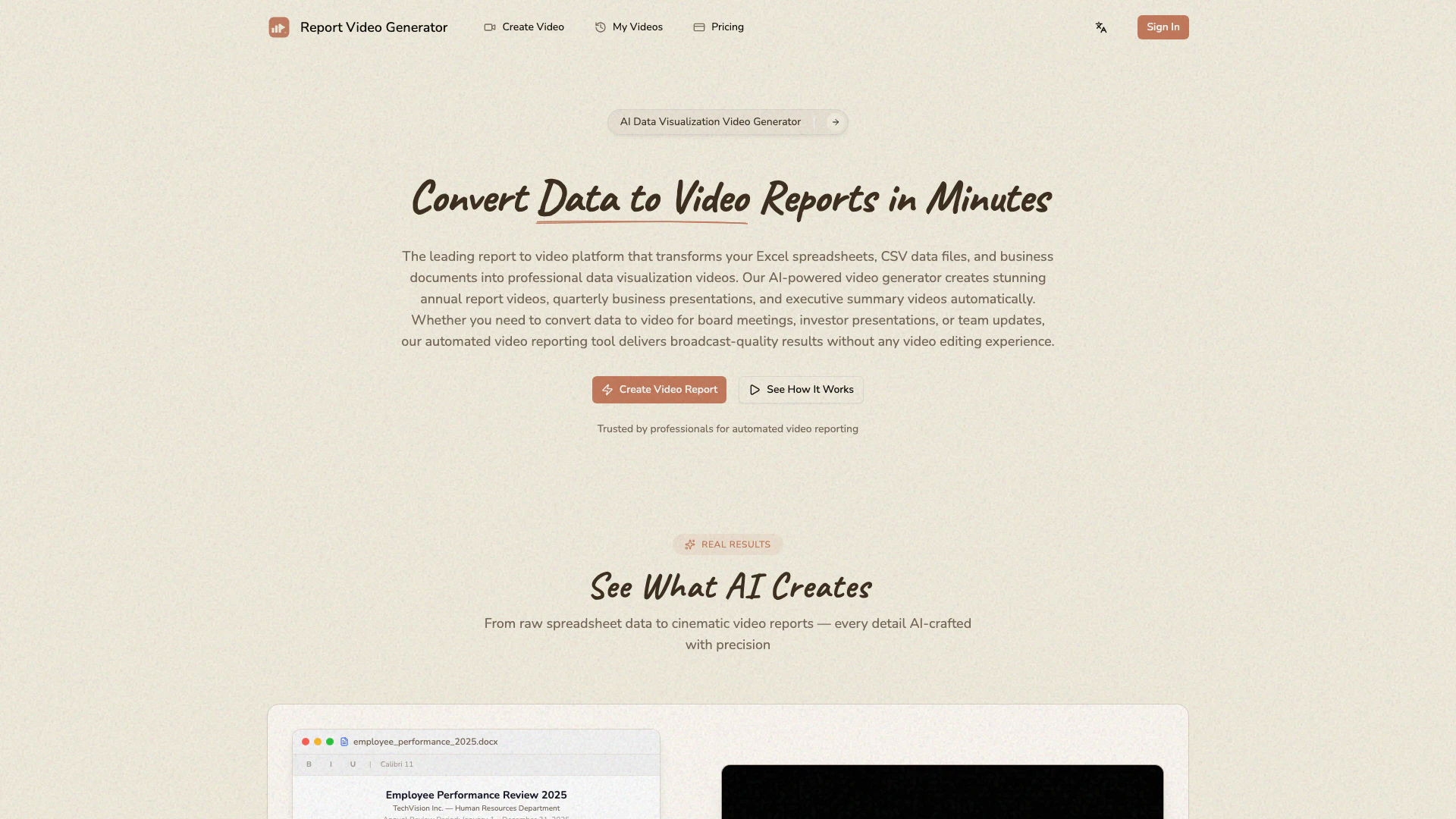





What is Reporttovideo?
Reporttovideo is an innovative AI-powered[1] platform that transforms Excel spreadsheets, CSV files, and various data documents into professional video reports. Designed for business professionals, it automates the creation of visually engaging data visualization[2] videos suitable for annual reports, business meetings, and presentations. By leveraging advanced AI technology, Reporttovideo enables users to convert raw data into polished video presentations quickly, eliminating the need for extensive video editing skills. This tool is ideal for generating impactful visual stories that enhance communication and understanding of complex data.
How to use Reporttovideo?
To use Reporttovideo, follow these steps: 1. Upload Your Data Files: Start by uploading your business data files, including Excel spreadsheets (.xlsx, .xls), CSV files, JSON data, Word documents (.docx), and PowerPoint presentations (.pptx). 2. Describe Your Video Goals: Provide details about the story you want to tell, including key metrics to highlight and the target audience for your presentation. 3. Select Your Video Style: Choose from various professional presets tailored for different business contexts, such as minimal corporate design or bold tech aesthetics. 4. Download Your Video Report: Receive your completed data visualization video in minutes, ready for immediate use in meetings or presentations.
What are the main features of Reporttovideo?
Reporttovideo offers a comprehensive set of features, including: - Excel to Video Converter[3]: Automatically transforms Excel spreadsheets into dynamic video presentations with animated charts and graphs. - AI Video Narration[4]: Features natural-sounding voice narration in multiple languages, including English and Chinese, to explain data insights clearly. - Intelligent Data Analysis: Uses AI to analyze data, identify trends, and determine effective visualization strategies for impactful presentations. - Professional Style Presets: Offers various design presets optimized for business communication, ensuring professional aesthetics in every video. - HD Video Export: Delivers completed video reports in 1080p HD quality, suitable for any platform.
Who is Reporttovideo for?
Reporttovideo is tailored for business professionals, including analysts, managers, and executives who need to present data in an engaging format. It is particularly beneficial for individuals involved in creating annual reports, quarterly business reviews, investor presentations, and team updates. This tool is perfect for users who may lack video editing skills but require high-quality video outputs for effective communication of data insights.
What are the use cases of Reporttovideo?
Reporttovideo can be used in various scenarios, including: 1. Annual Reports: Generate comprehensive video summaries of yearly performance metrics and achievements for stakeholders. 2. Sales Performance Reviews: Create dynamic presentations showcasing sales data and trends to facilitate team discussions and strategy planning. 3. Investor Presentations: Develop engaging video reports to present financial data and forecasts to potential investors, enhancing clarity and engagement.
Reporttovideo Pros and Cons
Pros
- AI-Powered Data Visualization: The tool uses advanced AI to analyze data and create dynamic visualizations, enhancing comprehension and engagement.
- Rapid Video Generation: Transforms data into professional video reports in minutes, significantly reducing the time compared to traditional video production methods.
- No Video Editing Skills Required: Users can generate high-quality video reports without needing any prior video editing experience, making it accessible for all business professionals.
Cons
No cons data detected for this tool
Reporttovideo Pricing
Starter
Perfect for trying out the service. Best for first-time users.
Professional
For regular business reporting needs. Most popular choice.
Enterprise
For teams and heavy users. Best value for teams.
For the latest pricing, please visit this link: https://reporttovideo.com/pricing
Prices are subject to change. Please visit the official website for the most up-to-date pricing information.
Reporttovideo Compare
| Tool Name | Introduction | Pricing | Type | Rating | Launch Date | Learn more |
|---|---|---|---|---|---|---|
Try on any outfits using AI! | Free | January 7, 2023 | Get deal | |||
Explore AI Lawyer for easy, quick, and budget-friendly legal help. Empowering consumers and lawyers with AI-driven solutions for all your legal needs. | Free | February 11, 2023 | Get deal | |||
Paraphrasing Tool (Ad-Free and No Sign-up Required) - QuillBot AI | Free | December 31, 1984 | Get deal |


Info current as of post date. Offers and availability may vary by location and are subject to change.
Reporttovideo Q&A
The Excel to video converter supports various data file formats including Excel spreadsheets (.xlsx, .xls), CSV files, JSON data, Word documents (.docx), and PowerPoint presentations (.pptx).
For more FAQs, please visit this link: https://reporttovideo.com/#faq
Reporttovideo Alternatives

CapCut is a comprehensive online creative suite for video editing and graphic design.
- Video & Animation
- AI Video Editor
- AI Video Creation Suite
- AI Creative Video Production
Veo 3.1 revolutionizes video generation with audio integration.
- Video & Animation
- AI Video Generator
- AI Image and Video Synthesis
- AI Creative Video Content Generator
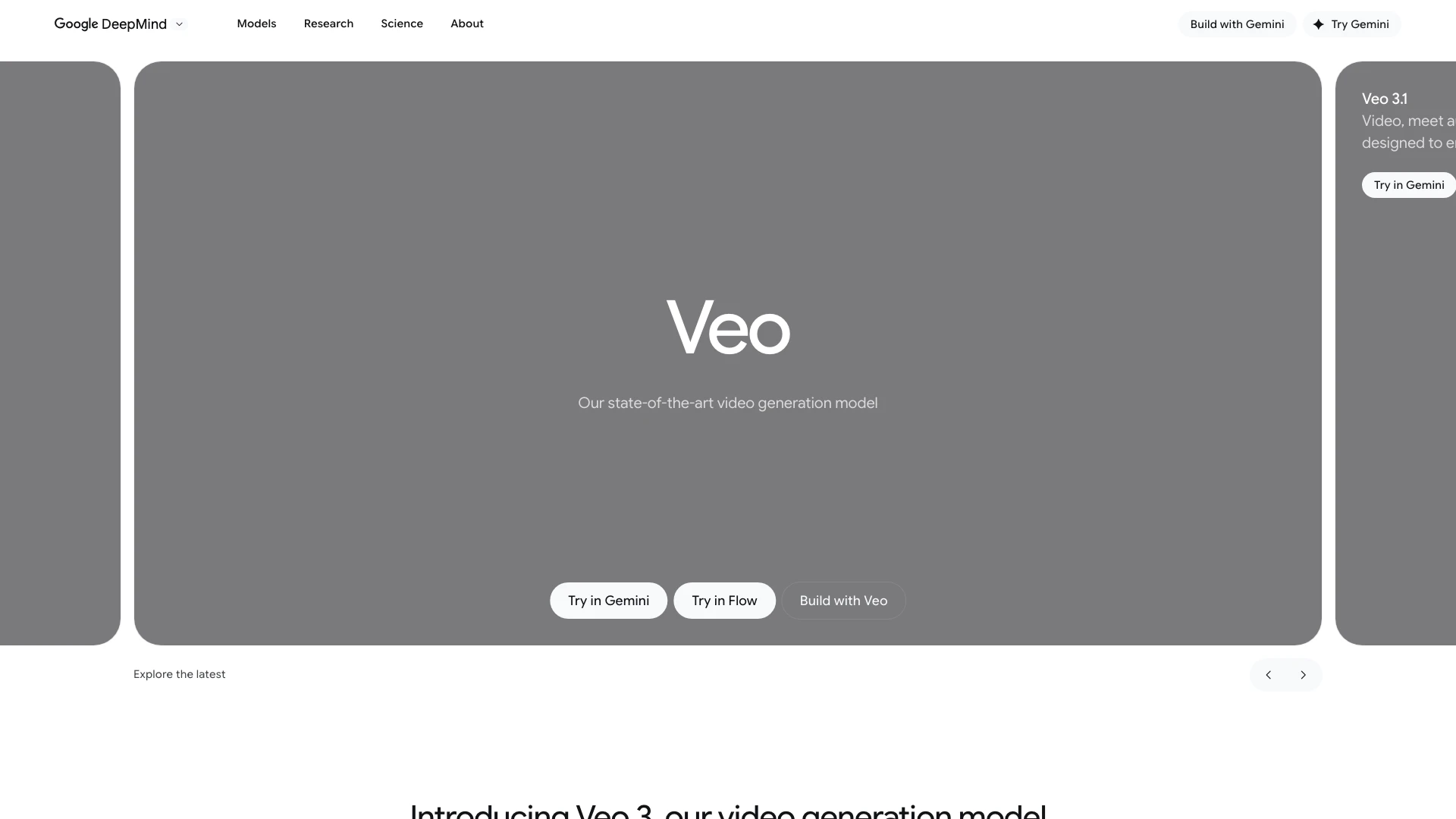
Veo empowers creators with advanced video generation capabilities.
- Video & Animation
- AI Video Generator
- AI Image and Video Synthesis
- AI Creative Video Content Generator