

Slapmac
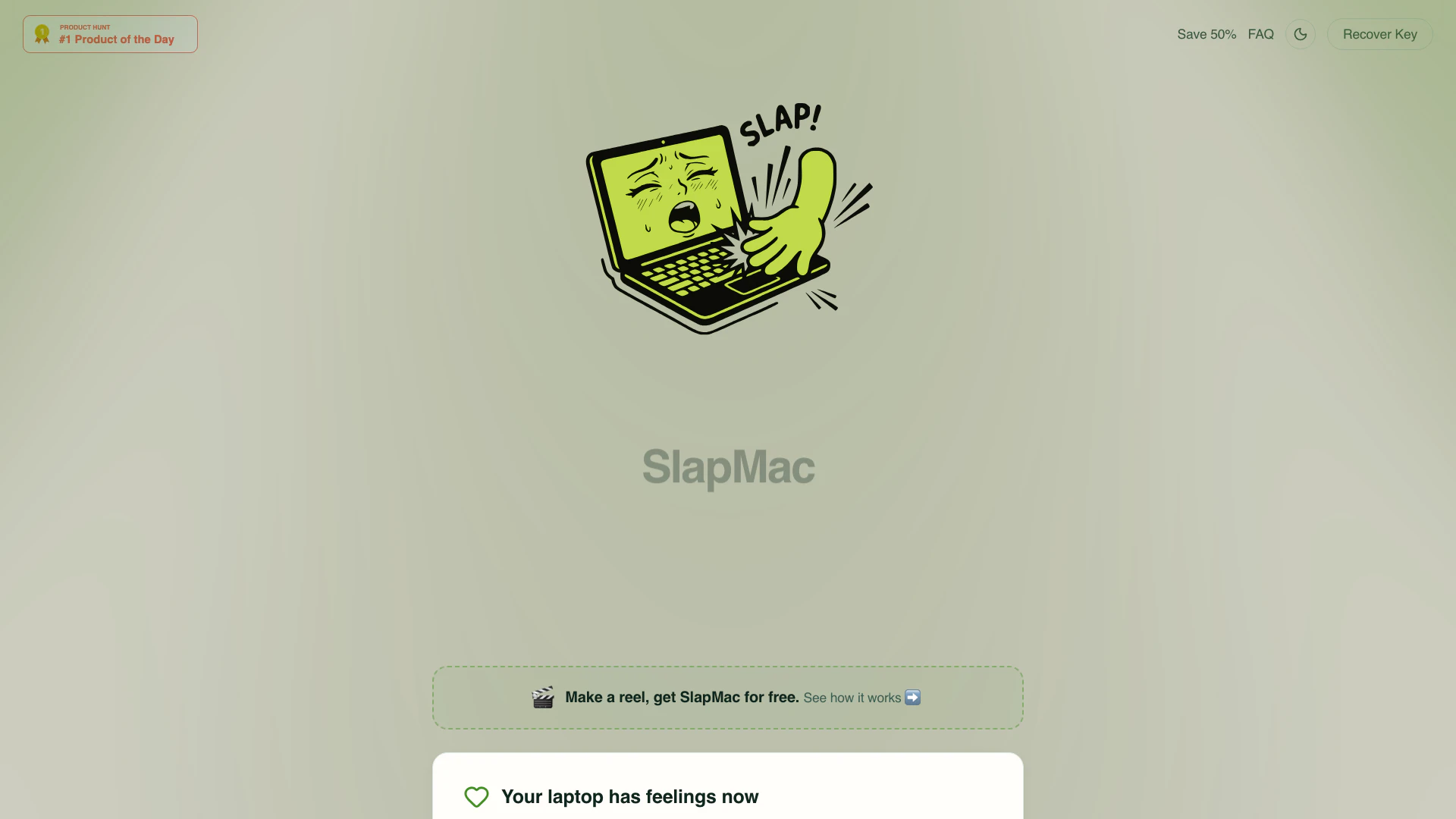


What is SlapMac?
SlapMac is a unique application designed for MacBook users that allows them to engage in playful interactions with their devices. By simulating slapping gestures, users can make their MacBooks emit various sounds, creating an entertaining experience. The app operates discreetly from the menu bar, responding to the intensity of the slap with sound effects[2] that range from whispers to loud screams. SlapMac is compatible with macOS 14.6 and requires an M1PRO or higher MacBook, making it a fun addition for those looking to add a bit of personality to their laptops.
How to use SlapMac?
- Download and install SlapMac from the official website.
- Open the application, which will reside in your menu bar.
- To interact with your MacBook, simply slap it. The sound output will vary based on the force of your slap.
- Adjust the sensitivity settings to customize how your MacBook responds to slaps.
- Enable USB Moaner mode[4] to hear sounds when plugging or unplugging USB devices.
- Track your lifetime slaps using the slap counter[5] in the menu bar.
What are the main features of SlapMac?
- Interactive[1] Sound Effects: Responds to slaps with over 130 sound clips across 7 voice packs.
- Sensitivity Adjustment[3]: Customize the sensitivity from gentle taps to full slaps.
- USB Moaner Mode: Reacts with sounds when USB devices are plugged or unplugged.
- Slap Counter: Keeps track of the total number of slaps you've given.
- Onboarding Experience: Welcomes users with a brief introduction before they start using the app.
- Launch at Login: Automatically starts when you log in to your MacBook, ready for action.
Who is SlapMac for?
SlapMac is designed for MacBook users who enjoy playful and humorous interactions with their devices. It appeals particularly to younger audiences, tech enthusiasts, and individuals who appreciate quirky applications that add a fun twist to everyday tasks. The app is suitable for anyone looking to personalize their MacBook experience and is especially popular among those who work in open-plan offices, where the sounds generated can spark laughter and conversations.
What are the use cases of SlapMac?
- Office Entertainment: Use SlapMac to create a lively atmosphere in an office setting, generating laughs among colleagues.
- Social Media Content: Capture funny moments of slapping your MacBook and share them on platforms like Instagram or TikTok.
- Personalization: Customize your MacBook's sounds and reactions to reflect your personality or humor.
Product Images


Slapmac Pros and Cons
Pros
- Interactive Sound Response: SlapMac allows users to slap their MacBook, which responds with sounds that vary in volume based on the force of the slap, creating an engaging and humorous interaction.
- Multiple Sound Packs: The tool features over 130 sound clips across 7 voice packs, providing a variety of expressive responses that can entertain users and their surroundings.
- Custom Sound Packs Coming Soon: Future updates will allow users to add their own sounds, enhancing personalization and creativity in how they interact with their MacBook.
Cons
No cons data detected for this tool
Slapmac Compare
| Tool Name | Introduction | Pricing | Type | Rating | Launch Date | Learn more |
|---|---|---|---|---|---|---|
AiSofiya offers AI-powered tools, chatbots, and automation to help websites and businesses work smarter, faster, and 24/7. | Free | January 10, 2023 | Get deal | |||
🧠 AI-powered image resizer for social media | Free | June 8, 2021 | Get deal | |||
AutoDraw | Free | January 2, 1998 | Get deal |



Info current as of post date. Offers and availability may vary by location and are subject to change.
Slapmac Alternatives

CapCut is a comprehensive online creative suite for video editing and graphic design.
- Video & Animation
- AI Video Editor
- AI Video Creation Suite
- AI Creative Video Production

Create stunning AI-generated videos and images with ease.
- Video & Animation
- AI Video Generator
- AI Video and Image Creator
- AI Creative Video and Image Generation

Kling AI empowers creators to generate stunning images and videos using advanced generative AI techniques.
- Image Generation & Editing
- AI Image Generator
- AI Video Generator
- AI Image and Video Synthesis