

Terminalai





What is Terminalai?
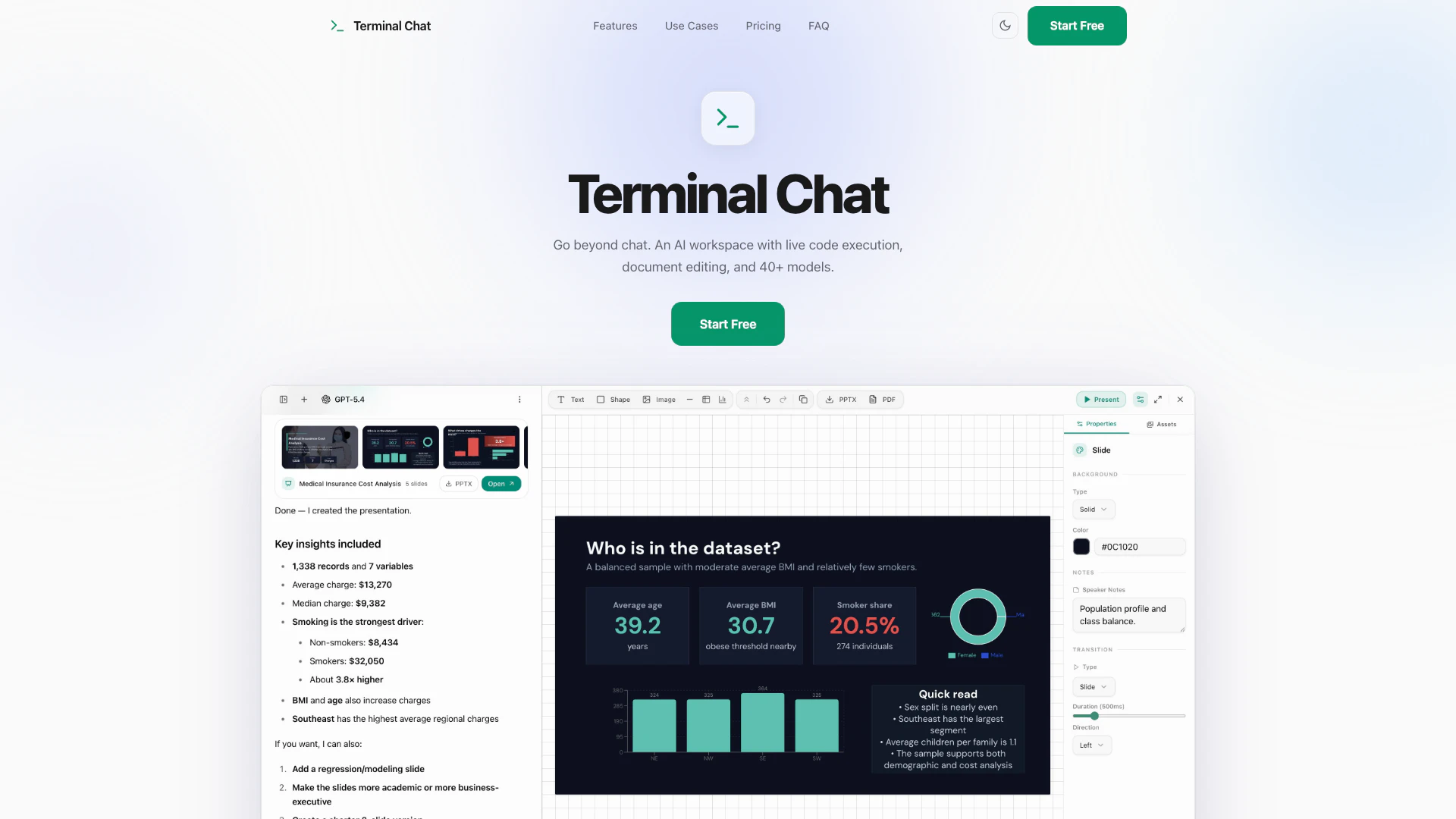
Terminalai is an innovative AI workspace designed to enhance productivity by integrating a variety of functionalities into a single platform. Unlike traditional chat tools, Terminalai allows users to handle files, automate tasks, conduct research, and manage structured tasks seamlessly. It offers a powerful interface where AI not only engages in conversation but also actively works on complex tasks, making it an ideal solution for professionals looking to streamline their workflows.
How to use Terminalai?
- Start by describing your task or uploading relevant files such as spreadsheets, documents, or images directly into the workspace.
- Terminalai will analyze your request, determine the best approach, and execute the necessary actions to complete the task.
- Once the deliverable is ready, you can download it immediately or continue refining it in the same conversation until it meets your requirements.
What are the main features of Terminalai?
- Multi-Model Intelligence: Access over 40 AI models from various providers like OpenAI and Google, allowing you to select the best model for each task.
- ZetaOffice Integration: Edit Word, Excel, and PowerPoint files directly within the interface, optimizing document management and collaboration.
- Live Code Sandbox: Stream and execute code in real-time, facilitating quick development and debugging processes.
- Command Palette: Use the Cmd+K shortcut to trigger custom skills and macros effortlessly, enhancing user control.
- Persistent Memory: The AI remembers your preferences and context across sessions, ensuring continuity in your work.
- Secure Work Sessions: Maintain privacy with isolated sessions and transparent outputs, providing full control over your data.
Who is Terminalai for?
Terminalai is designed for professionals and teams who require a versatile tool for managing complex workflows and daily tasks. It is particularly beneficial for developers, data analysts, and project managers who need to execute tasks efficiently while collaborating on documents and coding projects. With its multifaceted capabilities, Terminalai caters to users looking for an integrated solution that combines communication, file management, and task automation in one powerful workspace.
What are the use cases of Terminalai?
- Render internal tools and test UI concepts quickly, allowing for rapid prototyping and feedback.
- Review and analyze data using the integrated spreadsheet viewer, streamlining data management tasks.
- Debug backend issues in the live code sandbox, providing a safe environment for testing and troubleshooting.
- Instantly mock up and tweak HTML forms for web applications, facilitating quick iterations.
- Navigate through complex documents using the dedicated drawer for efficient review and editing.
Terminalai Pros and Cons
Pros
- Multi-Model Intelligence: Access over 40 AI models from various providers, allowing users to select the most suitable model for their specific tasks.
- ZetaOffice File Editing: Seamlessly preview and analyze office files within a dedicated side drawer while engaging in chat, enhancing productivity.
- Persistent Memory: The AI retains user preferences and context across sessions, eliminating the need for repetitive explanations and improving efficiency.
Cons
No cons data detected for this tool
Terminalai Pricing
Free
Try the platform with access to select free models. Access to free-tier models, Sandbox, files & AI tools included, Web search & memory, Limited usage budget.
Starter
For casual users who want access to all models. $8 monthly usage budget, All 40+ AI models unlocked, Full file upload & download, Web research & memory.
Pro
For professionals who rely on AI daily. $15 monthly usage budget, All 40+ AI models unlocked, Full file handling & downloads, Task automation & skills, Persistent memory across sessions.
Power
Maximum capacity for power users and heavy workflows. $29 monthly usage budget, All 40+ AI models unlocked, Priority execution queue, Maximum session resources.
For the latest pricing, please visit this link: https://terminalai.chat/
Prices are subject to change. Please visit the official website for the most up-to-date pricing information.
Terminalai Compare
| Tool Name | Introduction | Pricing | Type | Rating | Launch Date | Learn more |
|---|---|---|---|---|---|---|
Never miss a new customer | Jackrabbit Ops | Free | June 17, 2022 | Get deal | |||
Rewind | Free | February 2, 2018 | Get deal | |||
Generate AI lesson plans, PowerPoints, and more with Copilot! Use Copilot to breeze through your unit planning and material creation! | Free | November 13, 2022 | Get deal |



Info current as of post date. Offers and availability may vary by location and are subject to change.
Terminalai Q&A
Terminal Chat goes far beyond standard Q&A. It integrates a live execution Sandbox for backend code, an HTML UI renderer to visually inspect forms and interfaces, a ZetaOffice sidebar viewer to natively review raw documents, and a powerful Cmd+K navigation system.
Terminalai Alternatives
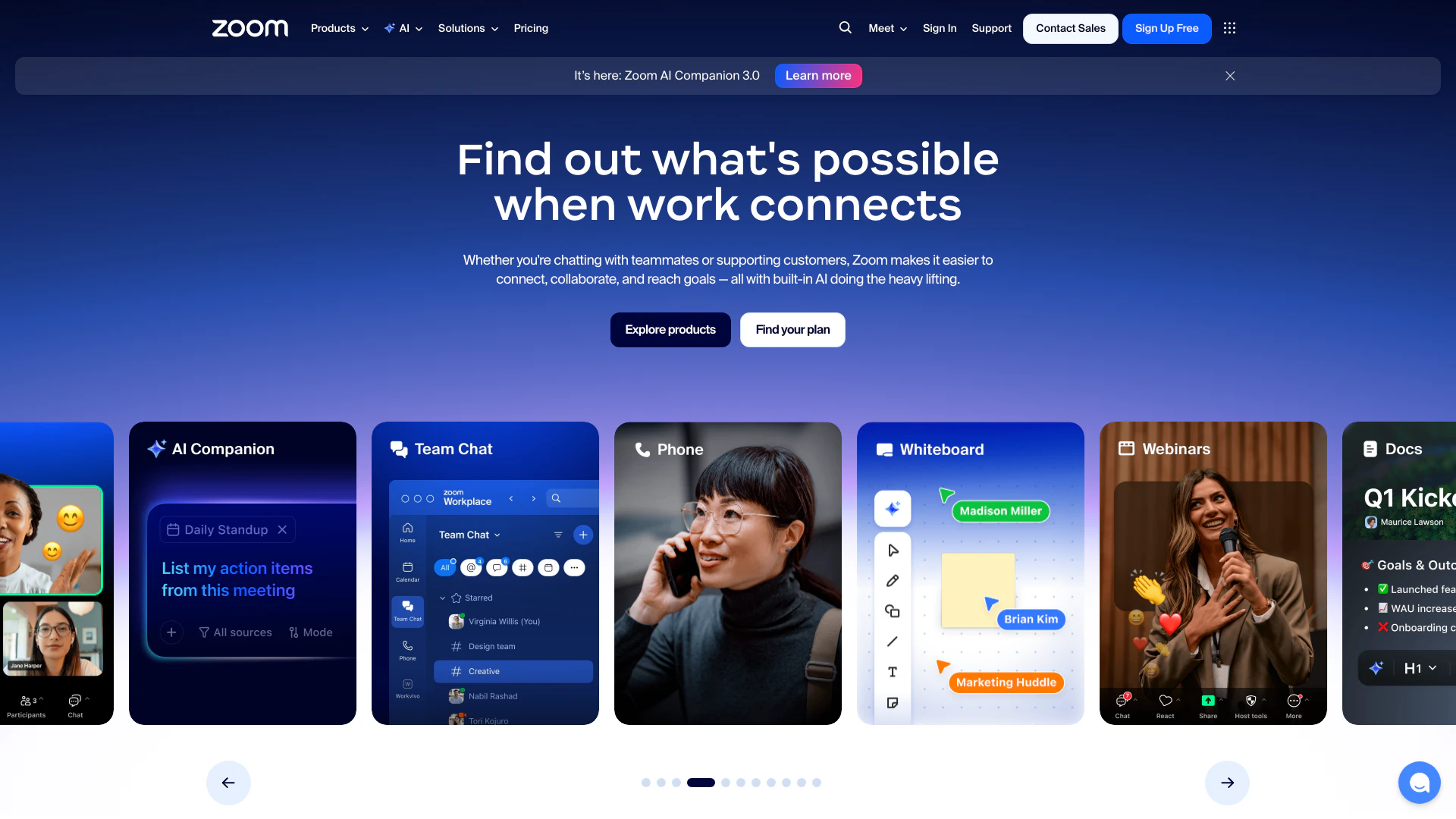
Connect and collaborate seamlessly with Zoom's all-in-one platform.
- Productivity & Office
- Content Management Tools
- AI Meeting Management Tools
- AI Meeting Optimization Tools

Notion AI enhances productivity by integrating AI tools directly into your workspace.
- Productivity & Office
- AI Productivity Tools
- AI Information Management Tools
- Content Management Tools
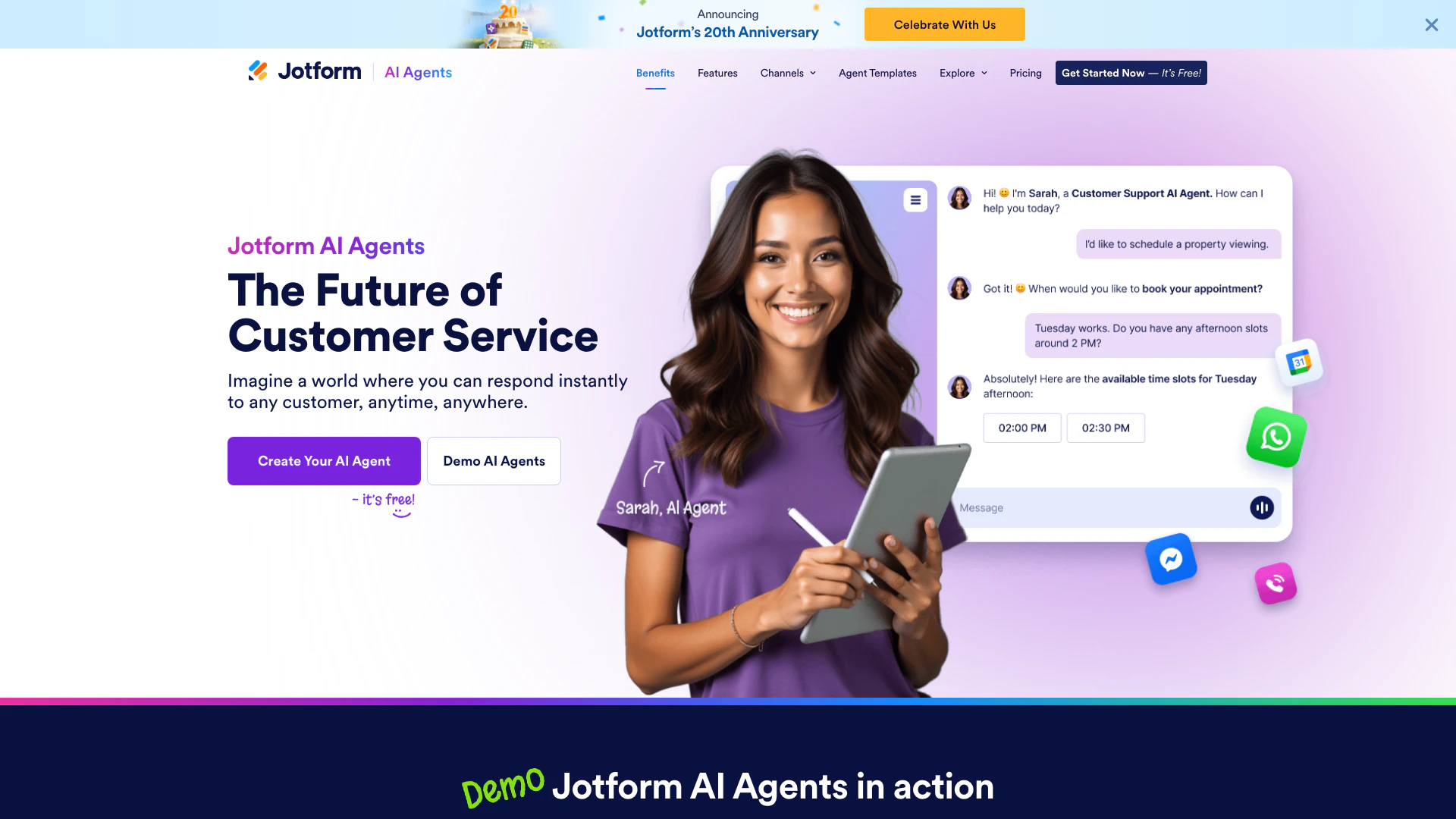
Automate customer service with Jotform AI Agents.
- Productivity & Office
- Productivity Maximization Tools
- Form Building Tools
- Content Management Tools