

Turnozo


What is Turnozo?
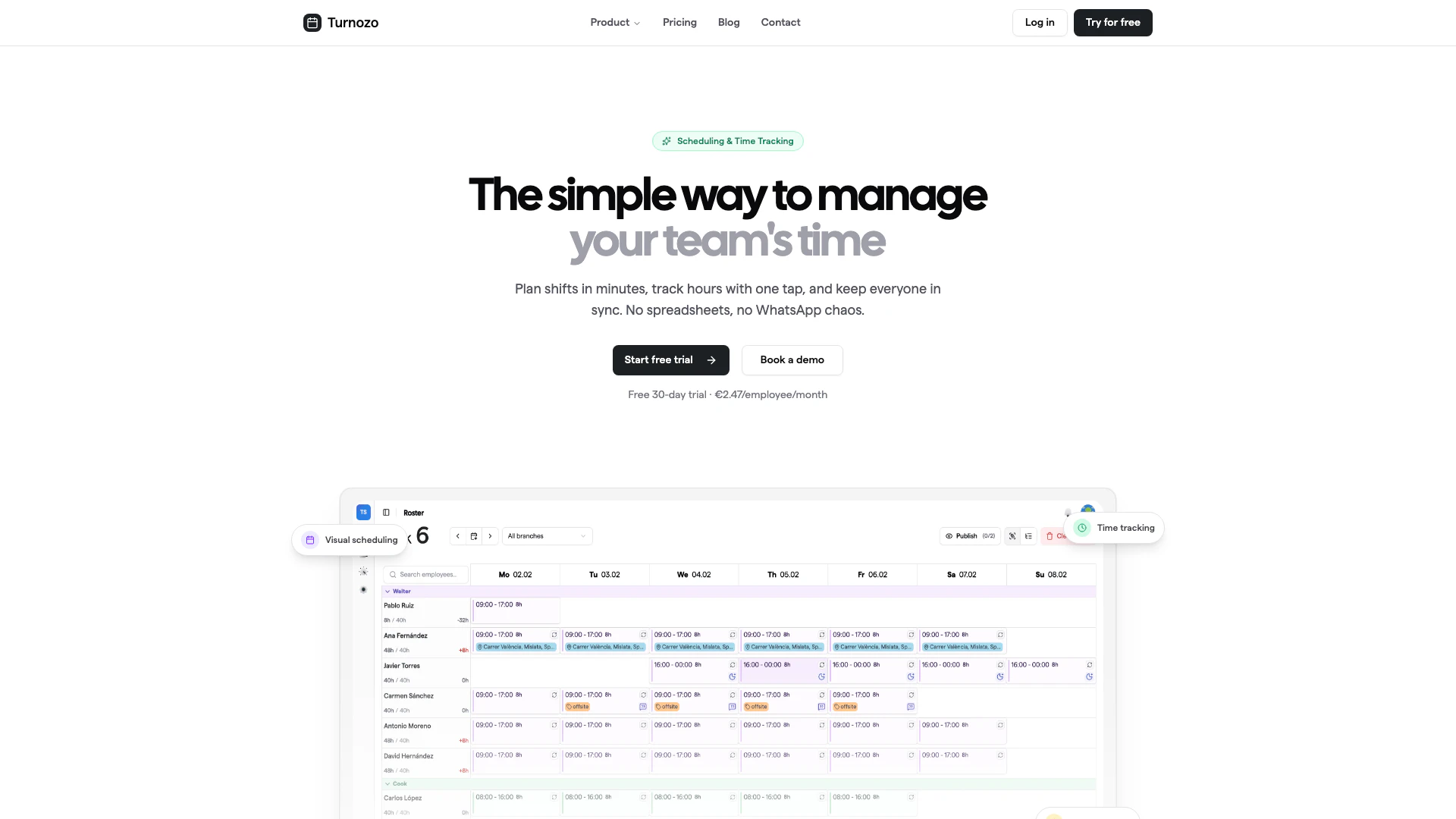
Turnozo is a powerful scheduling and time tracking tool designed to simplify the management of team shifts and hours. With its intuitive drag-and-drop interface, users can build schedules in minutes and effortlessly track employee hours through GPS clock-in/out functionality. The platform offers a mobile app, automatic timesheets, and real-time synchronization, making it an ideal solution for businesses looking to streamline their workforce management. Turnozo is particularly beneficial for teams that work in shifts, such as those in the restaurant, retail, healthcare, and security industries.
How to use Turnozo?
- Sign up for a free trial on the Turnozo website and create your account.
- Upload your current schedule or employee list to Turnozo for easy setup.
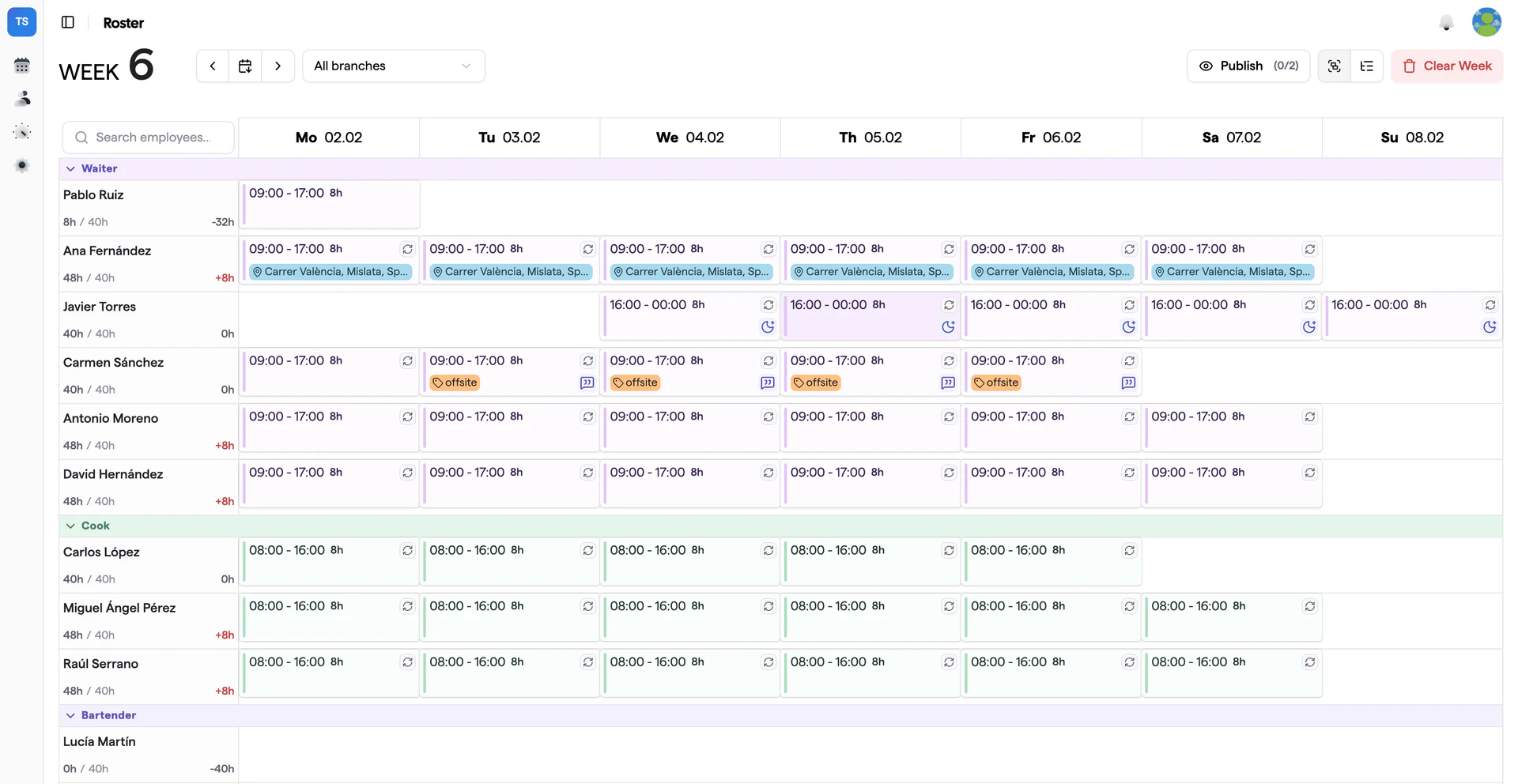
- Use the drag-and-drop feature to create shifts on the visual calendar, copying patterns from previous weeks if needed.
- Allow employees to clock in and out using the mobile app with a single tap, which verifies their location via GPS.
- Manage time-off requests directly through the app, where employees can submit requests and managers can approve them with one tap.
What are the main features of Turnozo?
- Visual Scheduling: Easily create and manage shifts using a drag-and-drop calendar interface.
- Time Tracking: Employees can clock in and out with a single tap, ensuring accurate time tracking.
- Mobile App: Available on iOS and Android, providing access to schedules and notifications on the go.
- Automatic Timesheets: Generate timesheets automatically, simplifying payroll processes.
- Real-Time Sync: Any changes made are instantly reflected across all devices, ensuring everyone is updated.
Who is Turnozo for?
Turnozo is designed for teams that operate on shift-based schedules, making it ideal for industries such as restaurants, retail, healthcare, cleaning services, and security. It caters to managers who need to efficiently allocate shifts and track employee hours, as well as employees who require a user-friendly way to view their schedules and request time off. The tool is particularly beneficial for businesses looking to eliminate the chaos of traditional scheduling methods, such as spreadsheets and messaging apps.
What are the use cases of Turnozo?
- Restaurant Scheduling: Quickly build and adjust weekly staff schedules based on availability and peak hours, ensuring optimal coverage.
- Retail Shift Management: Manage employee shifts effectively during busy sales periods, allowing staff to request time off and swap shifts easily.
- Healthcare Staffing: Schedule medical staff efficiently, ensuring that shifts are filled according to patient care needs while tracking hours for payroll.
Product Images
Turnozo Pros and Cons
Pros
- Effortless Shift Planning: Turnozo allows users to build schedules quickly using a drag-and-drop interface, making shift planning easy and efficient.
- Real-Time Tracking: The tool provides real-time synchronization of schedules and time tracking, ensuring that all team members are updated instantly.
- Mobile Accessibility: Turnozo is available on iOS and Android, allowing employees to access their schedules and clock in/out from their mobile devices.
Cons
No cons data detected for this tool
Turnozo Pricing
Pro
Everything you need to manage your team. Includes a 30-day free trial, drag & drop scheduling, one-tap time tracking, GPS clock-in verification, automatic timesheets, calendar sync (Google, Apple, Outlook), unlimited branches & locations, iOS & Android mobile app, push notifications, late employee notifications, and white-glove onboarding.
Enterprise
For larger teams with advanced needs. Custom pricing available. Includes everything in Pro, plus SAML SSO & SCIM provisioning, Active Directory sync, custom integrations, dedicated account manager, 99.9% uptime SLA, SOC2 & HIPAA compliance, and priority phone support.
For the latest pricing, please visit this link: https://turnozo.com/#pricing
Prices are subject to change. Please visit the official website for the most up-to-date pricing information.
Turnozo Reviews
We kept trying scheduling tools that were either too simple to actually work or so complex you needed training to use them. Turnozo handles the complexity but doesn't make you feel it. People tell us they actually enjoy using it — which is a weird thing to say about scheduling software.
For more reviews, visit this link: https://turnozo.com#reviews
Turnozo Compare
| Tool Name | Introduction | Pricing | Type | Rating | Launch Date | Learn more |
|---|---|---|---|---|---|---|
Configure it once and automate your images forever without intervention—no need to review. Photos are ready to publish. Adjust backgrounds, lighting, banners, and more to fit your company branding. | Free | October 5, 2021 | Get deal | |||
Generate AI lesson plans, PowerPoints, and more with Copilot! Use Copilot to breeze through your unit planning and material creation! | Free | November 13, 2022 | Get deal | |||
2Mn+ readymade ChatGPT prompt ideas built by prompt engineers, using insights from eCommerce experts - that really work! | Free | February 6, 2023 | Get deal |



Info current as of post date. Offers and availability may vary by location and are subject to change.
Turnozo Q&A
Most teams are up and running in under 24 hours. Sign up, and we'll set everything up for you — employees, roles, locations, even your first schedule. Just send us your current rota and we'll handle the rest.
For more FAQs, please visit this link: https://turnozo.com/#pricing
Turnozo Alternatives
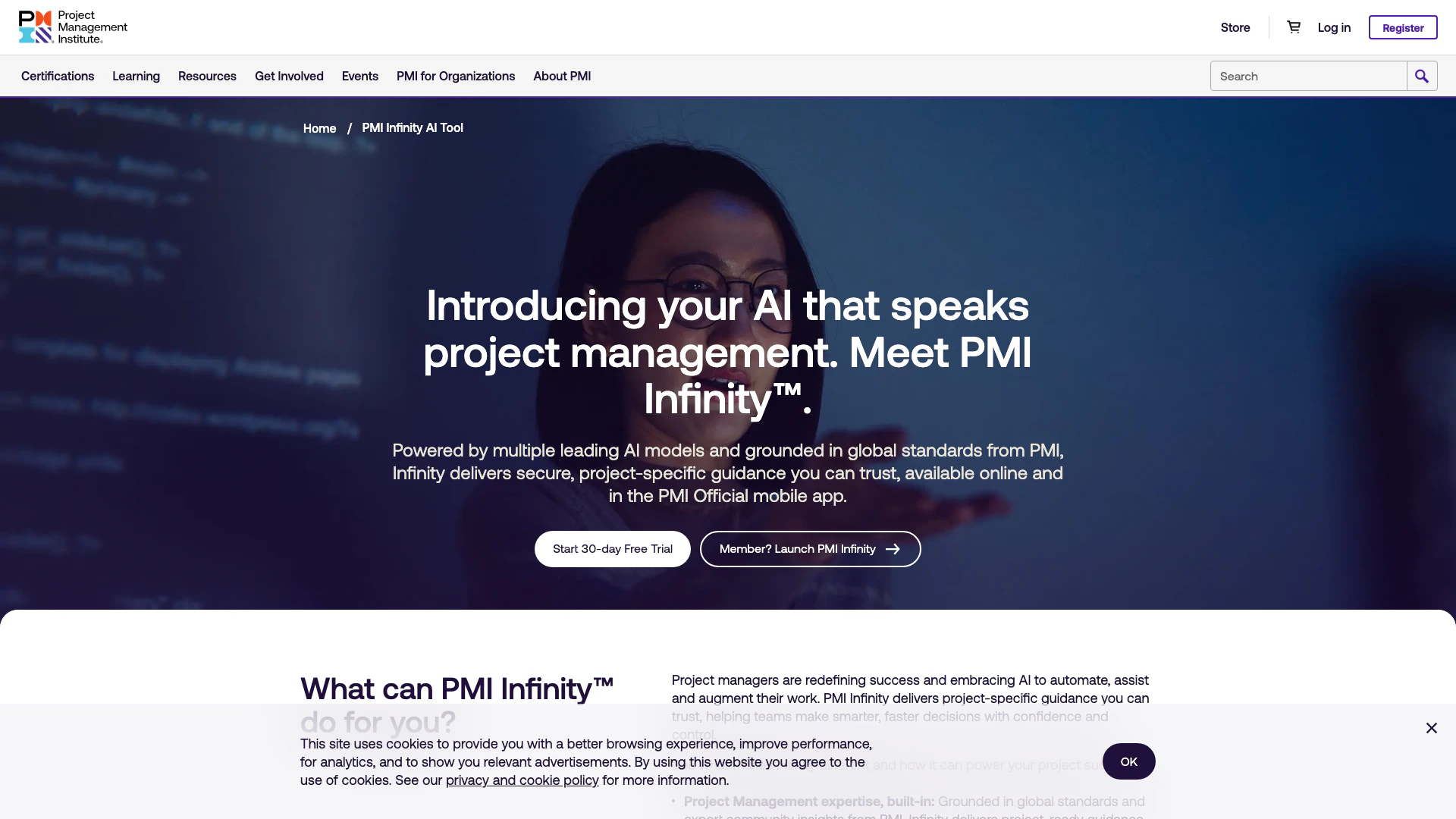
PMI Infinity is an AI assistant tailored for project management professionals.
- Operations & Management
- AI Interview Assistant
- AI Project Management Tools
- AI Operations Management Tools
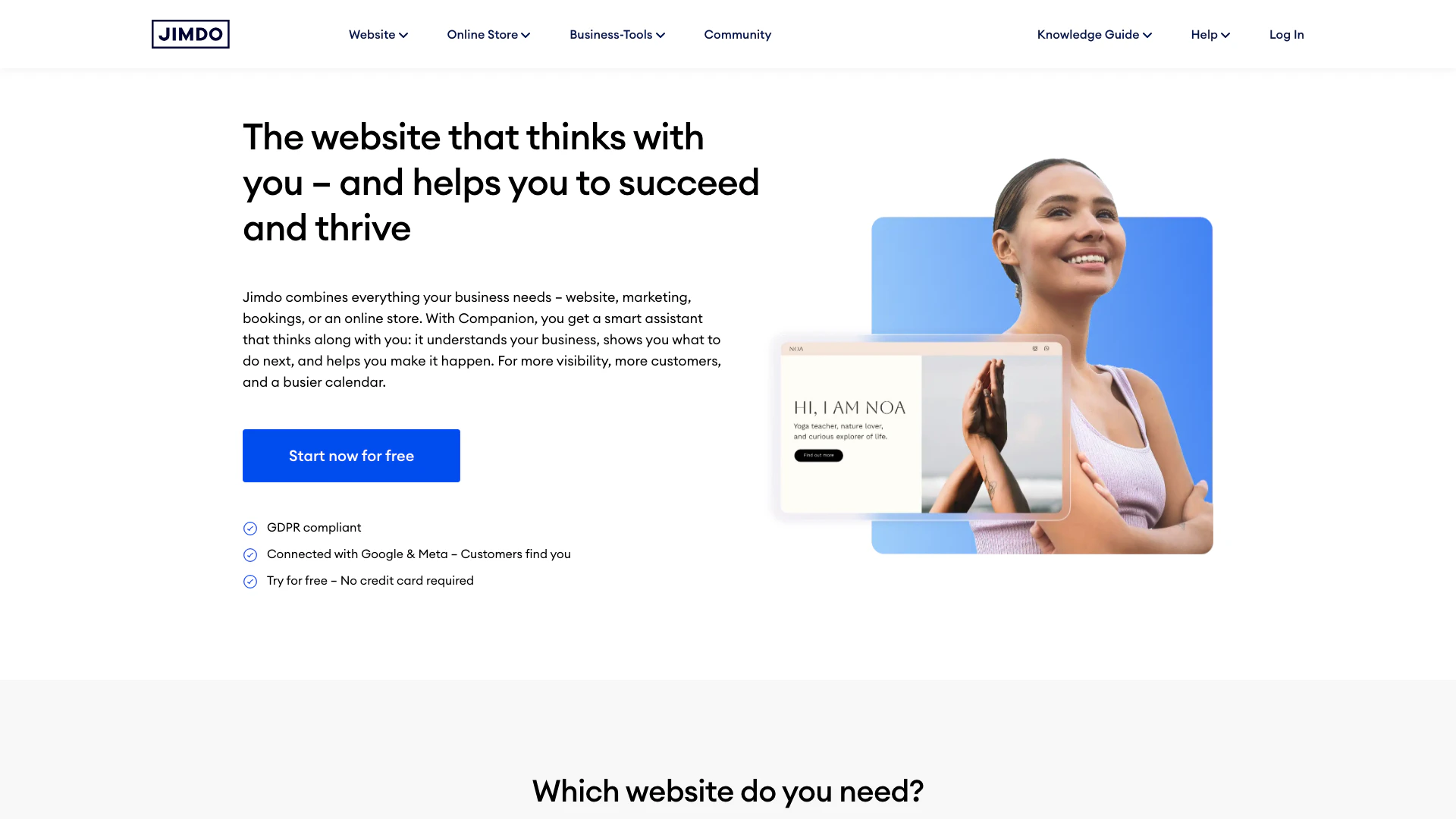
Jimdo provides a comprehensive platform for building websites and online stores with integrated marketing tools.
- Operations & Management
- Customizable CRM Solutions
- AI Operations Management Tools
- No Code Inventory Management Tools
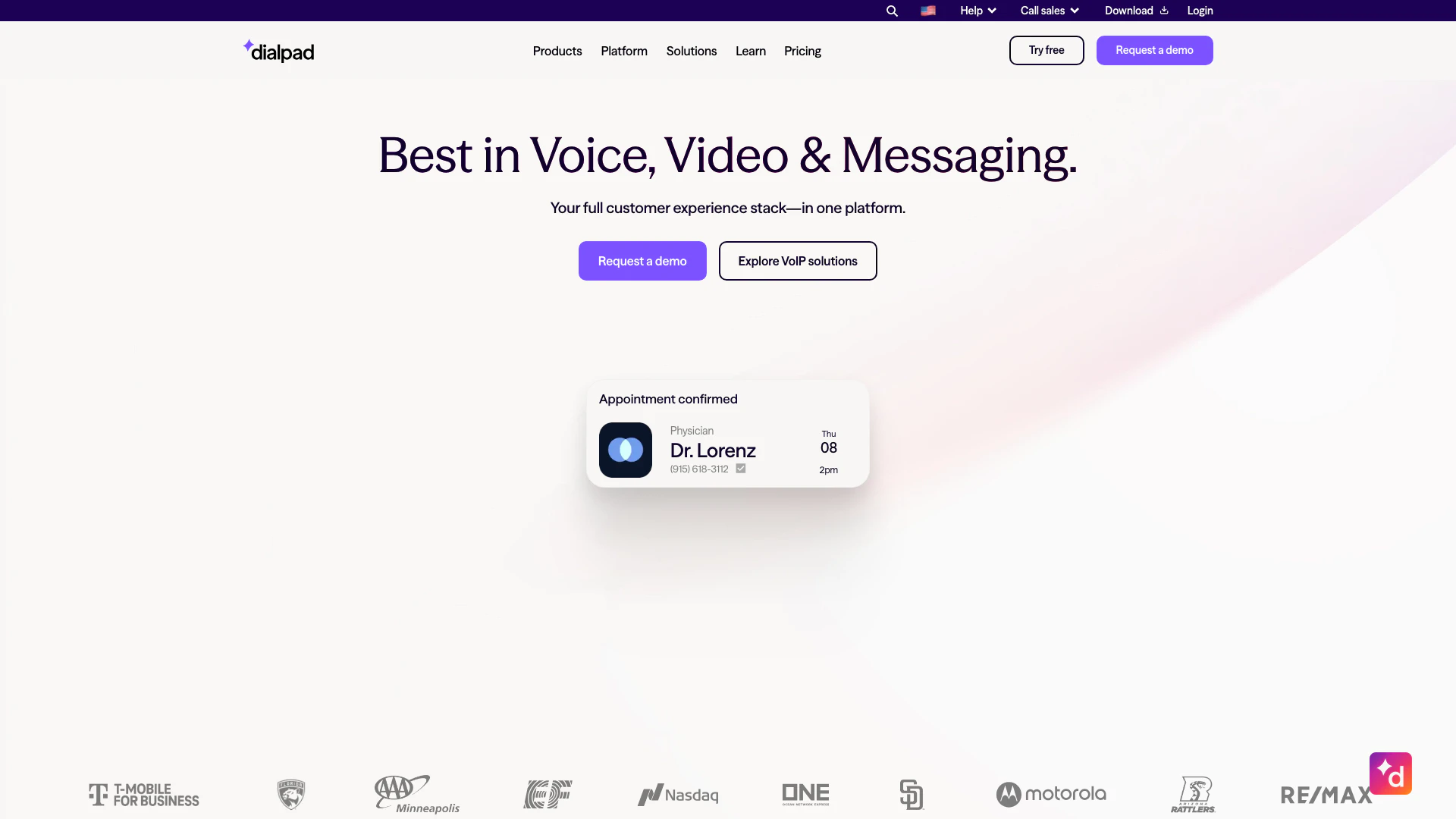
Dialpad combines calling, messaging, and meetings in one AI-driven platform.
- Operations & Management
- AI Call Center Tools
- AI Customer Service Tools
- AI Operations Management Tools