

Veo 4


What is Veo 4?
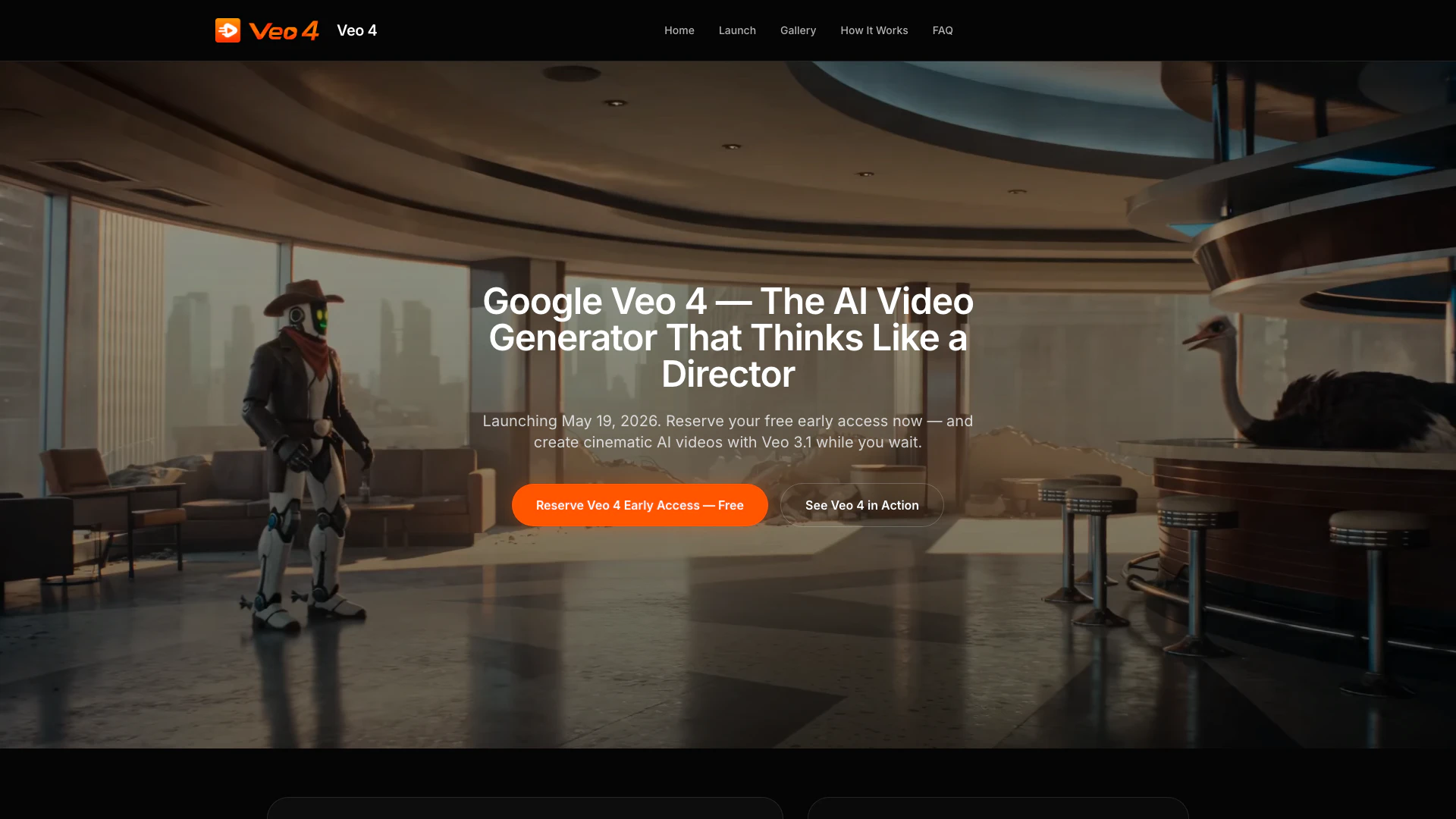
Veo 4 is an advanced AI video generation tool designed to transform your creative ideas into cinematic videos effortlessly. Launched on May 19, Veo 4 utilizes cutting-edge technology to deliver 1080p video quality with precise prompt control, making it accessible for users without a background in film production. This innovative tool allows creators to describe their shots in detail, ensuring that the output aligns closely with their vision. With features that simplify the video creation process, Veo 4 positions itself as a leader in the competitive AI video space.
How to use Veo 4?
To create cinematic videos using Veo 4, follow these simple steps:
- Describe Your Shot: Begin by detailing what the camera sees, including elements such as subject, movement, lighting, mood, and lens style. Use cinematic language for better results.
- Set Parameters: Choose your desired resolution, aspect ratio (16:9 for YouTube, 9:16 for TikTok, or 1:1 for ads), and specify the duration of your video clip.
- Generate and Download: Click 'generate' to create your video, preview it in-browser, make any necessary adjustments, and then download your final clip in 1080p.
What are the main features of Veo 4?
Veo 4 offers a range of powerful features that set it apart from competitors:
- Cinematic Camera Control: Provides director-level commands for precise shot composition.
- Native Audio Support: Integrates audio seamlessly with video generation.
- Character Consistency: Ensures persistent character representation throughout videos.
- High-Quality Output: Generates videos in 1080p resolution, ready for various platforms.
- User-Friendly Interface: Designed for ease of use, requiring no prior film education.
Who is Veo 4 for?
Veo 4 is tailored for a diverse range of users, including independent filmmakers, digital marketers, content creators, and e-commerce brands. Whether you are an aspiring filmmaker looking to storyboard your projects, a marketer in need of quick product videos, or a YouTube creator aiming to enhance your content, Veo 4 provides the tools necessary to streamline your video production process.
What are the use cases of Veo 4?
Veo 4 can be applied in various real-world scenarios, including:
- Storyboarding: Quickly create storyboards for films or videos using detailed prompts.
- Marketing Campaigns: Generate multiple concept variations for product videos in a fraction of the time.
- Social Media Content: Produce high-quality videos tailored for platforms like YouTube, TikTok, and Instagram with ease.
Veo 4 Pros and Cons
Pros
- High-Quality Video Resolution: Veo 4 supports cinematic 1080p and is 4K-ready, ensuring high-quality video output suitable for professional use.
- Advanced Camera Control: The tool offers director-level camera control, allowing users to create complex shots with precise prompts, enhancing the creative process.
- Character Consistency Feature: Veo 4 includes a persistent character ID feature, which improves character consistency across video clips, addressing a common issue in AI video production.
Cons
No cons data detected for this tool
Veo 4 Pricing
Free Early Access
Reserve your free early access now and create cinematic AI videos with Veo 3.1 while you wait for Veo 4.
For the latest pricing, please visit this link: https://veo-4.me/#reserve-access
Prices are subject to change. Please visit the official website for the most up-to-date pricing information.
Veo 4 Compare


Info current as of post date. Offers and availability may vary by location and are subject to change.
Veo 4 Q&A
According to the homepage brief, Veo 4 launches on May 19, 2026 at Google I/O. This homepage is designed to help users reserve early access before day one.
Veo 4 Alternatives

CapCut is a comprehensive online creative suite for video editing and graphic design.
- Video & Animation
- AI Video Editor
- AI Video Creation Suite
- AI Creative Video Production

Create stunning AI-generated videos and images with ease.
- Video & Animation
- AI Video Generator
- AI Video and Image Creator
- AI Creative Video and Image Generation

Kling AI empowers creators to generate stunning images and videos using advanced generative AI techniques.
- Image Generation & Editing
- AI Image Generator
- AI Video Generator
- AI Image and Video Synthesis