

Trueconfig





What is TrueConfig?
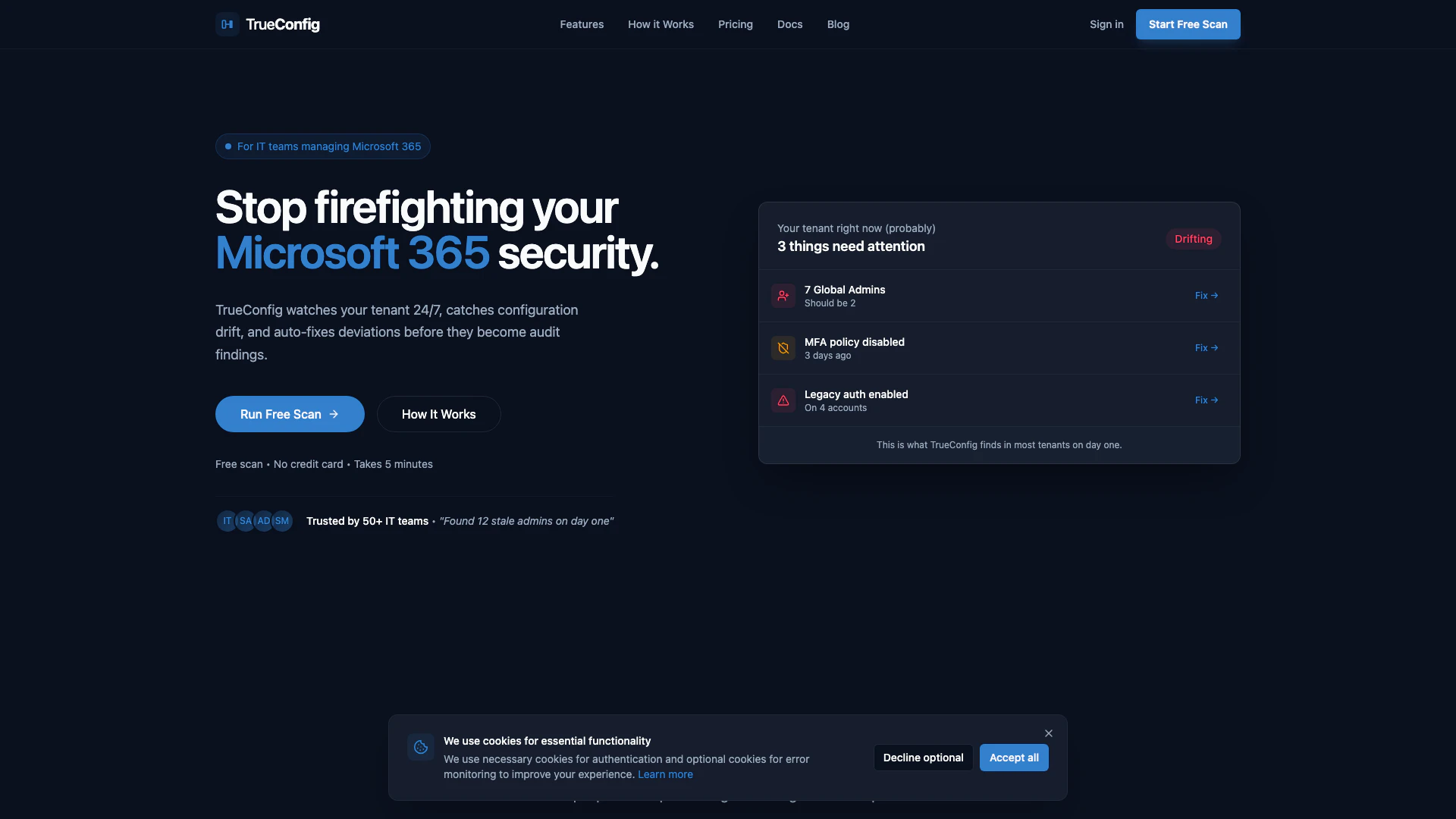
TrueConfig is a powerful Desired State Configuration[1] tool designed specifically for Microsoft 365[2] environments. It continuously monitors your Microsoft 365 tenant, detecting configuration drift[3] in Entra ID[4], Conditional Access[5], and Privileged Identity Management (PIM). TrueConfig's core value lies in its ability to automatically remediate security deviations, ensuring that your organization's security policies are consistently enforced. By providing real-time alerts and automated fixes, TrueConfig helps IT teams maintain compliance and enhance security posture without the need for extensive manual oversight.
How to use TrueConfig?
- Connect your tenant: Sign in to TrueConfig using your Microsoft account. The process is quick and requires only read-only permissions, taking about 5 minutes.
- See what's drifted: After connecting, TrueConfig will scan your environment against established security best practices, identifying any configurations that need attention.
- Fix it (or we do): You can either manually remediate the issues with one-click fixes or enable auto-remediation for routine problems. TrueConfig will then continuously monitor your tenant, notifying you of any new drifts.
What are the main features of TrueConfig?
- Continuous Monitoring: TrueConfig watches your Microsoft 365 tenant 24/7 to detect configuration drift.
- Automatic Remediation: The tool can auto-fix security deviations, ensuring compliance without manual intervention.
- Real-Time Alerts: Users receive immediate notifications for significant changes, such as new Global Admins or disabled policies.
- User-Friendly Interface: TrueConfig offers an intuitive dashboard that displays what needs attention at a glance.
- GDPR Compliance: The tool ensures data safety and compliance with strict data protection regulations.
Who is TrueConfig for?
TrueConfig is designed for IT teams and security administrators responsible for managing Microsoft 365 environments. It is particularly beneficial for organizations that require ongoing compliance with security standards and need to monitor configuration changes in real-time. This tool is ideal for teams that want to streamline their security management processes, reduce manual oversight, and ensure that their Microsoft 365 configurations remain secure and compliant.
What are the use cases of TrueConfig?
- Configuration Drift Detection: Organizations can use TrueConfig to identify and rectify unauthorized changes in their Microsoft 365 settings, ensuring adherence to security policies.
- Automated Security Compliance: IT teams can leverage TrueConfig to maintain compliance with security standards by automatically remediating deviations, thus reducing audit risks.
- Guest Access Management: TrueConfig helps manage guest access by flagging stale accounts that need to be removed, enhancing overall tenant security.
Trueconfig Pros and Cons
Pros
- 24/7 Monitoring and Auto-Remediation: TrueConfig continuously monitors your Microsoft 365 environment, detecting configuration drift and automatically remediating security deviations to maintain compliance.
- Quick Setup and Ease of Use: The tool can be set up in just 5 minutes with read-only permissions, allowing users to quickly connect and start monitoring without complex installations.
- One-Click Remediation: TrueConfig offers one-click fixes for common issues and the option for auto-remediation, simplifying the management of security policies.
Cons
No cons data detected for this tool
Trueconfig Pricing
Essential
For IT teams establishing their security baseline.
Pro
For IT teams that need control, history, and one-click fixes.
Scale
For organizations with multiple tenants or automated enforcement needs.
For the latest pricing, please visit this link: https://www.trueconfig.io/#pricing
Prices are subject to change. Please visit the official website for the most up-to-date pricing information.
Trueconfig Compare
| Tool Name | Introduction | Pricing | Type | Rating | Launch Date | Learn more |
|---|---|---|---|---|---|---|
Lunit develops AI solutions that detect early-stage cancer and optimize cancer treatment for saving lives through technology. | Free | August 10, 2015 | Get deal | |||
Generate AI lesson plans, PowerPoints, and more with Copilot! Use Copilot to breeze through your unit planning and material creation! | Free | November 13, 2022 | Get deal | |||
The easiest and quickest way to build your beautiful portfolio website, landing page or anything. No code. All creative freedom. | Free | July 6, 2017 | Get deal |


Info current as of post date. Offers and availability may vary by location and are subject to change.
Trueconfig Q&A
No. Read-only by default. When you enable fixes, you preview every change before it happens.
Trueconfig Alternatives
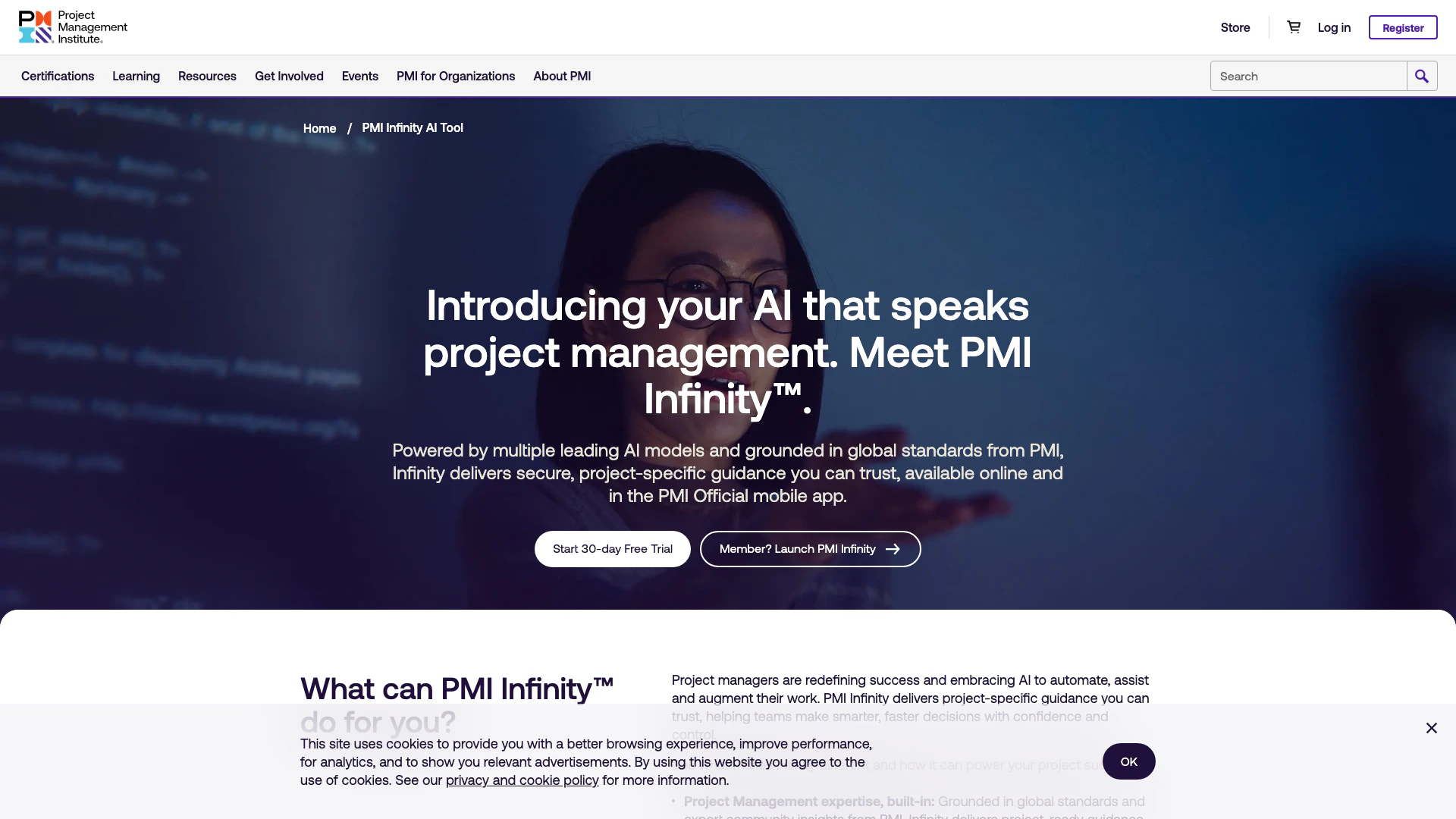
PMI Infinity is an AI assistant tailored for project management professionals.
- Operations & Management
- AI Interview Assistant
- AI Project Management Tools
- AI Operations Management Tools
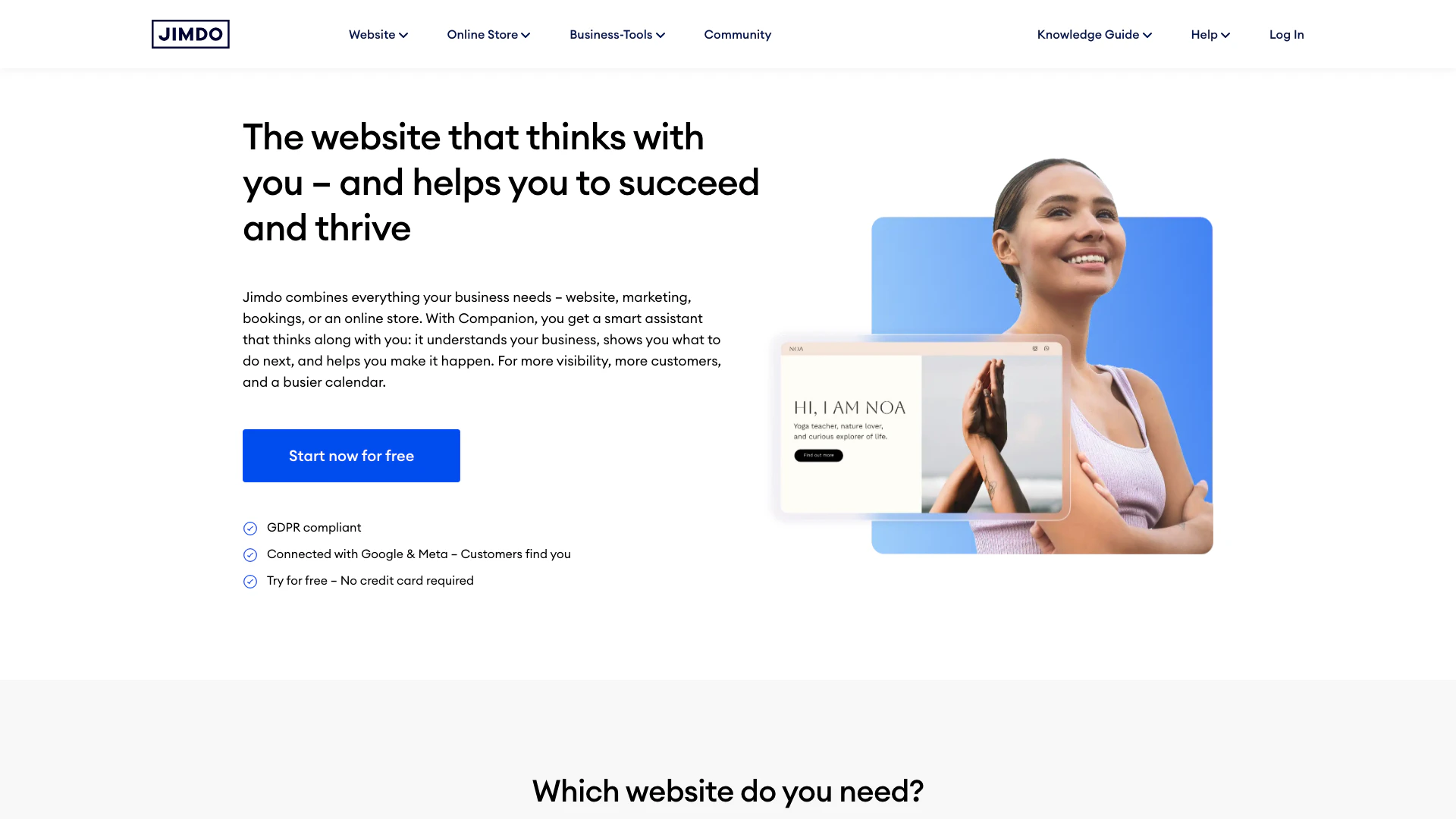
Jimdo provides a comprehensive platform for building websites and online stores with integrated marketing tools.
- Operations & Management
- Customizable CRM Solutions
- AI Operations Management Tools
- No Code Inventory Management Tools
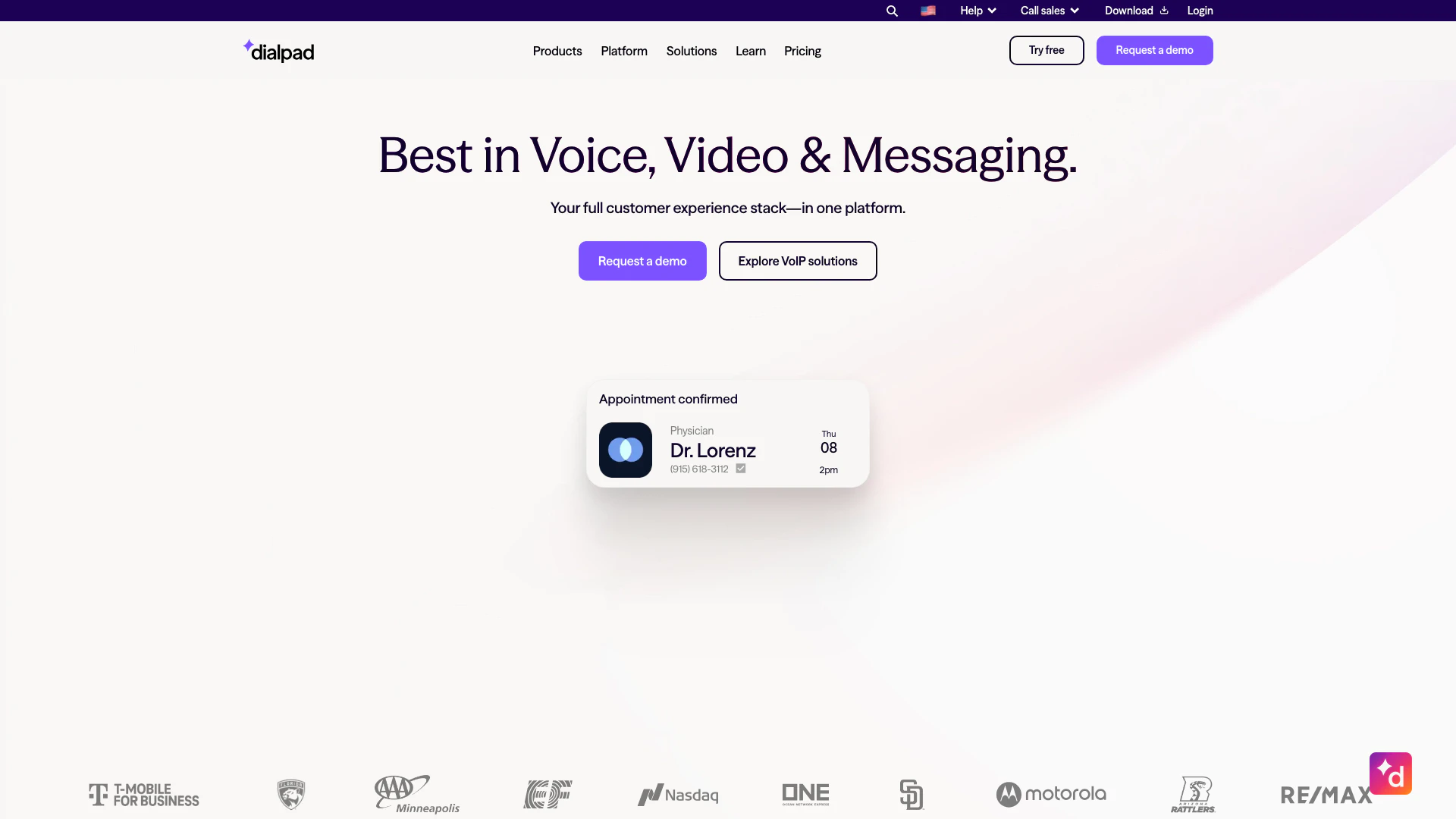
Dialpad combines calling, messaging, and meetings in one AI-driven platform.
- Operations & Management
- AI Call Center Tools
- AI Customer Service Tools
- AI Operations Management Tools